What is your Shotcut version (see Help > About Shotcut)?
26.4.30
Can you repeat the problem? If so, what are the steps?
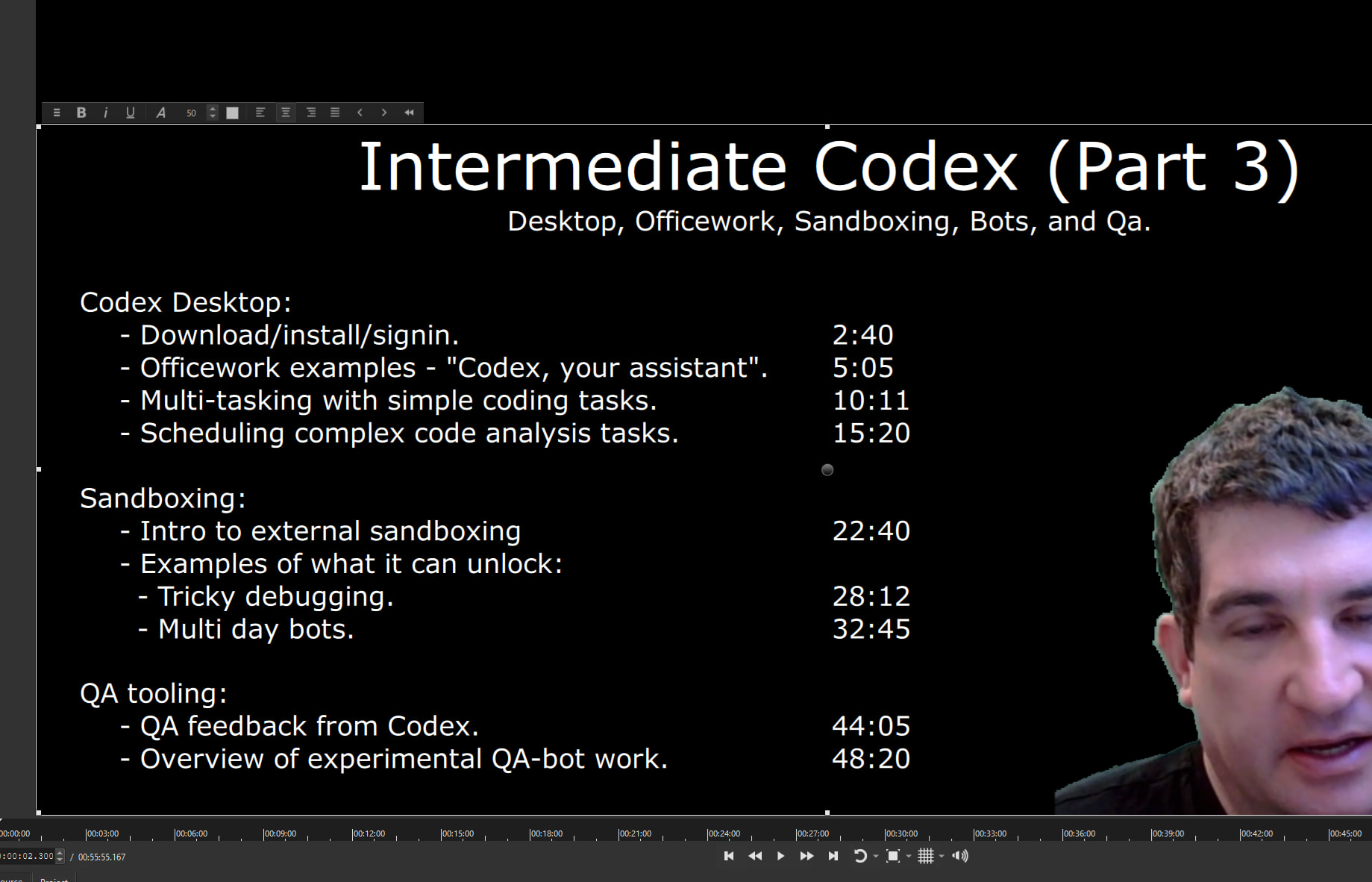
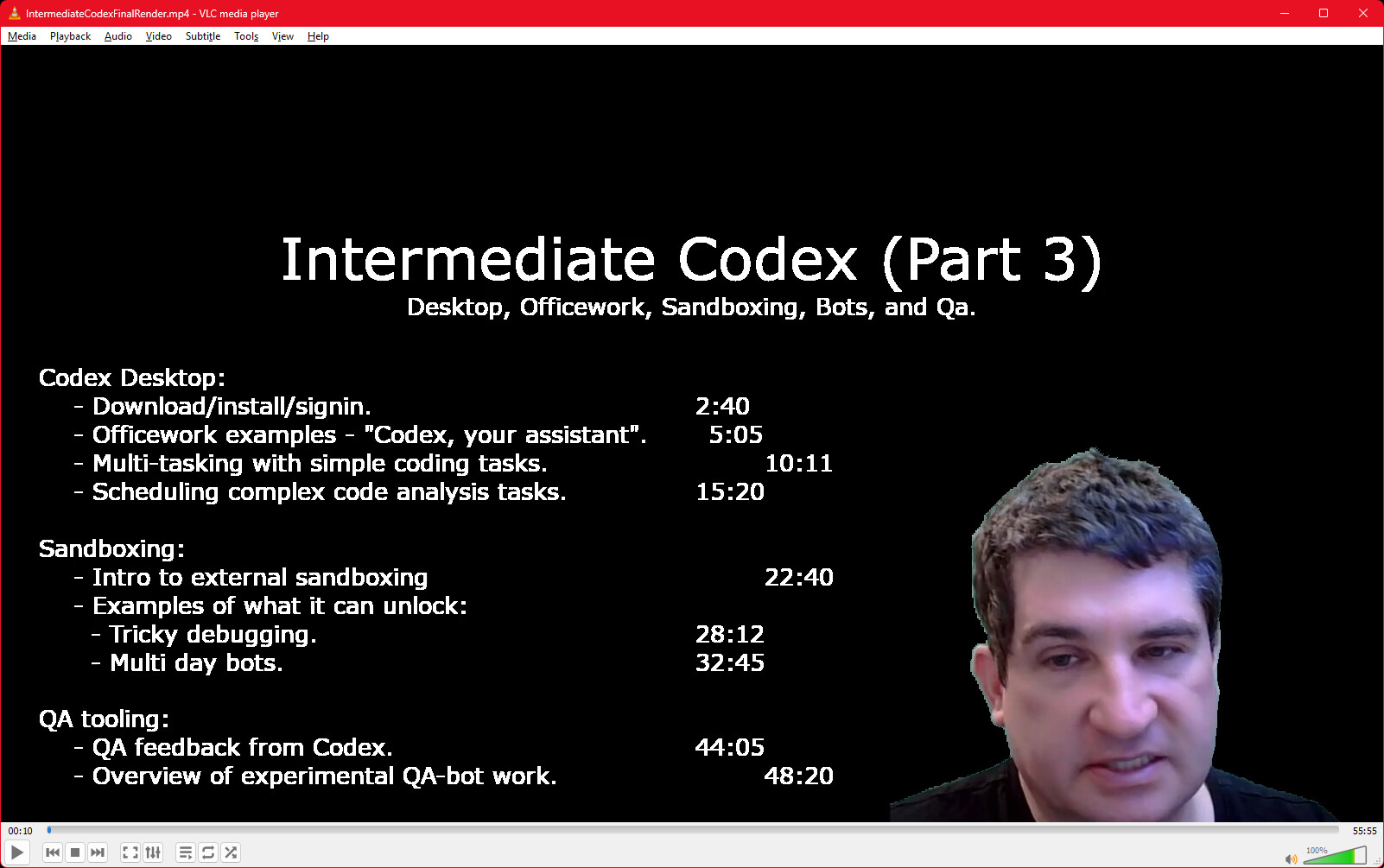
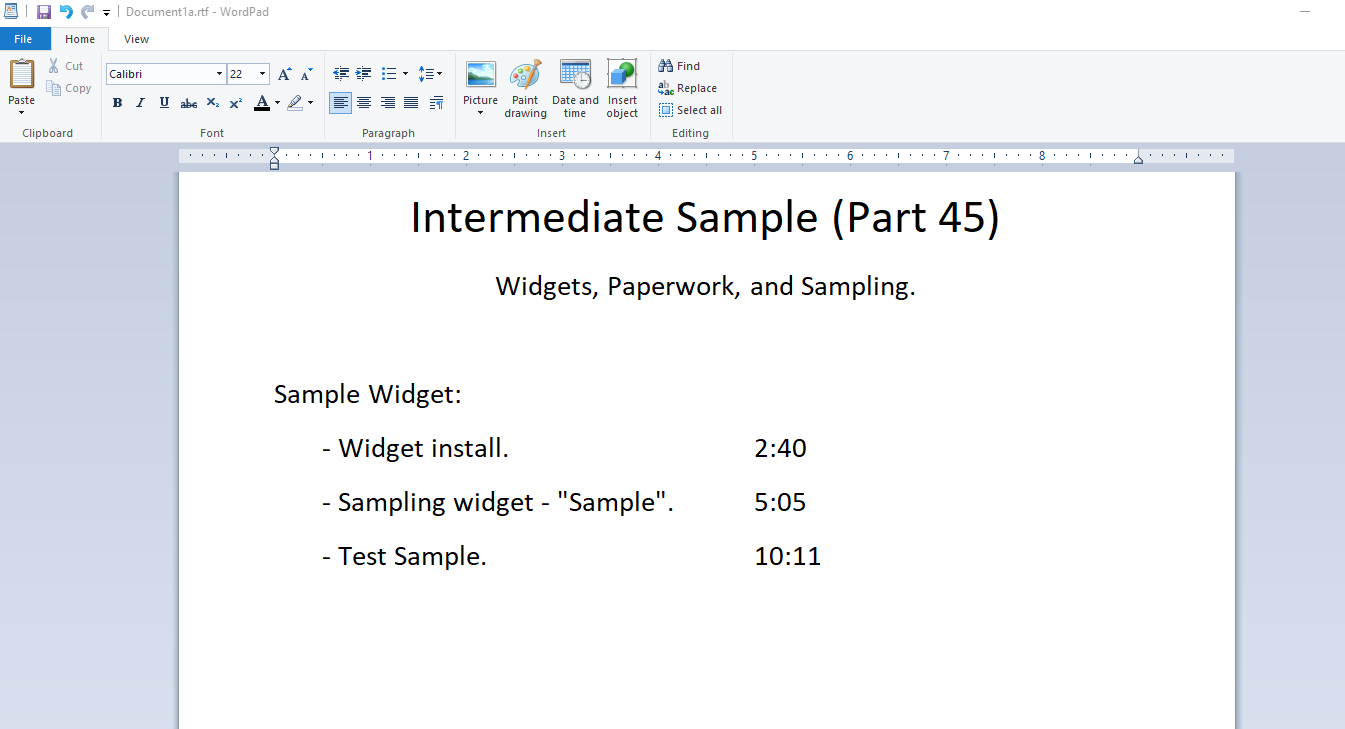
Yes. Create rich text of timestamps when your project is nearly done allowing future viewers to jump to areas of interest. Use tab stops to align content. Observe it looks nice.
Start a render in 4k using best interlacing and sampling, go to sleep,
Wake up after the 8 hour render ready to present your AI quickstart presentation to a room full of software engineers.
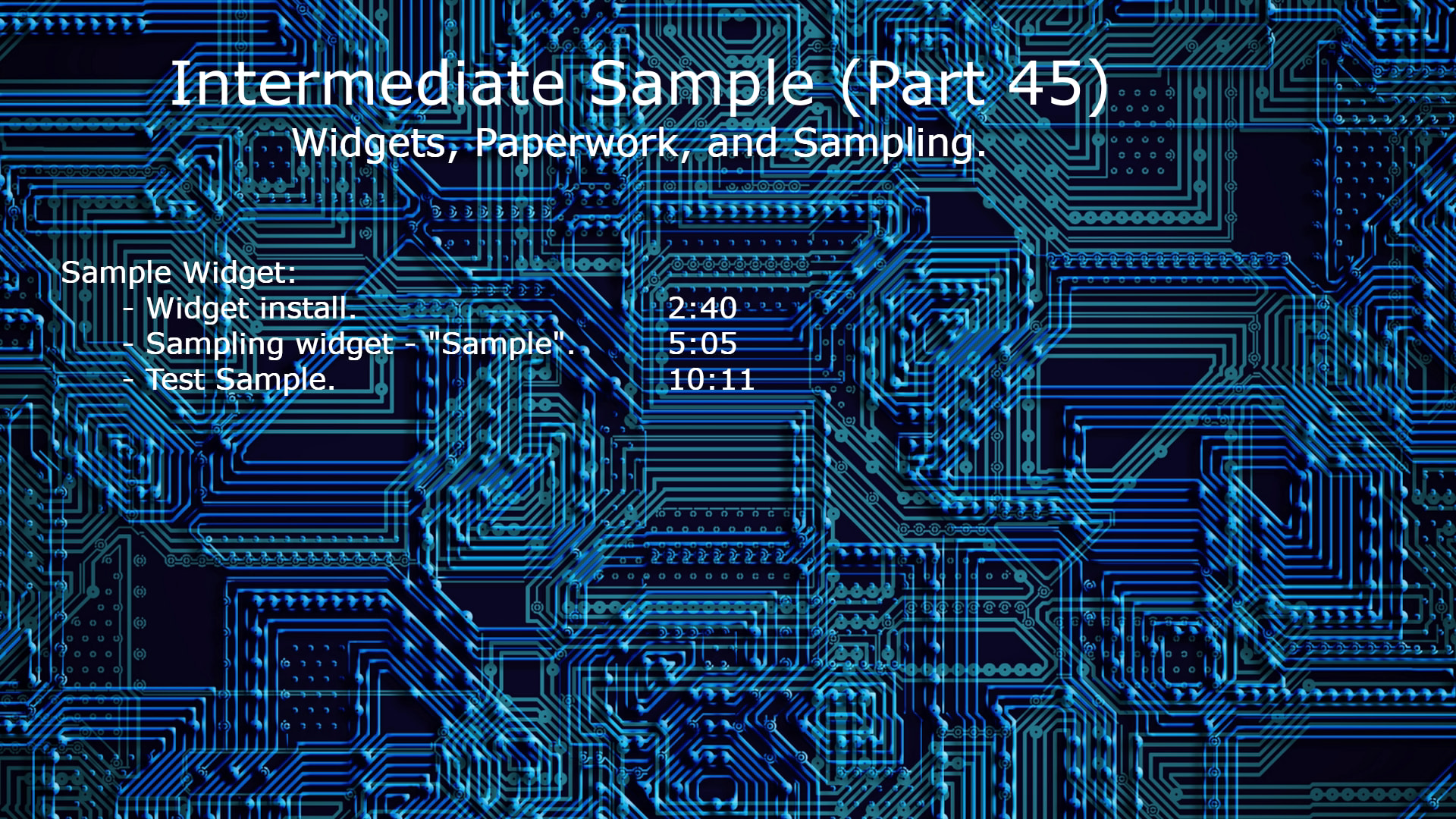
That would’ve been good to know yesterday - and I probably would’ve discovered it if the preview hadn’t mislead me into thinking it would render tab stops.exactly the same as a word processor.
Had to resize the various lines of text, along with making centering changes within the Rich Text filter. Then I changed the font size. Leaving the default “Verdana” of the Text Rich filter.
Because of the tab spacing, I had to find the correct font size with the Text Rich filter so that the timestamps appear as the final export had shown.
I didn’t use a word processor. Just hit tab in the rich text field like you would in a word processor.
I had switched to left aligned text, the default was centred.
It behaves exactly like a word processor does, so:
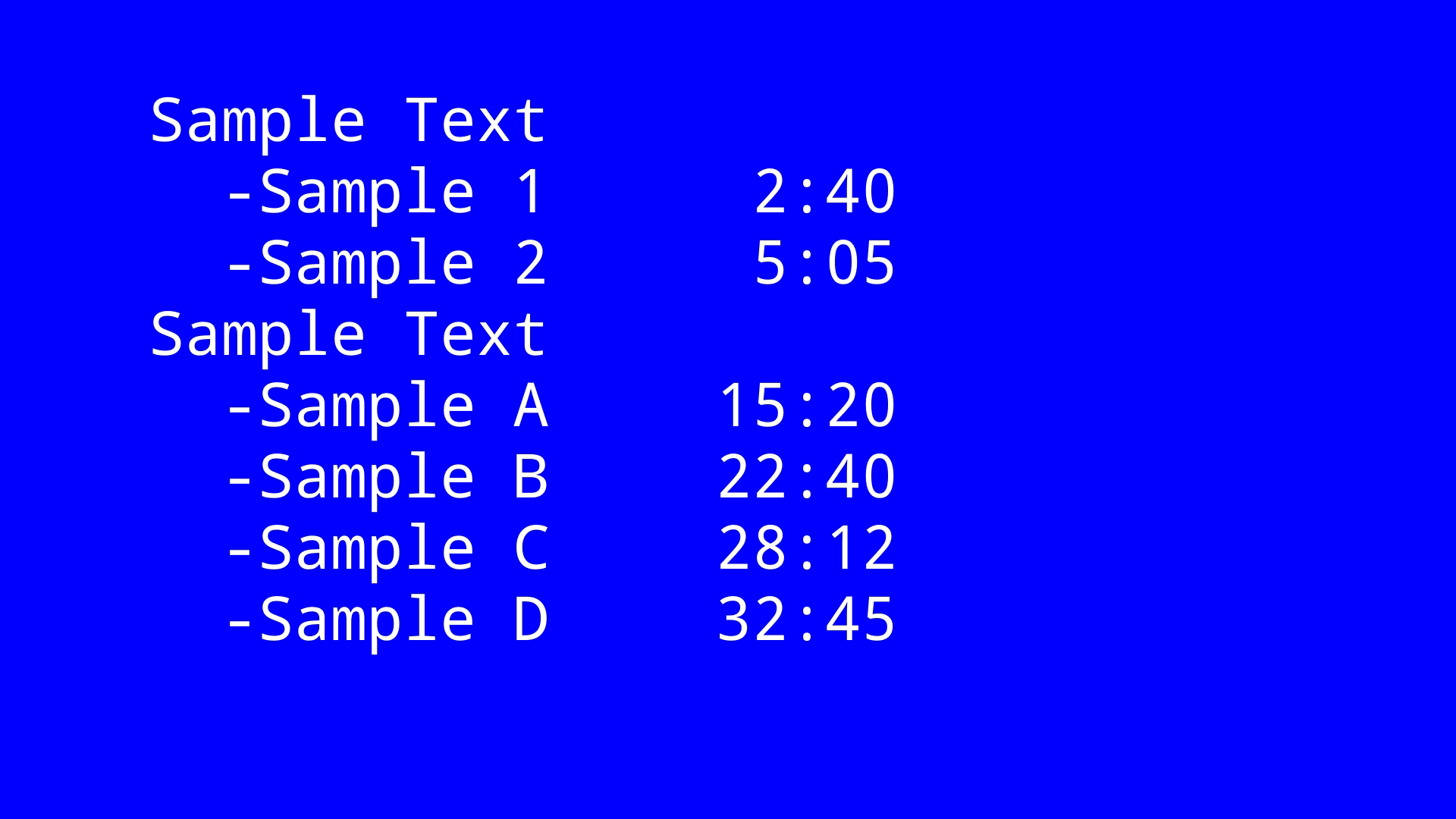
a(tab)b
aa(tab)b
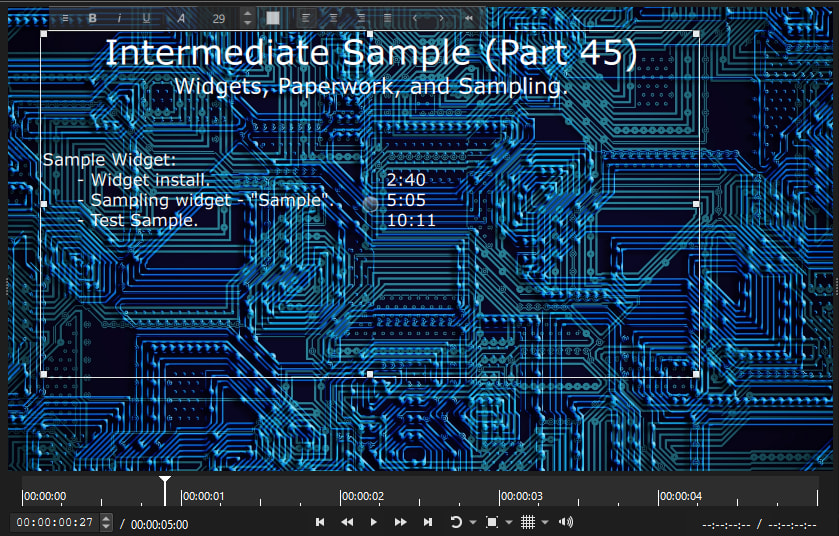
Results in the “b”s being aligned in the preview, but not aligned in the render.
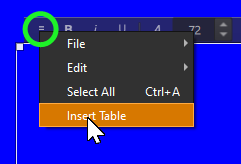
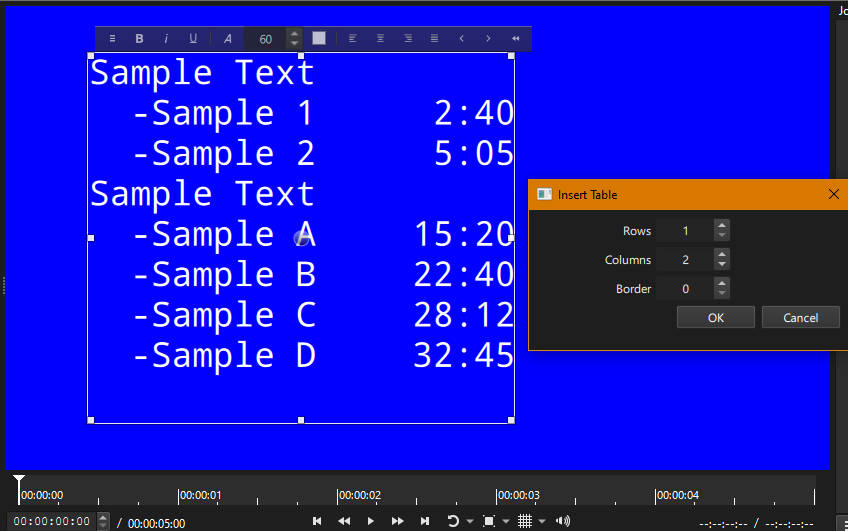
Ideally the preview needs to match the render, that way I could discover “Oh this just renders each tab as x pixels rather than tab stops, Maybe I should try to make something table like”
The editor is just that–an editor–and not a full preview. Did you deselect the filter or choose Player > Toggle Filter Overlay to preview? That hides the editor and shows how the backend renders. Some might call the editor WYSIWYG, but actually it is more like WYSIWY might Get. Others have mentioned here about how other filters can interact poorly with the rich text editor, but filters are generally not aware of each other–not that it was the case here. However, for this, I suspect the zoom-to-fit scaling within preview behaves a little different than full resolution render.