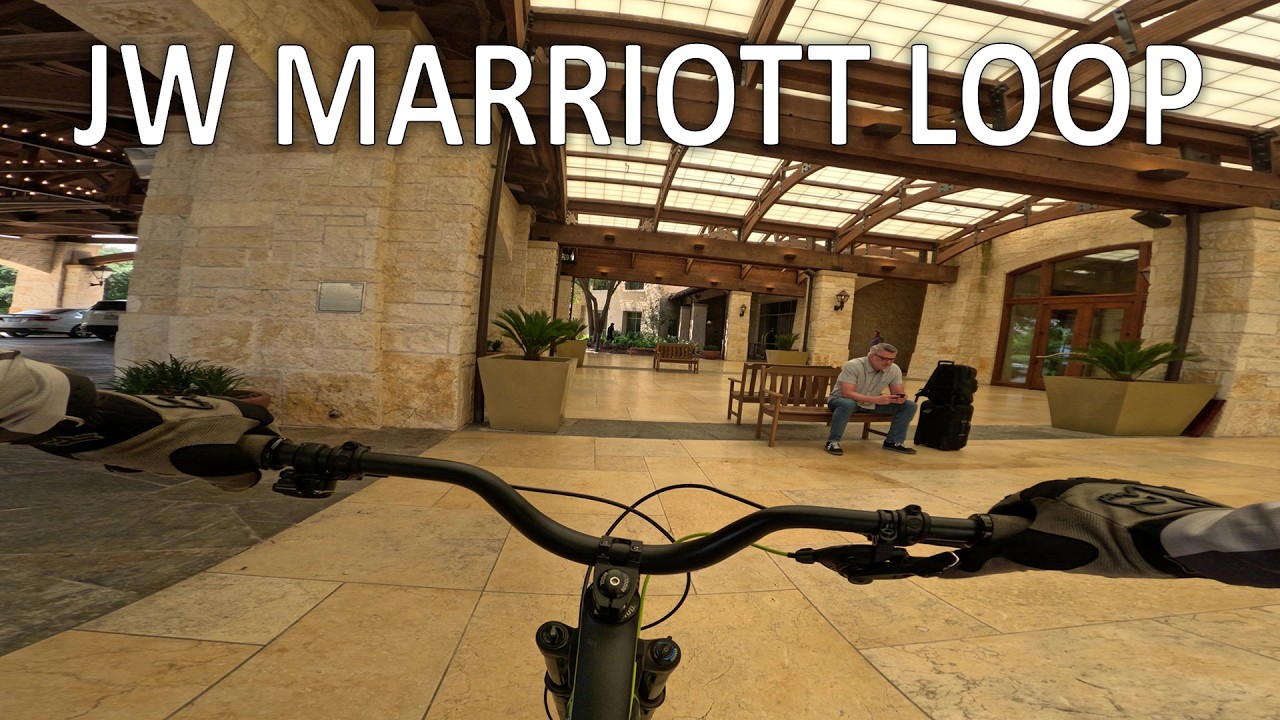
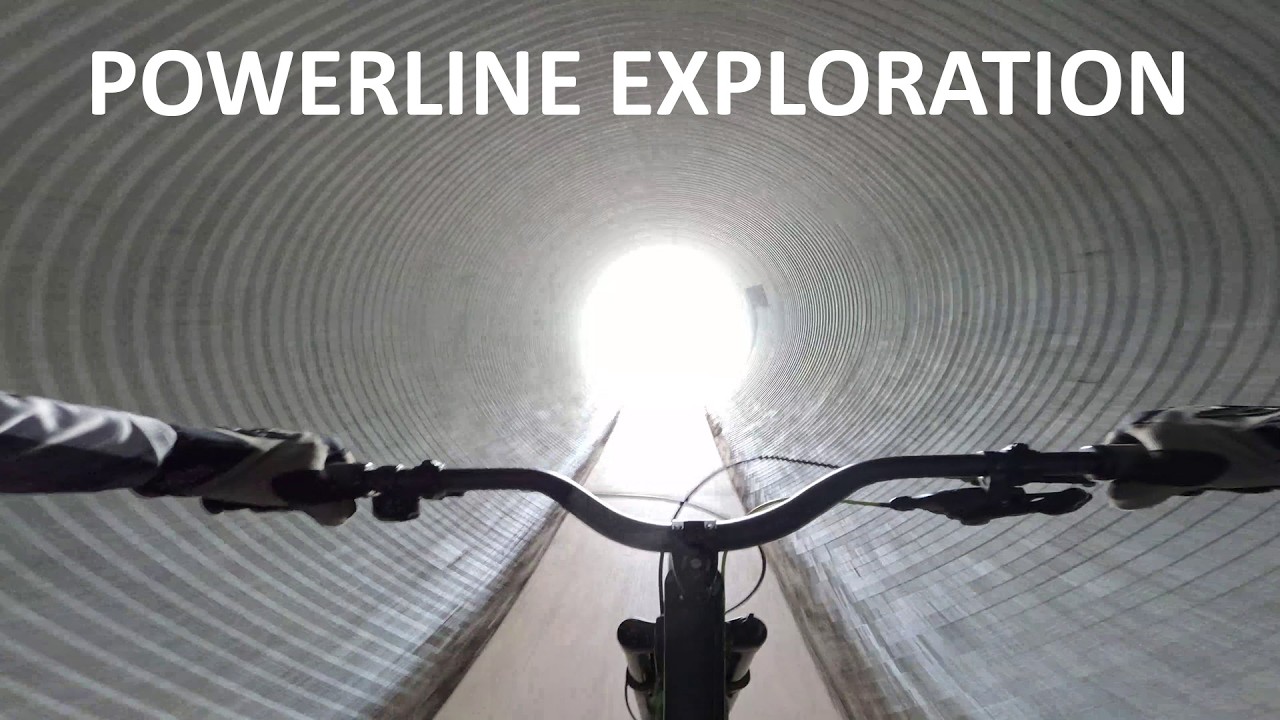
Had been using Shotcut for a while but it was for our family’s vacation videos that incorporate a lot of editing and music integration. I’ve recently begun using it for simple biking videos that I post to a group. It’s been nice having an editor that is so quick and easy to use for these 4K captures.
My PC isn’t very strong so using Proxy has been a bonus. I’ve been happy with how well it works.
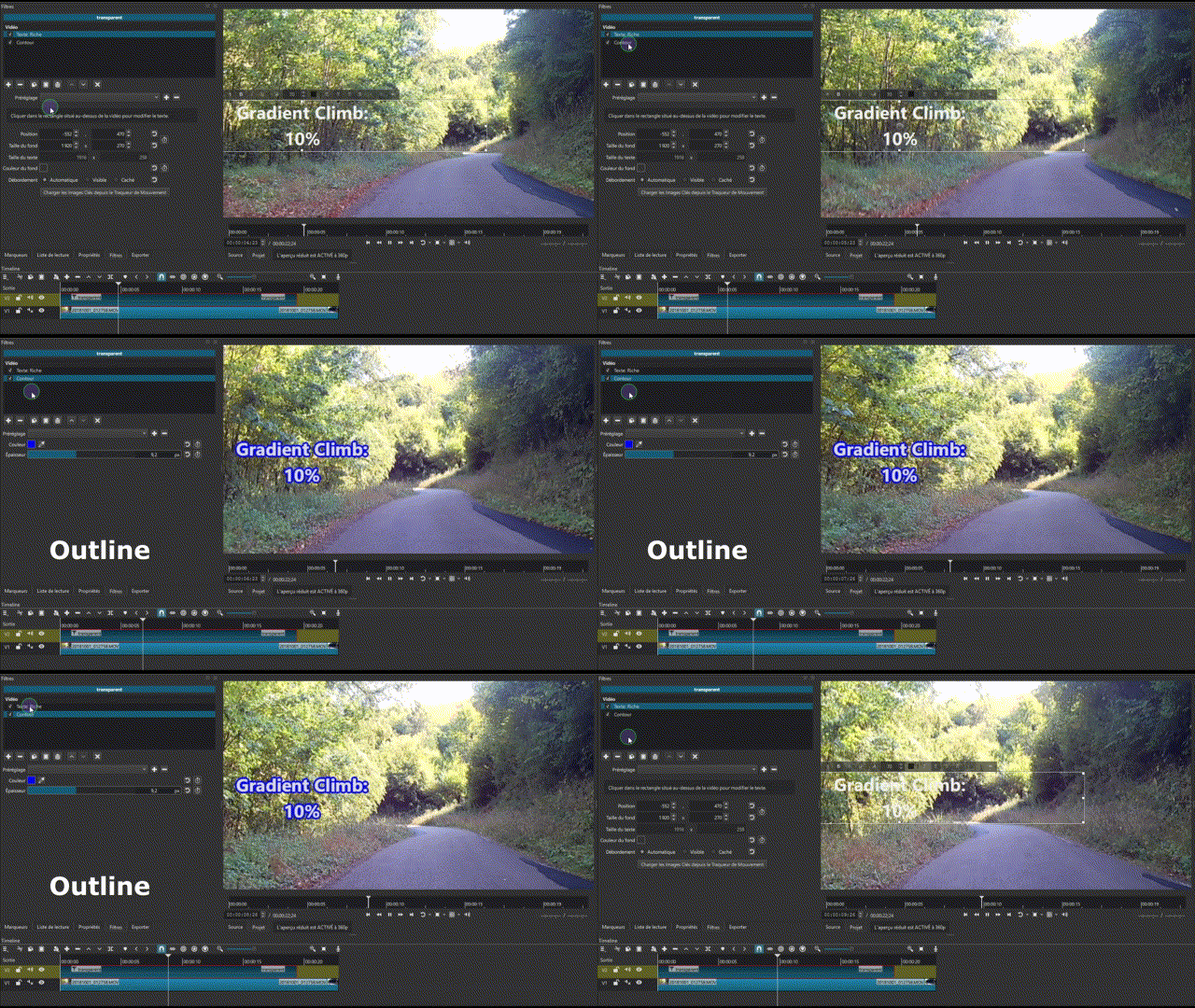
I’ve been using the Rich Text filter for onscreen directions and labeling but sometimes it’s hard to have it not blend in with the background. Is there a setting that adds an outline to it so it stands out more?
I usually use a drop shadow filter to separate text from the background. For especially bright areas I even add a gradient layer/track behind the text. You can control the opacity of the track so that the gradient isn’t too dark