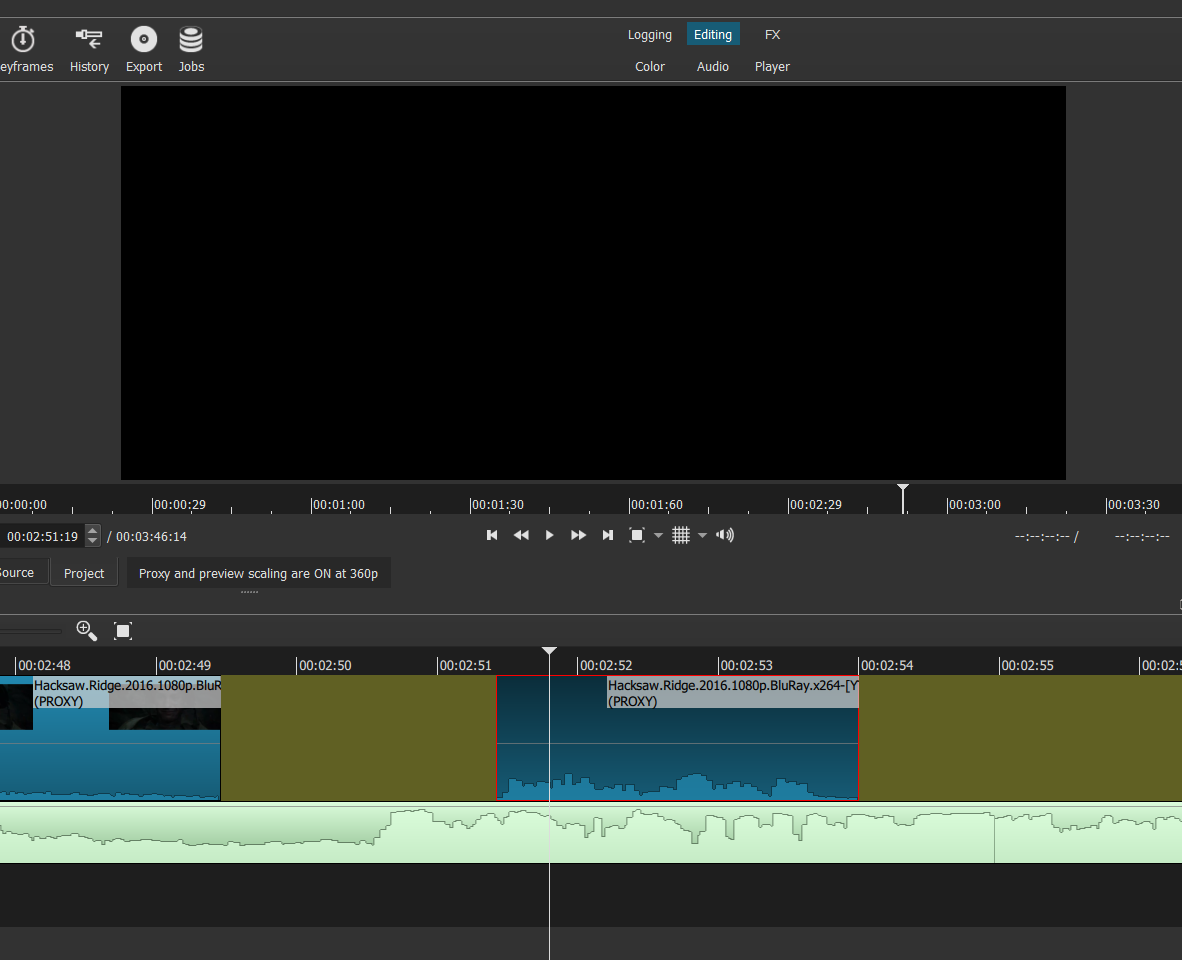
I’m making clips for an edit and i’m using proxy at one point i saw that clips made with a proxy don’t show any video and when i turn proxy off video appears but they refuse to go into timeline. If i make clips without a proxy and make them a proxy after it’s all good. And in jobs it doesn’t even say i have a proxy made.
This is a known bug on video files with unsupported streams that occur before the video stream. If that sounds confusing it is because it is an advanced, technical issue. In any case, you can either use Properties > Convert on the clip or disable proxy for that kind of clip.
But when i make clips without a proxy and then turn them into proxy cllips then they work fine.
That does not make much sense to me either. You wrote “make clips” multiple times, but we do not know exactly what you mean. There is not much in the Shotcut UI with word “Clip.” Rather, “clip” is used as a general term to refer to media objects and that could be source audio/video, color generator, playlist item, or block in the timeline.
I see. We and other video tools call this making “sub-clips.” Yes, I know that seems pedantic, but in the context of video editing “clip” and “cut” can be vague words that are overused and can take on different meanings.
I could not reproduce the problem you describe. Maybe we need the exact steps. Here is what I did starting with an empty project with proxy turned on:
Open a video file without a proxy by double-clicking it in Recent. It opens in the Source player.
Trim the clip in the Source player by setting in and out points. These are roughly at 5 and 6 minutes into a one hour video.
Click the plus button at the bottom of the Playlist to add it.
It starts a Make proxy job.
The proxy job ends, and it replaces the clip in Source and Playlist with the proxy.
I can see the video fine, and it is the same sub-clip I created.
Drag the playlist clip to the Timeline. I can see the video, and it is the same sub-clip I created.
 Yes, I know that seems pedantic, but in the context of video editing “clip” and “cut” can be vague words that are overused and can take on different meanings.