Problem with overlapping text

Hello!

I am using Shotcut for quiet a time, making videos about our trips or about small aircraft. In my last project, I am trying to add text at the beginning and at the end of a video about a small airplane. I used it all over the time, but with the current version of 26.4.30, the same text “widget” that I have in my “Default” project is no more fitting. Do you know about this issue?

Thank you in advance!

Test 2.zip

Test 2.mlt (41.8 KB)

what does this mean? I can see the text with no issues.

Share a screenshot of what you see wrong and what you expect to see.

1 Like

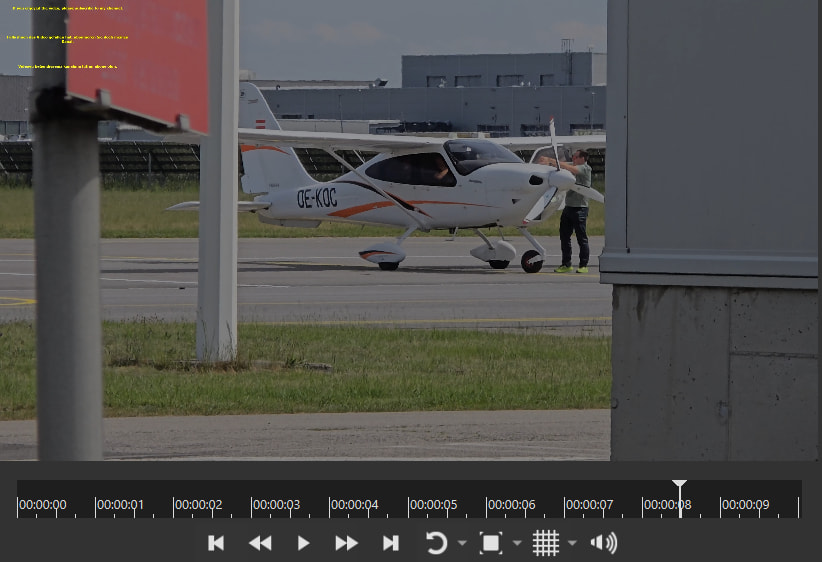
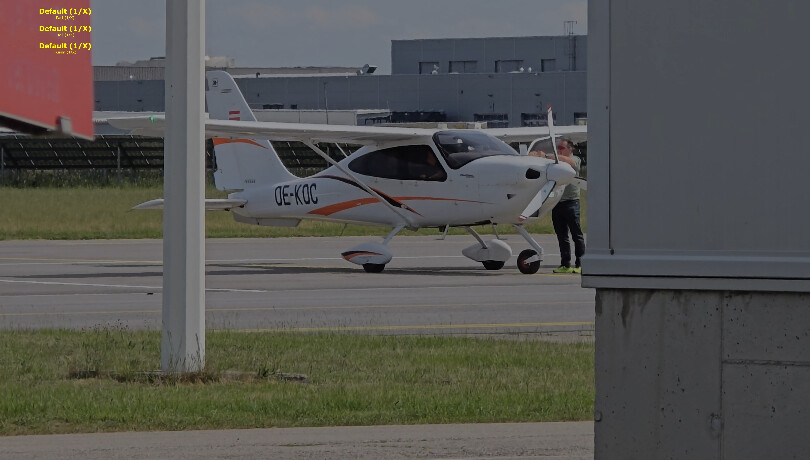
It means that the text is somehow minimized in the upper left corner like this:

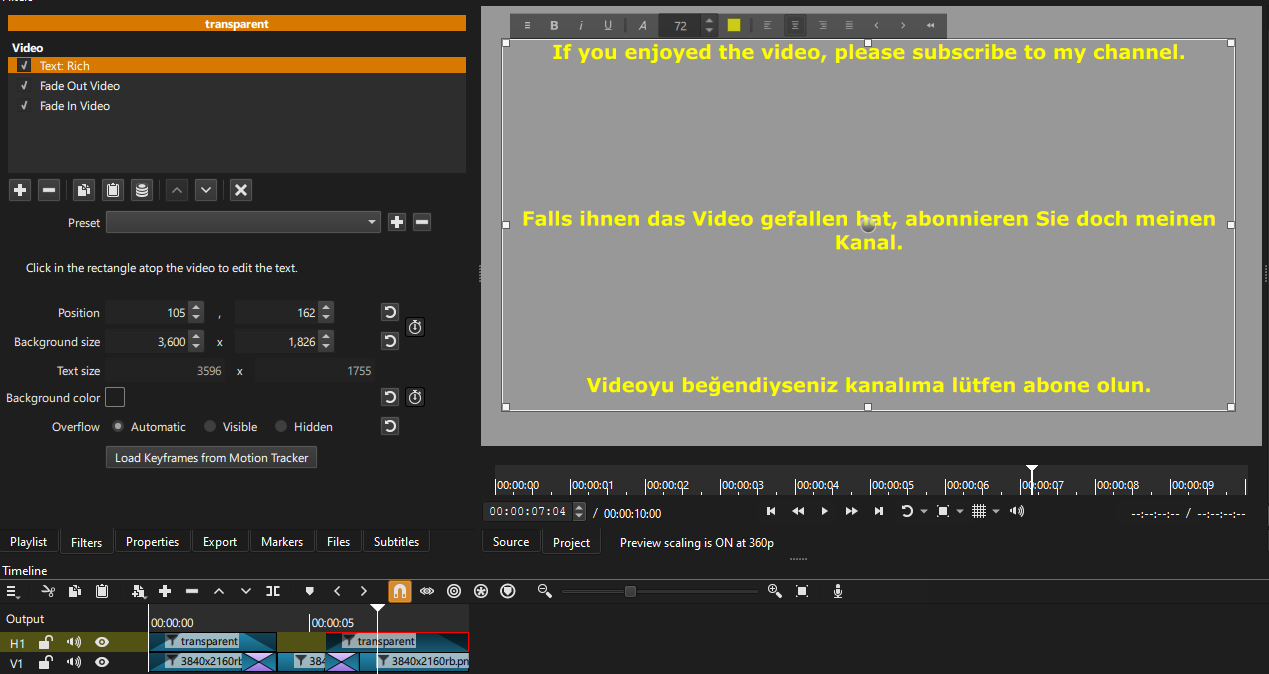
To see what I always got and which I can see when clicking on the text widget below on the timeline is

You can watch my airplane videos to understand what I mean:

An Aquila A 211 GX

In the “Test 2”, the text is only visible in the upper left corner. But Shotcut (v26.4.30) generates the correct video.

Only the project player shows it so strange. This is somehow irritating and should be corrected. This is the way the end of this short test video looks in the project player:

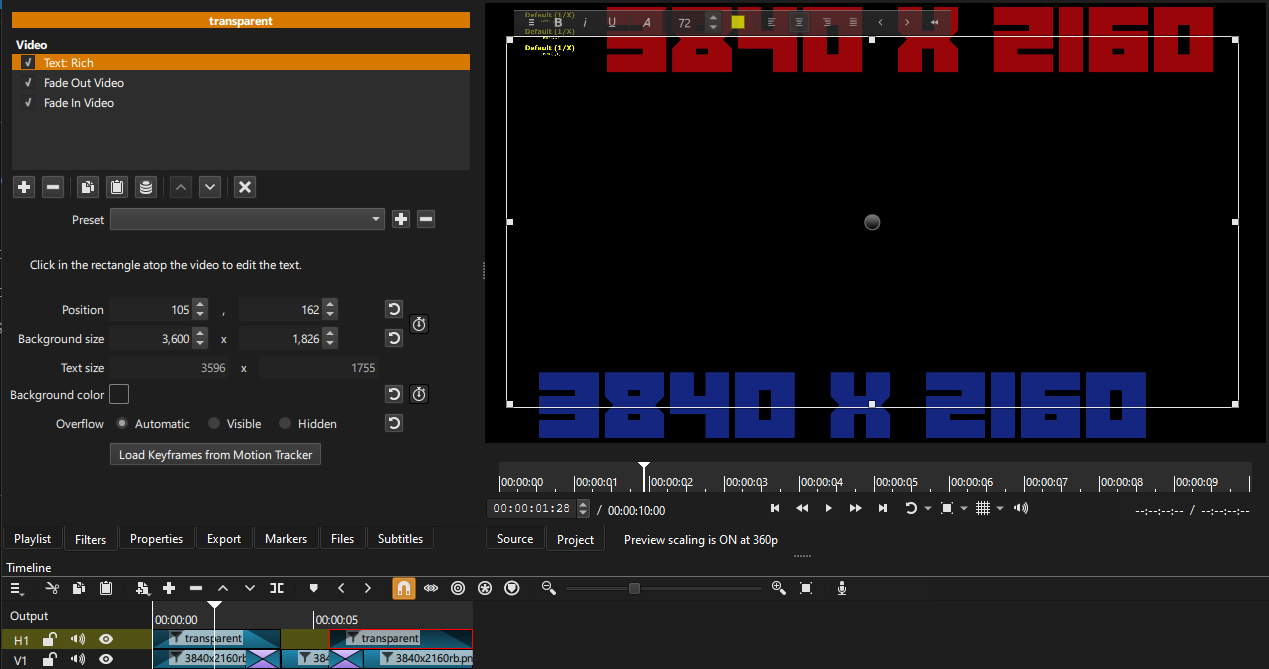
You have the first transparent clip with text selected, but with the playhead over the second transparent clip with text. Preview scaling on at 360p.

Select the second transparent clip with text. Preview scaling on at 360p.

Second transparent clip with text, previewing the first transparent clip with text. Preview scaling on at 360p. This issue is not duplicated when preview scaling is turned off.
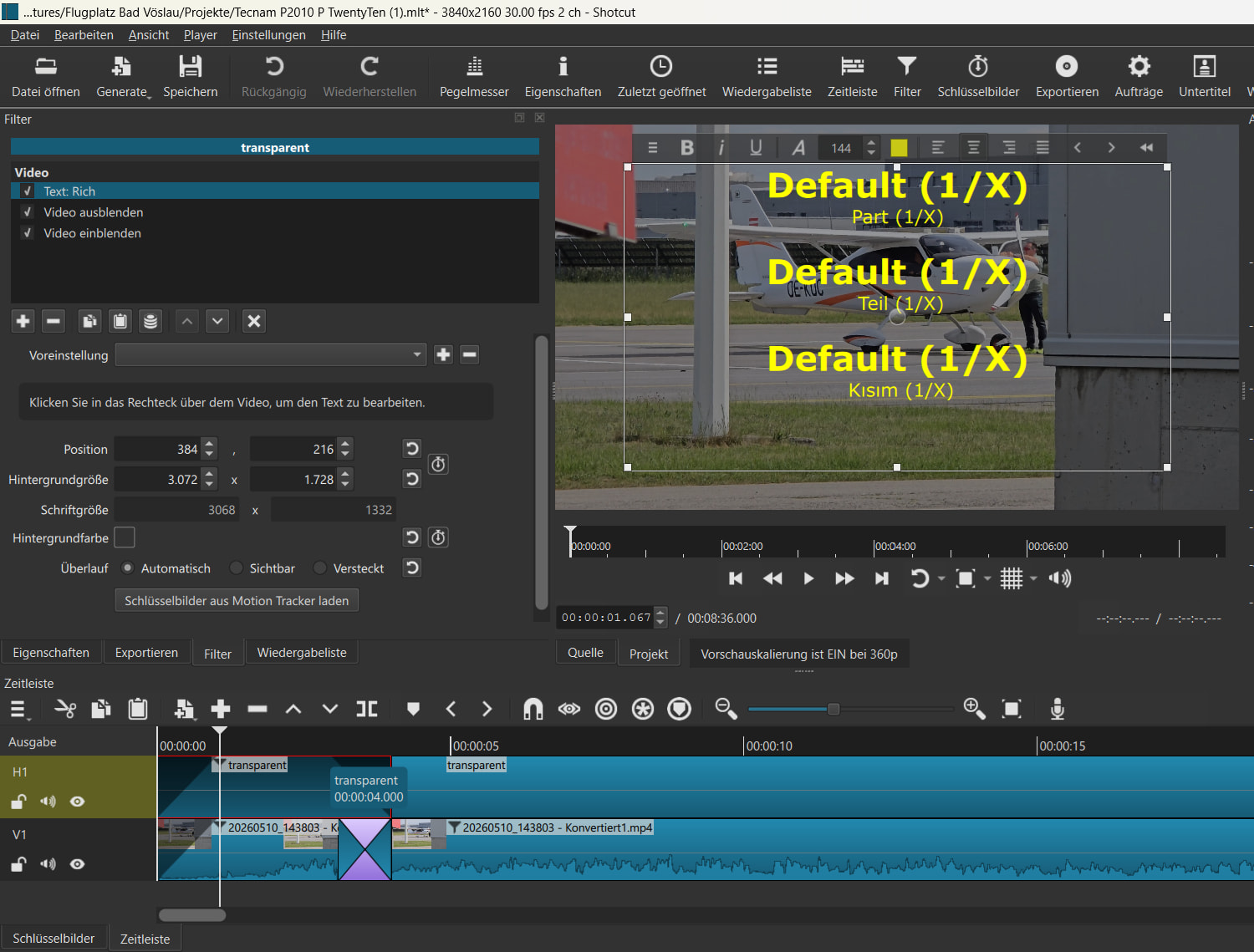
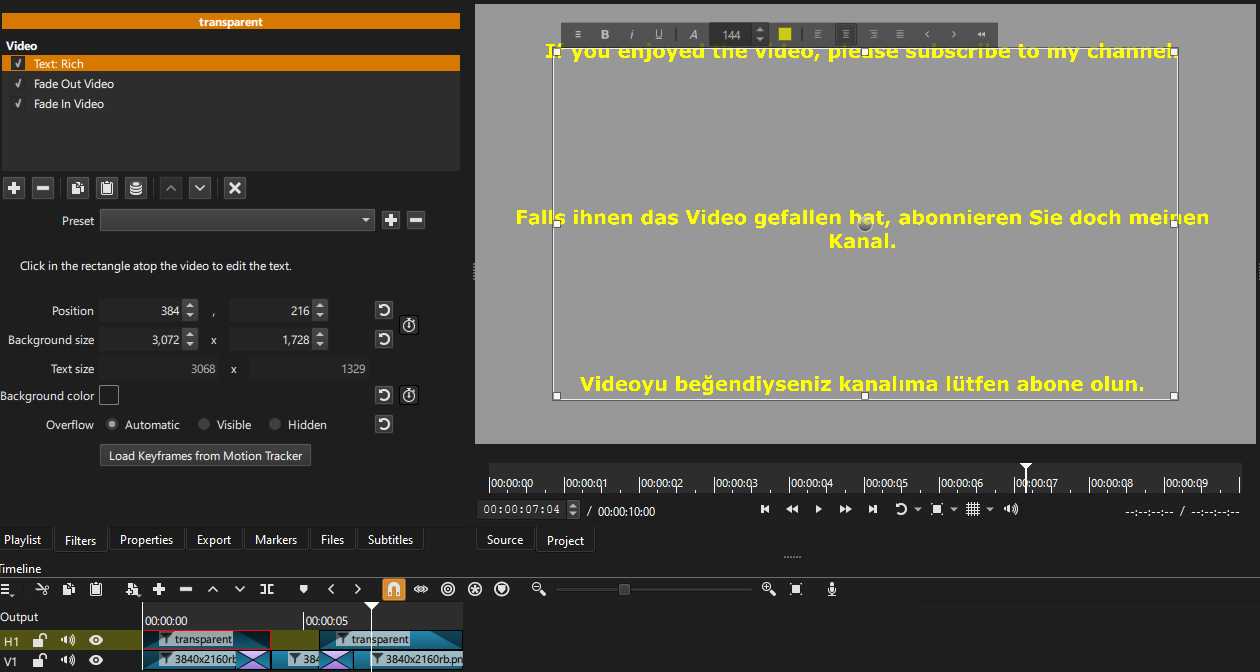
No preview scaling. First clip selected with the second clip in view.

I found no issue when exporting with preview scaling on or off.

1 Like