OS: Linux Mint 18.1
Shotcut: 20.02.17 (Portable TAR)
Hi,
AFAIK has PreviewScaling a problem with ‘Mask Simple’ and ‘Rot/Scale’.
In my case I’m using first the mask filter and then the Rot/Scale filter…
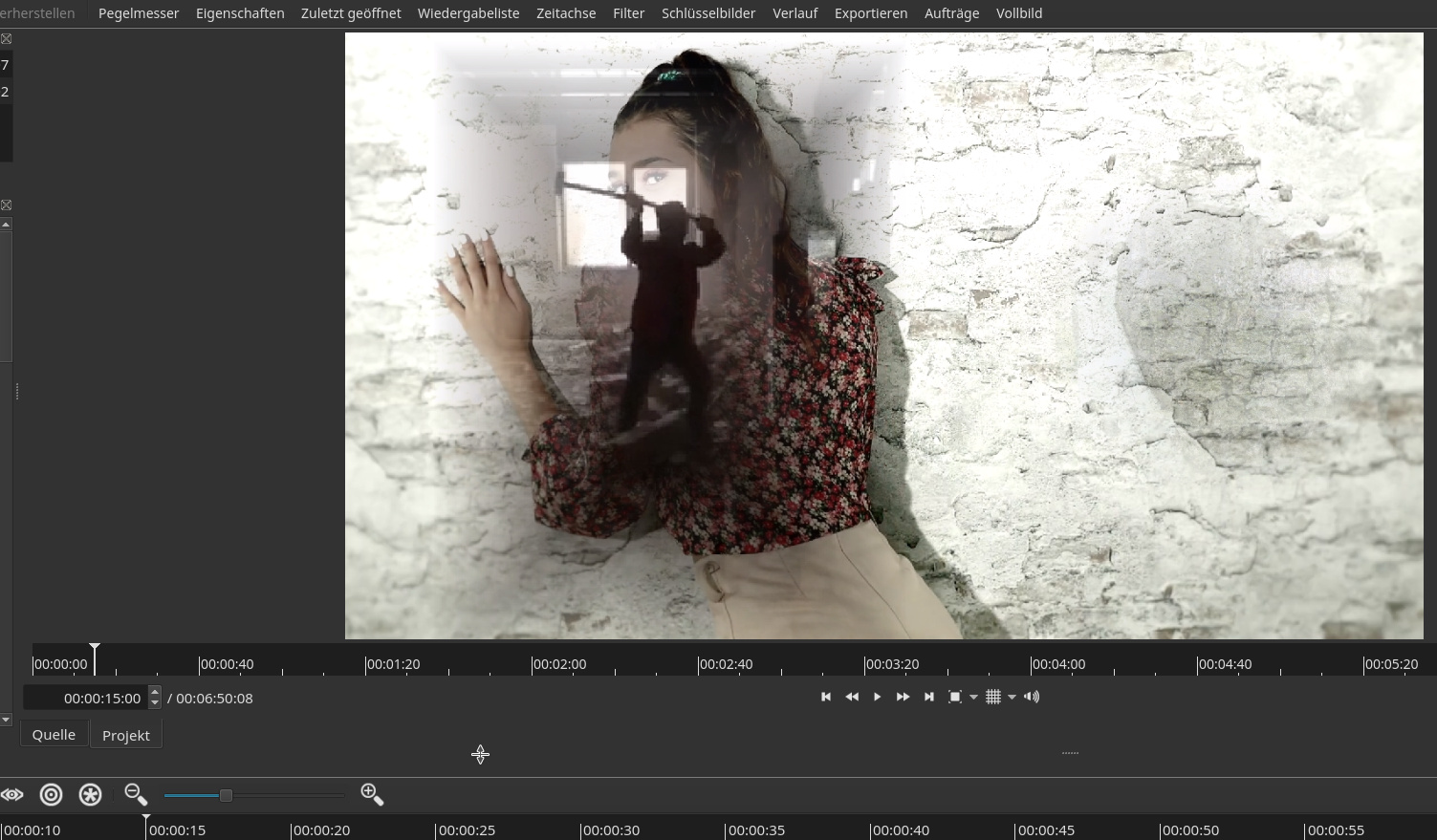
None PreviewScaling:
With PreviewScaling:
It doesn’t matter, which scaling…
-------EDIT--------
In addition:
If you use ‘Mask Simple’ e.g. for a video clip and you have set width and height and you then add ‘Rot/Scale’ then the width of ‘Mask Simple’ is “broken”.
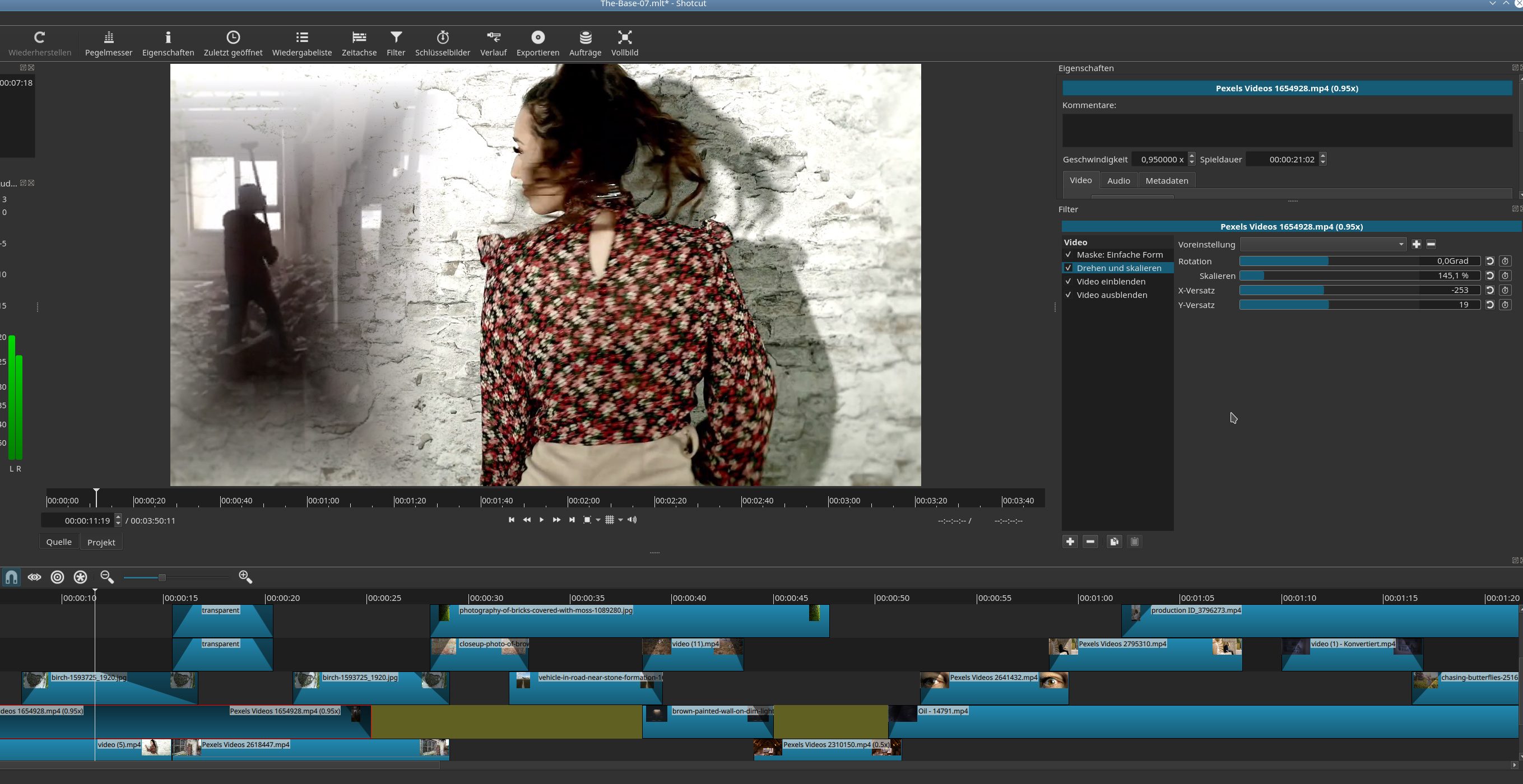
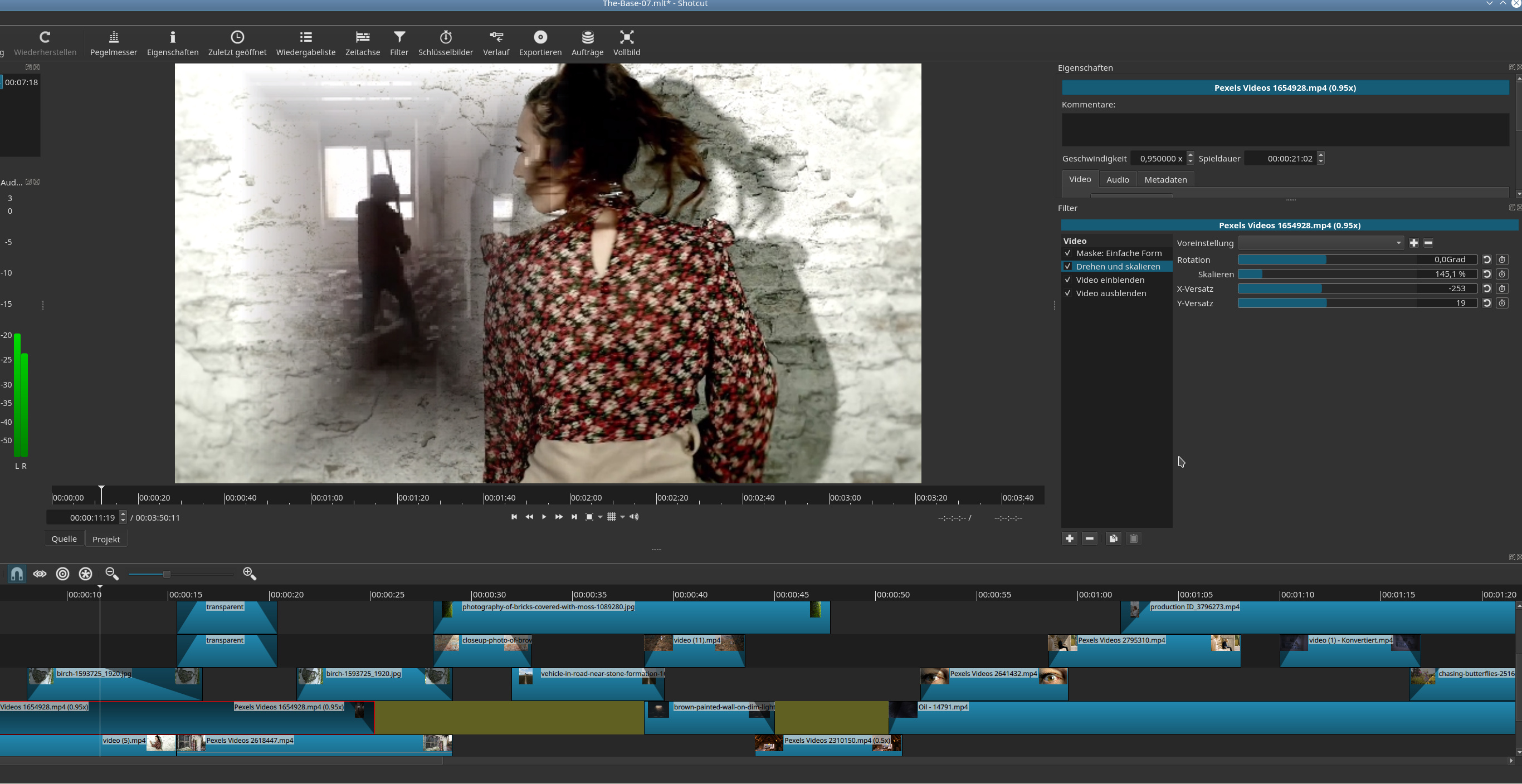
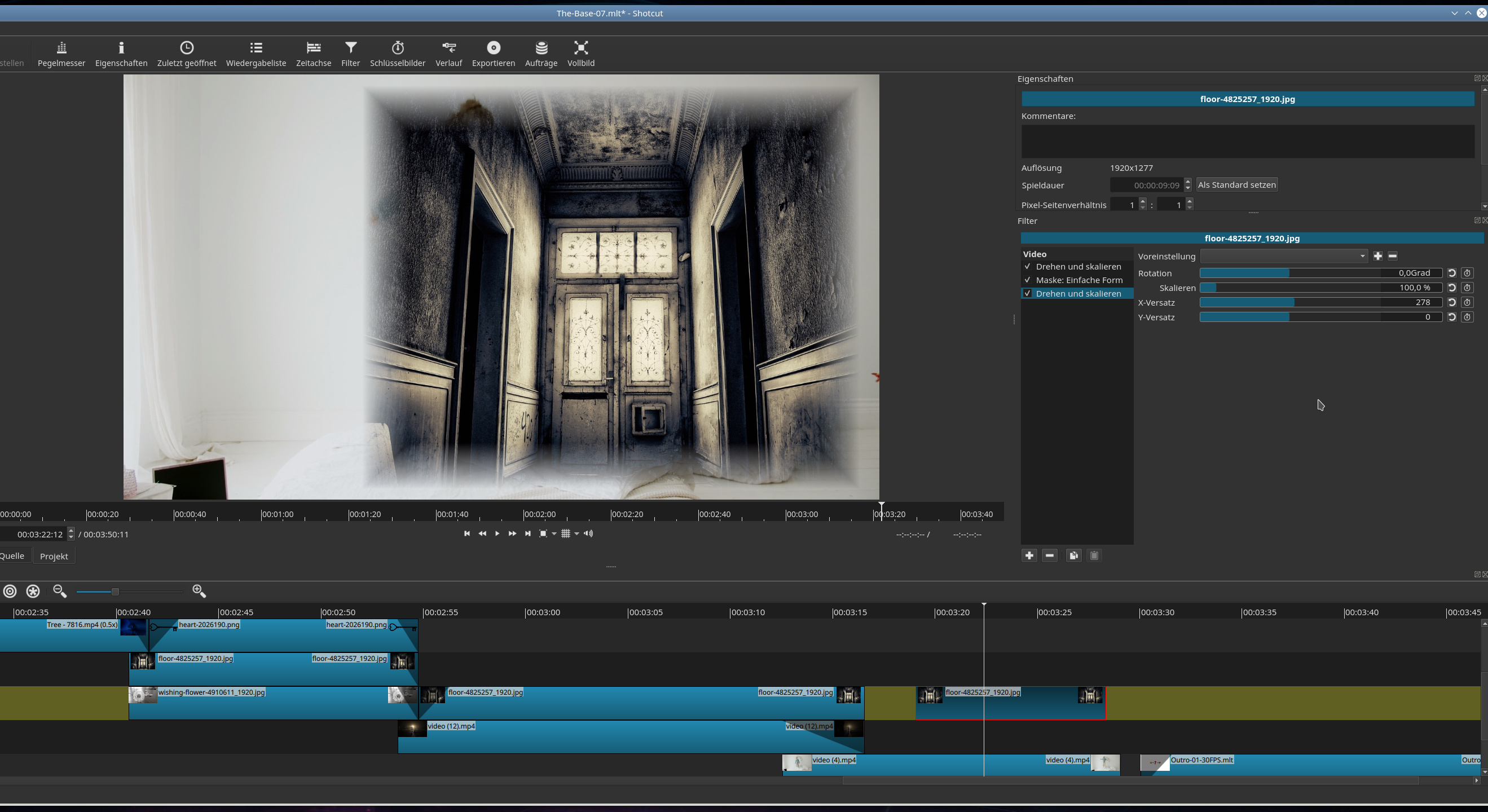
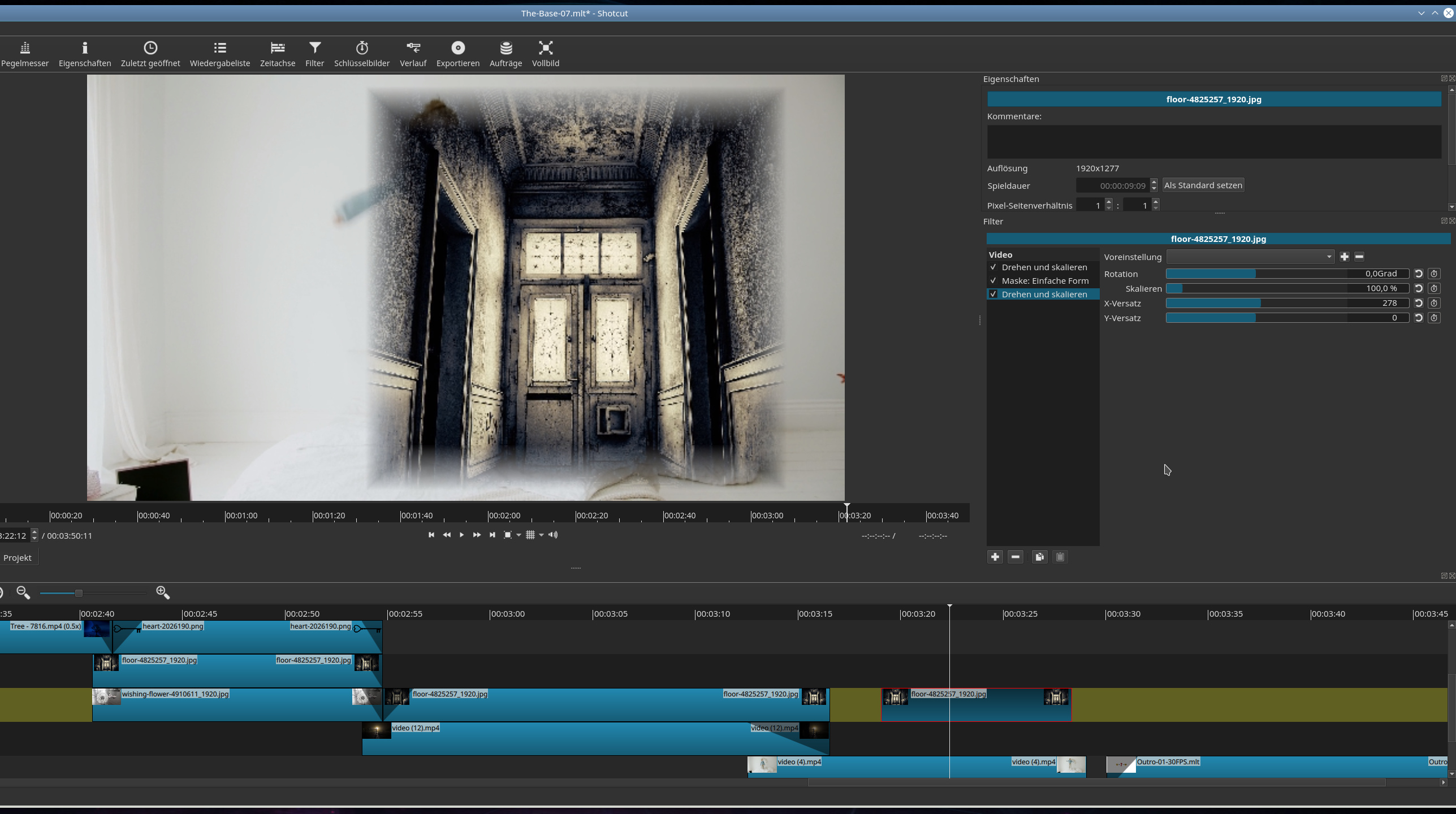
I tried to reproduce, but I have not been able to figure out the combination to cause the problem you see. Please post a screenshot that shows the filters panel to see all filters and in which order. Also, include the timeline if you are using Mask: Simple Shape for compositing tracks instead of using Mask: Apply.
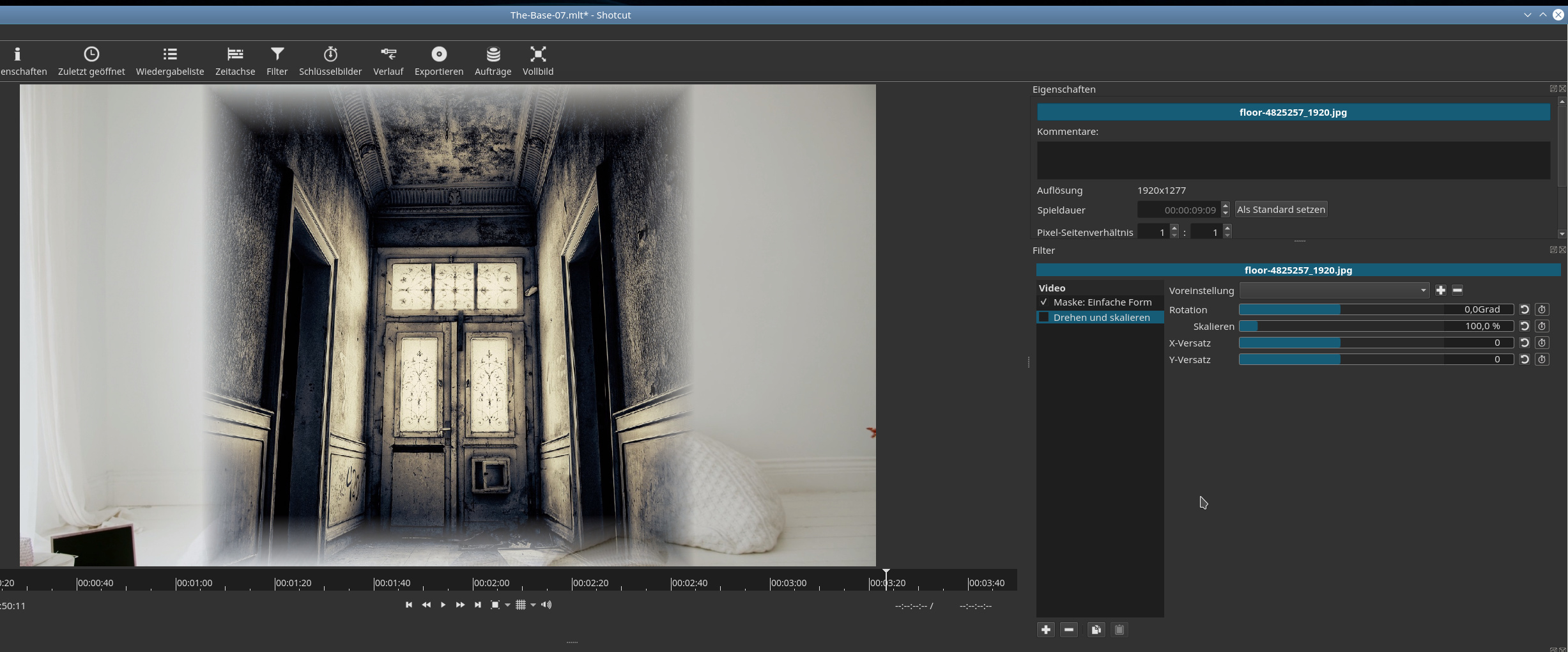
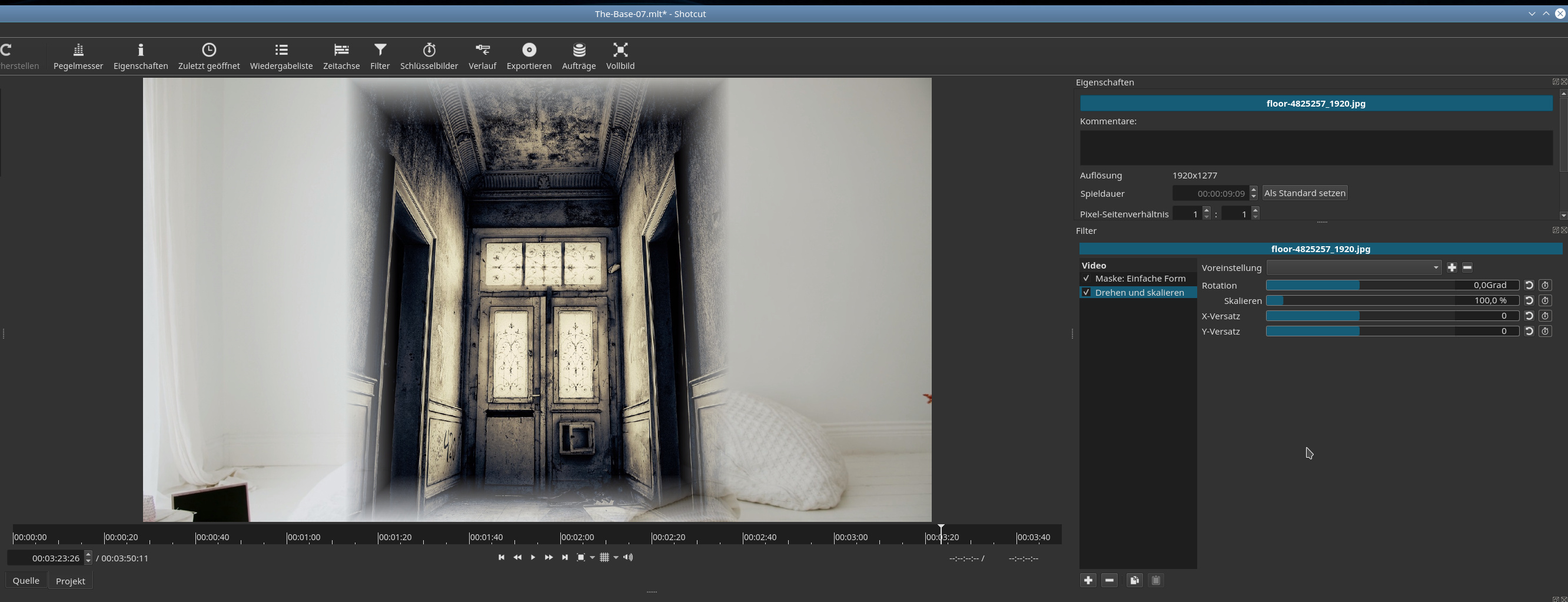
First ‘Mask Simple’ and ‘Rot/Scale’:
I have only activated the ‘Rot/Scale’ filter:
----------EDIT-------------
I just tried with (all) PreviewScaling:
PreviewScaling (in that case) is ok.
And now the issue with PreviewScaling:
It shows the ‘Mask Simple’ placement (yes, it’s not pretty  ):
):
This shows, how it looks with all filter activated and without PreviewScaling:
This shows with PreviewSclaing (doesn’t matter which scaling):
--------------EDIT-------------------
The issue is, when I move the source (in the Timeline) (with ‘Mask Simple’ and ‘Rot/Scale’ filter) by ‘Rot/Scale’ filter (e.g. x axes), then PreviewScaling “rearranges”…
And (hopefully) the final:
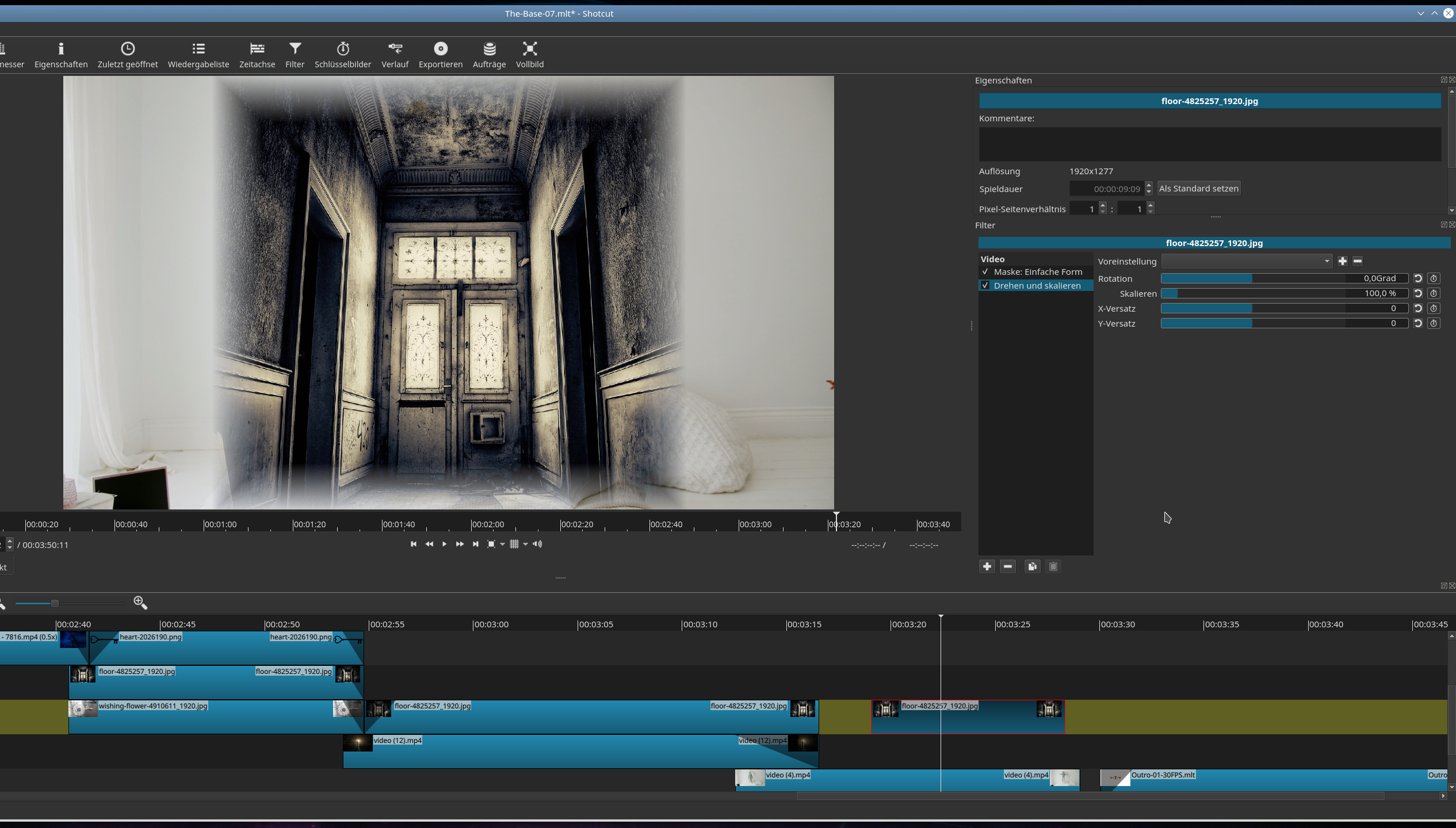
Source not moved by ‘Rot/Scale’ and without PreviewScaling:
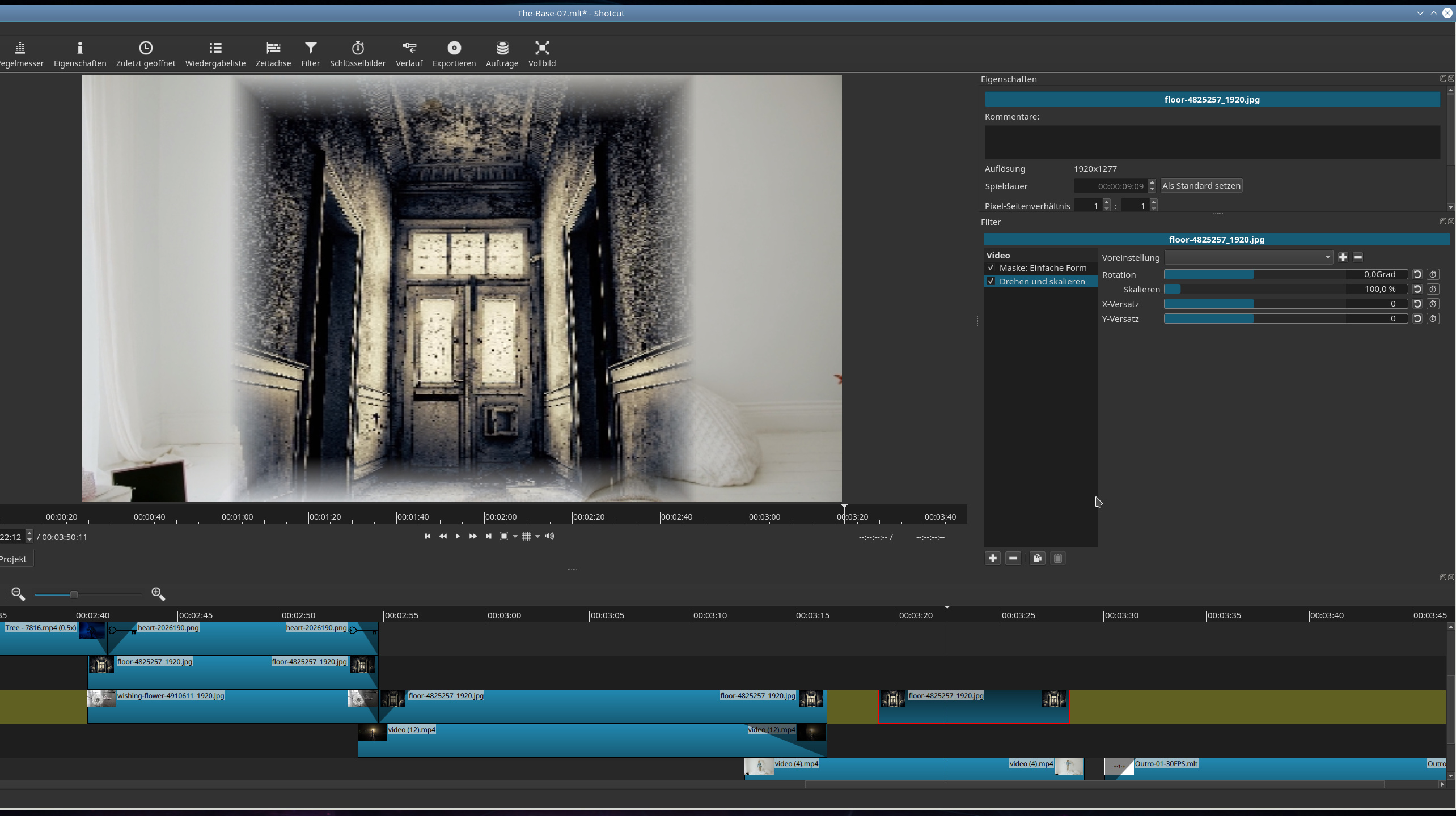
Source not moved by ‘Rot/Scale’ and with PreviewScaling:
Source moved by ‘Rot/Scale’ and without PreviewScaling:
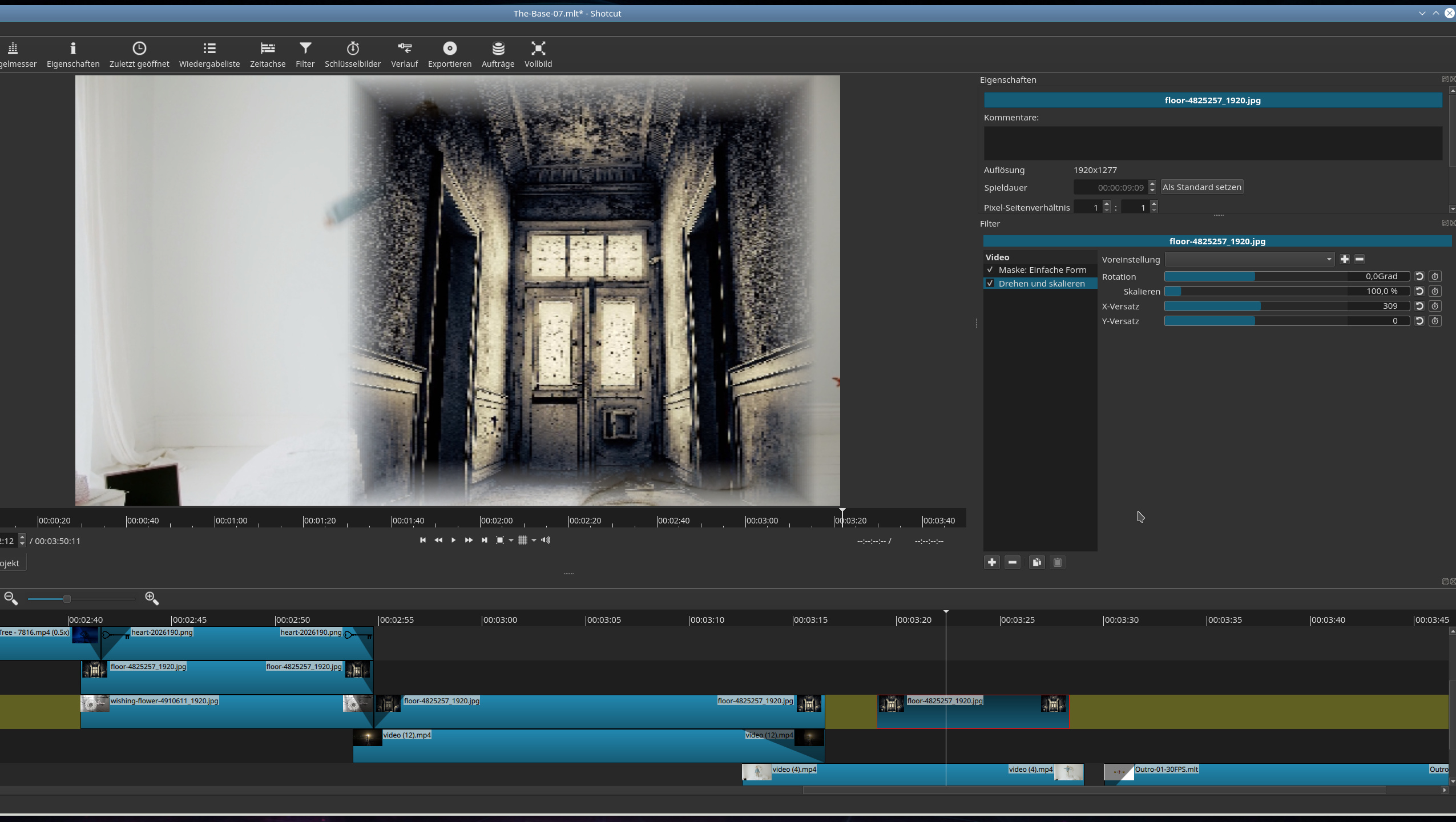
Source moved by ‘Rot/Scale’ and with PreviewScaling:
Ok, I hope this is it…
--------------EDIT------------------
But I’ve found some more :
In this case x axes is ok, but the with of ‘Mask Simple’ has changed…
Without PreviewSclaing:
With PreviewSclaing:
You raised two issues. For the below:
This happens when the aspect ratio of the clip differs from that of the project. This problem is unrelated to preview scale and has been there forever. I doubt I can fix it.
The second issue I reproduced: the Rotate and Scale X and Y parameters are not scaling correctly under preview scale. I am looking into it.
Thanks for the interest…
I just tried it…, e.g. the image from the previous post (with that door) is original 1920x1277 and I resized it to 1920x1080 and all is fine.
Ok, good to know, now I definitely can use PreviewScaling, what means even more filter… 
Thanks!
Hi, again!
Maybe I’m wrong, but it seems, that the ‘Size/Pos’ filter do not have the issue like with the ‘Rot/Scale’ filter…, definitely with the mode ‘Anfüllen’. I can resize the masked part, move…, and everything works fine.
What is the difference to ‘Rot/Scale’?
---------EDIT----------
The following applies to ‘Size/Pos’ in mode ‘Auffüllen’:
‘Mask Simple’ + ‘Rot/Scale’ == Issue // ok
‘Mask Simple’ + ‘Size/Pos’ == No Issue // ok
‘Mask Simple’ + ‘Size/Pos’ + ‘Rot/Scale’ (and e.g. moving x axes) == no Issue // ok
Best regards
This is fixed for the next version 20.04