There is a lot of new stuff in this release. The only OpenFX and VST2 plugins that will appear automatically for now are the ones listed. You need to install them yourself.
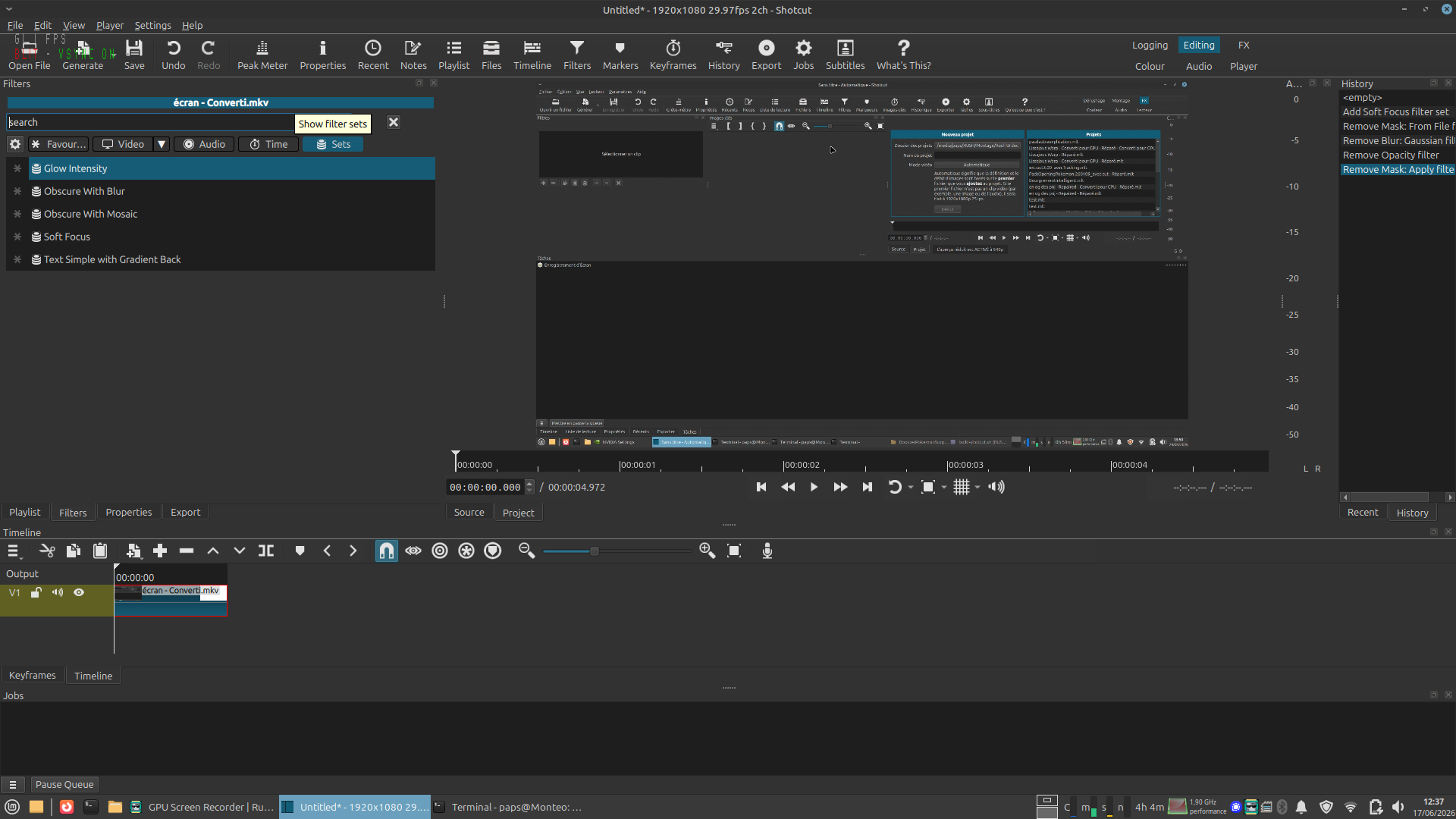
The UI generator for hidden engine effects and external plugins is not much supported either, hence the --experimental. When that is used the filter menu has an additional button that lets you pick something to try out. Choosing things in here does not add them yet as a filter. This is a configuration dialog for what to make available. You then need to locate what you chose (search) and add it. Be prepared to enter the twilight zone! You can expect a lot confusion like: what does this even do? Is the effect itself broken, or is the generated UI causing this–whether that is no apparent effect or obviously broken?
The main areas of concern for testing are around:
do any external plugins cause a crash on startup
the compatibility of the new completely video output (display) code that facilitates the features of external monitoring whether as an entire system display or the new Preview Window (HDR).
compatibility of the HDR mode of the new Preview Window on a HDR monitor using HLG or PQ HDR videos (but not combining them)
I didn’t have much luck so far with this beta version on my first launches.
Crashed once when trying to add a filter. And again after enabling Preview Scaling (360p) with the keyboard shortcut.
Sorry if I don’t have more details for now. Will try again later and hopefully come up with steps to reproduce.
Provide the color space and transfer (dynamic range) details of your video file and Video Mode. This is expected if HDR and you are not using the HDR display. However, if you set a non-Automatic Video Mode to SDR and load a HDR video, I found a bug that causes this (along with a fix).
I also just made a change so that it does not try to show as HDR when there is no HDR preview.
I know there shouldn’t be feature requests in a beta thread but please consider adding double click to enter/exit full screen (Esc for exit is also common) and click+drag to move the window anywhere on the preview (except for the main buttons area of course).
I mention moving because I somehow got the preview window’s title bar outside the screen area and I couldn’t drag it down again (I eventually used alt+space to get the windows menu and selected Size to to resize it down).
It is not enough info. Can you repeat it in a simple set of steps, or is this just this one time in this one project? It looks like GPU stopped working suddenly. Did restart Fox it?
This isn’t a new bug.
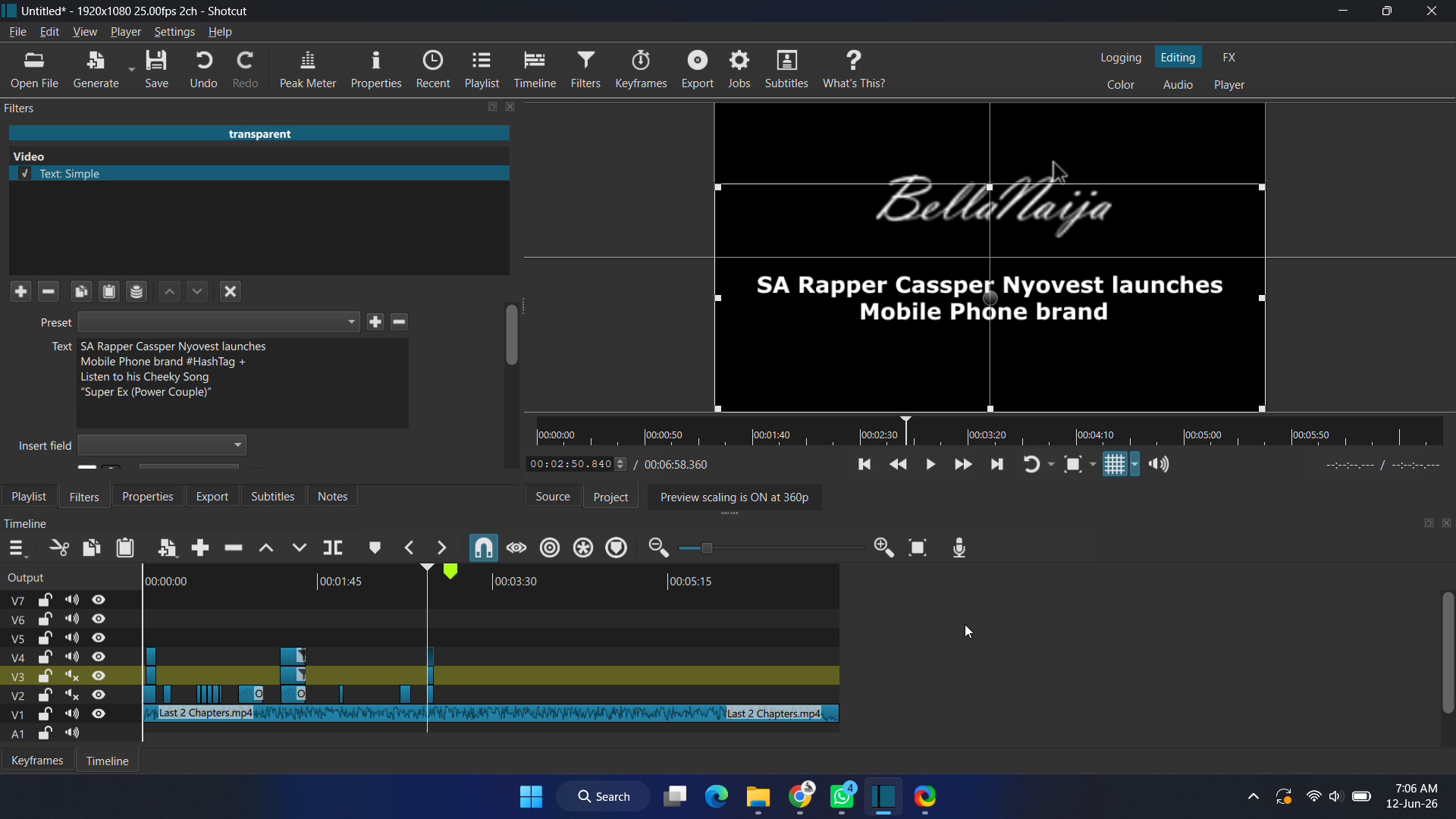
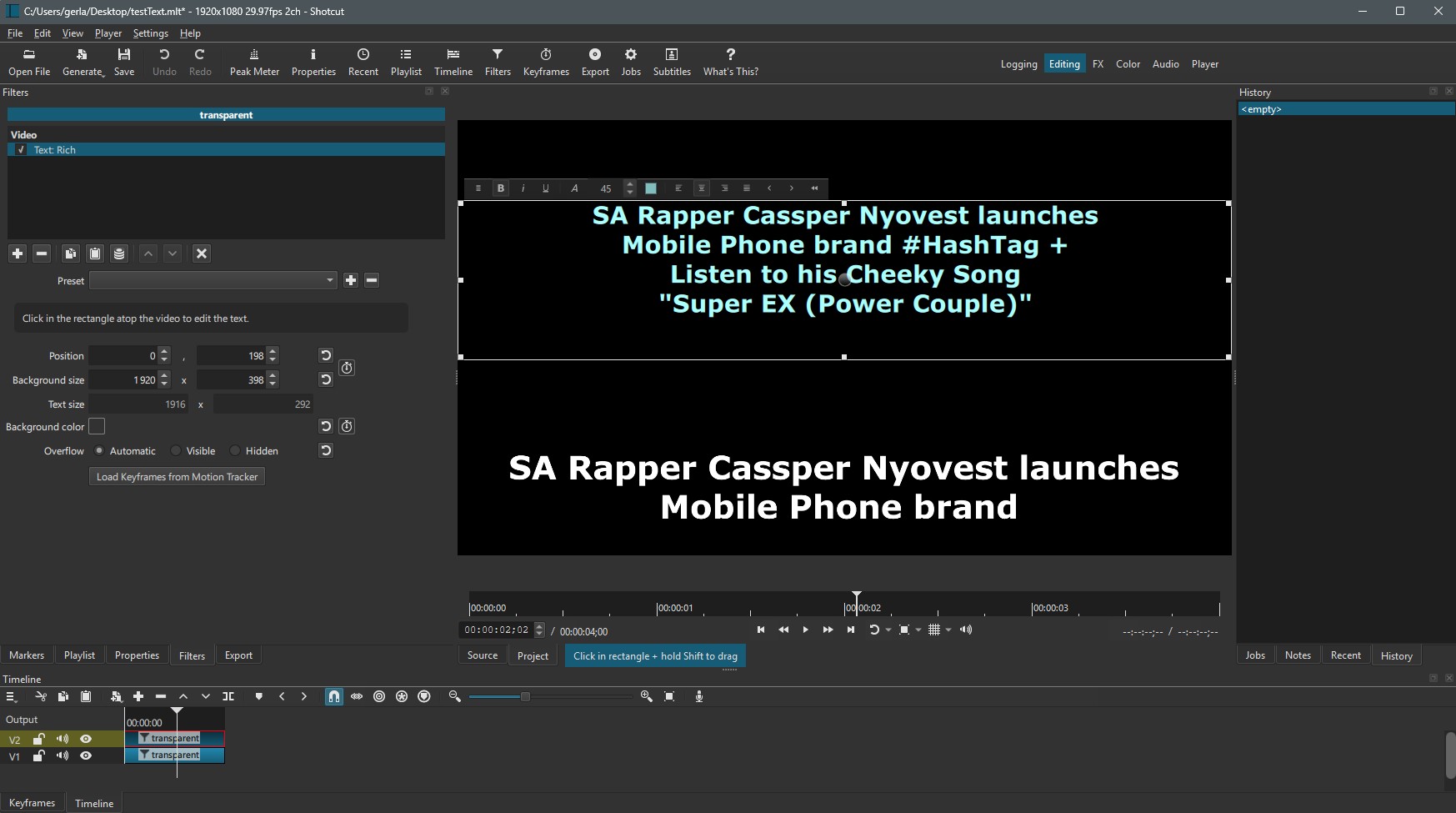
It’s the # tag that’s blocking the rest of the text.
This happens with the Text: Simple filter.
Use the Text: Rich filter instead.
This is not a bug Serge.
A backslash (\) is needed in front if the hashtag (#) in the text area.
You can type it manually, or select the one from the Field menu.
I decided to pop in to see what is new and noticed this beta version, so I decided to try it out.
I downloaded the portable version. When I clicked on the .exe file to start Shotcut, it took almost a full two minutes for the program to launch. The startup screen appears, but there is a significant delay before the main interface actually opens. This is the first time I have experienced an issue like this when using Shotcut. With all previous versions, including the version from April, Shotcut would launch almost instantly after clicking the executable file.
Is this long delay between clicking the file and the program starting the new expected behavior? Just as I have been before, I’m on Windows 10, by the way.
People have always reported long delays on startup with each new version, mostly on Windows. There will be additional security scans from software outside Shotcut such as Defender. I think it does all exes and dlls. On top of that is QML code is converted to bytecode and cached. I think if you run a completely new version (different file location) there is more to be converted—not everything, it is upon access.
Another delay can come from the last location in the Files panel especially if not local SSD or if a very full folder.
 button that lets you pick something to try out. Choosing things in here does not add them yet as a filter. This is a configuration dialog for what to make available. You then need to locate what you chose (search) and add it. Be prepared to enter the twilight zone! You can expect a lot confusion like: what does this even do? Is the effect itself broken, or is the generated UI causing this–whether that is no apparent effect or obviously broken?