Dear all,
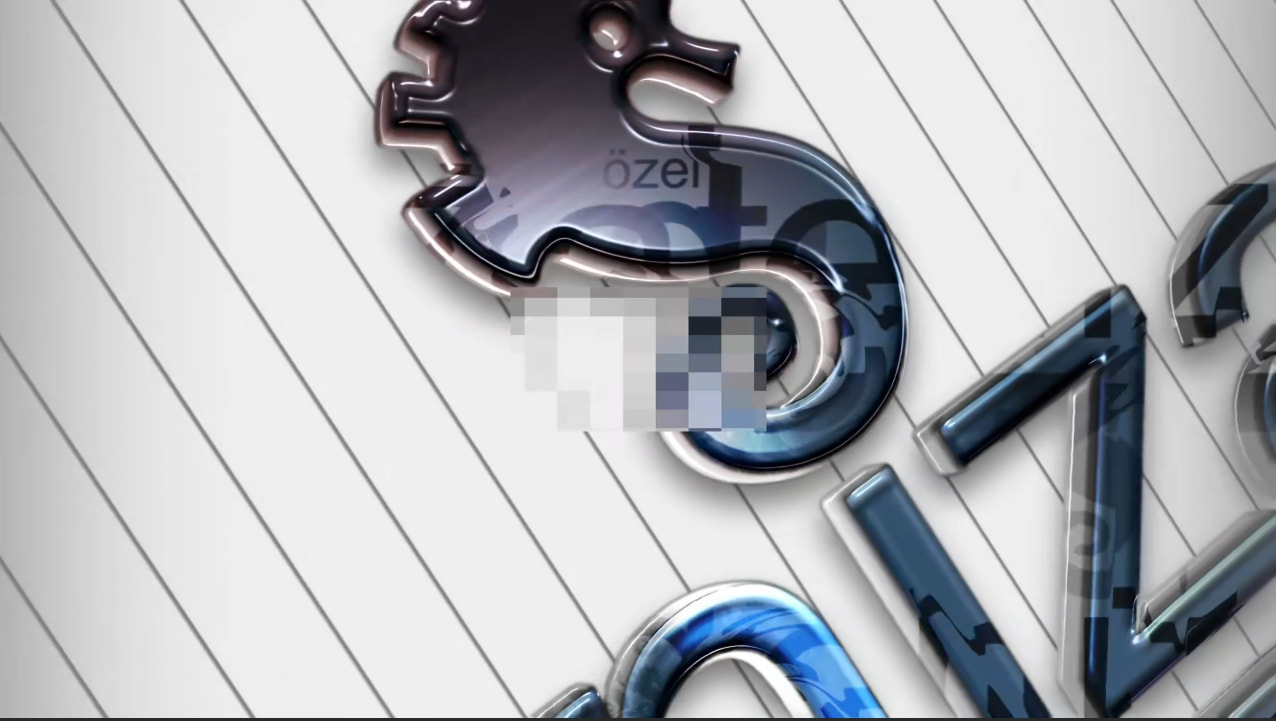
I am using Windows 11 with the latest ShotCut version on a Lenovo laptop with the embedded AMD Radeon Graphics card and AMD Ryzen Pro 5 CPU. I use the hevc_amf hardware encoder to convert a H264 Part 10 movie to H265 HEVC movie with MP4 extension to save some storage place.I used the main profile for H265 without changing the settings. Although I could convert the whole movie without issues and get it down to around 4GB from 10GB, I realised, that a pixelised artifact like a rectangular patch of coarse 8×8 / 16×16‑like blocks (“macroblock” look) is in the middle of the picture. (please see attachment).
How can I resolve this issue and remove this? Is this an issue with ShotCut or the hardware encoder of AMD?
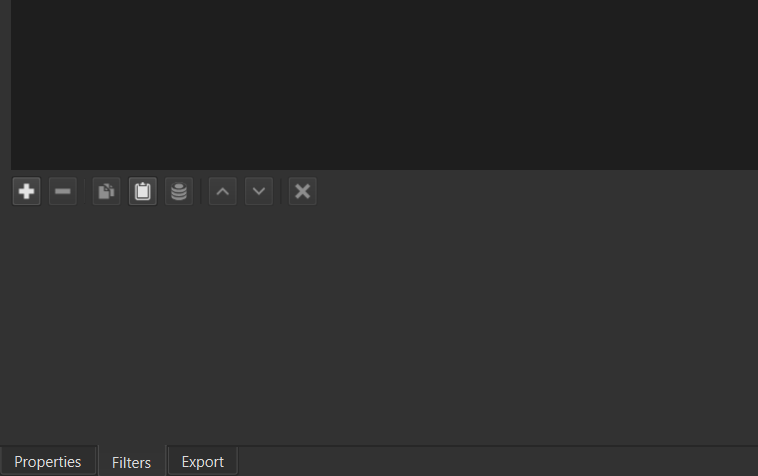
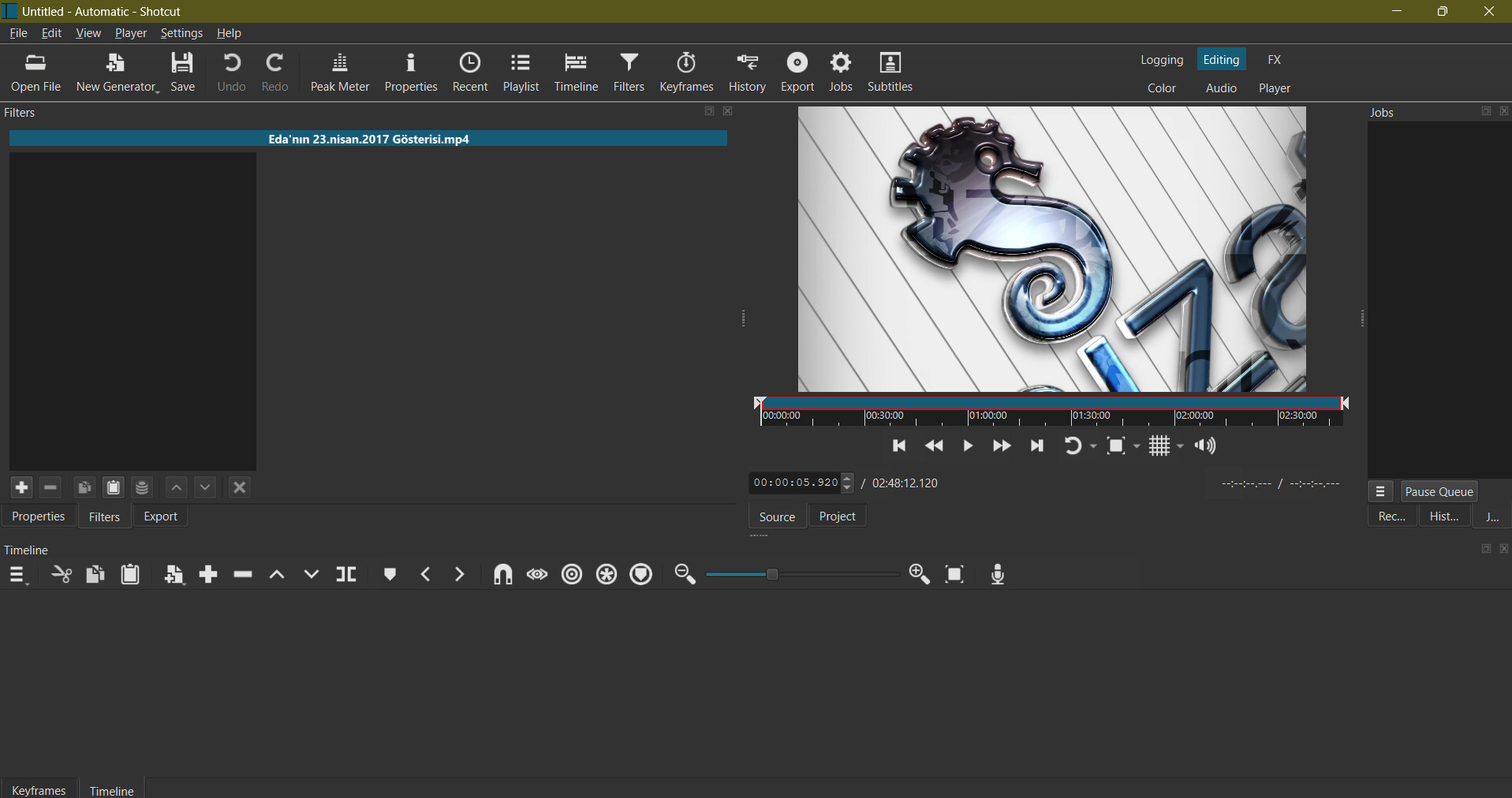
It looks like you might have a filter turned on. Can you share a screenshot of your entire project opened in Shotcut? Look for the filter icon on a clip, track, or the output.
Look for the Filters button in the main toolbar. See its icon looks like a funnel:
Click it to open that panel or raise its tab. Next, if you are using the timeline, look for that icon anywhere in the timeline including the column on the left. If you see it, click it and look at the Filters panel.
Filters are the cause. That does not randomly happen. You are not looking hard enough. Filters does not show everything all at once. It depends on what you have selected. You have not provided a full screen shot.
Hi,
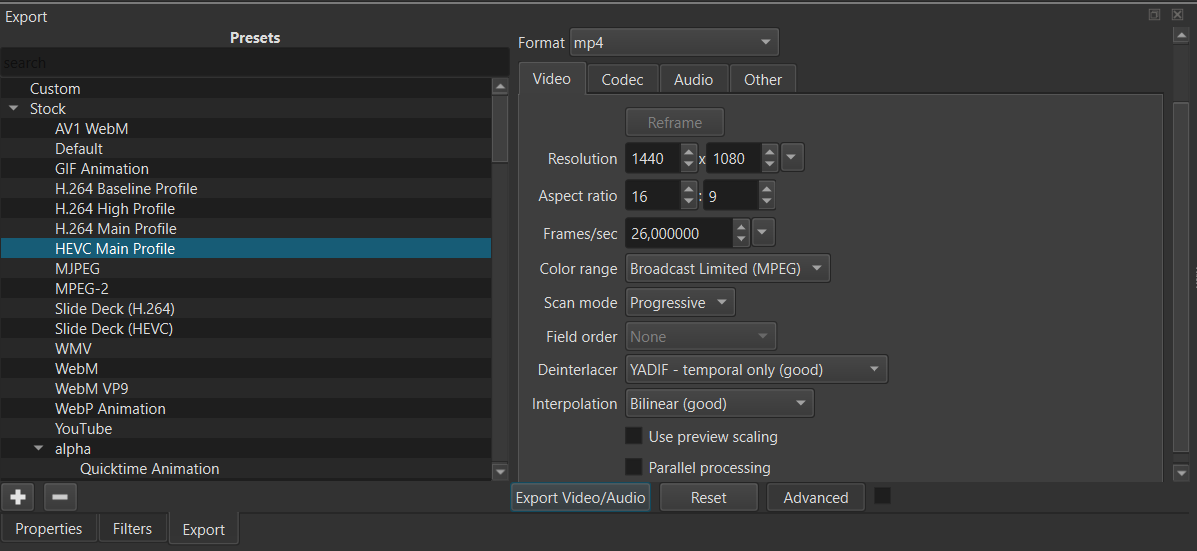
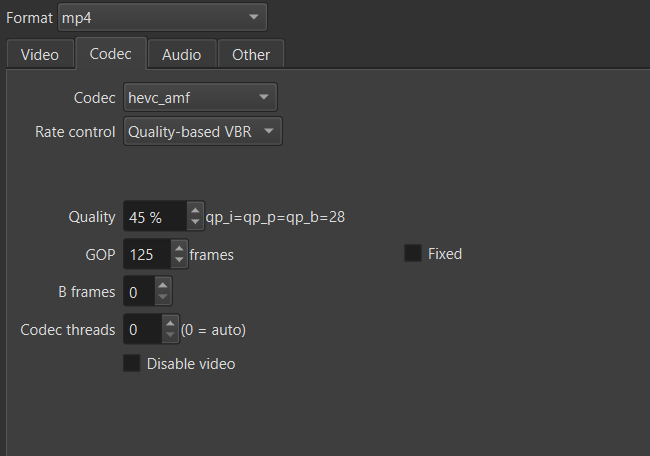
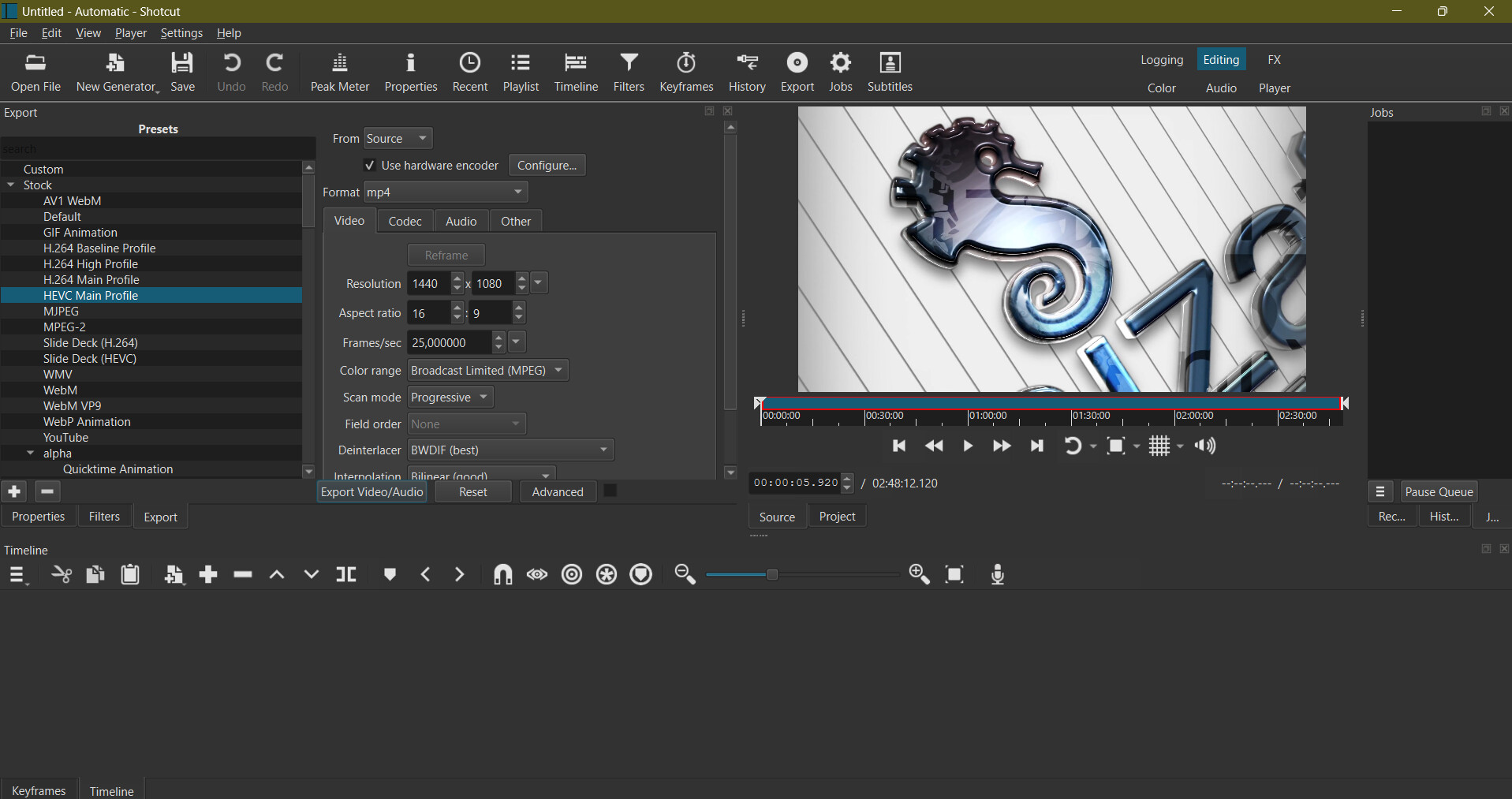
here are my remaining settings. I did not change anything but used the HEVC Main Profile with AMD Hardware encoder. Meanwhile, I did the same conversion with Handbrake and I did not get any artifacts.
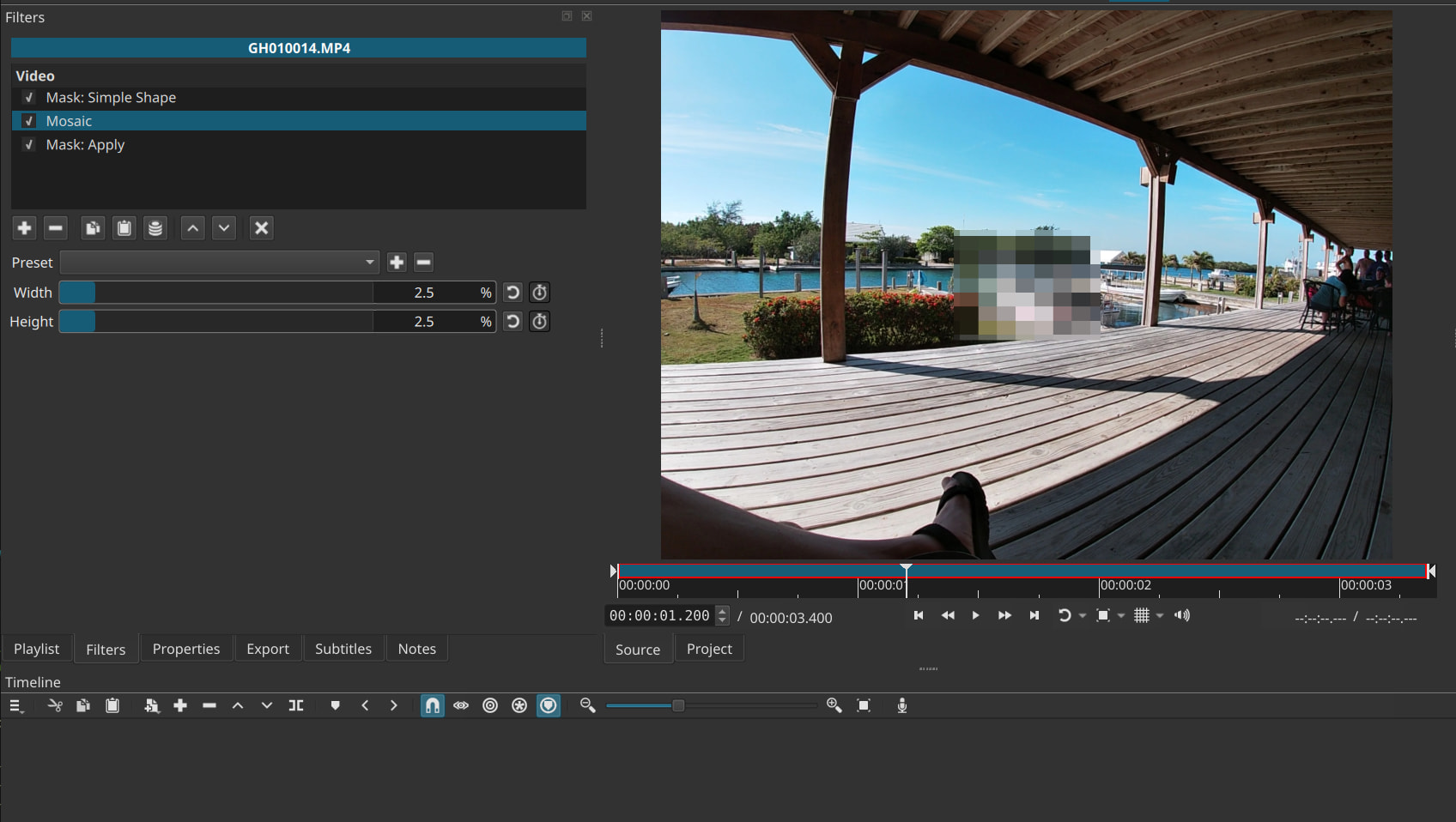
I see your project is Untitled (not saved), and you probably restarted Shotcut since the time you encoded, and then simply re-opened the previous video file. So, of course, it will not show filters now since you did not add them. But notice how remarkably similar the first image you shared looks like the Obscure With Mosaic filter set:
Hi, OK, I got it. I, indeed, did not save it as project. I can remember clicking around in the Filters screen but was sure that I did not choose anything Probably chose the Mosaic filter. I’ll try again by opening from scratch. Thank you.

 Probably chose the Mosaic filter. I’ll try again by opening from scratch. Thank you.