I’ve been editing large videos (~3hrs long, H.264, .mkv; 3 AAC audio tracks) for a while now and have been having performance issues in both Windows and Linux (Bazzite 43). Currently using Shotcut 25.10.31 Flatpak, but this has been an ongoing issue since at least early 2024 when I started recording these long videos.
The issue I’m having is that, once I drop the video onto the timeline, if I want to jump to a specific time in the video, it can take up to 5-7 minutes, depending how far into the video I want to navigate. When I do, Shotcut absolutely maxes out my SSD read speed, as if it has to read the entire video file sequentially in order to jump to a specific time.
I’d like to report this as a bug unless there is something specific to the file type that is causing this, and if that’s the case, I could use some help identifying an alternate codec or container that will give me better editing performance while also not requiring files to be finalized (like .mp4).
Anyone else have this issue and/or have a solution to it? Thanks!
A quick way to remux a file is to open it, and then in the Properties Panel, choose “Extract Sub-clip”. If you don’t change in in/out points, the whole file will be the sub-clip and it will be remuxed.
Huh, remuxing really did fix it. I can drop the playhead anywhere once it’s an .mp4.
Is that a limitation of .mkv files? Since I record in OBS, I think I can just use the “Remux Recordings” option after I’m done recording and go do something else for a bit while it chews through it.
Thanks, both of you! (I still wish .mkvs were more editing-friendly!)
I think the way OBS is writing the MKV is causing FFmpeg to have bad performance for seeking. From this page:
It is failsafe, i.e. an unfinished recording due to power loss or other causes will remain playbale and recoverable. However, it is not well supported in editing software and may require remuxing for use in editing software.
Hybrid MP4 and recently added for MOV seems to be preferred for editing a recording.
Hey, thanks for this info! I’ve tried the hybrid MP4 now, and… I have mixed results.
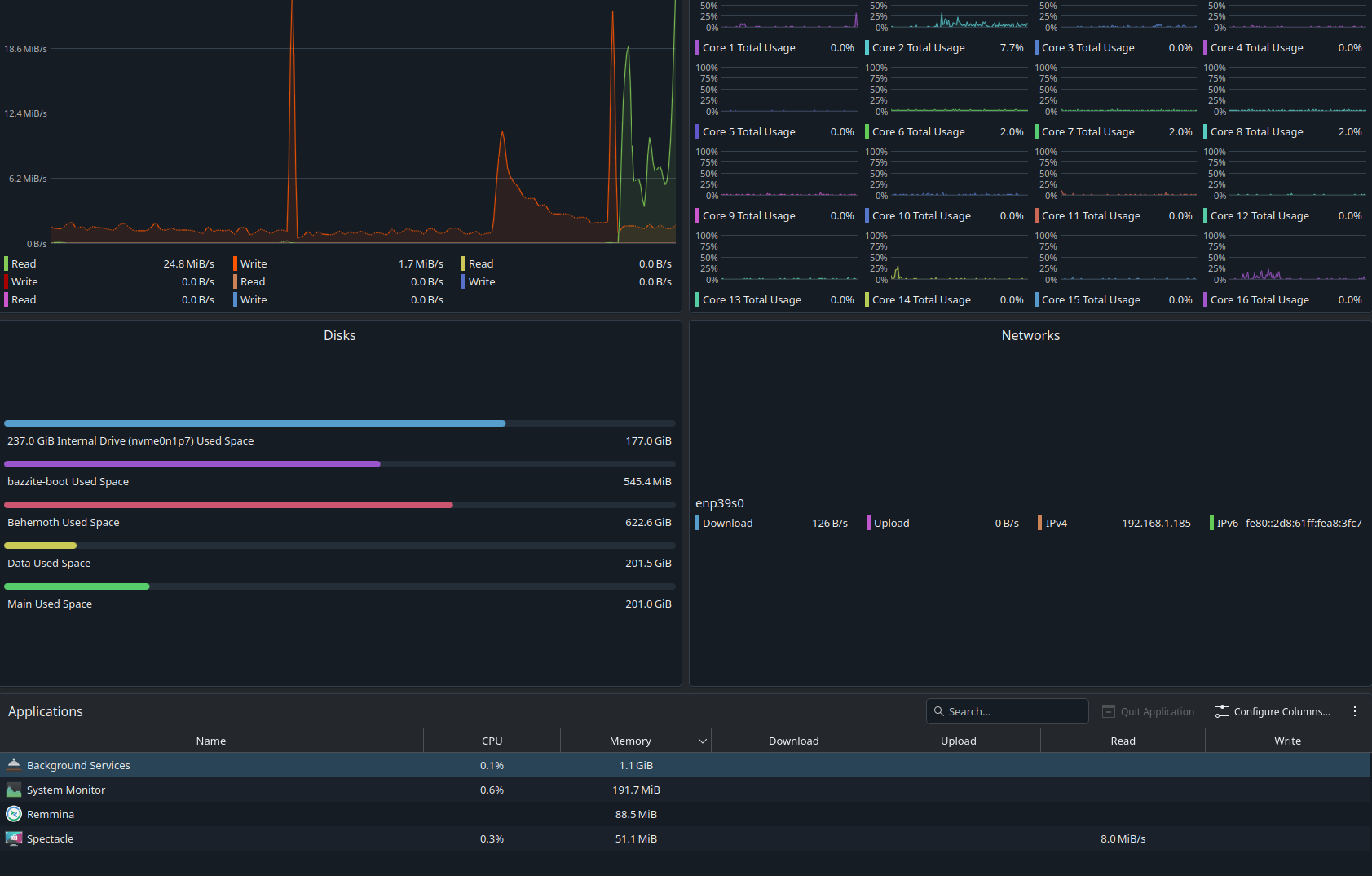
On Linux (Bazzite 43), I was able to edit a 90-minute video just fine, but when I went to edit a full 3-hour one, it worked fine until I tried to make a cut. Then Shotcut just crashed to desktop, and now it crashes whenever I try to load the file. In fact, one time it crashed so hard that I had to repair my flatpaks. I had the same issue regardless of whether I remuxed the file afterwards or recorded it in hybrid MP4 initially. Even weirder, after Shotcut crashed, I now have a mystery process that’s writing a couple MB/s to disk that only starts when I try to open the file. I think Shotcut is still trying to generate the waveform or something. In fact, the logs seem to bear this out.
I still have a backup install of Windows 11 on my computer, so I tried it there. Shotcut had no problems with the file there.
In case it helps, I’m uploading the log from the last crash, which is from opening the file that caused the crash in the first place. If you think it would be helpful, I can try to generate the initial crash again with another error log. I can also open a separate thread if you want to separate out this crash bug from my original question!
Marked remuxing file as the solution (though recording in hybrid .mp4 seems to work just as well, if not better due to not needing to be remuxed), as the ongoing issues I’ve been having appear to be caused by the 25.12.31 version in Linux (Windows version does not have these issues). I have opened a new bug report for that issue.