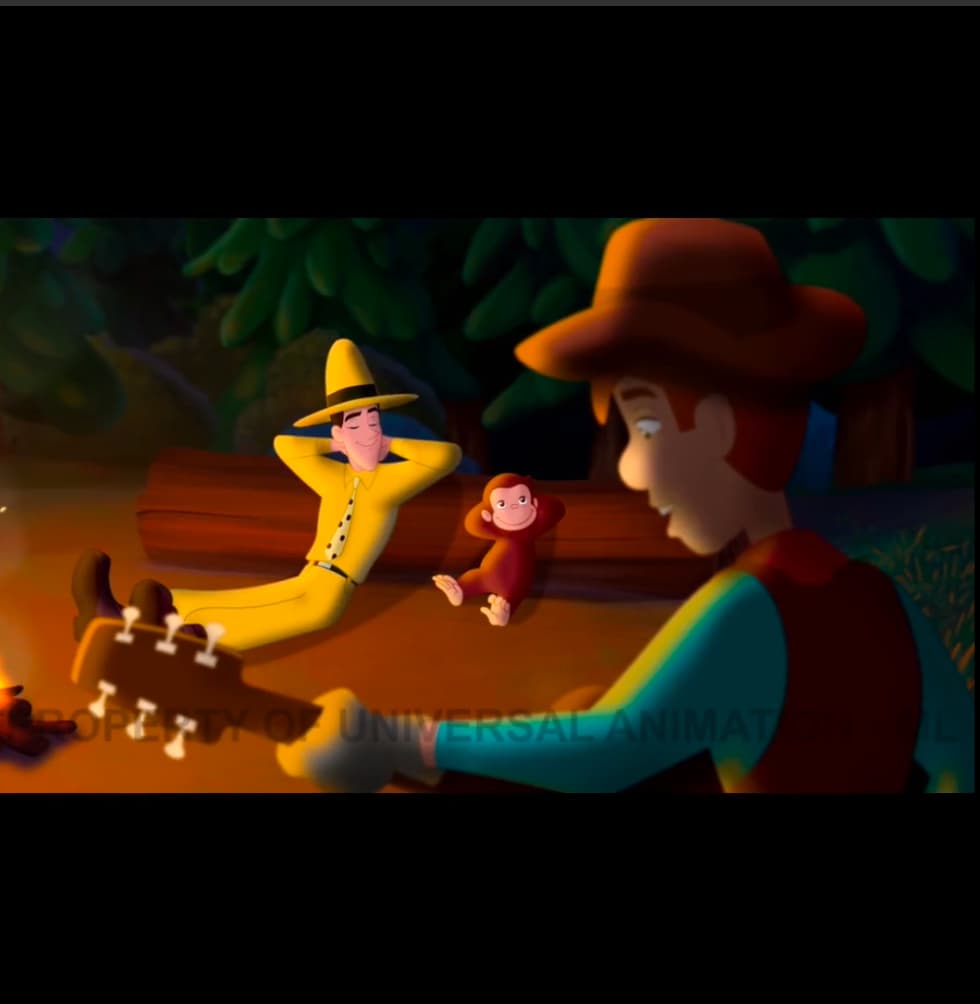
Actually, now I’m not sure the image will show. Basically, the video is set inside a black square box. I want to be able to export the video in the widescreen ratio of the video. Essentially cropping out the black.
I have tried many time with the size and cropping filters but every time I export, nothing has changed.
Thanks for your help!
Hi, thank you for your help! What I’m trying to do is to export just what’s contained in the video in the aspect ratio of that video shape. I don’t know if that’s the most elegant way of putting it.
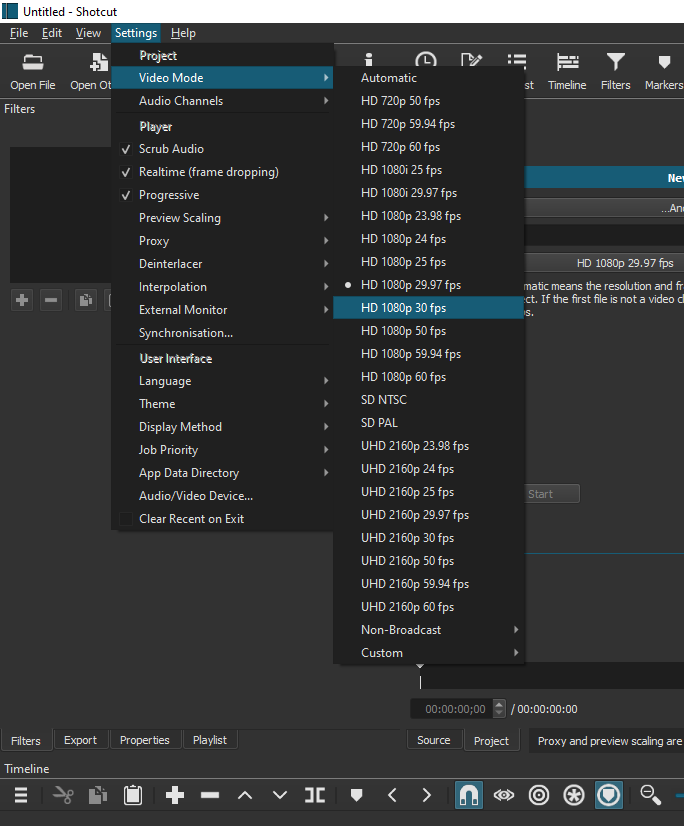
Your screen is square (aspect ratio 1:1, not recatngulare e;g; 16:9). This ia because you have chosen the wron video mode. Change to to 1920x1080 and it will probably look how you want it to.
Got it! And then I used the Size filter to fill the entire box with the image. Great! Thank you so much. I had tried watching a bunch of videos but there’s nothing like being able to ask someone a direct question.
Quick tip: in this case using the Crop (source) filter would be faster: it automatically crops the black bars and matches your video mode if you hit the Center checkbox. Also, I think export time is visibly better than if using the Size, position, rotation filter.
Yes but this step is not needed as Size filter does the same thing with his video that is already 16:9 format within 1:1 frame. Once the size is lined up the entire process will be quicker on export using only New format and Size filter to get rid of top and bottom bars.