Windows 11
Shotcut 25.10.31
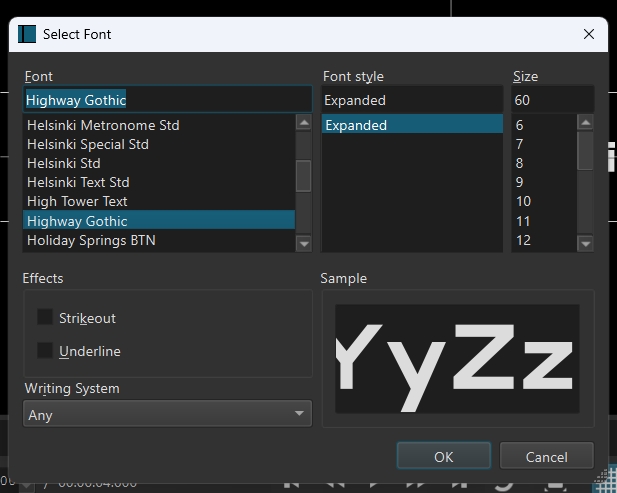
I want to use Highway Gothic Expanded, but when I select it, it defaults to the regular version, “Highway Gothic” instead of “Highway Gothic Expanded”. Same goes to any of the subfonts under Highway Gothic.
Windows 11
Shotcut 25.10.31
I want to use Highway Gothic Expanded, but when I select it, it defaults to the regular version, “Highway Gothic” instead of “Highway Gothic Expanded”. Same goes to any of the subfonts under Highway Gothic.
Hi @Cesar_Blanco , for me, “Highway Gothic” appears in the left column of the text pop-up, but “Expanded” also appears in the right hand “font style” column, and it’s the only option. Is that what you are getting? Nice font, btw! I will use that myself, thanks. 
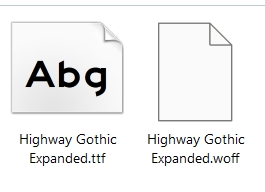
By the way, I installed the .ttf version, not the .woff. I didn’t test it with the .woff version.
EDIT : I just found out that you can’t install .woff files anyway, you have to convert to .ttf. Ignore me… 
The only Styles from the font dialog that Shotcut supports is Bold, Italic, Oblique (same as Italic), and various weights (similar to bold). It also does not support the Effects from the font dialog: strikethrough and underline. We do not make the font dialog to remove those sections; so, there is currently a mismatch between functionalities.
Fixed for the next version 26.4