I have a video project loaded and I need to learn how to filter the audio.Purpose was that the video has loud music in background and I am trying to hear the dialogue I went to the tutorials and saw multiple youtube videos for the How To but most were of older versions of the software. Users were clicking on different places as well as using different verbage The software I downloaded is the most recent version. I think I will love it once I learn how to use it 
Hello kaykay, and welcome.
As far as i understand, you have one video file (from youtube or filmed by yourself?). In this video is some spoken dialoge as well as background music. Your goal is to filter out the music and keep the dialoge, do make it understandable?
Best, Florian
thanks for your reply  Yes. I have a video on the desktop of my computer and it was put into the project. Being new, I guess, I feel overwhelmed
Yeah, video editing can be an overwhelming rabbit hole, but on the other hand, it’s fun 
Your task is - at least from my point of view - not a video editing task. It is more an audio editing task. I would separate dialoge and background music mostly with openVino, an AI-plugin for Audacity. Audacity is for audio what Shotcut is for Video.
Like Step one: Import your video to Shotcut Step Two: Export your video as an audio-file, for example as a *.wav-file. Step 3: Open that audiofile in Audacity, clean it (Step 4) and reimport it as a separate audio track in Shotcut (Step 5). This sounds maybe dificult, but only Step 4 should take a few minutes to fiddle around with parameters until you like the sound.
There are different solutions, but for starting, i recommend you
.
sounds like great suggestion and in steps for me to complete… I probably should explain more. the file is AVI and I want to cut a clip from this file and do the audio editing from the cut clip. Sorry just learning
made the selection to export in a wav file… standing by because I dont know the next step…
I can hit the export button again or the advanced button… nervous is not a good feeling!!!
But would it be a better choice to do the cutting of the clip and I am not there yet… still holding my breath
It’s a good idea to cut away unnecessary parts a first. This will produce a smaller audiofile which is easier to work with in Audacity.
You can also set a marker to define a section and export only this area. So you don’t even have to cut anything before exporting.
Export works normally like a charm. Maybe you can provide a screenshot of your export-settings
print screen did not work.settings export format is set to .wav.. 2 channel stereo..sample 48000 hz…code aac..average bitrate 384k b/s
the shotcut has the export button at the bottom of this box
the audacity is beta2 4.0
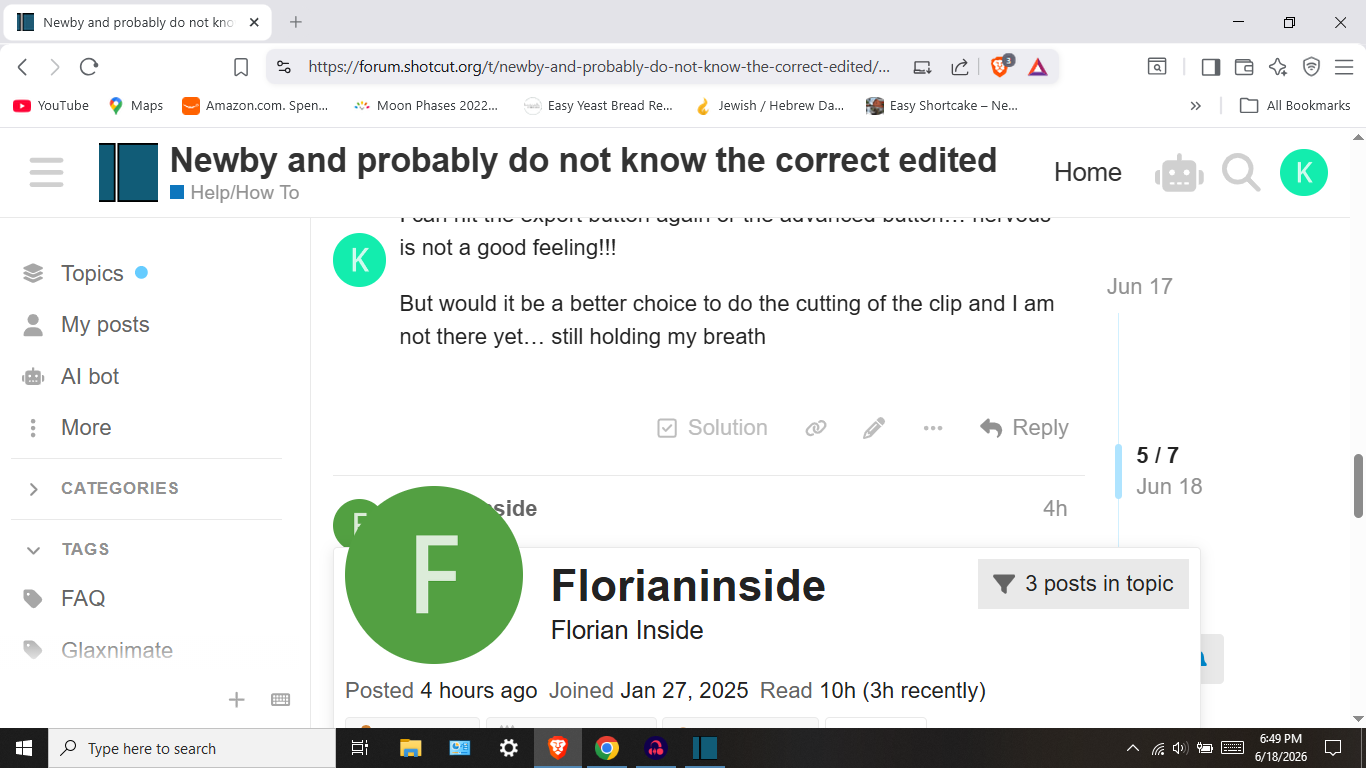
If you are a windows user, you can make Screenshots with Win+Shift+S very comfortable, and also directly paste it from the clipboard into the reply-textfield
that looked strange
Perfect! Now try to screenshot Shotcut, especially while trying to do an export
I was looking at shotcut when I did that screenshot

Do you have multiple Monitors? If so, try to catch the one with Shotcut, this would help to find out why you can’t hit the export button
no, but I wondered if I have a version of shotcut on the cloud.. would that make a difference
the properties on shotcut do not indicate it is on the cloud
I need to say that I have appreciated all your help.
I finally got the project into the timeline and now I just want to get the clip I want to work on. I have worked with placing the I or the 0 , but I have not made a success of this action