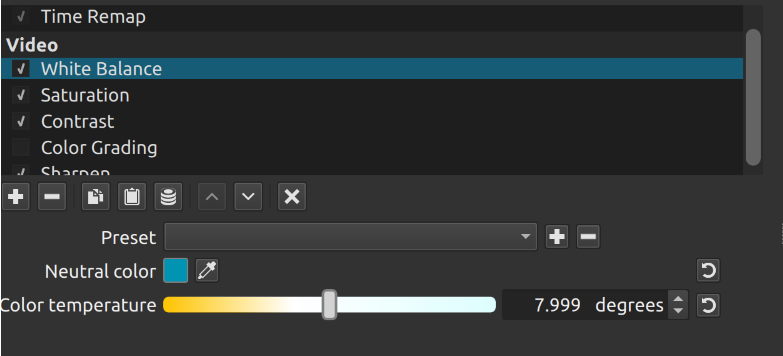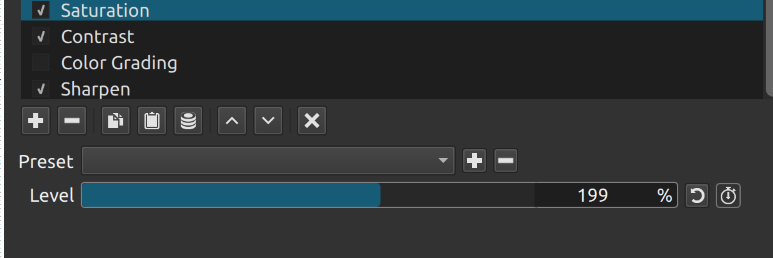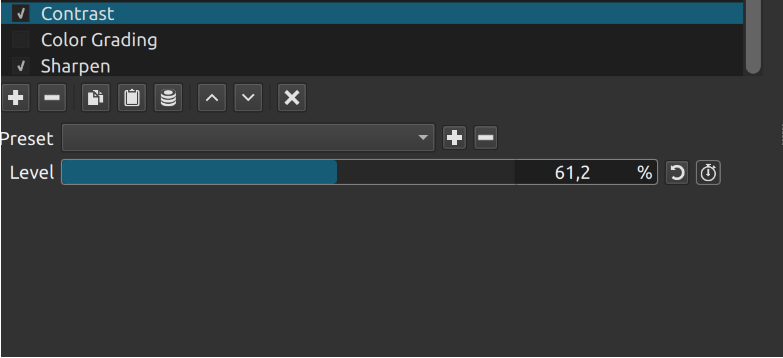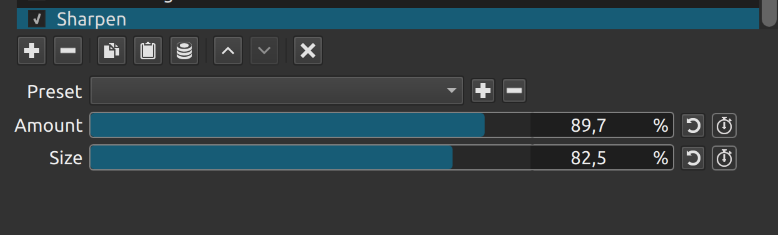
One full day of snorkeling. One full week of editing. Another run-and-gun edit. Let me know what you think! This gave me a chance to practice color grading underwater footage.
One full day of snorkeling. One full week of editing. Another run-and-gun edit. Let me know what you think! This gave me a chance to practice color grading underwater footage.
Very nice and keeps your interest. I like the color and tone renditioning underwater.
Thank you. Each destination had to be color graded differently, and that was the challenge.
I learned scuba diving in Roatan several years ago. Loved it. Your video helped recall the memories especially the boat rides.
Amazing! Thank you for watching!
Wonderful! I’m a longtime diver and have a lot of underwater photos and videos that I occasionally try to improve, so I know very well how different clips can be (depending on location, time, weather, depth, etc.). Sometimes, if it’s easy and/or I’m lucky, I get some results, other times not. If you agree, I could send you the videos and how I got them, along with a description of the steps I took. Given your experience using Shotcut (I often follow your posts), I’d be very grateful for any advice you can give me.
Absolutely! Send away
That does it - I’m coming over … can you meet me at the airport? LOL! 

Seriously, and sadly, I can’t be there really - but what a magical place. Not jealous at all! 
Brilliant color-grading, Ben!
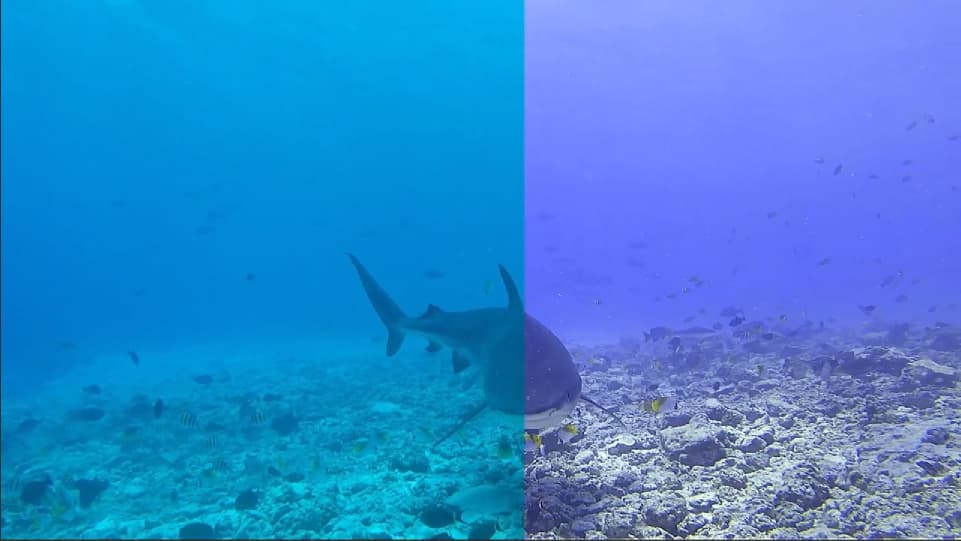
Here’s a small piece of footage that, although taken in shallow water (with some red still in it), I couldn’t get a decent color grade. The original footage is on the left and the worked one is on the right
What could I have done more and better?
.
Try removing the white balance filter and adding a color grading filter. Push the midtone color wheel towards red/yellow to cancel out the blue/green cast. Once the image looks more natural, then possibly add back the white balance filter to warm the colors slightly if desired.
When I go underwater, I actually bring a cheap, plastic gray card in my pocket and shoot that with my camera so I know where the color is shifting. In the timeline, I white balance against that gray card to set the neutral color.
Here’s the cheap one I use. I buy a ton so if I lose them, it’s cheap: Amazon.com : Anwenk Grey White Balance Card 18% Exposure Photography Custom Calibration Camera Checker for DSLR and Film : Electronics
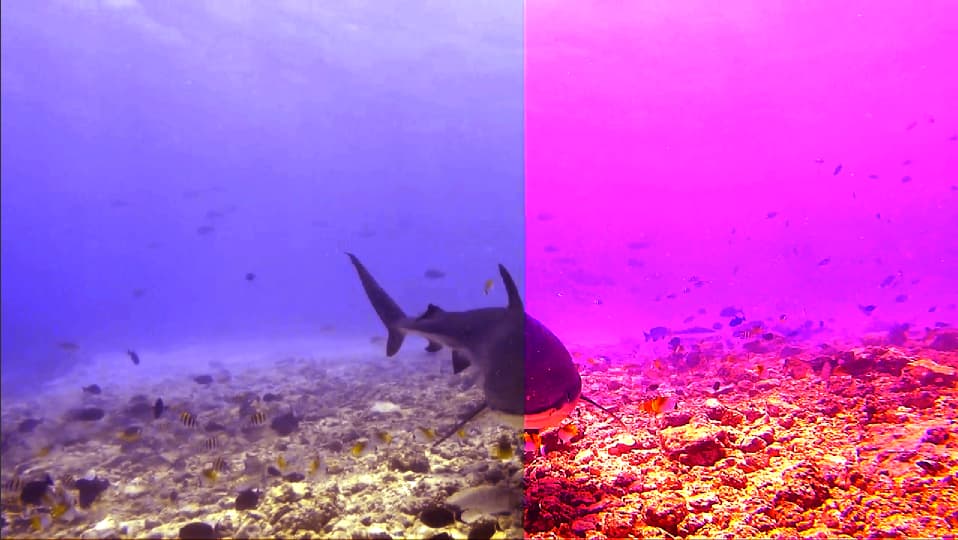
The hardest part for me is I don’t know what colors you saw, so I will guestimate. I took a screenshot of your video and color graded it lightly in Shotcut. Pay no attention to the right side as I graded the left side. This is what I ended up with
BEFORE
AFTER
White balanced against the sand which I assumed to be neutral color
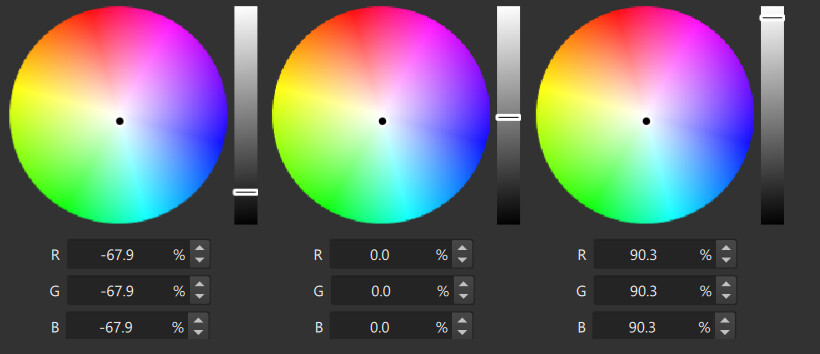
Added a Color Grading filter and pushed the highlights up almost to overexposure, then pulled the shadows down
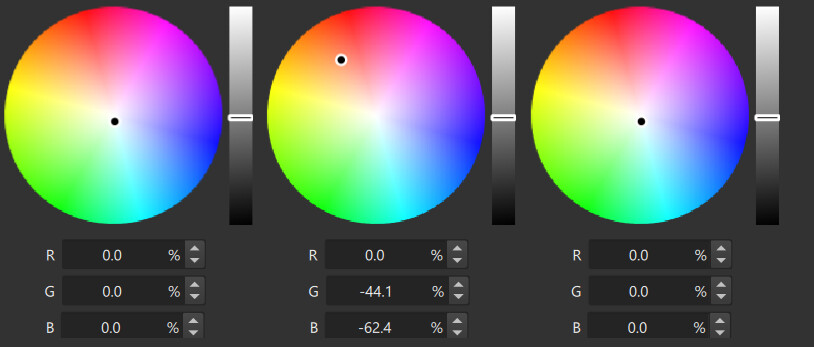
Added another Color Grading filter and pushed the midtones to red and yellow like what @Austin said
Played around with the Hue/Lightness/Saturation filter to add a little pop (I’m assuming those striped fishes were yellow)
And that’s what I got.
Thank Austin and Betancular thank you for your attention and suggestions. I’ll try to use them and let you know. Thank you very very much again.
I know it would be better to use this system; I’ve tried it, but it’s impractical for me due to the variability of conditions (even just between the surface and the bottom). The best thing would be to have a buddy with a neutral-colored tank as a reference…
@bentacular I am working with your suggestion, soon I will show the results>
Blockquote Played around with the Hue/Lightness/Saturation filter to add a little pop (I’m assuming those striped fishes were yellow)
actually the striped fishes are black and white
Just play with the hue/saturation filter
I usually find that the White Balance filter does a great job on its own. If the colour balance doesn’t look great after applying the filter, I just try selecting another neutral part of the scene until the result looks good. Once you have found a white balance that looks about right, you can just copy and paste the filter into another scene at the same depth and the colour balance should be pretty close.
White Balance
This topic was automatically closed 90 days after the last reply. New replies are no longer allowed.