My Class of 1985 Graduation video, Please HELP?

June 8, 2026

Hi Folks,

My Class of 1985 Graduation Video, 40 years!! : - ))

Need your help with answers, and whatever or NOT IF this is worth it of trying or would it be a waste of time???

I have a VHS tape that my siblings video taped my 1985 graduation.

It was on June 11, 1985

The VHS tape is in good shape after 40 years!!!

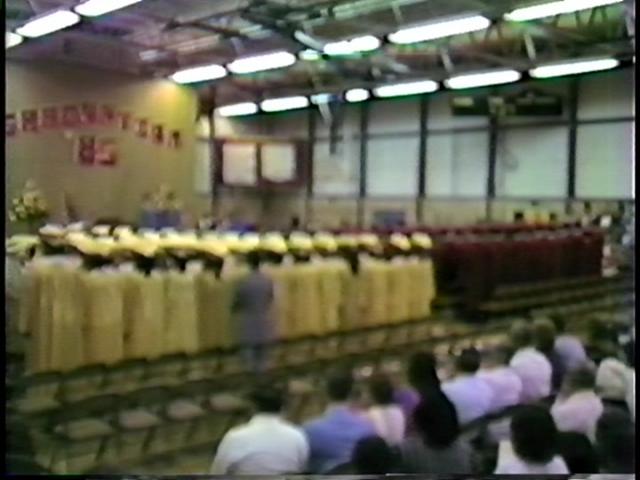
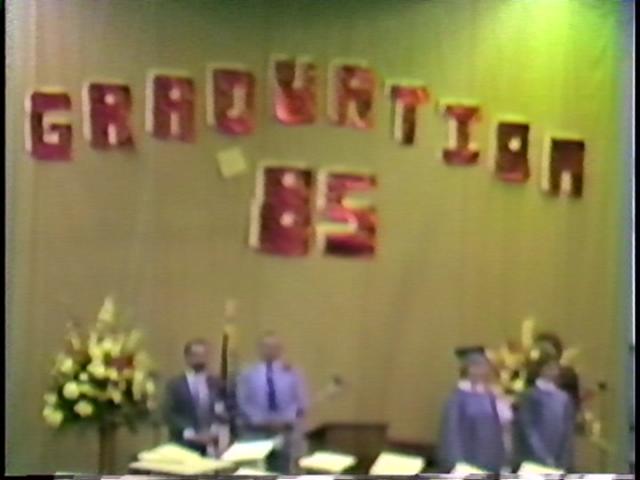
However, the camera lens was soooooo BAD!!

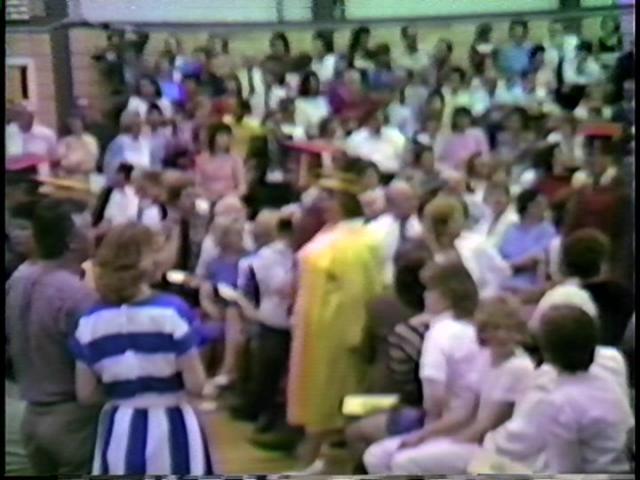
Can’t even focus in a wide view, or wide shot!!!

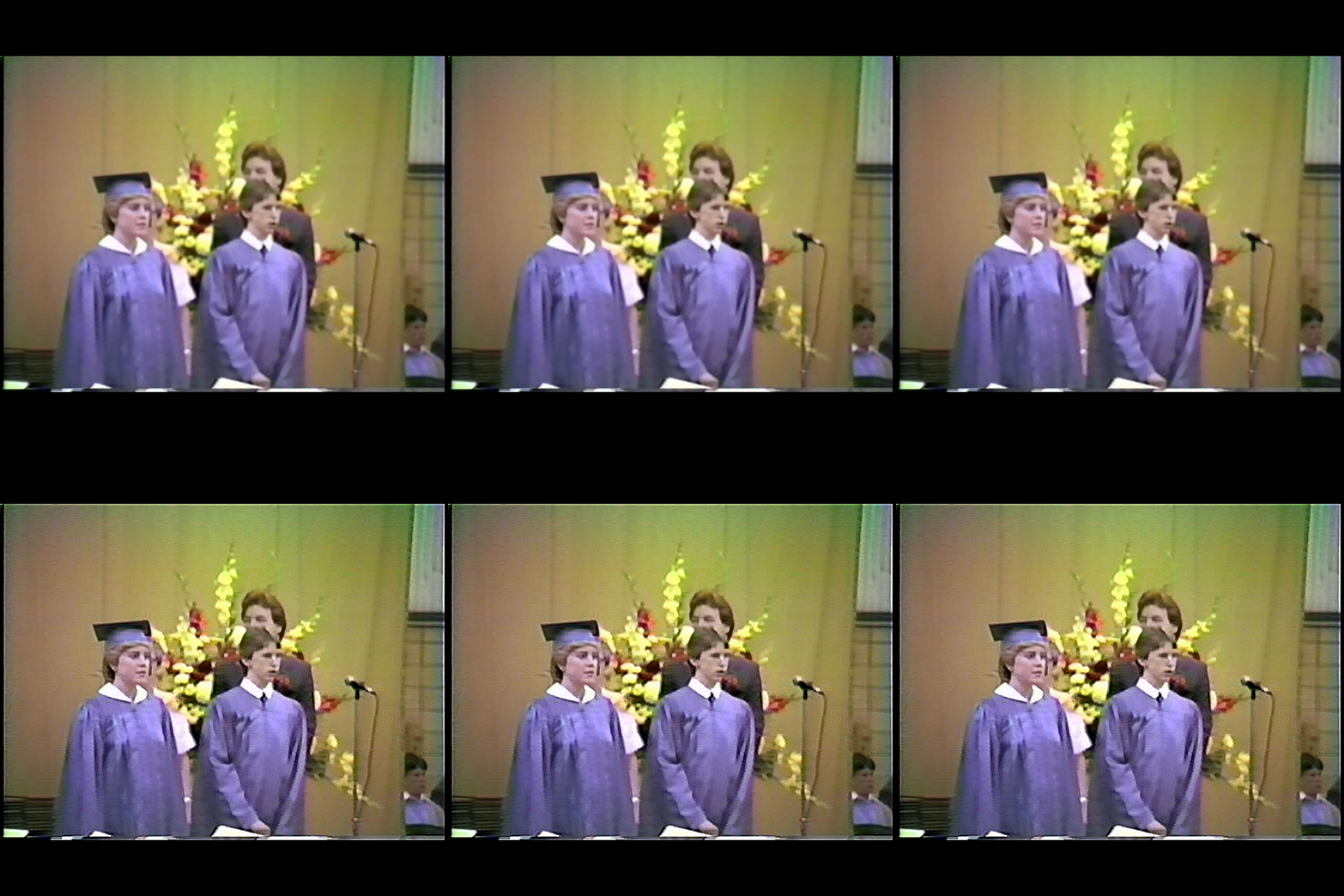
But when zooming in at the speaker or at the talents, it’s pretty GOOD FOCUS.

But NOT when the camera shows in WIDE SHOT, the whole gym.

I was wondering IF any of you can help and have ever done correcting the OUT-OF-FOCUS cameras???

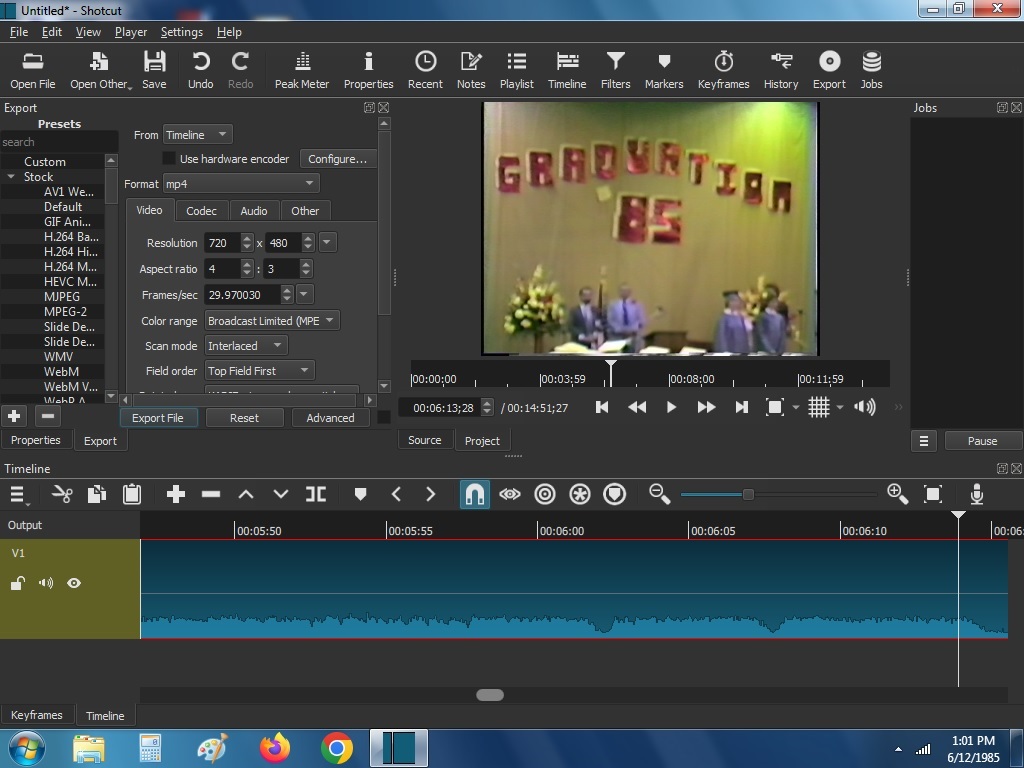
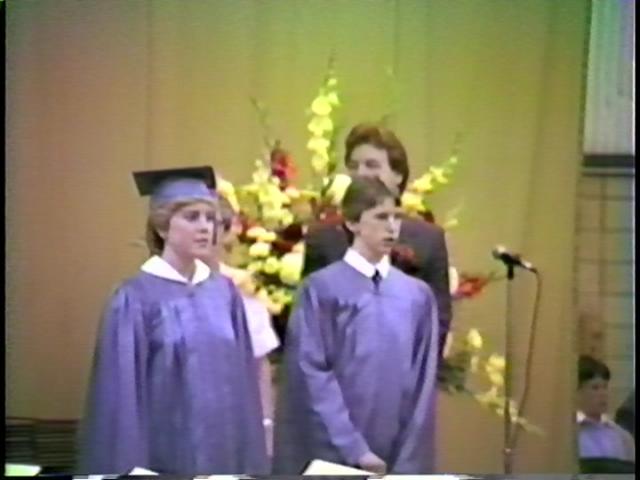
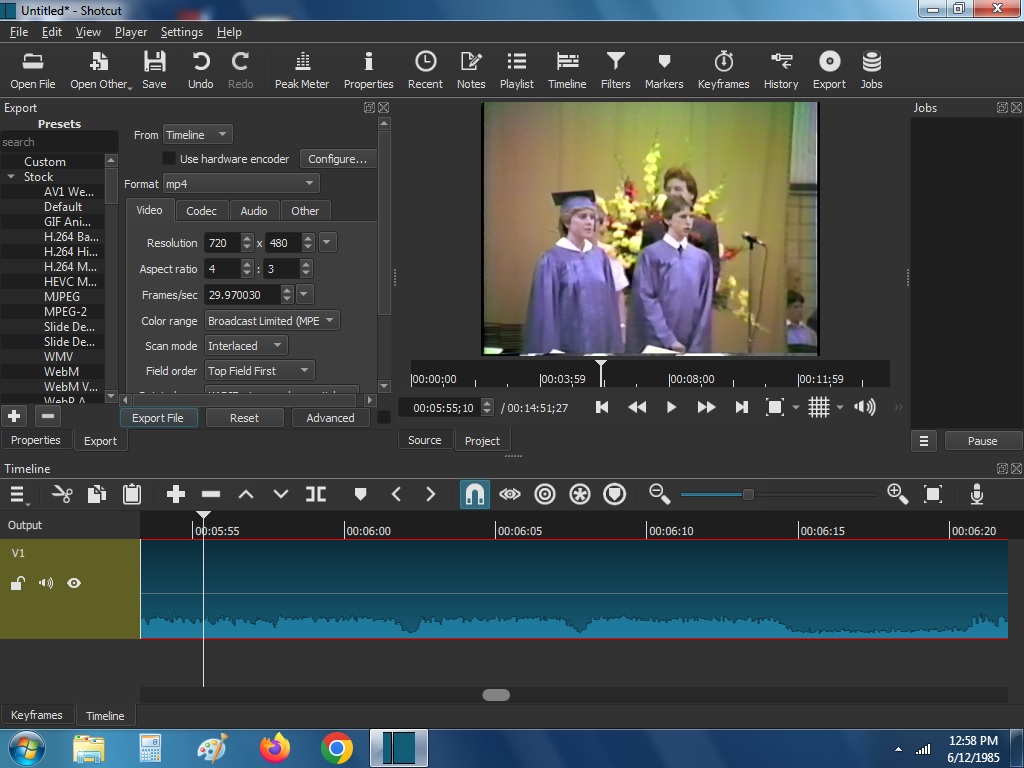
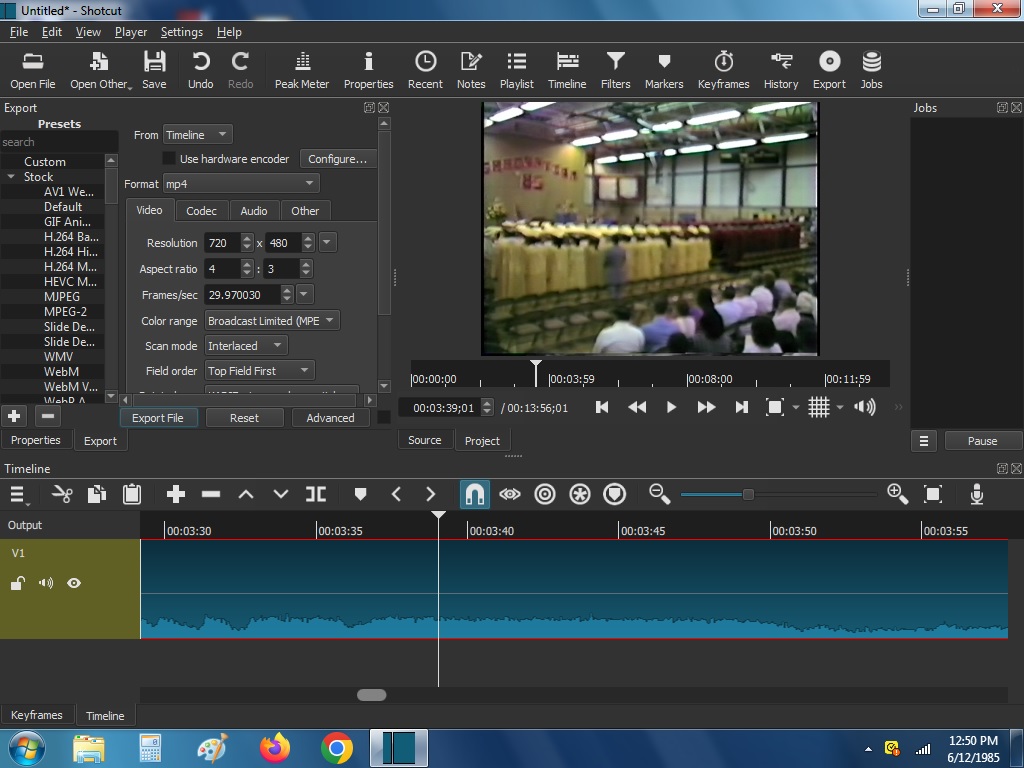
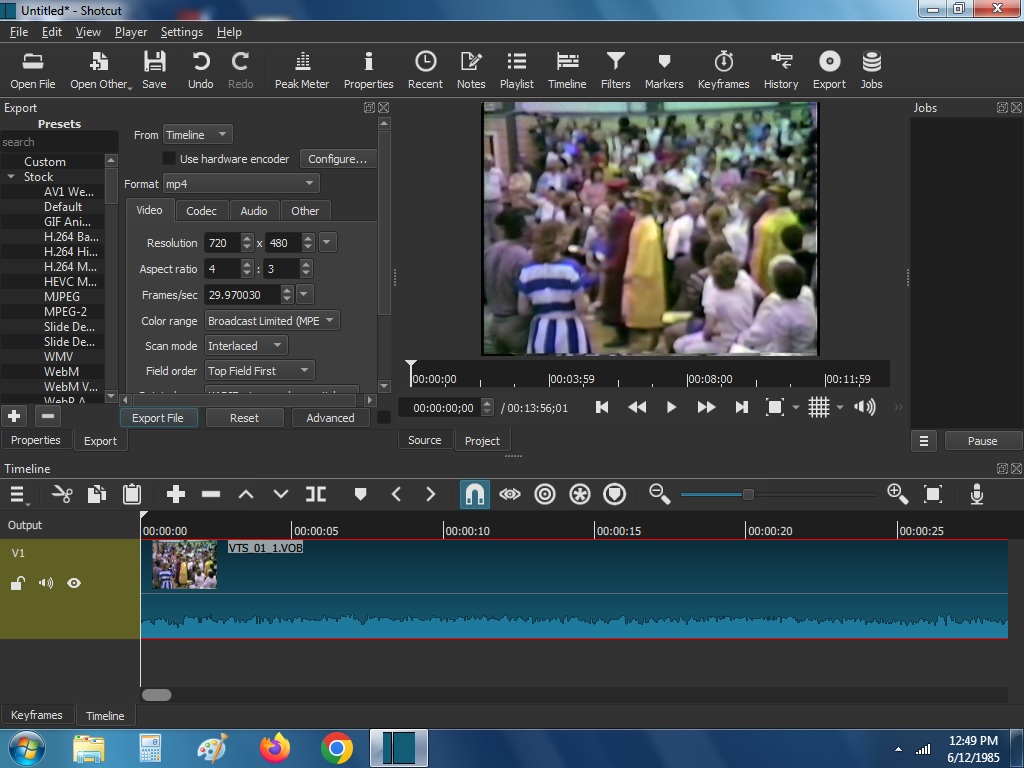
Enclosed screenshots to show you what I’m referring to.

Also, I provide single frames from the video for YOU to try it out on our Shortcut to see IF you could come up with a way to clear up the blurry wide view angle???

I thought that you might know the answer???

Or IF it NOT worth it to mess around with it???

It was a PANASONIC video camera with a tube inside. I don’t recall the model number.

I’m planning on uploading the video on my YouTube channel.

The other problem with that is…..

Well, it was my own video camera…. And there was a Graduation ceremony music played by the school band, and would YouTube consider it as a “Copyright”??? I know that the ceremony music is NOT on the sound track. It was picked up by the camera microphone far away back. But they used loud speakers in the gym. YouTube could say “Copyright” to block other countries from viewing my video??

I copied the Graduation video from VHS to DVD and it’s around 3 GB in size.

And I was able to copy it onto the computer as well. And was able to view it on Shortcut.

Do you know about YouTube???
Hope all helps with answers???

Thank you!!

: - )))
Absolutely not (yet); it does not yet use some AI recognition. It is a simpler matching of so-called signatures to studio recordings. So, things like cover bands and often AI-generated very similar tunes do not trigger it.

I have tried to cleanup some VHS recordings and run into the same frustration as you. It was the probably the worst image recording technology of all time. My father’s black & white 8mm film from 1962 is much, much better. Even when the camera is in focus it is poor, but maybe skip some of the noise reduction and sharpening on the blurred portions. I did not try too hard except to improve the color, and lived with the quaintness of its low-fi. In fact some people love it so much there are popular plugins to recreate the effect. And next version of Shotcut adds support for the popular NTSC-rs.

I have limited knowledge to improving bad images quality. What I know is that sharperning improves many images, as it reignites the shapes, but outside of that not. I tested sharpening max her some of your images and it improved a lot. not perfectly though. Check teh Gif Below as image 006 number exemple

1

There are amazing software and websites out there that do an amazing job upscaling very low quality files to 4K. I would run it on those first. That’s what those are made to do. That’s not what Shotcut does.

Once you have it upscaled, then use Shotcut to lay it out on the timeline.

Bentacular,

Can you tell me which software that would do it for my video???

Also to let you know I have 2 different Desktop computers.

1. with Windows 7 Ultimate.

2. The other Desktop with Windows 11

I have Shortcut tool in both of those computers.

Hope all helps with answers.

Thanks,

Eugene

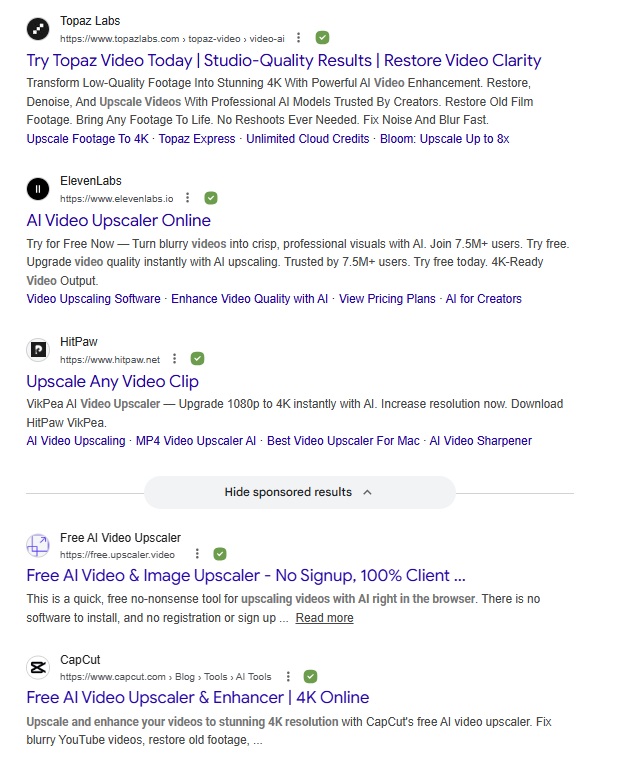
Here are some of the ones I got when I Googled “video upscaler”

bentactular,

YES, thank you, but I would rather download “Video Upscaler”.

The graduation video is 3.8 GB in size on DVD in HQ.

I copied video tape onto a DVD.

Then copied from the DVD to the computer.

I’ve seen these Upscaler online sites before.

But they don’t and won’t take up that big of GB video files.

I have two Desktop computers.

Is there Video Upscaler download tool so that I can do it on my own??

I have Windows 7 Ultimate on ne computer

The other has Windows 11.

Hope you can help me with directions. And understand the size of my video in GB.

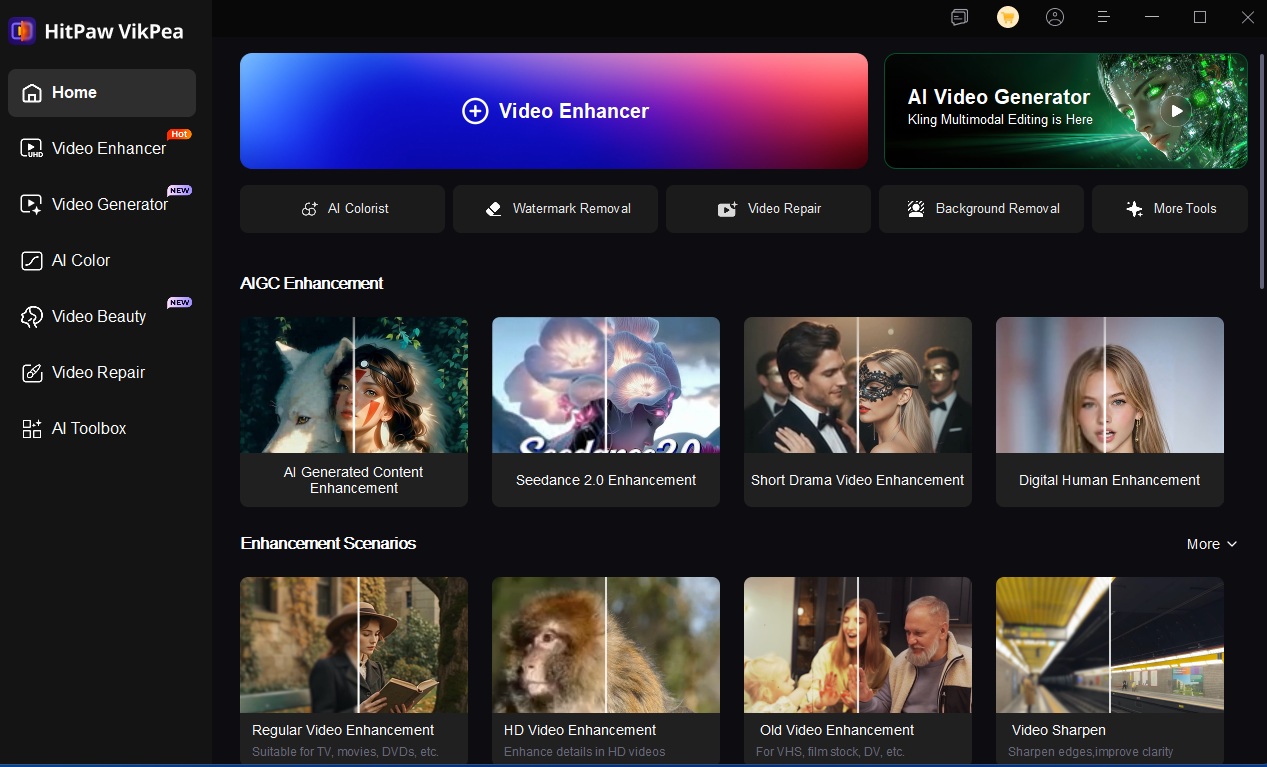
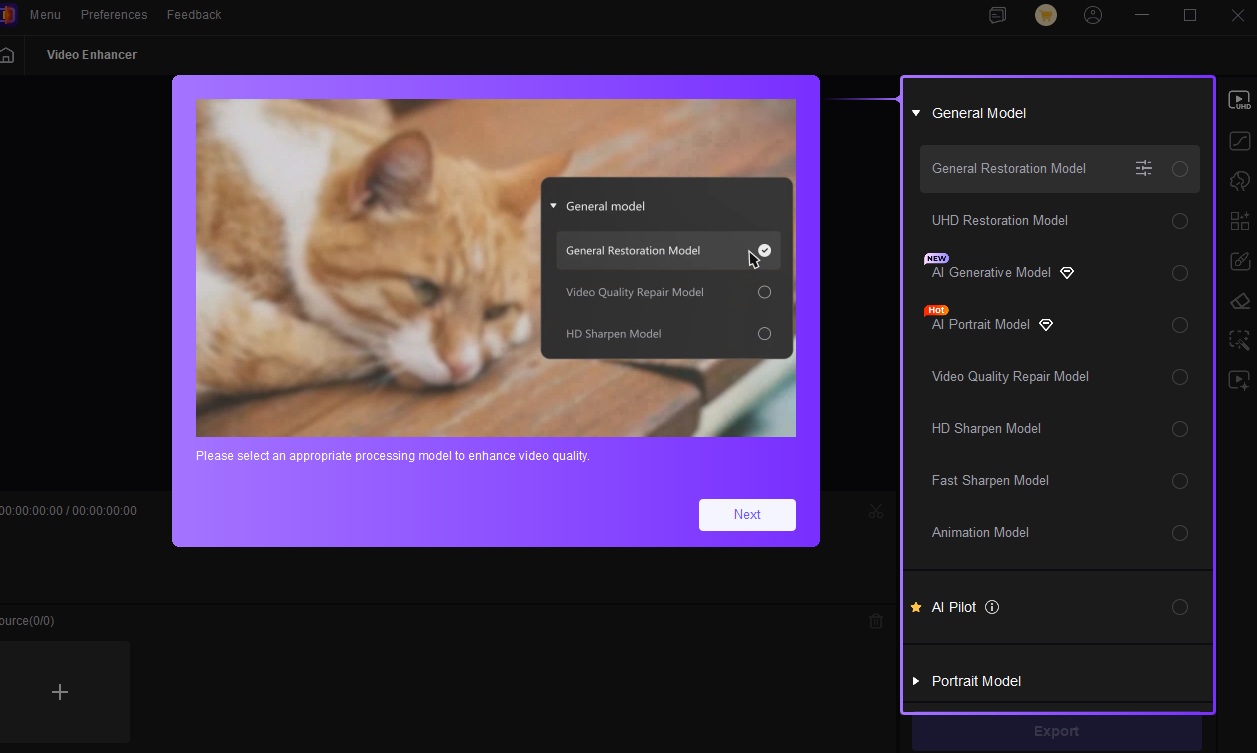
How about this site that have download too??? What do you think??

I downloaded their software tool. They said to try it for free.

It only work with Windows 11.

Enclosed screenshots.

I hope that they accept DVD files?? Such as VOB.

Hope to hear from ya, soon.

Thanks,

Eugene

I chose “Old video Enhancement” option

I hope that they accept DVD files, “VOB”.

Shortcut tool does accept DVD files, as well.

Anyone???

??

I am not familiar with that program, so I will be no help. Keep trying different ones until you find one that works

Hi J,

Looks good on the still photo.

What did you chose to make it clear on the photo???

And what would be the choice for over video???

Can you guide me how to do it on Shortcut???

I know that “Filters” is NOT the option.

Hope all helps with answers.

Eugene

As shotcut leader already talked about ( hadnt noticied ) he pointed the filter sharpen and he complemented how you can apply denoise ! The sharpen filter you just apply the filter really. But it will not look that great imo. It was just a simple thing.

That is a very cool filter !

Again, what to look for in the list of filters???

I do NOT see “Sharpness” option.

Which option in the filter that sharpen the video???

Can you guide me to it??

Thank you.

Go to https://www.youtube.com/watch?v=3VcFGnTlJSo