You must use the English language in a bug report. If you do not speak English please use a translation service instead of trying your best to write English. Thank you
What is your operating system?
Windows 11
(If you are using Linux, you must state how you installed Shotcut as there are too many builds and packages. In general, we do not make the build installed by your distribution package manager unless it installs the Snap. The developers only build, test, run, and support the builds shown on our download page.)
What is your Shotcut version (see Help > About Shotcut)?
25.12.30
Can you repeat the problem? If so, what are the steps?
Open melt.exe
(Please be specific and use the names as seen in Shotcut, preferably English. Include a screenshot or screen recording if you can. Also, you can attach logs from either View > Application Log or right-click a job and choose View Log.)
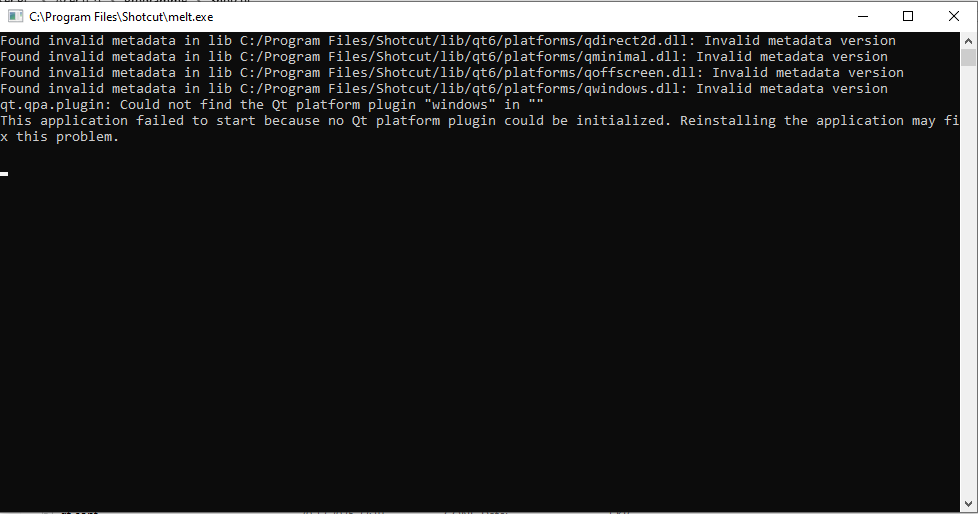
If I open Melt.exe with no Parameters (double-click on the App Icon) I get this Output:
I wanted to use it in CLI an wondered why it doesn’t work → I got an Error in my App that Melt doesn’t seem to work properly. So I checked the Melt App and I remember that it was just exiting whenn I checked it some time back without any major logging. But this above doesn’t look too good.
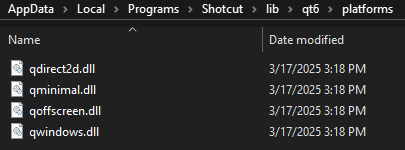
I did not install Shotcut per User. So its not in the User Directory.
And I installed Shotcut via the official Build from Github. So all Files should be linked appropriately. And you can see in the CLI Log that there is a Response from the QT Module.
Why are you using that version? The release version is 25.12.31
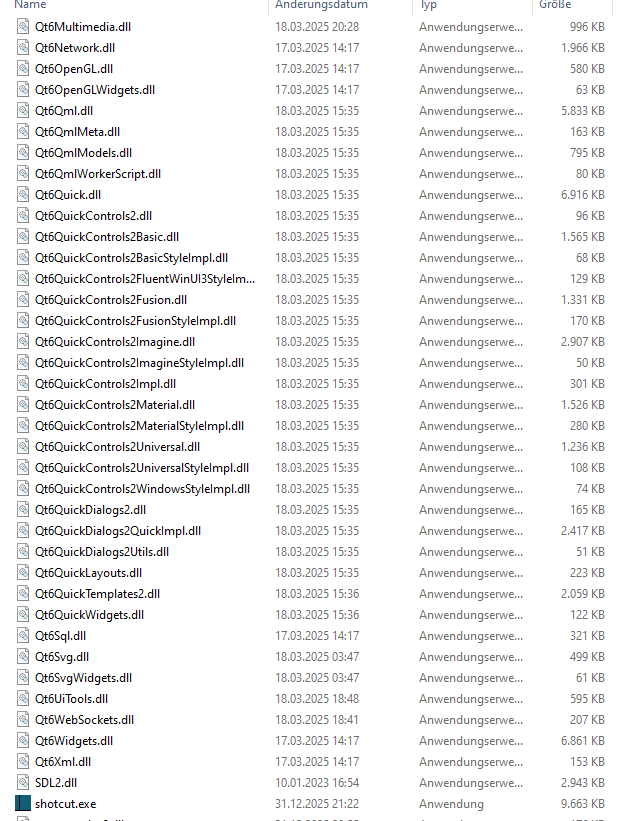
I get this Output:
I do not get that when running from within cmd.exe. It is working fine.
It is possible you or something you installed is setting a system-wide environment variable that is doing something bad. Shotcut does not create any. From Command Prompt run set and look for any environment vars starting with QT_ or MLT_.