Hi, I’m relatively new to Shotcut but I’ve been using it for a few months and I’m struggling to achieve my desired effect.
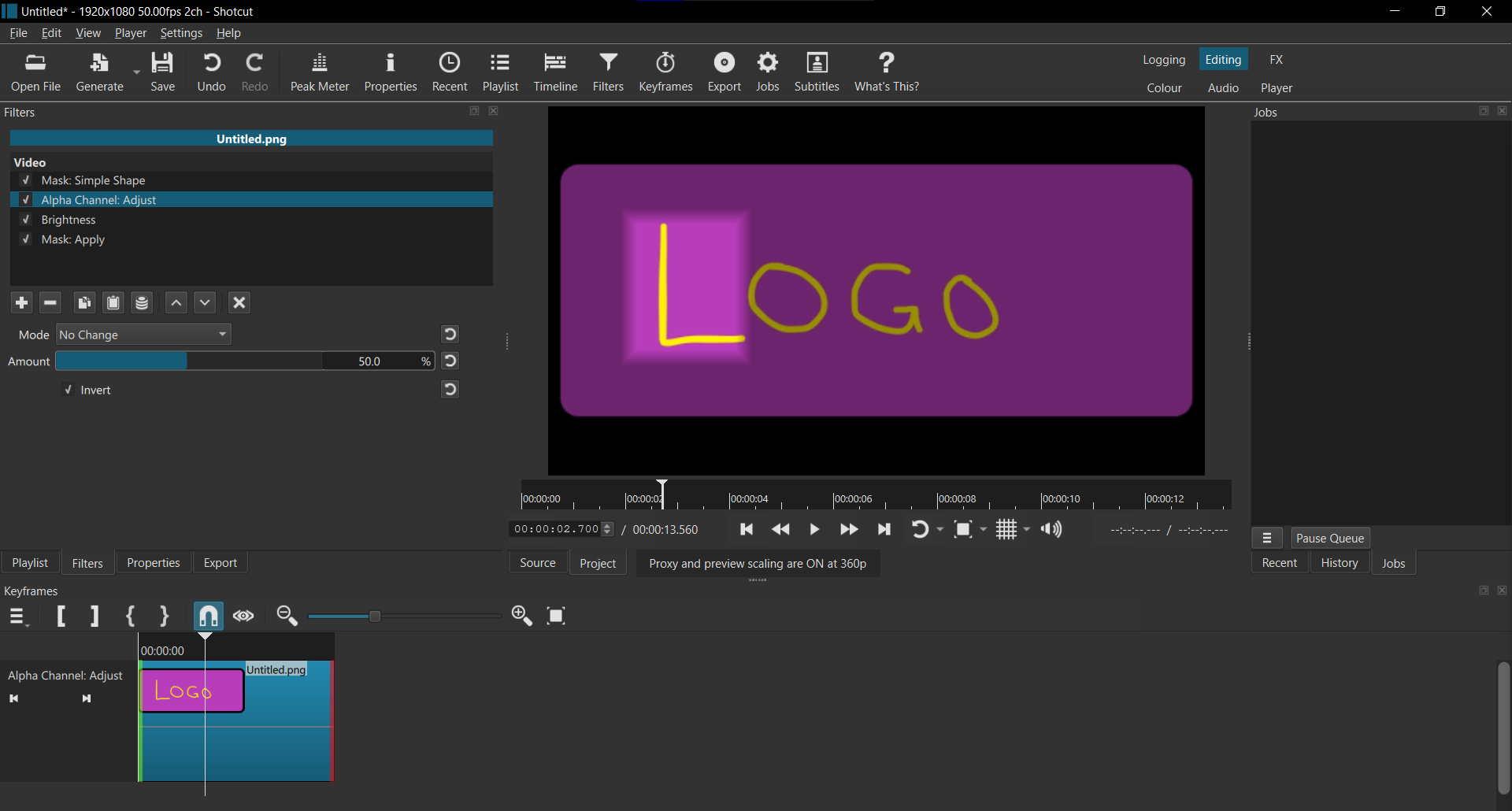
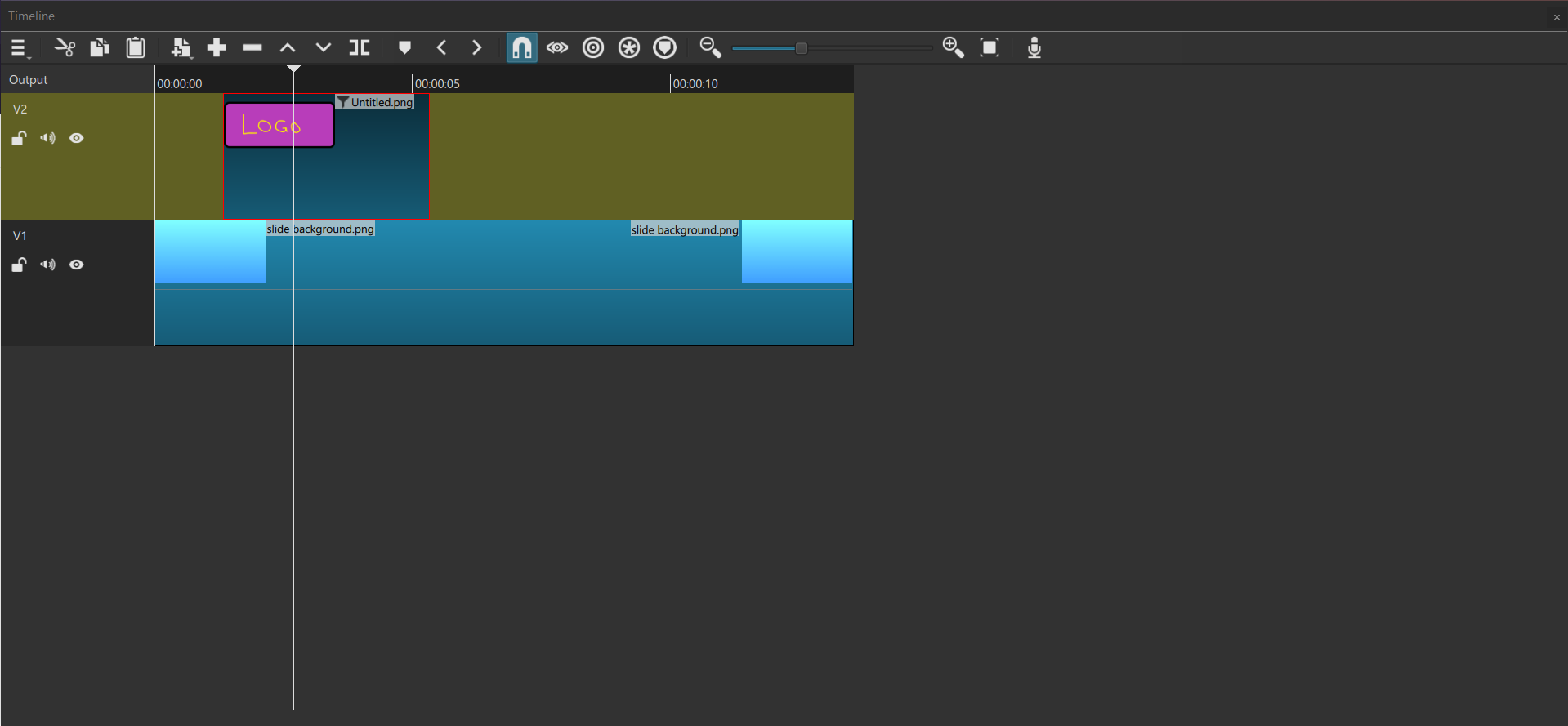
Basically, I have a logo that appears on a layer above the background layer, and I want it to be dark, but only around a certain shape.
In previous cases I’ve used Mask:Simple Shape, Alpha Channel: Adjust (Invert box ticked), Brightness, Mask:Apply. This works fine when the thing fills the screen, but when I try it with my logo, it turns the area behind it black and I can’t see the background.
I’ve looked around on the forum and found similar issues, but none of those solutions worked.