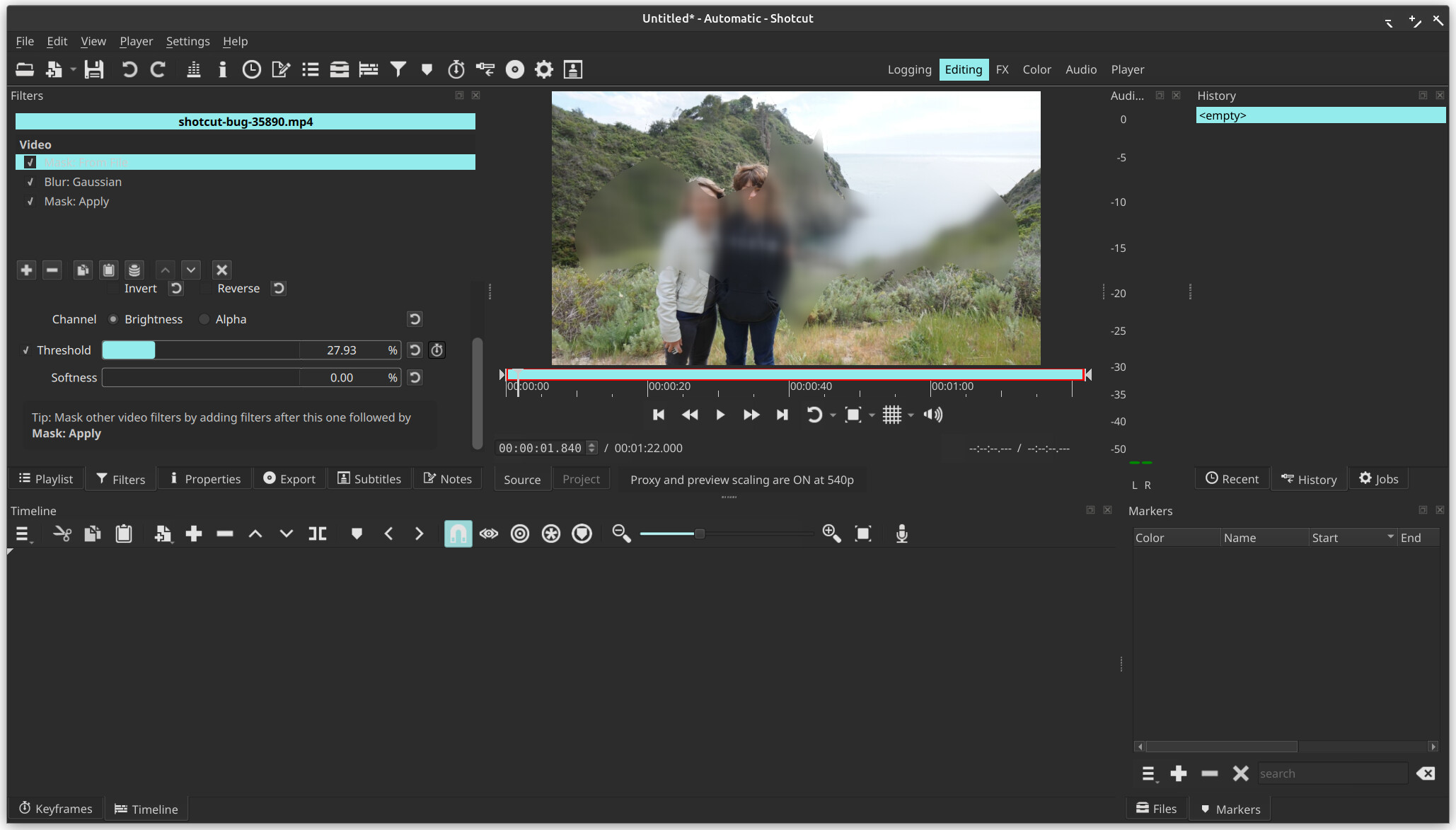
The update from version 25.10.31 to version 25.12.31 broke the Blur filter inside a Mask From File. I’ve been using this filter set to obscure text inserts.
A usual filter set is made of:
Mask From File … Custom / Threshold 8%
Blur:Gaussian / Amount 30%
Mask: Apply
It is working for me on Linux and Windows. If you have any hope of it to be fixed please provide more detail and steps. My steps are to start Shotcut, open a video, optionally add it to the timeline, and add the filters you mentioned. However, you wrote “Custom…” and that requires picking a file, and I do not have your file. Of course, I tested with my own file successfully. Can you reproduce it with Bar Horizontal? Does the stock “Obscure With Blur” filter set work for you? I also tested making a filter set with it, restarting, and applying the filter set:
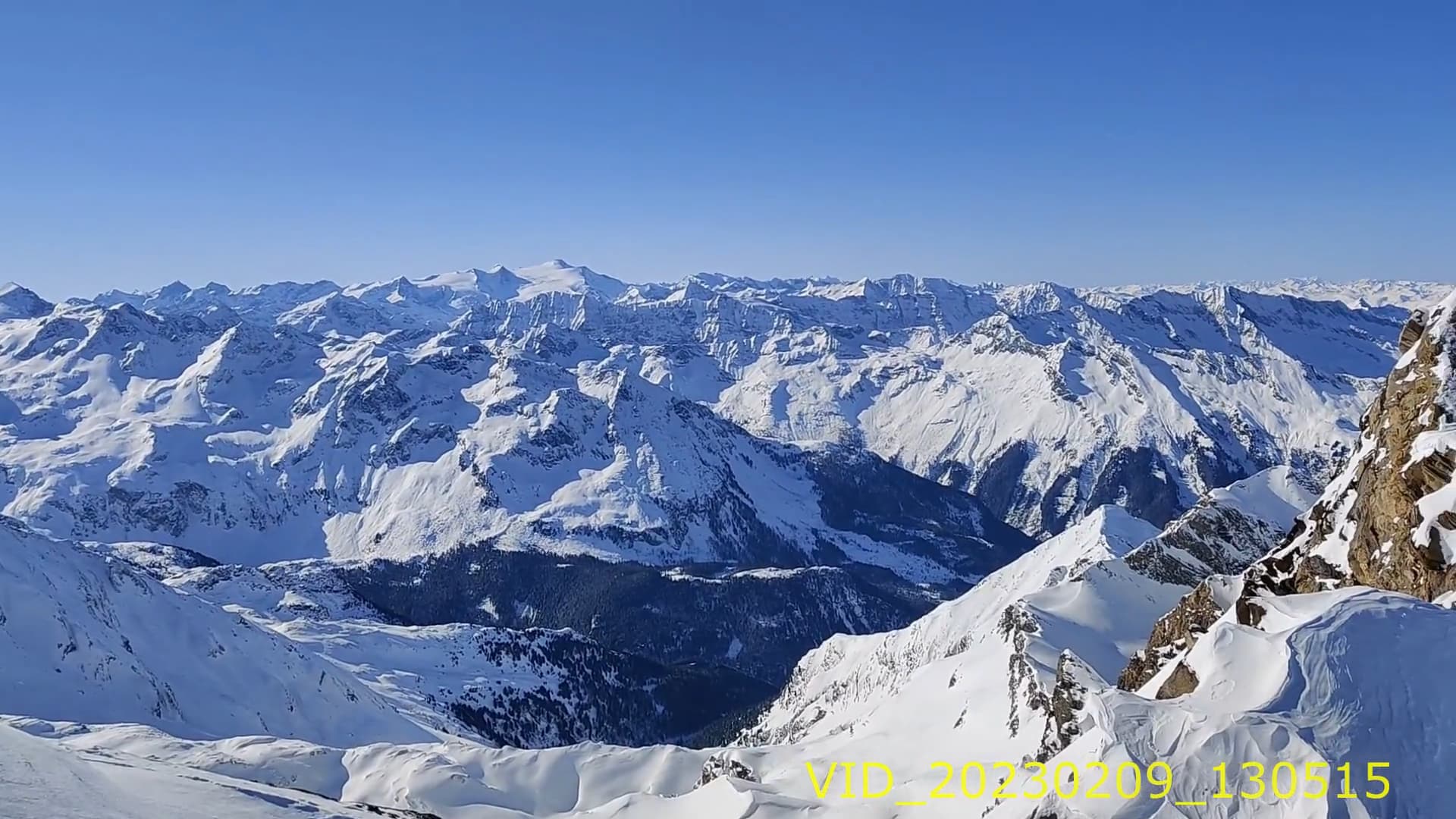
Thanks, I reproduced and found the problem. The cause of your problem is in Blur: Gaussian. The Blur alpha checkbox is on. When the alpha is blurred you get the problem you reported here. You need to turn it off. You have a Brightness filter following it. Previous versions of Shotcut had a bug that this Brightness filter would break the Gaussian Blur’s blurring of the alpha channel. That is fixed in version 25.12. To see what I mean, in version 25.10 turn off the Brightness filter, and you will get the problem again. To see it even deeper, temporarily add Alpha Channel: View and turn off the Mask: Apply. Now, toggle Brightness to see what I mean. With Brightness disabled, go to Blur: Gaussian and toggle Blur alpha. See how it becomes gray instead of white when blurred? The grey values mean translucent, and the yellow of the text is allowed through.
In summary, you need to turn off Blur alpha for your effect, and there will be no code fix for this.