Hi guys!
I bought a new GoPro Hero Black 12 a few months ago. I’ve been filming in 5K and the quality is amazing!
Problem is, when watching the videos on youtube, anything below 4K (2160P) is completely pixeled and low resolution.
I’ve tried exporting from Shotcut using two different resolutions:
5120 X 2880
3840 X 2160 (which is the recommendation for youtube for my understanding)
I am not sure what you are expecting, but to a certain degree this is normal. Lower resolutions tend to be more compressed and generally lower quality. YouTube does this to make streaming smooth for different network speeds. All you can do is shoot and upload the best quality you can tolerate. You do not need to follow the YouTube documented guidelines. They need to handle a huge variety of updates including very high quality studio uploads, but they had to give some people asking questions not overly complicated answers. Action footage problem is often challenging due to a combination of high details and motion.
Things You can try:
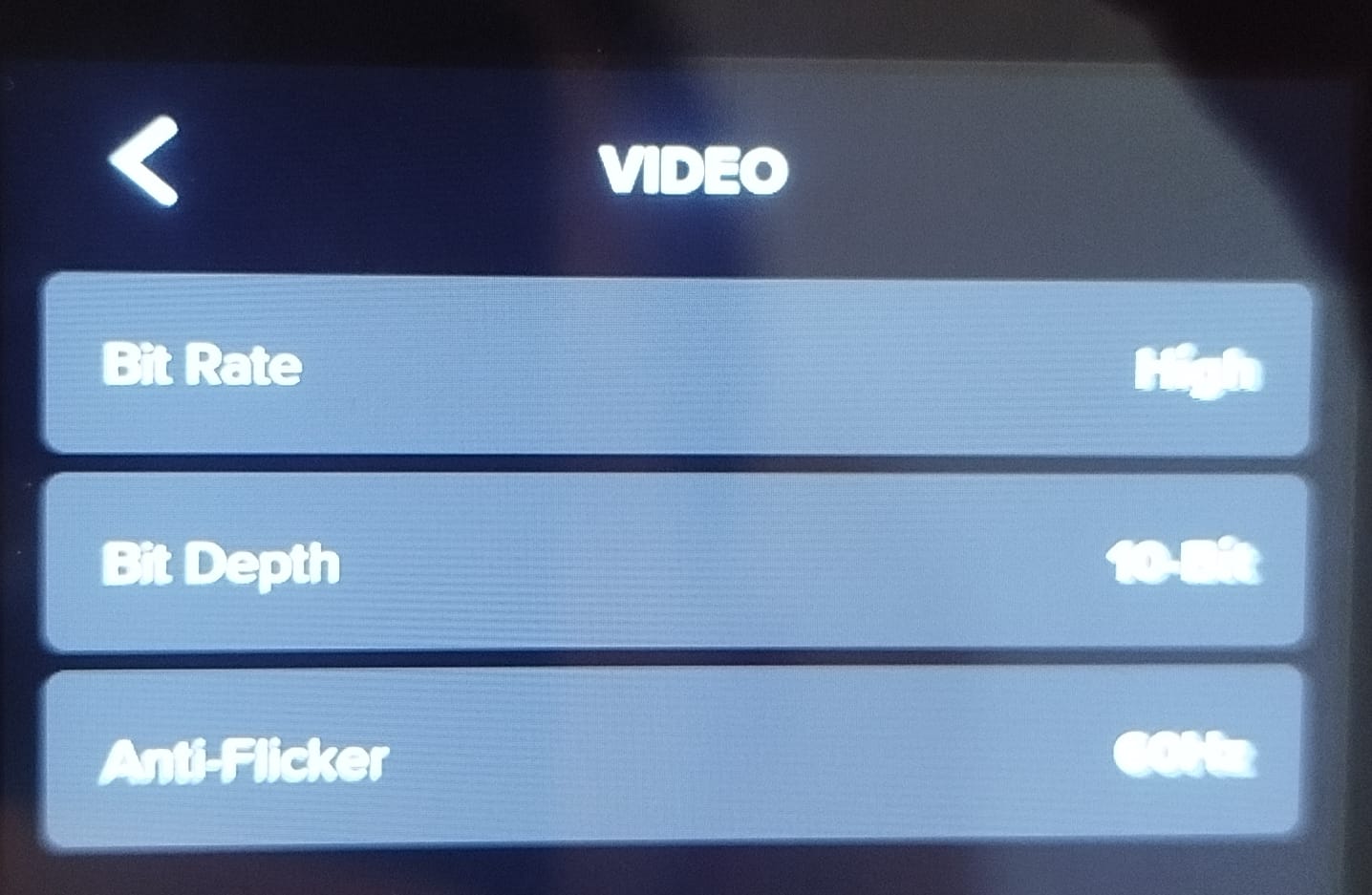
set the GoPro to record high bitrate
use the H.264 High Profile export preset, which sets a higher quality target than default or YouTube presets
turn off hardware encoder
export ProRes especially if you turn on 10-bit in the GoPro
I don’t know what to expect, to be fair. But what I can do is say with certainty - I’m not familiar with any other YouTube video played in 1080p HD which looks grainy and low resolution - so I assume I’m doing something wrong here…
I assume it has to do with ShotCut exporting, or with my camera’s settings - so it is very helpful that you went through this with me!
Any other recommendations?
Any GoPro fans here who might be able to help? Some of you must have faced that issue, it’s a popular camera
What is your Settings > Video Mode set to? Shotcut always renders to the Video Mode resolution before exporting. I actually do not recommend changing the resolution in the export window. Instead, you can change the Video Mode - the export resolution always follows that unless you override it.
A lot of action camera footage has high motion detail such as some sort of motion through nature. The GoPro with the high bit rate setting is much, much higher than what YouTube will deliver. It does not directly deliver what you upload. It recompresses. Let’s do a comparison. Here is one of my videos shot with GoPro and exported with Shotcut. It is 4K but switch to 1080p:
Now, that is not great looking partly because the wind is making the trees with leaves move a lot even though the camera is not–plus all of the people slightly moving about. Still, it can be more challenging than this. But also it is not great due to the YouTube compression, in general. Here is yet another factor, if I play this full screen at 1080p on my 42" 4K computer monitor, it looks horrible because I am up-close for productivity work. I can see lots of compression artifacts. Step away 6 feet and it looks much better, which is a normal phenomenon with respect to lossy-compressed digital video.
Is that “grainy and low resolution” like yours or much better?
Thank you so much for the detailed reply! This helps making sense.
I’d say your video on 1080HD looks similar to mine. But I haven’t in my life seen a YouTube video on 1080HD that looks so grainy and low resolution - similar to what you’ve uploaded here or the looks of my videos on YouTube. That’s not HD in my opinion.
What is the recommendation then? I’d like the video to look decent on 1080HD:
Should I initially film in low resolution (not 5120 X 2880 or
3840 X 2160)?
Should I export in low resolution (so far it didn’t seem to help)?
BTW, when filming on my Canon R10 in 4K everything looks fine on YouTube, but you clarified that with you answer.