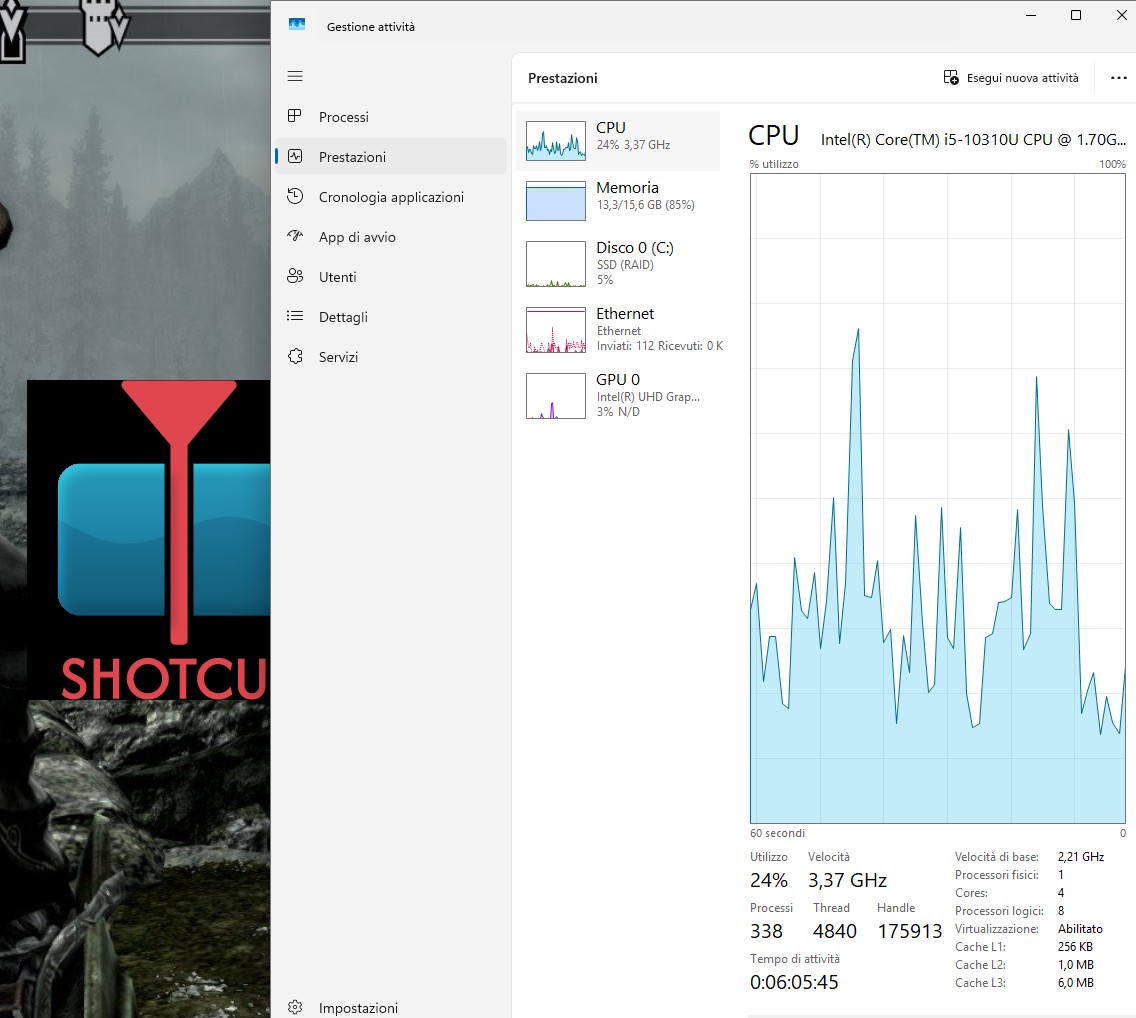
Win 10 - dell pc - motherboard intel gpu - 16gb ram - no admin rights
each shotcut portable version > 26.4.30 crash
My last working version of shotcut on this laptop is the version 26.4.30
The recent updates, 2 at now, doesn’t even open on this laptop. They reach the “loading plugin” status and then they crash with no other error messages.
Maybe the last updates of the DLL or some plugin, are not supported, but I have no idea.
I assume this is Windows since you mentioned “DLL.”
What is your CPU?
Since version 26.6 we had to switch Qt (GUI library) to the build provided by msys2 project since that is the foundation of our build. Some fundamental things changed in that foundation breaking compatibility with the Qt SDK binaries. Quite possibly something in there broke compatibility on either some older CPUs, old version of Windows 10, or something still unknown.
Hi. Also the new version doesn’t run on my laptop (with no game video card), and it freeze. Maybe the updates of the external libraries are a bit invasive.
What does that mean? Is Windows saying it is not responding? It is normal that first run after a new install takes a long time because MS Defender and/or other antivirus are checking every DLL accessed, and there are many of them. Let it try at least 5 minutes on an older computer or without SSD hard drive.
If you have VST2 audio plugins those were learned to cause some problem in v26.8 version, but this version disables them by default.
If newer portable versions freeze at the “loading plugin” stage on an Intel laptop, update the Intel graphics drivers directly from Intel or Dell’s support site rather than relying on Windows Update, and make sure Windows 10 is 64-bit and fully updated. Check for OpenGL/DirectX compatibility issues, or test launching Shotcut with software rendering if startup options allow it, to see whether GPU display initialization is causing the freeze. Right after the crash, check the log file at %LOCALAPPDATA%\Meltytech\Shotcut\shotcut-log.txt to identify the specific plugin or DLL that fails to load.