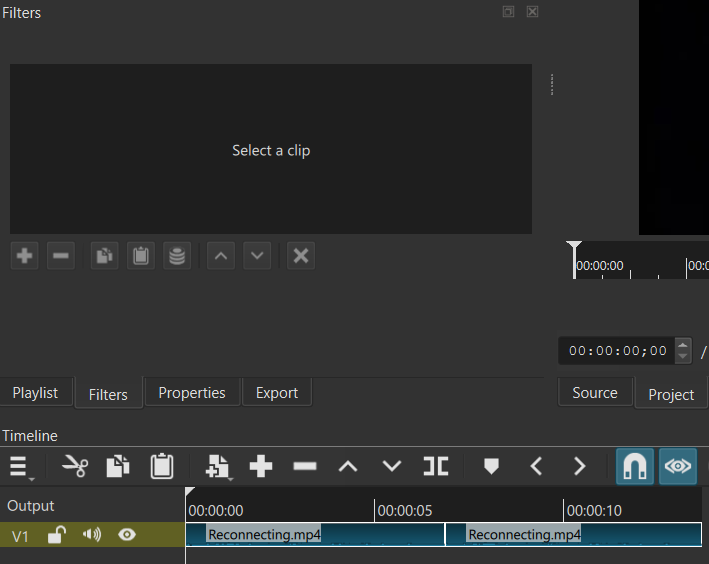
You cannot have any frames removed between the two clips; they must be contiguous from the same file. Contiguous does not mean no blanks; it means frame N from source A followed by frame N+1 from source A. You should use Group instead.
Ok I think I follow.. can I apply filters to whole groups? I tried grouping them and it disabled the Filters module. I don’t want to have to apply the same filter twice and then group them.
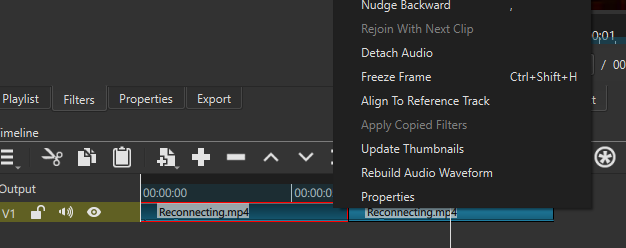
Obviously not. Any time the software disables something, it is telling you exactly that. Not everything you could ever desire or dream up is immediately going to be available in a software tool. You need to figure out another way. One is to add and adjust the filter to one clip (and you might need to learn how to select a single member of the group), copy the filter(s), and then on the timeline clip use Apply Copied Filters. Another way is to move the group to its own track and add the filter to the track. Yet another way is to export those clips to an intermediate file and replace it with that.
“Obviously not. Any time the software disables something, it is telling you exactly that. Not everything you could ever desire or dream up is immediately going to be available in a software tool.”
Ok, got it:
You can group clips to snap them, but you cannot perform certain actions on them as though they were one clip.
The group is already on its own track, and I didn’t realize I can use track-wide effects. That’s a non-obvious feature, but one I’m grateful for!
A suggestion I have coming out of this would be for groups to be iterative: allow applying a filter/effect to a group, which will simply apply the effect to all child clips. If a group were to split, then the effects would be retained on each clip (..or not! Community/developer’s choice!)
The idea has come up before, and I have thought about it. Today, a group is nothing more than a saved multi-selection. We do not permit adding or changing filters for a multi-selection but is on the roadmap. It is not entirely clear how to handle all the UI dilemnas with this. But once you go beyond that and make a group an object to which you can add filters, the attached filters become quite hidden and non-obvious. You might see or hear something wrong on a clip, select it, and it does not show the responsible filter. See how we show a funnel icon everywhere else a filter could be? So, that is unlikely, but a different thing that seems quite possible is a so-called adjustment clip (or “layer” in some tools). That is a dummy clip that has filters and it filters everything on lower tracks. For your use case, you would have to adjust its duration as you change the group’s duration.