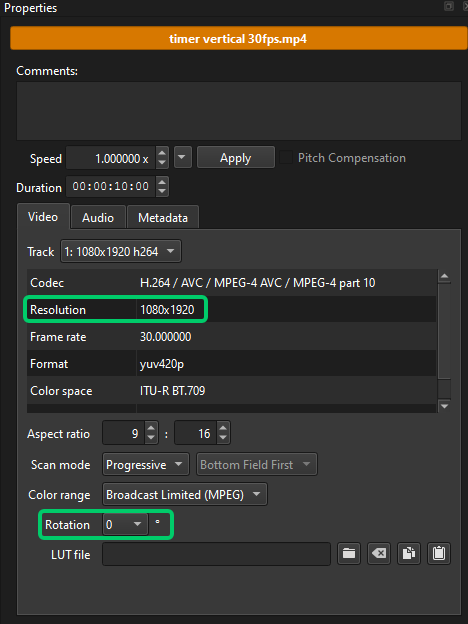
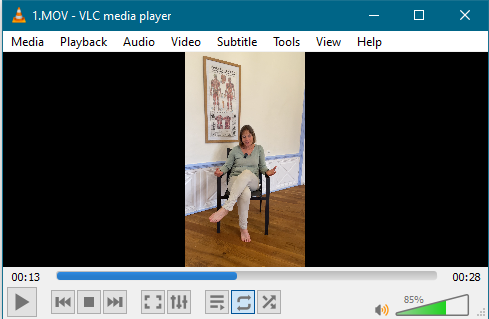
I have recorded a video, as always, on an iphone. It creates a MOV file which I then transfer to the PC (Windows). I check the MOV file using VLC and it’s correct, 1080*1920, portrait:
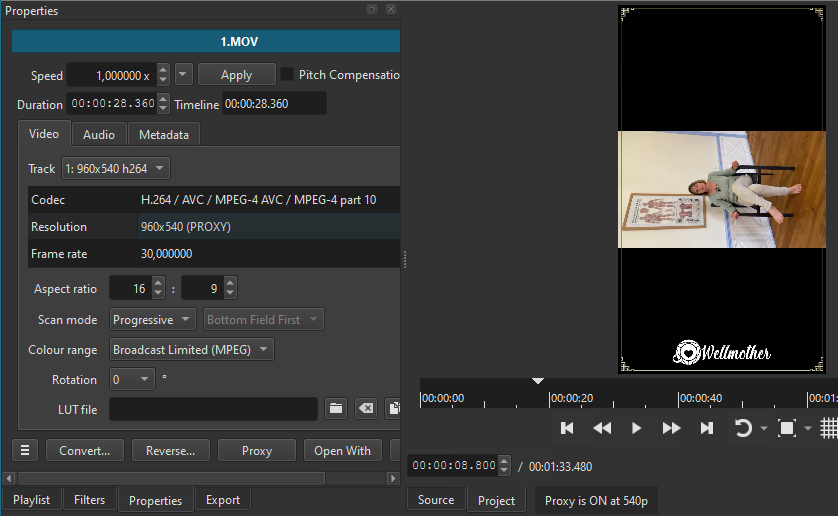
I then drop the file into Shotcut’s playlist, it shows up in the correct orientation, i.e. portrait:
Now here is where it goes all strange. Whether I drag the file direct from an Explorer window or if I drag the file from the Shotcut Playlist and drop it into the timeline, it now it displays in landscape:

So I think to myself, OK, I can fix this with the Size, Position & Rotate filter, so I rotate it and zoom it so it fills the 1080*1920 window:
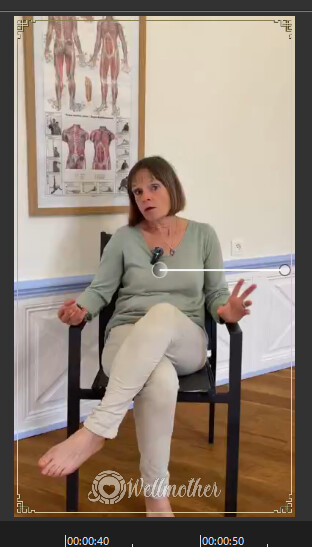
Then I preview the final video in Shotcut and it plays perfectly in 1080*1920 portrait and I export it to MP4 but, when I watch it in VLC or any other video player, everything in the file is as displayed in Shotcut EXCEPT the imported video file which ends up rotated, even though in Shotcut it’s the correct orientation!
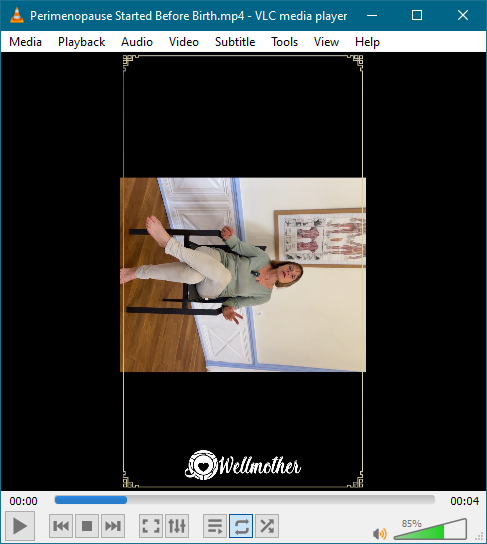
I have three different MOV files in this one video and all three do the same thing. Now somebody MUST have experienced this before. PLEASE tell me what setting I need to change to correct this because it’s really onerous to have to guess the orientation and zoom factor to correct this because the Preview window does NOT show what the final export will be. You therefore have to jiggery-poke the Size, Position & Rotate filter settings to end up with an Export that looks as you want it to.
Please help!