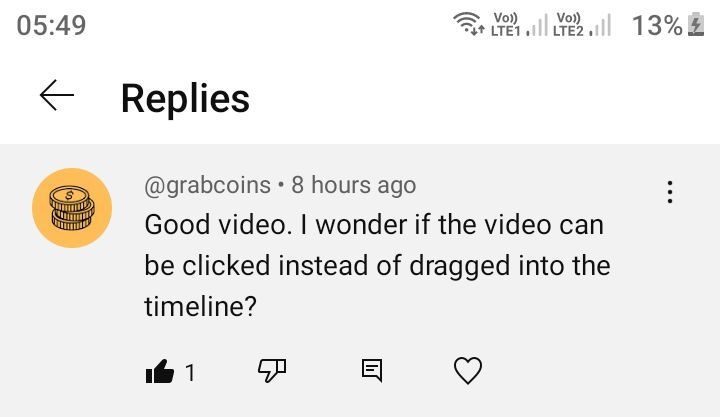
Hello everyone! Someone asked me on YouTube if there’s a way to add a clip to the timeline without dragging it. Honestly, that would be a great feature - being able to add clips directly in front of the cursor in the timeline. So, on their behalf, I’m asking: is there a way to add a clip to the timeline without dragging it?
Depends where is this video in the first place: if the video is opened in the source player (such as double clicking them in playlist) then CTRL+V pastes it to the timeline at the cursor position.
“A” appends it to the timeline at the end (on the current track if there are more than one).
3 Likes
The names of some actions you can search in Help > Actions and Shortcuts:
- Paste (like an insert)
- Overwrite
- Append
- Replace
- Add Selected to Timeline (in Playlist > menu-button)
All of these actions appear in toolbars or menus and can have keyboard shortcuts.
The source of the first 4 operations is the Source viewer, naturally. To get something from Playlist, Bin, Files, or Recent into Source double-click it. Of course, File > Open something other than a project also opens in Source.
1 Like
This topic was automatically closed after 90 days. New replies are no longer allowed.