maybe it is already discussed but neither a search here nor with goolge brought an answer.
Which settings should i use for converting iPhone-recorded 1080p60, HDR, HEVC.
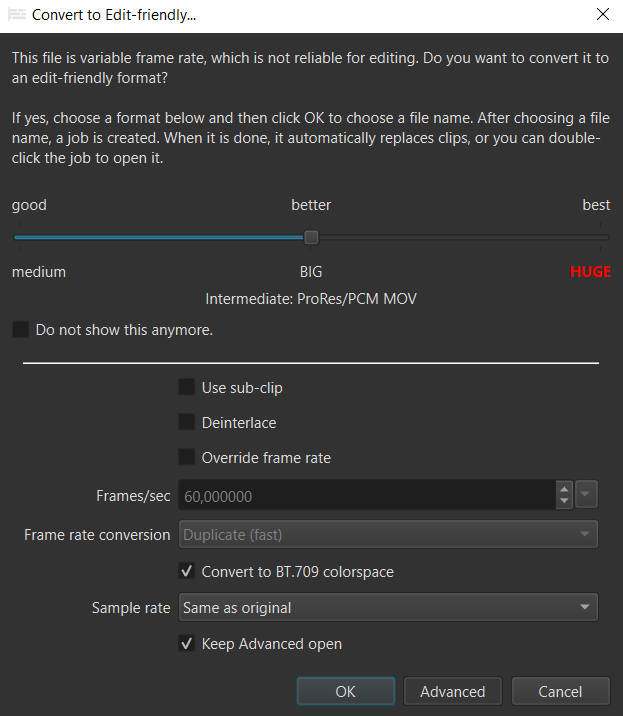
My conversion settings are BT709 colorspace with “better” settings” (ProRes/PCM MOV).
Filesize is increasing from e.g. 100 MB to a whopping 3,24 GB.
Last year i did`t care, because drive space was cheap. This year is 2026 and NAND prices are going insane. So i’d like to ask: How do you rate the quality difference between “better” and “good” (Lossy i-frame only H.264/AC-3 MP4)?
Or shall i just stop recording in HDR and use original SDR-iPhone-Videos without any conversion (no BT.709 needed)?
For the convert dialog, I recommend using the “Good” setting unless you try it and you are distinctly dissatisfied with it. I doubt you will be.
For the iPhone setting, I recommend turning off the HDR mode unless you have specific workflows that need it. Otherwise, it is just more work for the same result.
Ok, first things first: Dynamic Range. @brian Thanks, that was new for me. SDR settings are absolutly fine. There is no need for recording HDR for me (anymore). I never thought of turning HDR off, because it sounded like a cool feature. But no use in my workflow.
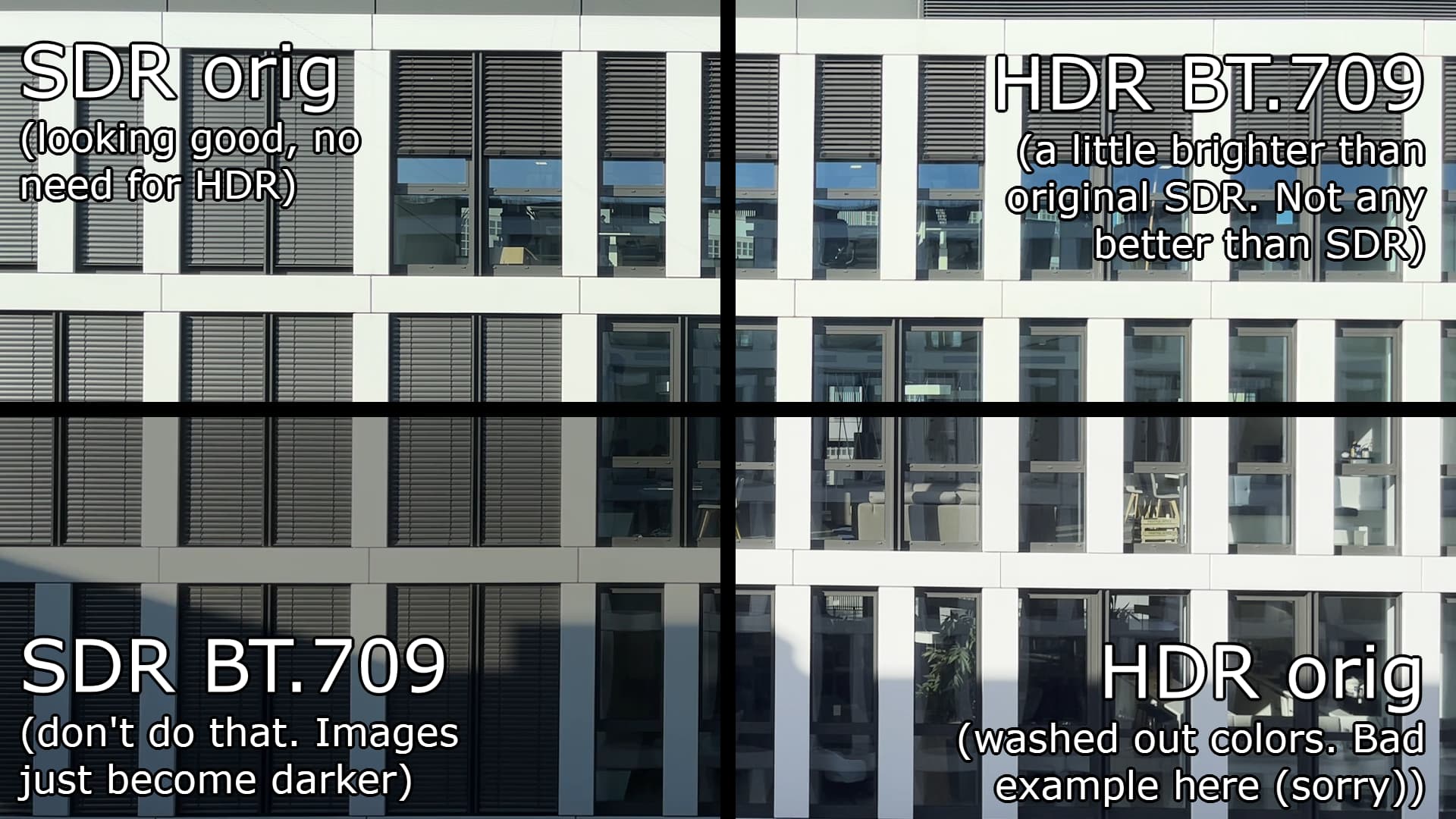
I experimented a bit to compare SDR/HDR w/ and w/o BT.709 conversion. Like you said, normal SDR without color-conversion works best. So for me no more conversion because of the colors.
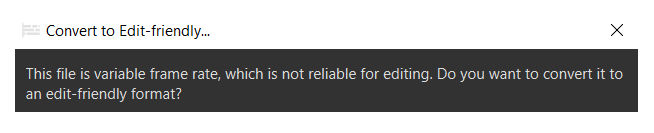
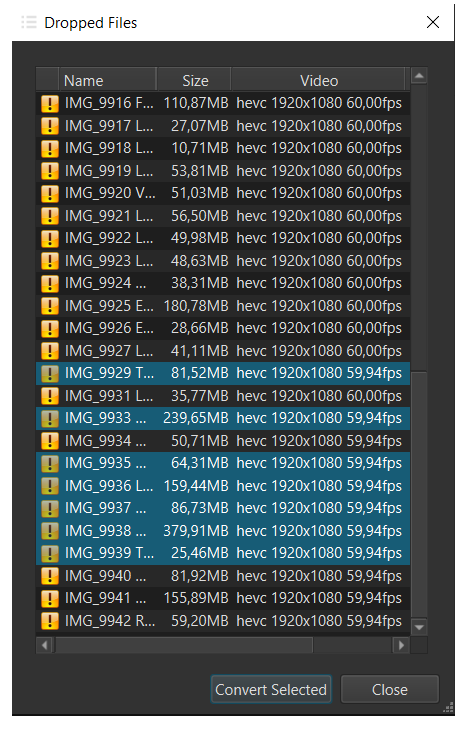
Second: Edit-friendly conversion. As far as i know, my iPhone records in 60 fps. But opening a recorded file, Shotcut warns me that the file has a edit-unfriendly variable frame rate.
Question 1: Is my Phone lying about the actual recorded framerate?
Question 2: What are the (negative) consequences editing variable FR instead of fixed FR?
@brian , you already answered my question 2 (What are the (negative) consequences editing variable framerate?), back in 2024. In short: If VFR is heavy, there is risk of unpredictable behaviour when editing frame-precise. Editing Variable Frame Rate Source Clips
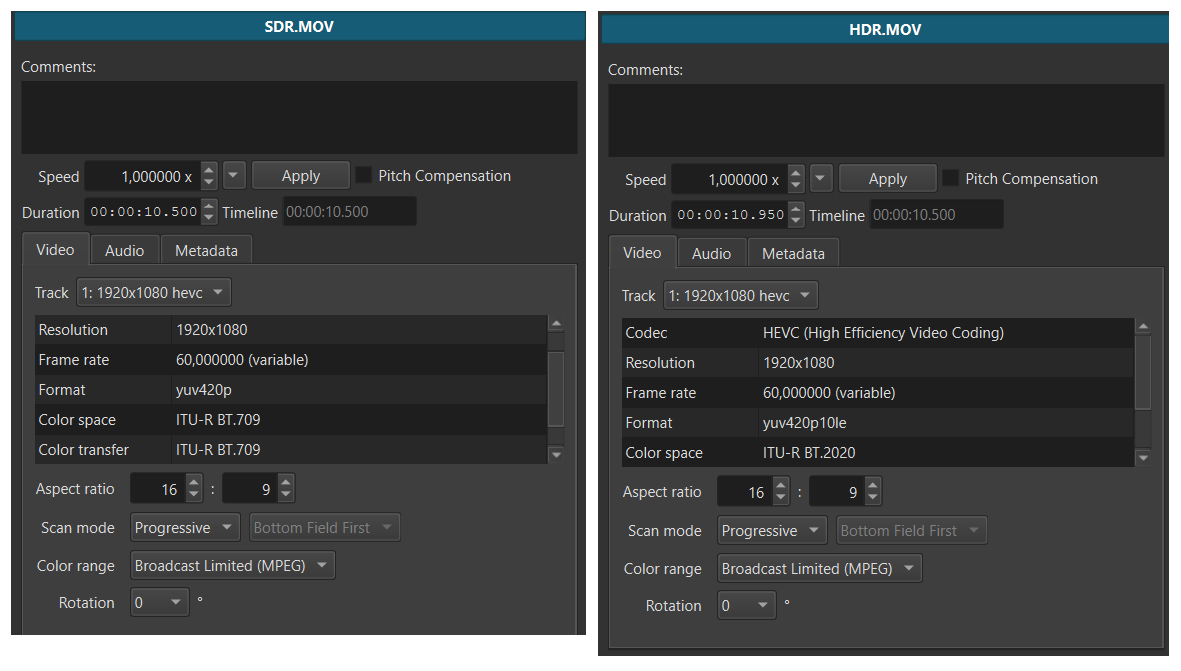
Now my question 1 (is my iPhone lying about the actual recorded framerate?) is bothering me even more. In the properties it says “60.000000 fps (variable).” Can i edit that frame-precise with aceptable risk of unpredictable behaviour?
If so, i could skip file conversion completly (which would ease my workflow by far).
It isn’t lying, per se. The file is encoded with an intended display frame rate of 60fps. But the encoder may not have encoded exactly 60 frames per second - it might be expecting the decoder to repeat some frames to achieve the intended display frame rate.
Nobody can answer that except for you. I know that there are users on this very forum that choose to ignore the variable frame rate warning when editing their VFR iPhone clips. But every person has a different definition of “acceptable risk”.
When you test it, view the exported file and scrutinize the lip-sync. If it looks good to you, then you can skip the conversion step. Or, maybe you will skip the conversion step, and then you will find that only one of your 10 clips has bad sync. In that case, convert the one bad clip and export again.
Ok, i’ll give it a try. Next project is going to be with original iPhone-Files, as well as separatly recorded audio files.
I’m not sure how to deal with differences in the video properties. Some videos have 60,00 fps, some have 59,94 fps. There is also a setting on iPhone diasbling VFR in low light conditions. As far as i understood iPhone takes more time to record an image, which results in a 30 FPS Video (or at least in the dark part).
Hey guys.
What I understand from the conversation is that we should shoot videos with HDR turned off to avoid this issue. Is that correct?
And sadly, I have a lot of videos that are already shot with HDR and re-shooting them is not feasible. How do I edit them in Shotcut? I am also facing this sudden file size shooting issue. I have around 25-28 videos, which are all under 100 MB. And they all get converted to 3-4 GB each, resulting in the entire workflow of editing fruitless for me.
Please suggest if I can convert the videos somehow to shotcut’s requirement without causing this file size issue and without losing the quality too.
I don’t have that kind of storage space. Otherwise I would not have searched for this thread to find a solution for this conversion issue to begin with.
did you try conversion with quality setting “good”? Filesize will increase “only” fivefold. This is significantly smaller than with quality setting “better”, where filesize increases thirtyfold.
I did a visual check and didn’t see any differences on first glance. But, as you get a H.264, editing will be a little more CPU-intensive than with the “whopping” PCM-Files.
If fivefold is still to big for your storagecapacity, you can still export the SDR-converted PCM/H.264 as even smaller file
Hello there, my recent project was edited with original VFR material. No issues found so far whatsoever. Including lip-sync audio track. At least for me it worked this time. Footage was recorded in bright light, so no need for iPhone to „fall down“ to 30 fps in low-light-conditions, which could be an issue i haven’t tested yet