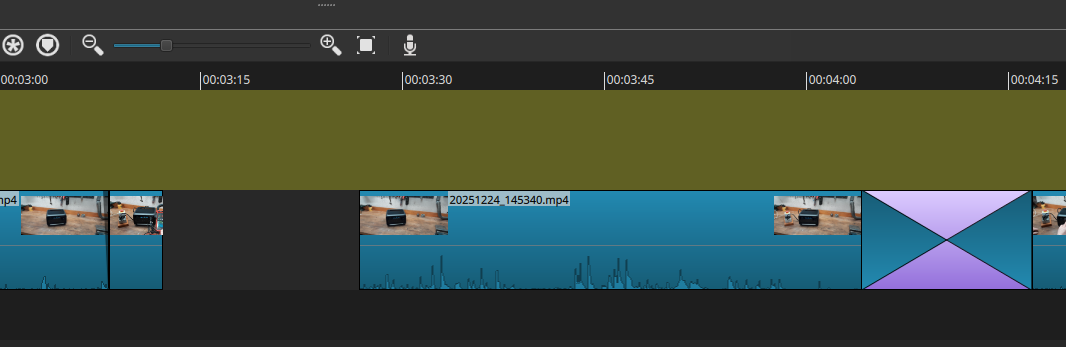
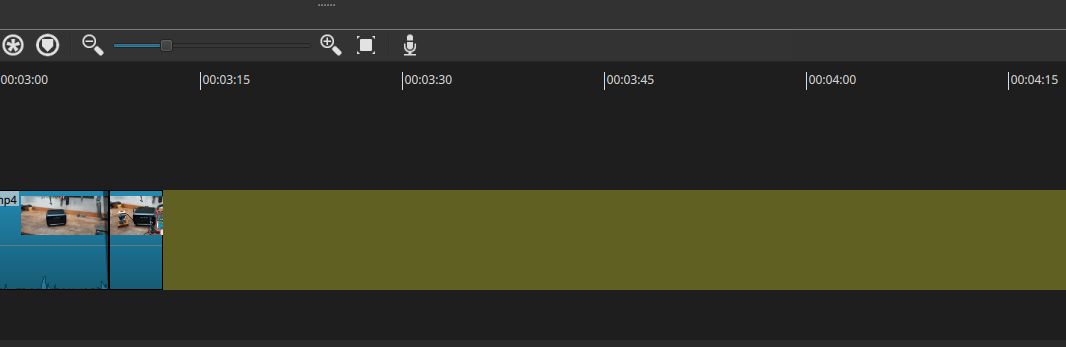
I just wanted to move a video clip to the left so that it directly fits to the previous one.
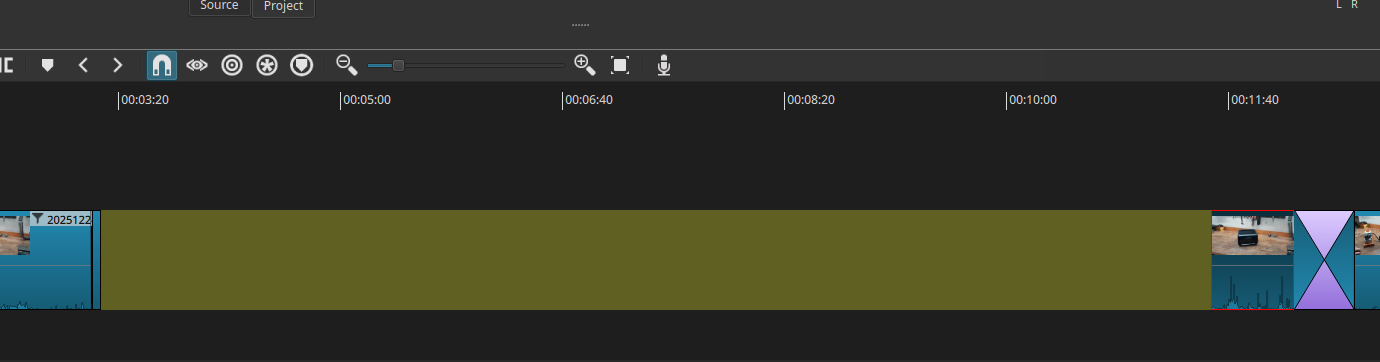
But instead of moving to left, the video clip was moving automatically very far away to the right… I even need to zoom out to see it again. It created a 8min gap!
What did I do wrong?
PS: Yes, I know I also can remove the free ripple with key x. But I didn’t think on it in the first try. removing with x works.
I closed shotcut and only did these 3 steps so that you can use the logfile to find out what is propably wrong here. There are lot of warning messages in the logfile.
I see Ripple is not on and the clip after the gap has a transition following it. That means Shotcut will try to resize the transition resulting in probably an undesired very long transition. That is what I reproduce–not the same thing as you. It is probably somehow related to this, but I doubt you want to resize the transition anyways. You should either turn on Ripple or simply right-click the gap and choose Ripple Delete, which is the definitive way to remove gaps.