Sorry in advance for stealing your time if i’m only seeing ghosts.
With version 26.2.26 (Win 10 22H2), I noticed a change when trimming a 100 MB WAV file. In about 50% of cases, “I” or pulling from the left side of the clip for trimming resulted in the identical waveform — not shortened — but moved to the right the lenght of the trim. I don’t know if the clip was actually shortened or just the waveform displayed incorrectly, because I immediately Ctrl+Z-ed. This occurred at least a dozen times. I trained myself to use “s” and “z” where I needed to trim that clip, which worked most of the time. In some rare cases, “s” also resulted in in that error. Ctrl+Z and a new attempt always resulted in a shortened clip with “s”, sometimes also works with “i”. Has anyone else noticed this in version 26.2.26?
I never encountered this issue in previous versions.
Best, Florian
Edit:
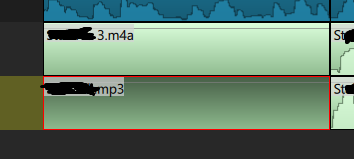
there are recently blank audioclips after trimming. With sound, but no waveform
Does only occur while the waveforms are still being generated? I think that is only time I see something like this.
there are recently blank audioclips after trimming. With sound, but no waveform
I see this sometimes and simply click makes it appear even if already selected.
Does only occur while the waveforms are still being generated?
After importing clips, I wait for the message “done generating waveform” (which normally takes twice as long as drawing the waveform in the clip on the timeline, but that’s irrelevant).
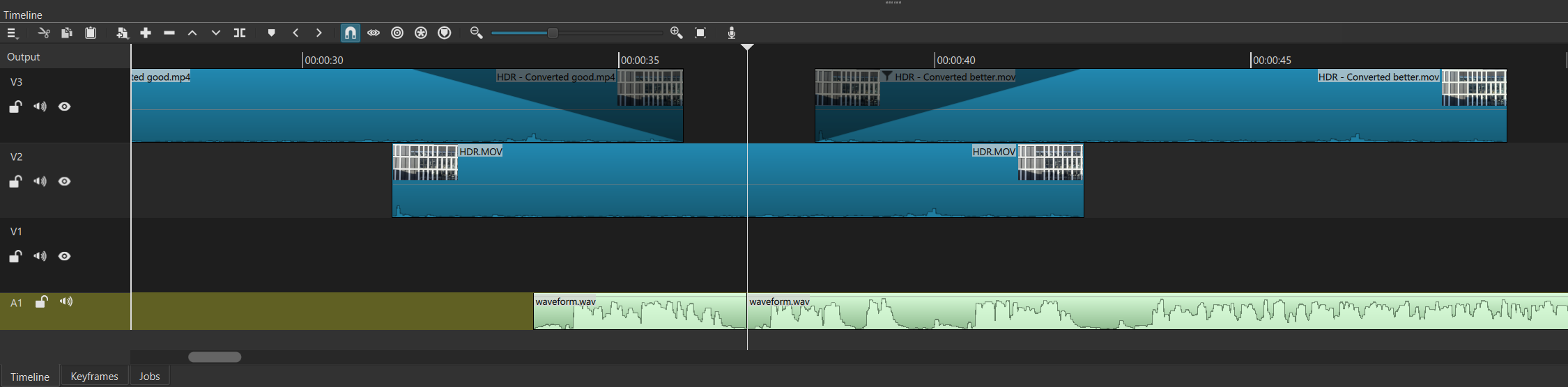
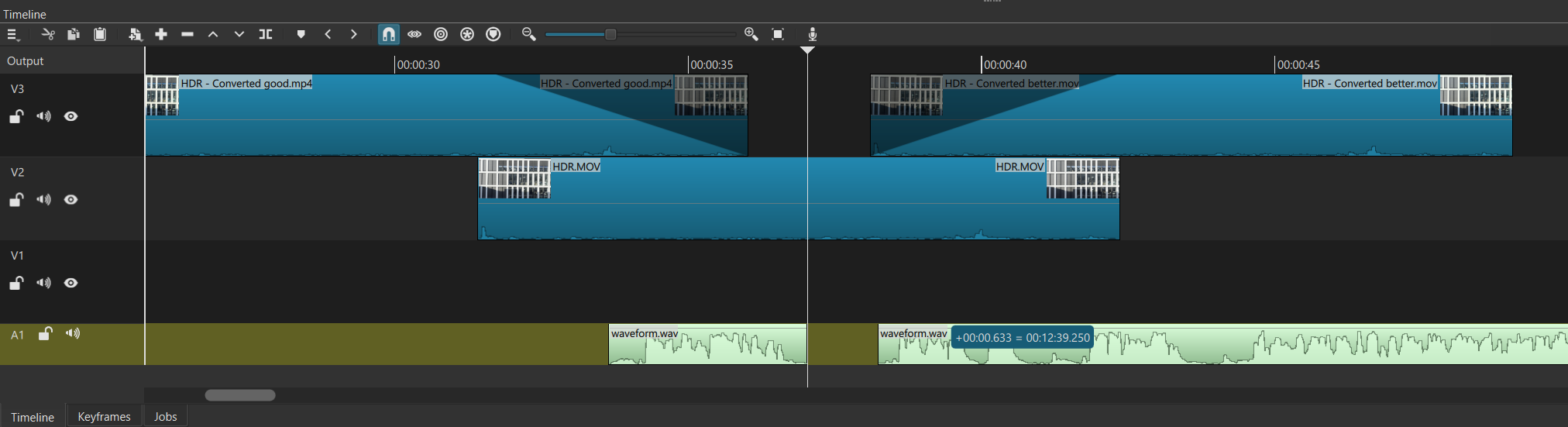
I tried to reproduce the issue: Image 1 shows a WAV file cut into two clips. Image 2 shows the second clip trimmed to the right (by about 0.633 seconds). The waveform remained identical, even after releasing the mouse pointer. The mouse pointer in this case is the double arrow on the left edge of the clip (left-right, unfortunately not visible in the screenshot). The length information is displayed correctly; by trimming the clip to the right, the displayed length decreased (in this case, by 12:39.250).
[1] Waveform with cut:
[2] Waveform trimmed with mouse, keeping same waveform instead of show trimmed wave
Duplicate of Probably broken visualisation of waveforms during cutting
I have seen this problem, but I have difficulty to reliably reproduce it to analyze the problem.
I was able to reliably reproduce the disappearing waveform problem, and I noticed during trimming the in point that the waveform would often would wiggle horizontally. That suggests sometimes it would have an incorrect position before a correct one, but maybe on some systems or situations that would not resolve. I fixed the issues I experienced if some people can test this build please
http://builds.us.meltytech.s3.amazonaws.com/shotcut/shotcut-win64-26.3.19.zip
Is this build otherwise stable so you can continue my work?
edit: I see, already solved here Probably broken visualisation of waveforms during cutting - #4 by shotcut and tested by @Spacewalker
Testing the build. So far so good. Thanks!