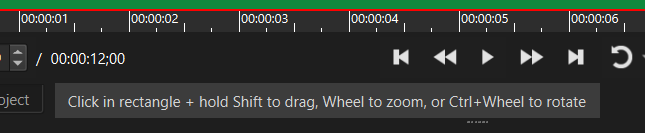
If I zoom a video to 200% or more, the grips for position/rotation might disappear out of sight.
No problem for rotation because there is already a comfortable slider in the filter settings.
But for position, I have only the “more/less” buttons, or I have to type coordinates (try & error) until the desired position is reached.
Therefore I want to suggest additional sliders for x and y positions, or even better: I want to drag the picture wherever I click (not only on the grip).