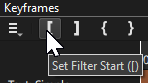
To answer this quickly, it’s: Generate → Color (transparent) → Add To Timeline
Then a text filter.
Although you’re seeking this, to keep inline with the original question posed. You have the option of not using this method, instead using Simple Keyframes to customize the exact duration.
While the text filter is applied to the whole video, click on Keyframes.
Drag the left and or right sides to the desired length.
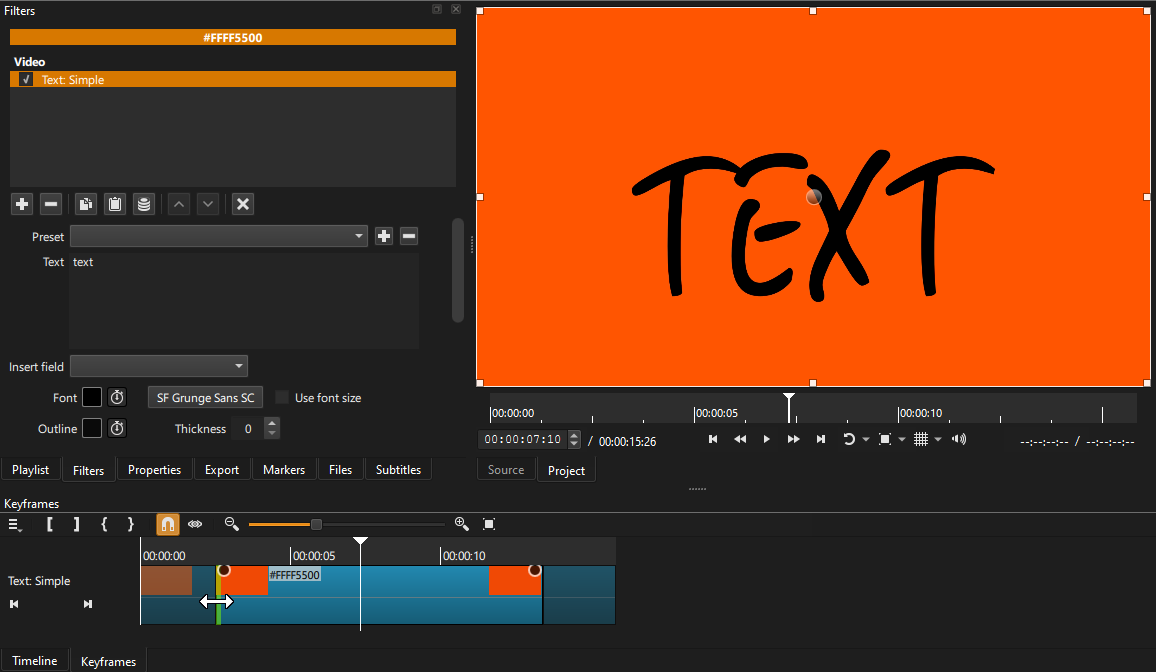
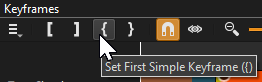
Yet another option for Simple Keyframes is where you have the playhead located, click one of these to set (instead of dragging both one or both sides.