Did not find a clear answer for that
Hi @azamra
Do you mean you want to adjust the time it takes for the text to fade-in on the screen?
-
If your text is on a separate track than the video —which is the recommended way to do it— you can simply add a Fade-in (and fade-out) with the pulsating dots that appears when hovering the top left and right ends of the text clip.
-
If you text is added directly to your video clip, you’ll need to add keyframes to the Opacity parameter of the text filter.
No. You said it - I just want to know how to add text to a separate track. When I tried to do that, it is somewhere inside the video track.
To answer this quickly, it’s: Generate → Color (transparent) → Add To Timeline
Then a text filter.
Although you’re seeking this, to keep inline with the original question posed. You have the option of not using this method, instead using Simple Keyframes to customize the exact duration.
While the text filter is applied to the whole video, click on Keyframes.
Drag the left and or right sides to the desired length.
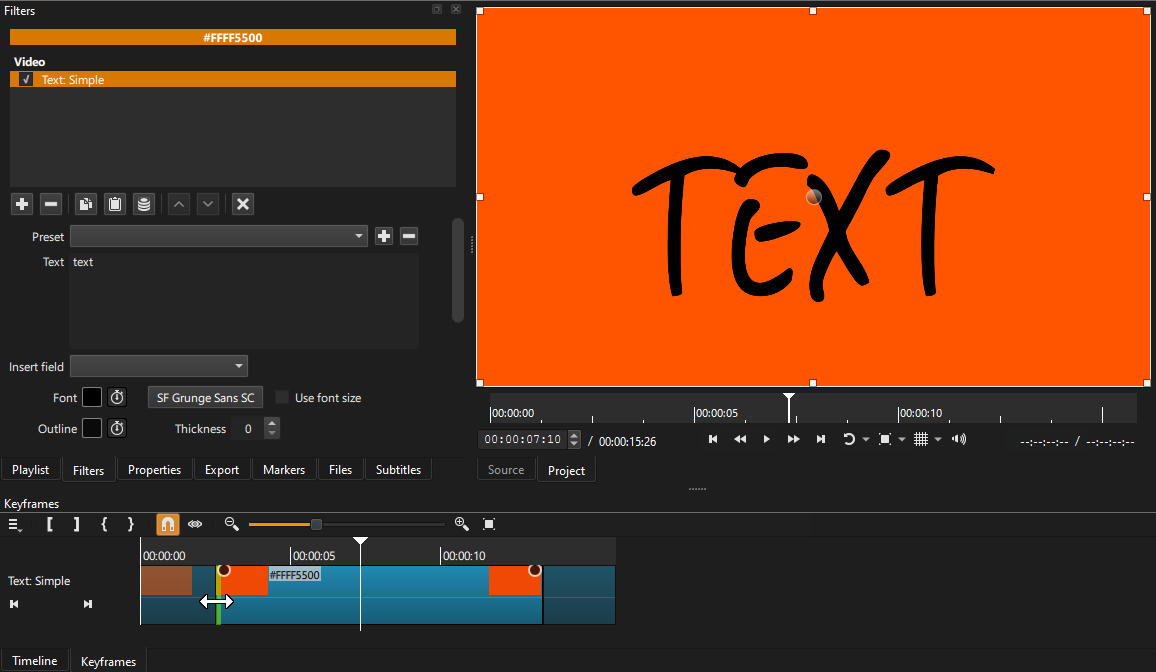
Yet another option for Simple Keyframes is where you have the playhead located, click one of these to set (instead of dragging both one or both sides.
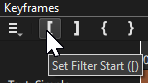
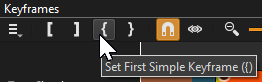
Hi @azamra , I just made this really quick basic video to show you how to do this. I hope it helps, and I hope you can tell from the video what I’m doing. There is no audio.
Thank you very much!
Thanks to you too! Very helpful you two!