Hello, how can I hide menu and these bars? I need more space in working area. The video preview is too small, and I hope I could see more if these bars would be hidden.
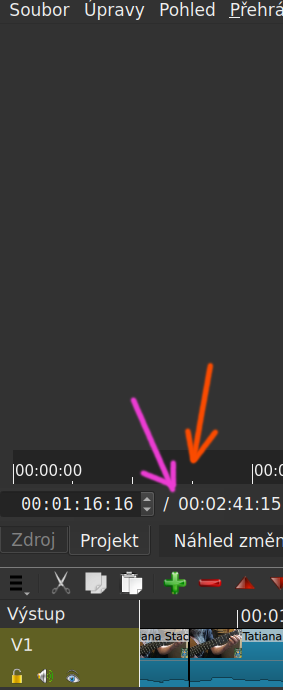

There is no way to hide the toolbar under the preview player.
The only way to hide the timeline toolbar is to hide the whole timeline.
The only way to remove the tabs is to close some panels to prevent them from overlapping.
Since those can’t be hidden, I’ve found that using the ‘Full Screen’ player shortcut (Shift+F) is usually the best workaround when I just want to see the video without the UI clutter.
There is no such thing in Shotcut. There is, however, a View > Full Screen for the entire Window with a different shortcut (F11)
1 Like
This topic was automatically closed after 90 days. New replies are no longer allowed.