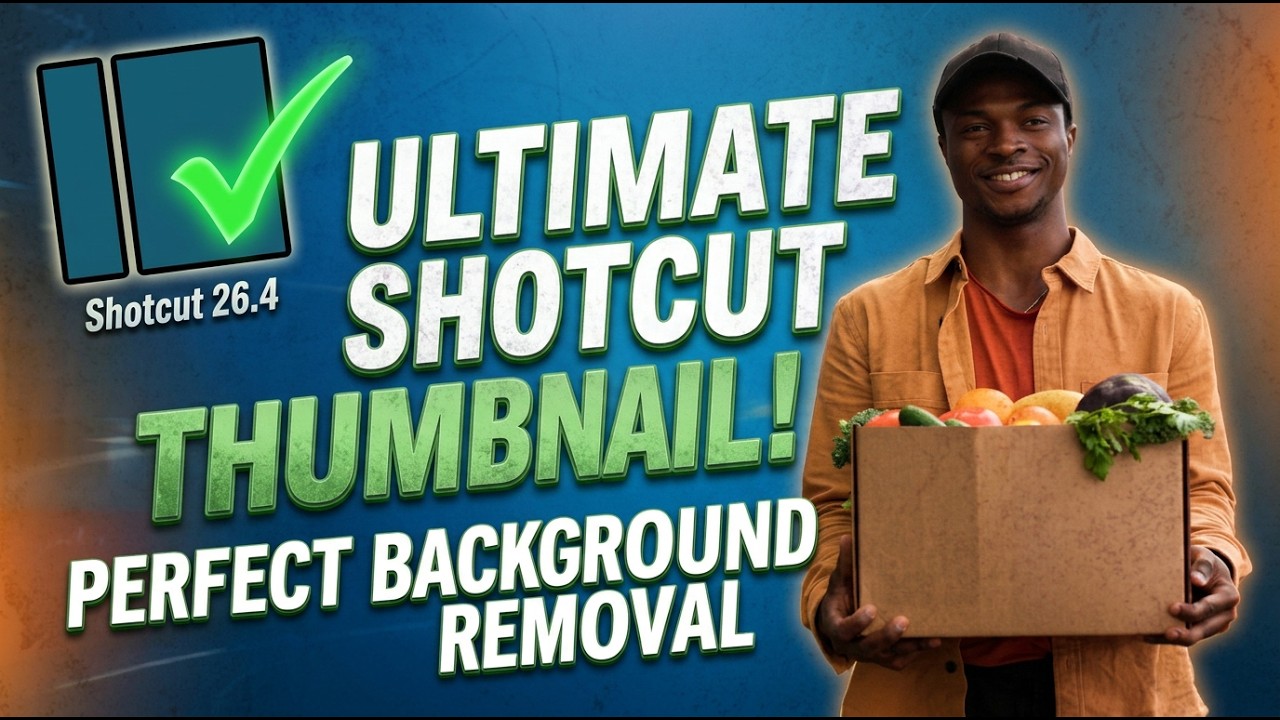
I know it sounds unconventional since Shotcut is a video editor, but hear me out! I’ve been using Shotcut to design my thumbnails lately, and the results have been fantastic. In fact, my last five thumbnails were made entirely in the editor, and they’ve done a great job of showing viewers exactly what to expect. In this video, I’ll show you my freestyle process for creating my latest thumbnail. Once you know the tools, you can pull this off in no time. Positive vibes only—let’s see the potential!
I’ve been using this video editor “not for its intended purpose” for several years now. I use it to make covers for my music releases, and I find it much more convenient to do this in Shotcut than in any graphic editor that is supposed to be designed for this purpose.
I, too, make all the thumbnails for my videos on my YouTube music channel with Shotcut! Each track acts as a “layer” in image editors like Gimp, Affinity, Photoshop etc - so it’s normal for my SC thumbnail projects to have 4, 5 ,6 or more tracks, especially when I want to use different fonts/font sizes.
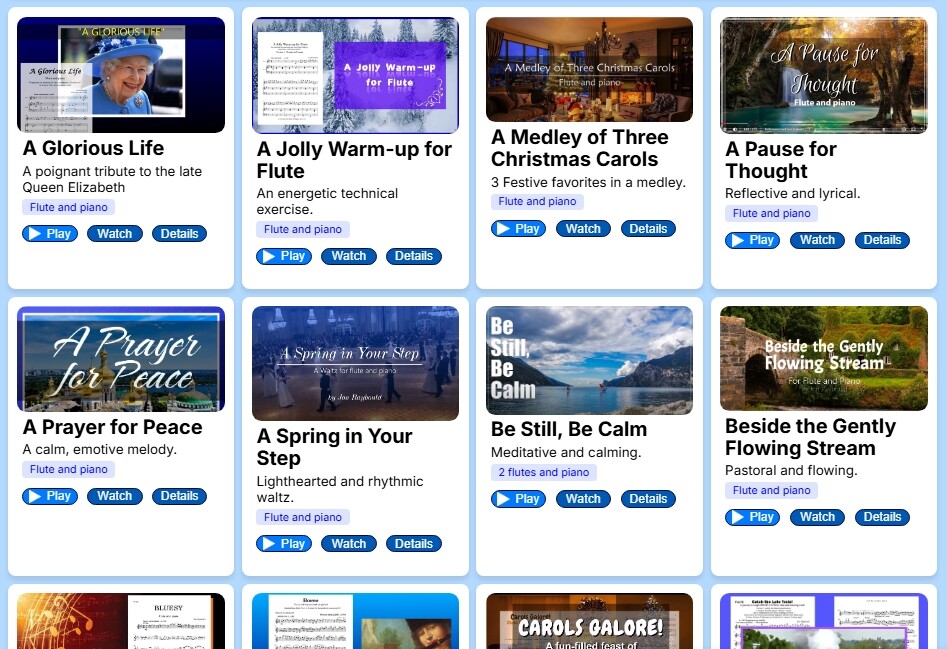
Selecting “Export as a Frame” instantly produces the thumbnail. TIP - don’t export as a PNG for YouTube, especially when your SC project is 1920 x 1080 - the PNG has a file-size which is too large. Use jpg instead. Here’s just a small sample of my 70+ thumbnails. All created in Shotcut. (All the videos themselves are created in Shotcut too):