I’m trying to recreate this color palette
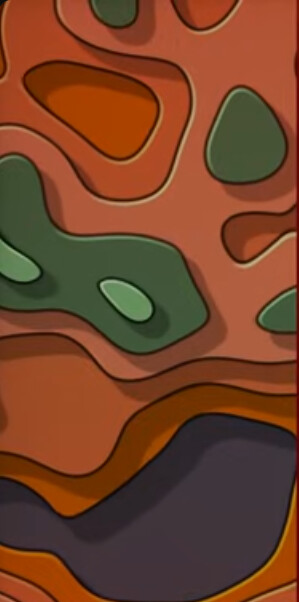
Here’s the original palette
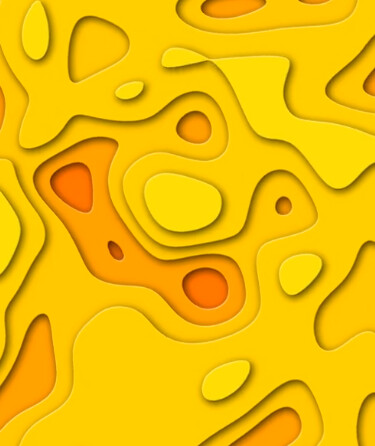
I keep playing with Color Grading, Contrast, HLS, HSL Primaries, White Balance, but still couldn’t get the result I want
I’m trying to recreate this color palette
Here’s the original palette
I keep playing with Color Grading, Contrast, HLS, HSL Primaries, White Balance, but still couldn’t get the result I want
If the original file is a static image, you’d probably have more luck using an image editor (Photoshop, Gimp etc..) to edit all those colors.
If it is a video file where the patterns change shape, I doubt you’ll be able to achieve the desired colors with Shotcut.
Unfortunately it’s a video 
I think your best way to approach this is incrementally. Essentially you have approx 6 colors which need to have both their hue, brightness (luminance), and saturation transformed to produce 6 entirely different colors.
You should handle them one at a time in the following way:
Step 1) Stack 2 layers of the clip
Step 2) Toggle off the visibility of the top layer
Step 3) On the bottom Layer apply whatever color effects you need to change ONE of the colors into the Color that it should be , only concerning yourself with the transformation of that one color
Step 4) Toggle the top layer back on and apply a color key until the old color is gone and the new one is showing through.
Step 5) Render the result
Rinse and repeat for all 6+ color changes - its messy and you may want to do some level of work with mask reifnement if you want it to be perfect - but this is the approach I would take. Good luck!