Hi,
Please help??? I need help with my YouTube channel.
I’m using Desktop computer with Windows 11.
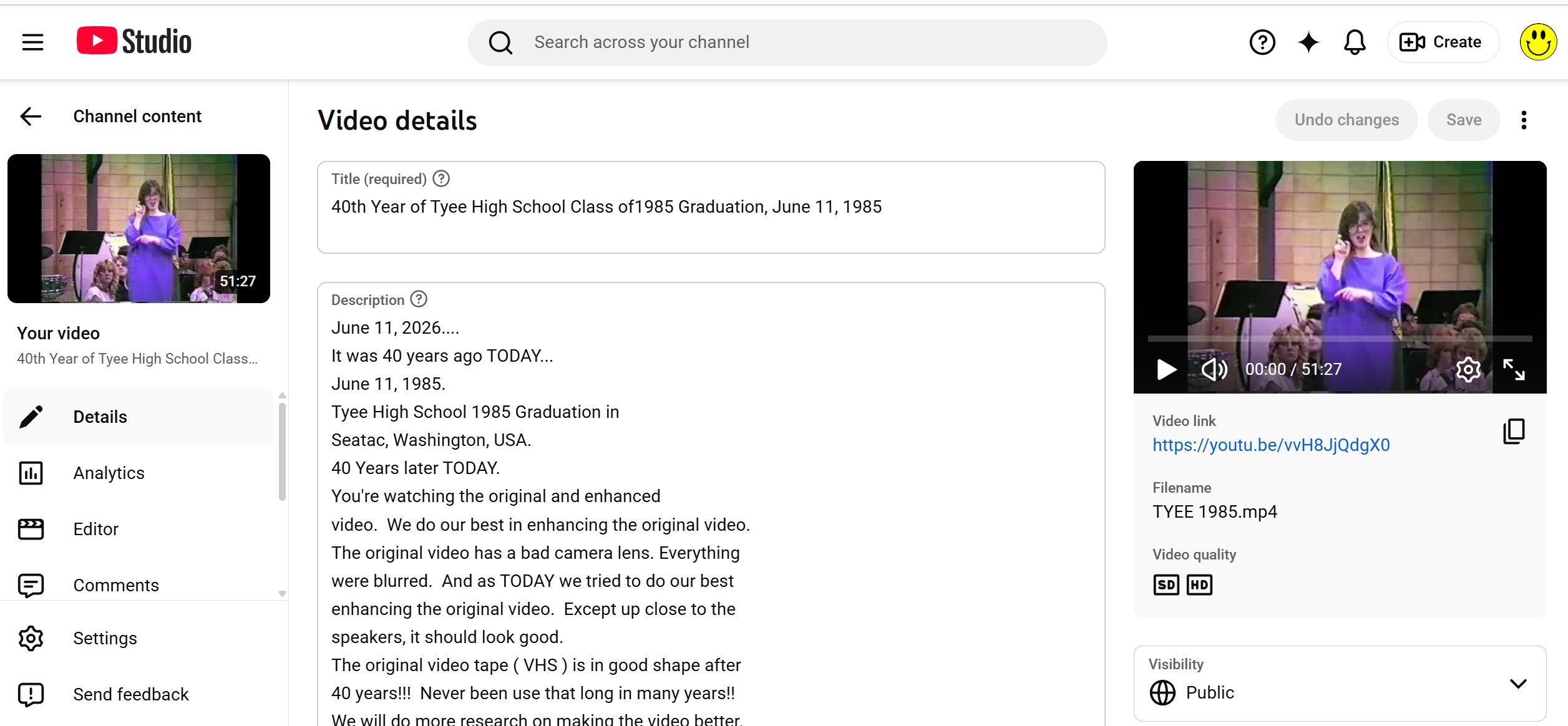
Where to find “Thumbnail” and how to change thumbnail on my YouTube??
I do NOT want the lady interpreter that YouTube chose!!!
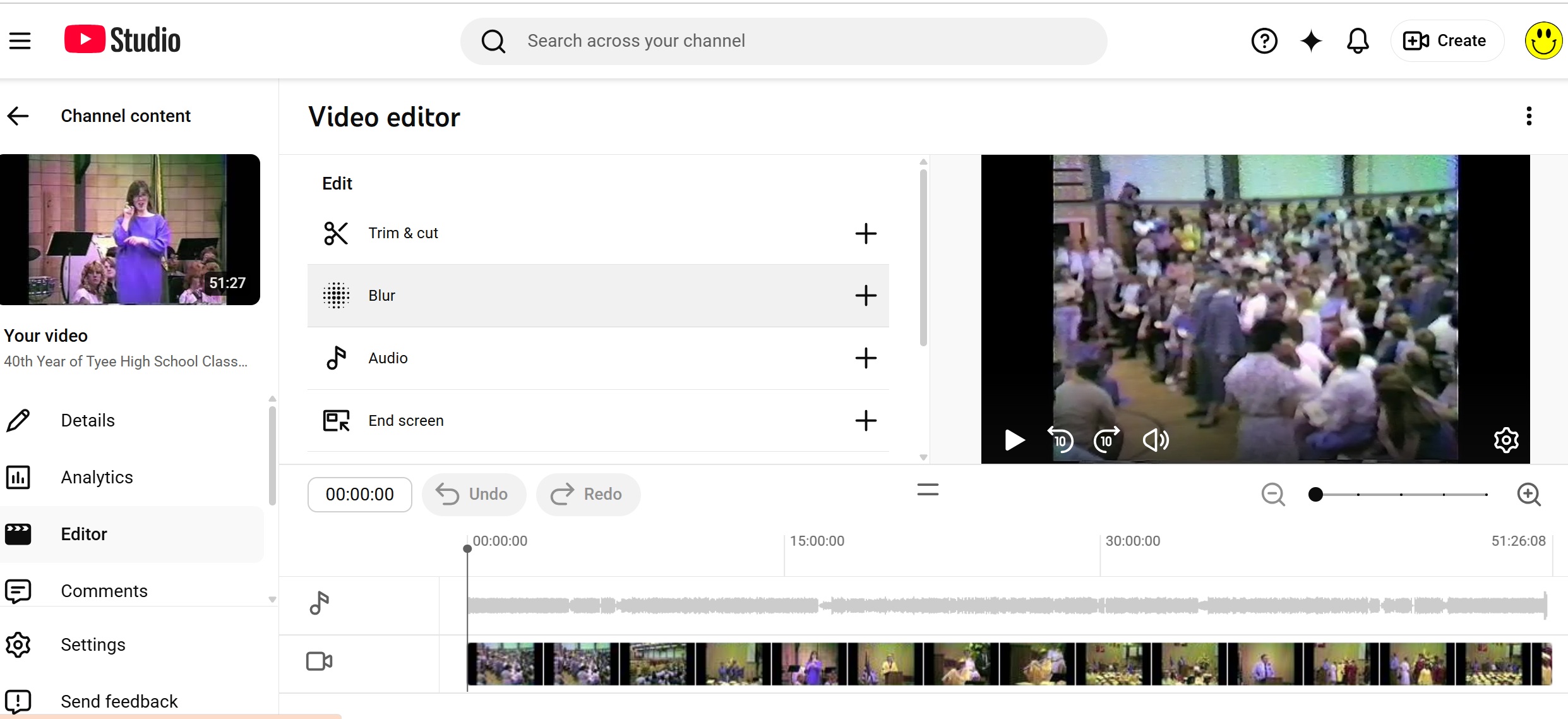
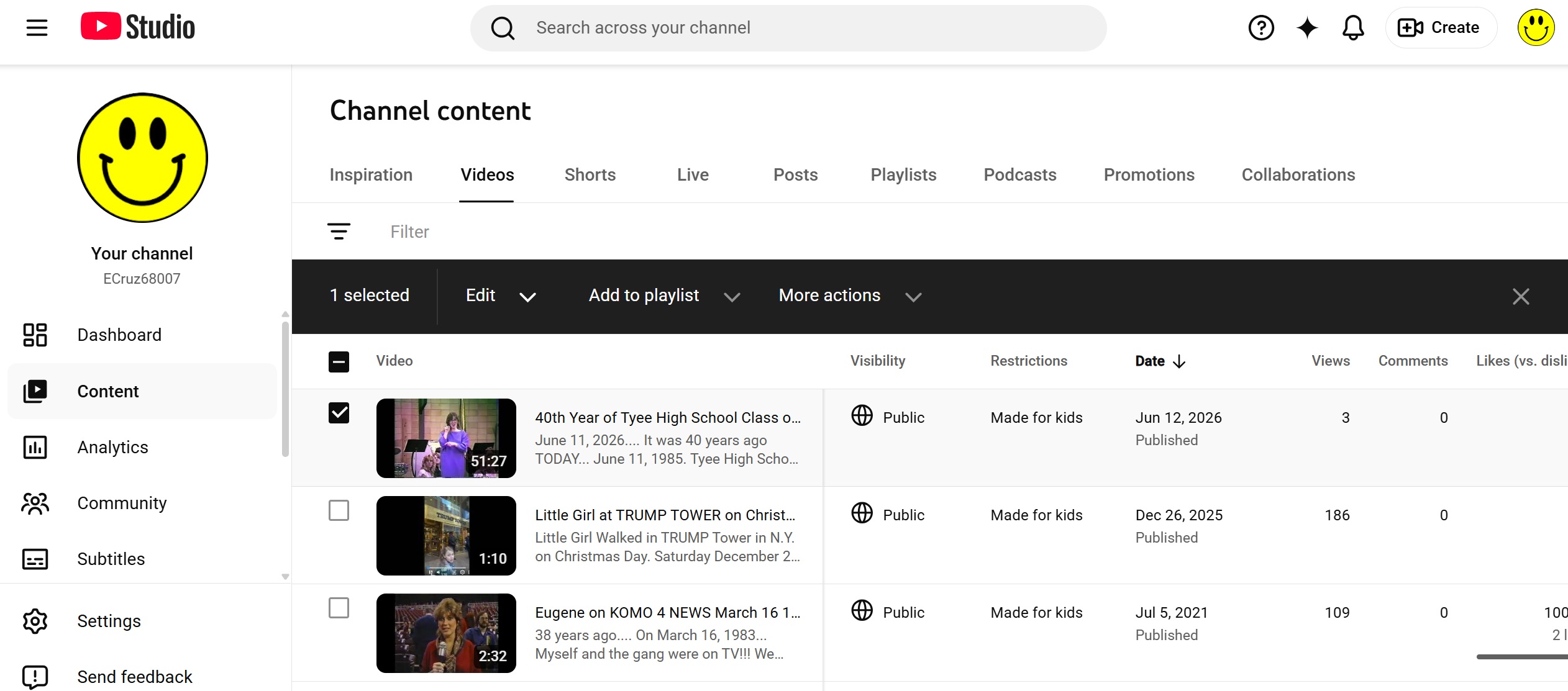
See screenshots from my Desktop computer with Windows 11 and Chrome.
Anyone??? Can send me screenshot on how to do Thumbnail on Desktop??
Enclosed 3 screenshots from my YouTube channel on Desktop.
Hope all helps with answers??
Thank you
You can change the thumbnail just below the Description (In your 2nd screenshot).
Thank you, Hudson.
Many years ago when I first started YouTube. It was pretty easy to find and change the Thumbnail. Compare with TODAY’s feature, it’s hard to find it. Back then it was provided as options in the content page with the videos. NOW you have to look for it all over. YouTube is making it harder, and they’re small print, also!!! Do you remember years back?? It was way easy to find thumbnail.
Thanks!!
1 Like
Out of curiosity why are you setting Made for kids for every video ?
Well, for one reason, Youtube doesn’t give me choices.
Either “For kids” or “Not for kids”.
But you know what??? Just think about it???
High school students are still kids and learning to be in an adult.
So, school kids are kids, anyway.
Go look it up on YouTube and see it yourself about the process of
uploading the video. Either “For kids”, “Not for kids” or “For Adults”.
IF you chose “For Adult” YouTube might screen your video to make sure
that there’s NO sexual explosive.
So I had to make my video as “For kids”.
Thanks!
system
September 10, 2026, 3:57pm
6
This topic was automatically closed after 90 days. New replies are no longer allowed.