Hi folks,
Can any of you help me, please???
For the FIRST TIME in almost a month, I’ve never seen this problem before until now!!
I need help IF you know the answer to my problem.
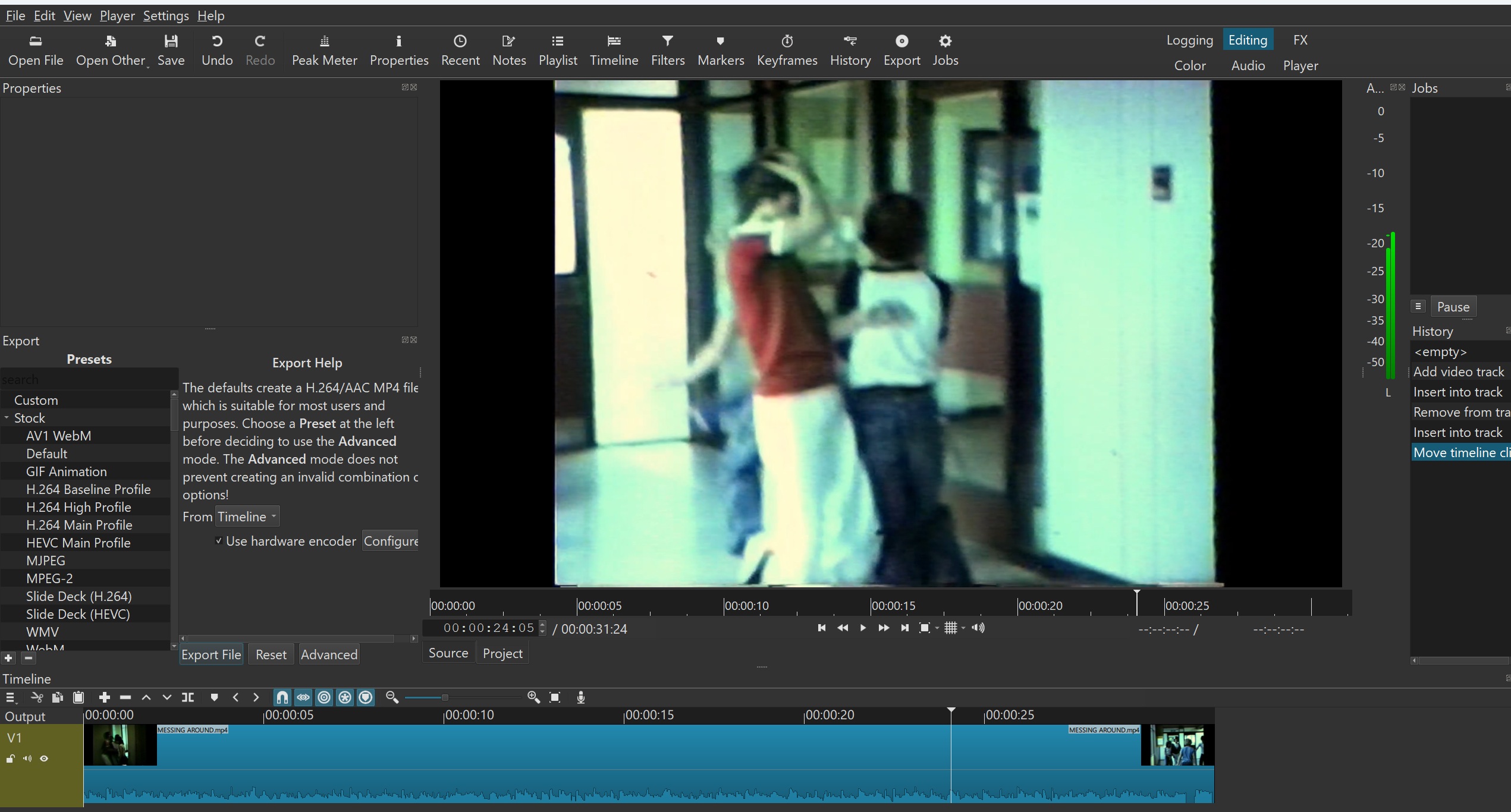
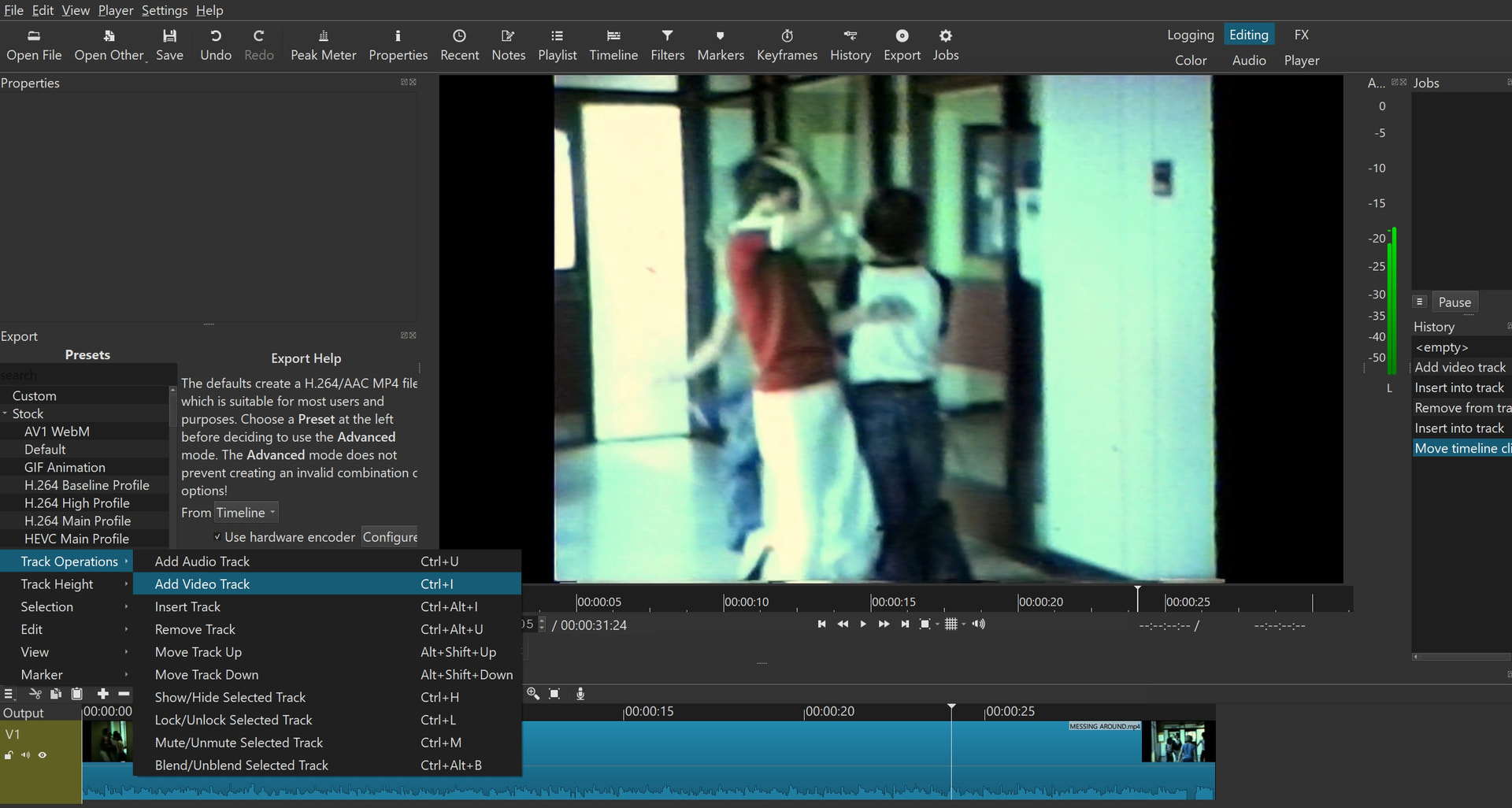
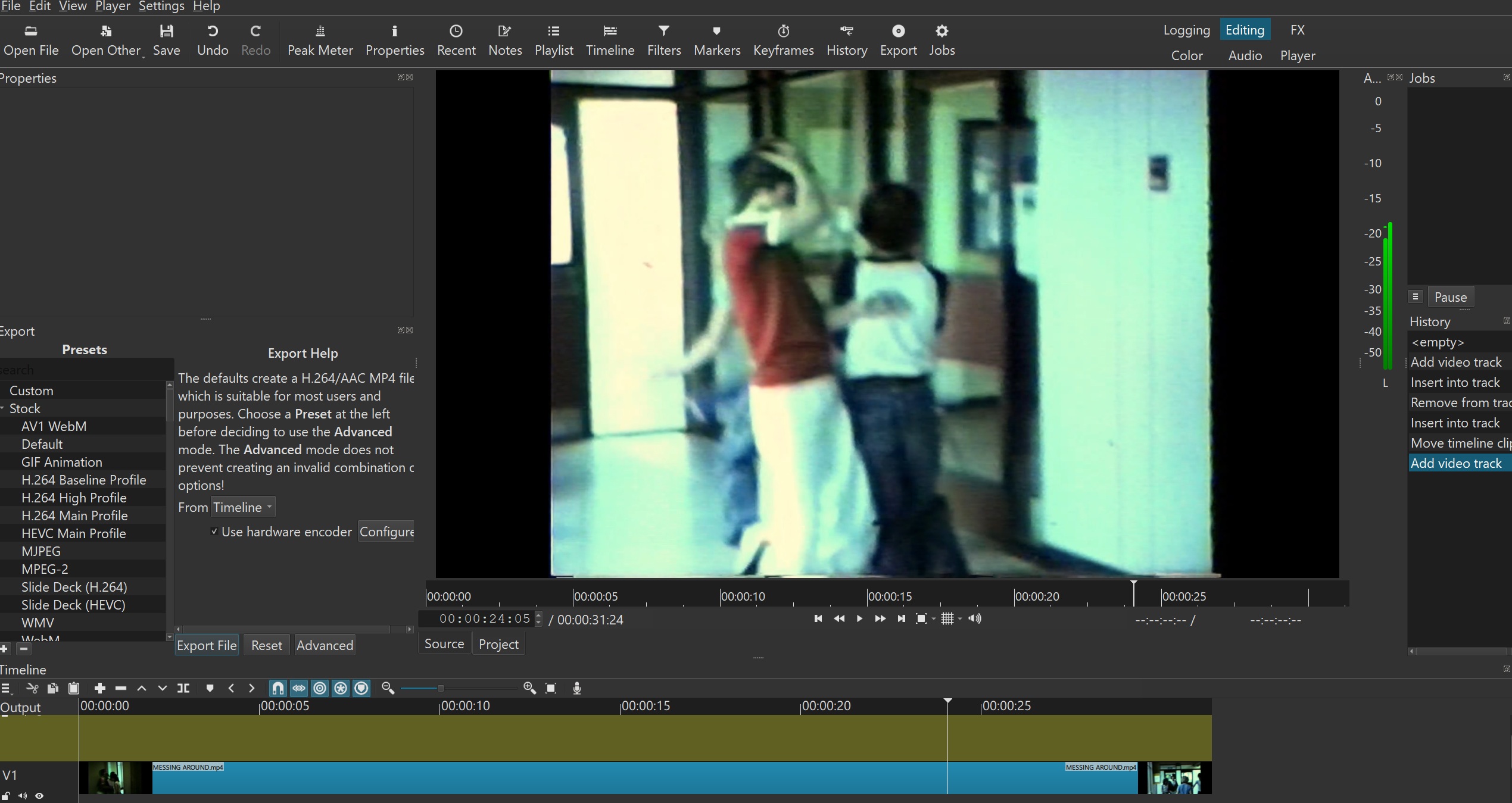
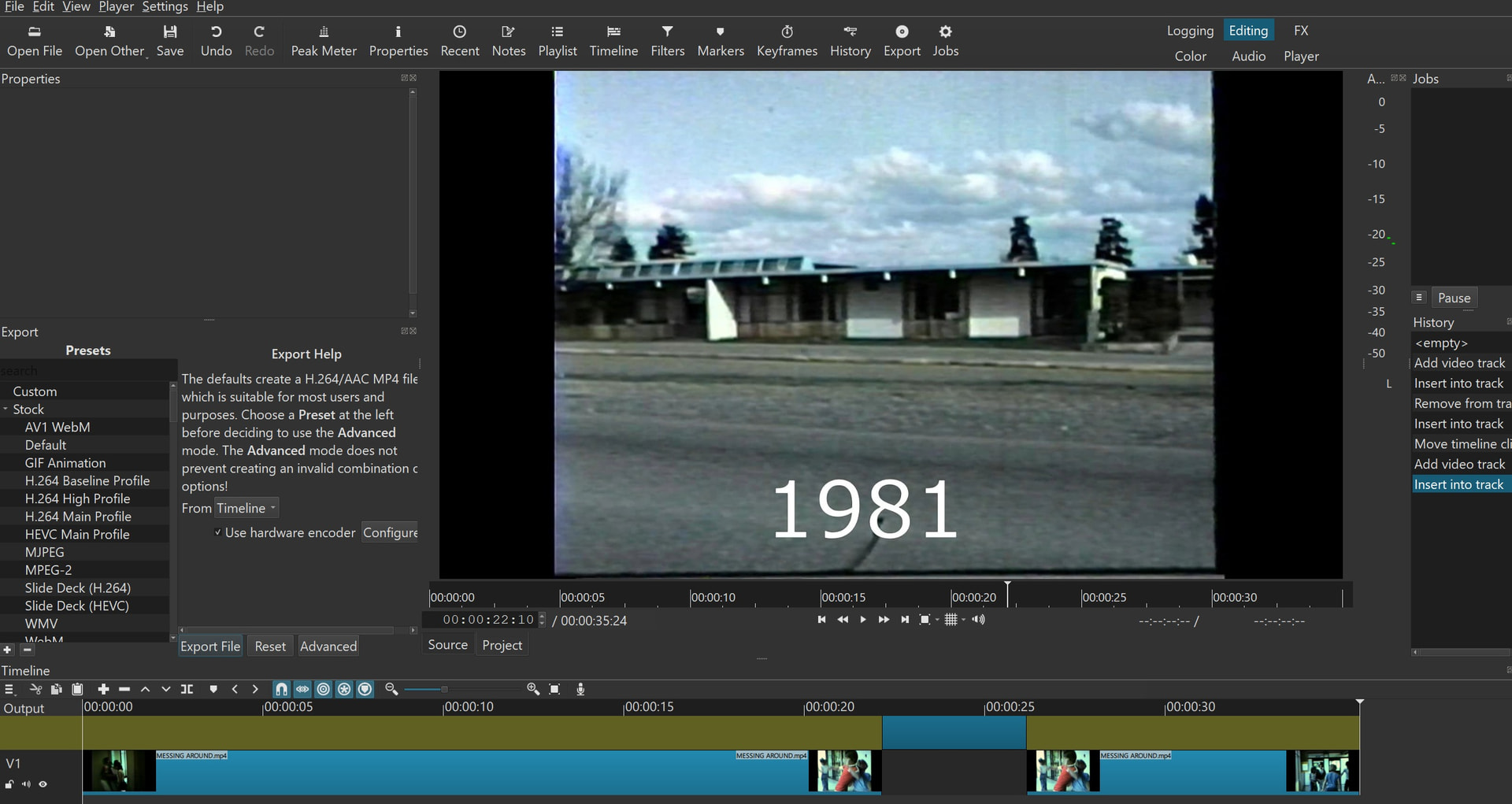
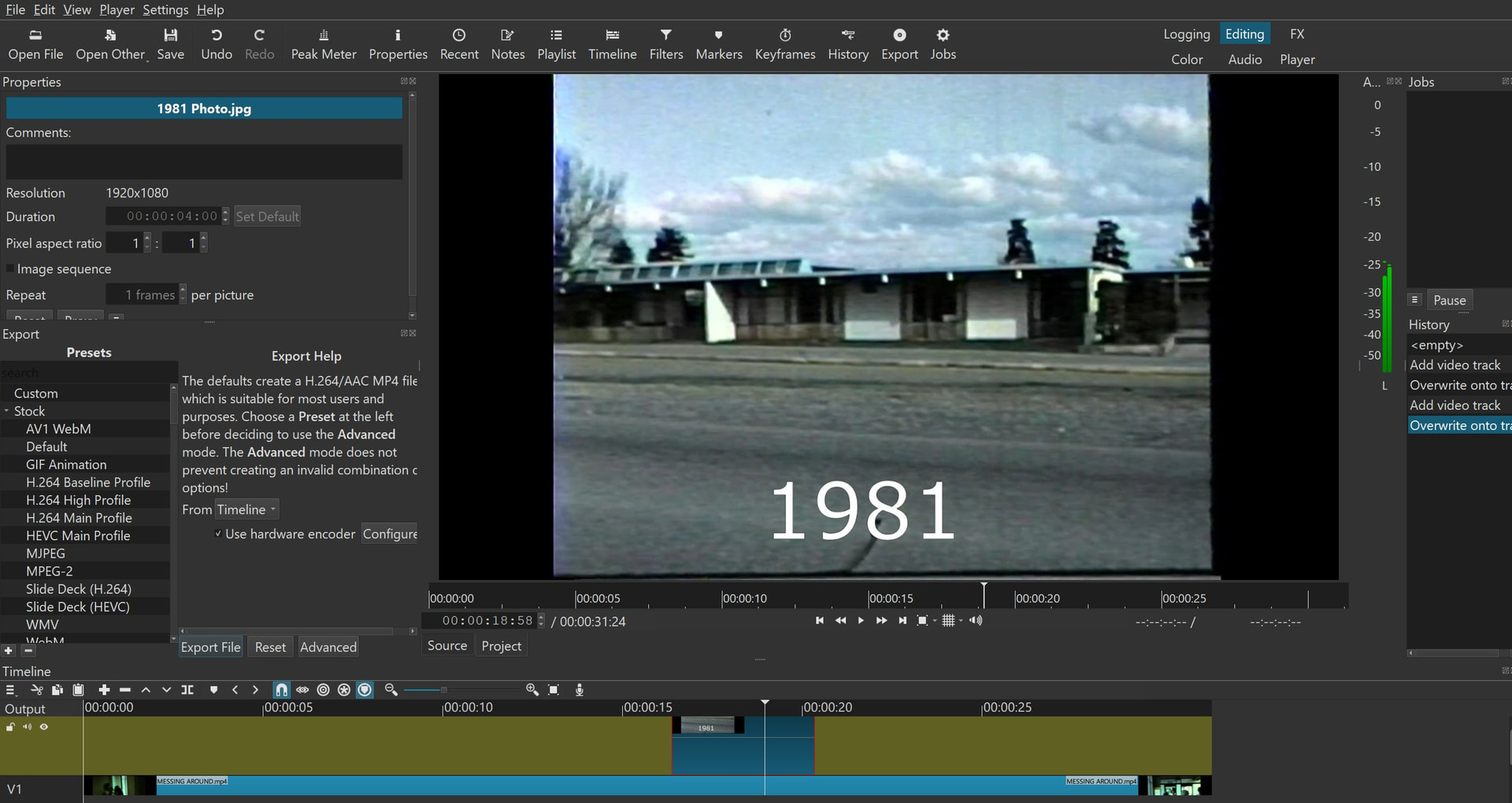
Enclosed 5 screenshots.
I had NO problem with VIDEO over VIDEO once for all.
Until NOW. I’ve never seen such a problem with Shotcut!!!
What’s wrong with my Shotcut timeline hat isn’t doing right??
I added a VIDEO track on top of the video.
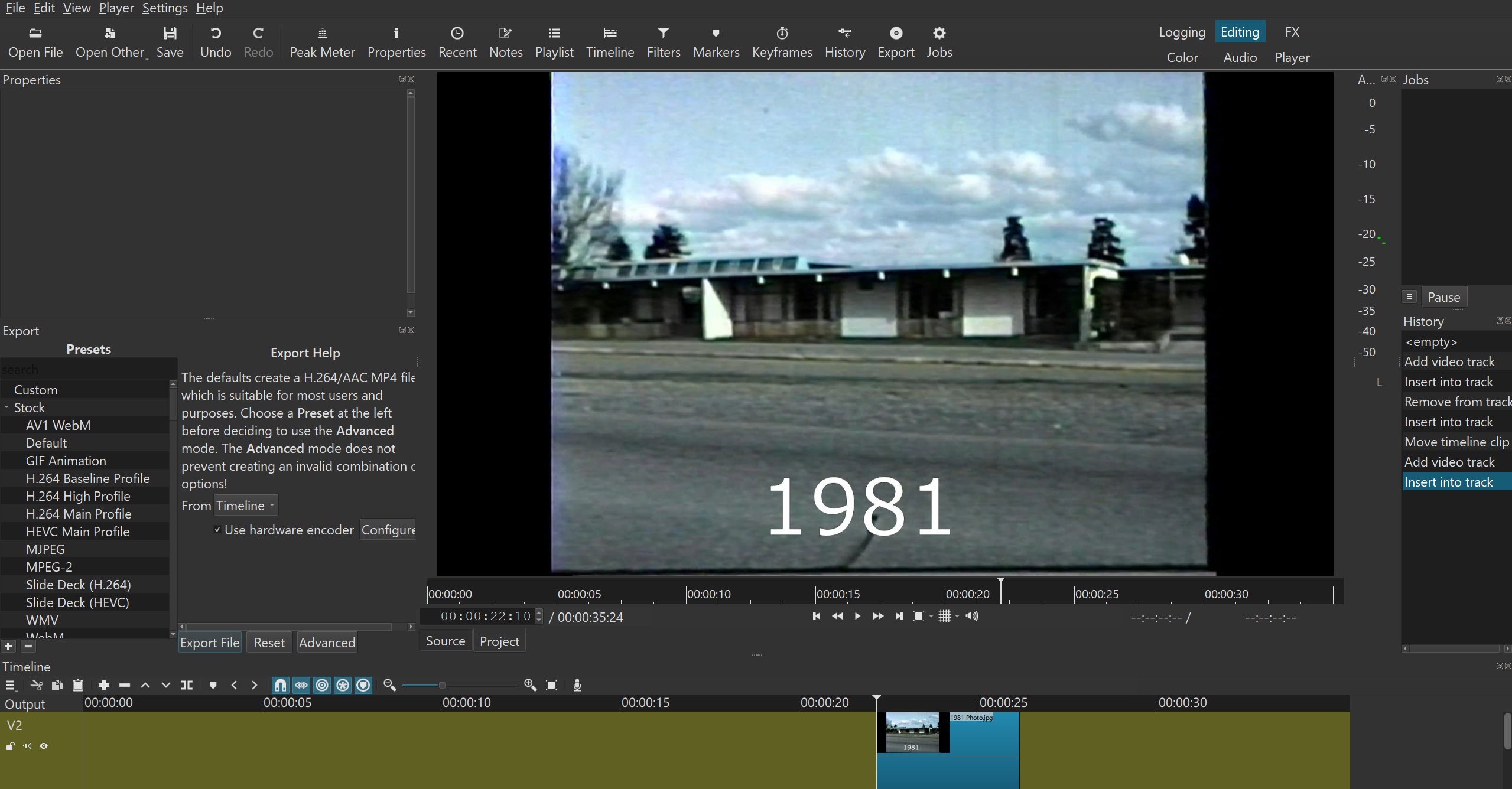
Then I added the photo on top of it.
But LOOK at photo Number 5 I posted.
NEVER seen a BREAKUP on the video that I wanted to add a photo on top of it!!
What’s going on here??? What did I do wrong??? I didn’t change anything!!
Unless if you notice it???
Then what do I need to change it back to where it was that I used to do???
Photo on top of video, the time line BREAKS UP, SPLIT!!
See photo number 5.
A breakup on the video with audio. And that I was trying to JUST add the JPEG photo on top of it!!
Never seen this problem before!!! Please help?? Any settings I did wrong??
Hope all helps with answers???
Thanks you,
Eugene
On the Timeline, next to the magnetic horseshoe, turn off everything and drag the image to V2.
2 Likes
Hi Zmintzoltan,
Can you point out to show me where this magnetic horseshoes on the Timeline???
I think I do see the small horseshoe. Which it called “Snap”.
Next to it is called “Scrub while dragging”.
And before the horseshoe, an error that’s called “Next marker”.
I tried those and still show the same results on photo number 5 I posted.
It created splits on V1 when I inserted a photo on V2 on top.
It shouldn’t do that. Never before.
I’ve never have Shotcut to be updated.
I don’t know what I did or is the software itself??
Or often Windows 11 updates do sometimes screw things up.
Help??
Eugene
Hi Zmintzoltan,
Ya, it works!!! Thank you!!!
I guess somehow either I accidently clicked and highlighted those 3 settings in BLUE.
Or Windows 11 Updates may have screwed it up?? You never know??
But those are un-highlighted. NOT in BLUE highlighted.
But it worked!! See screenshot.
Thank you!!! Always,

Eugene
1 Like
Learn how to get help. Read the tooltips. Search the forum docs based on what they say. For many things, you can click ? on the main toolbar and then click something in the window to get a help page about that something.