Hi,
I am writing to report a technical issue I encountered while using Glaxnimate for motion graphics.
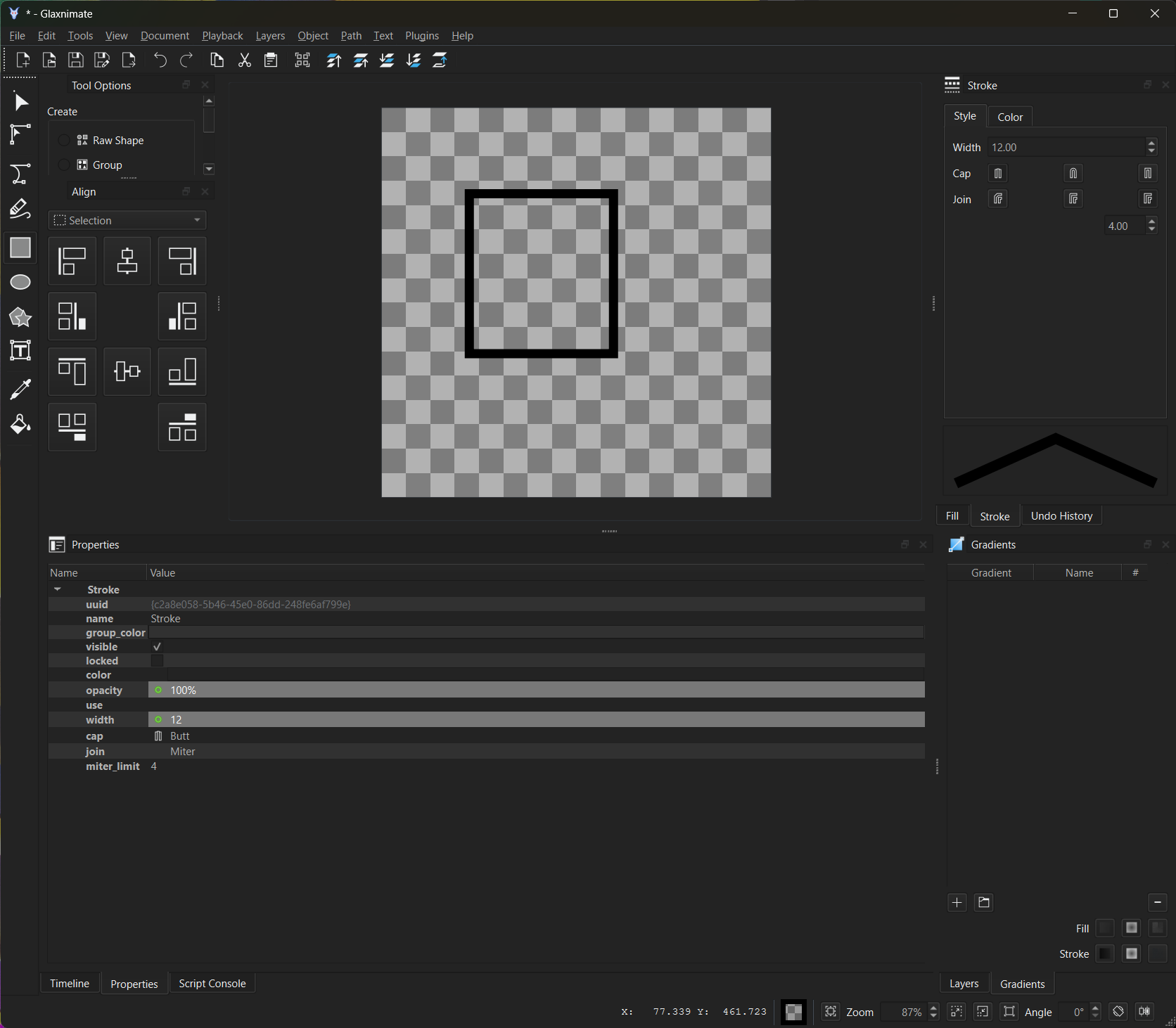
When I create a shape (such as a Rectangle) and attempt to access the Stroke settings, I can see the Dash icon in the properties panel. However, when I click on the dropdown menu or try to interact with it, the menu appears to be completely empty. There are no options available to adjust the Dash or Dash Offset, even though the icon indicates that the feature should be present.
I have tried creating new shapes and restarting the application, but the issue persists. This makes it impossible to create dashed line animations.
Could you please look into this or let me know if there is a specific way to enable these settings?
Best regards,
My operating system: Windows 10 Enterprise
My shotcut version: 24.11.17
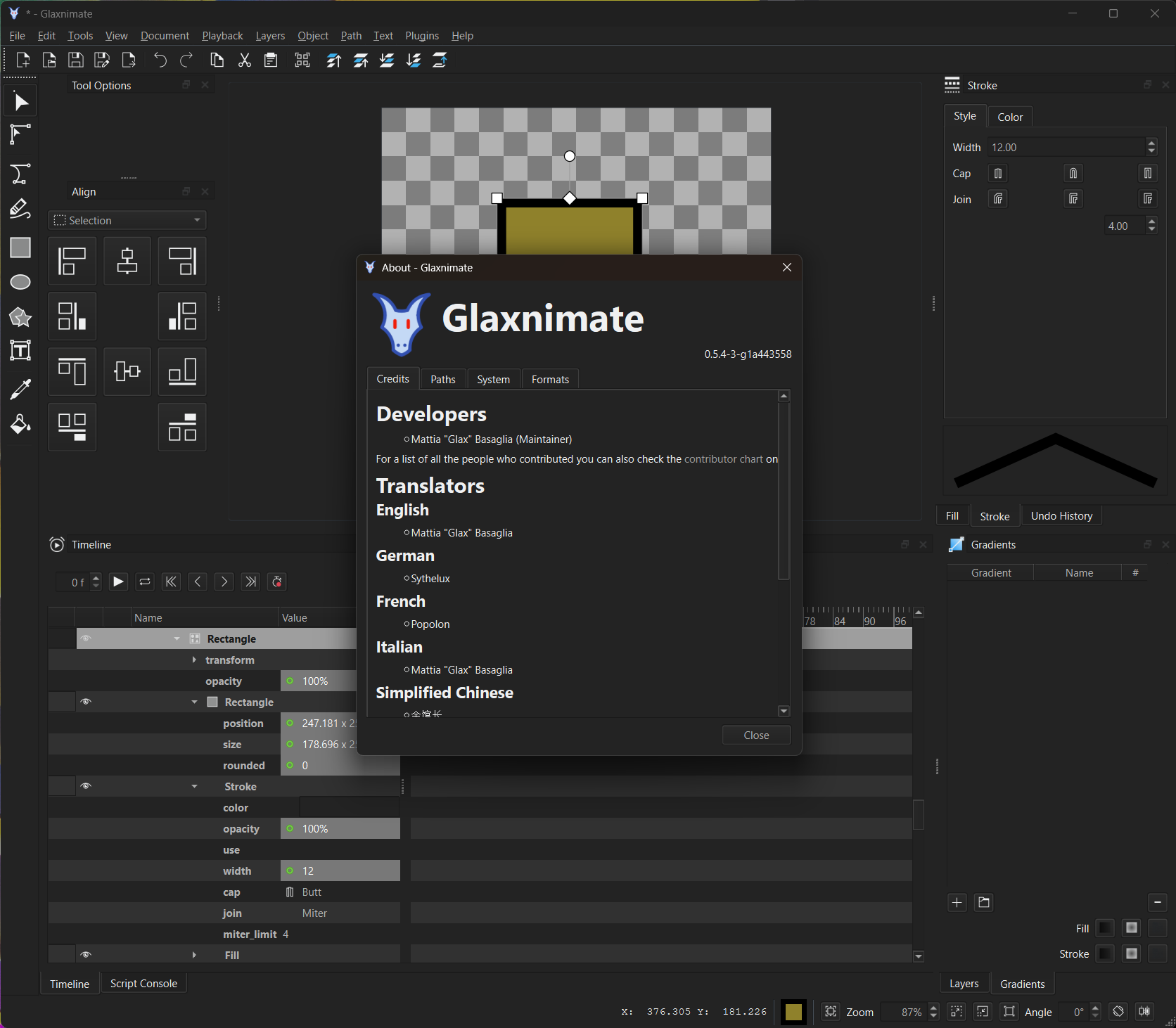
My Glaxnimate version: 0.5.4-3-g1a443558