I’m fairly new to Shotcut, and have an ERROR or bug or problem to resolve here.
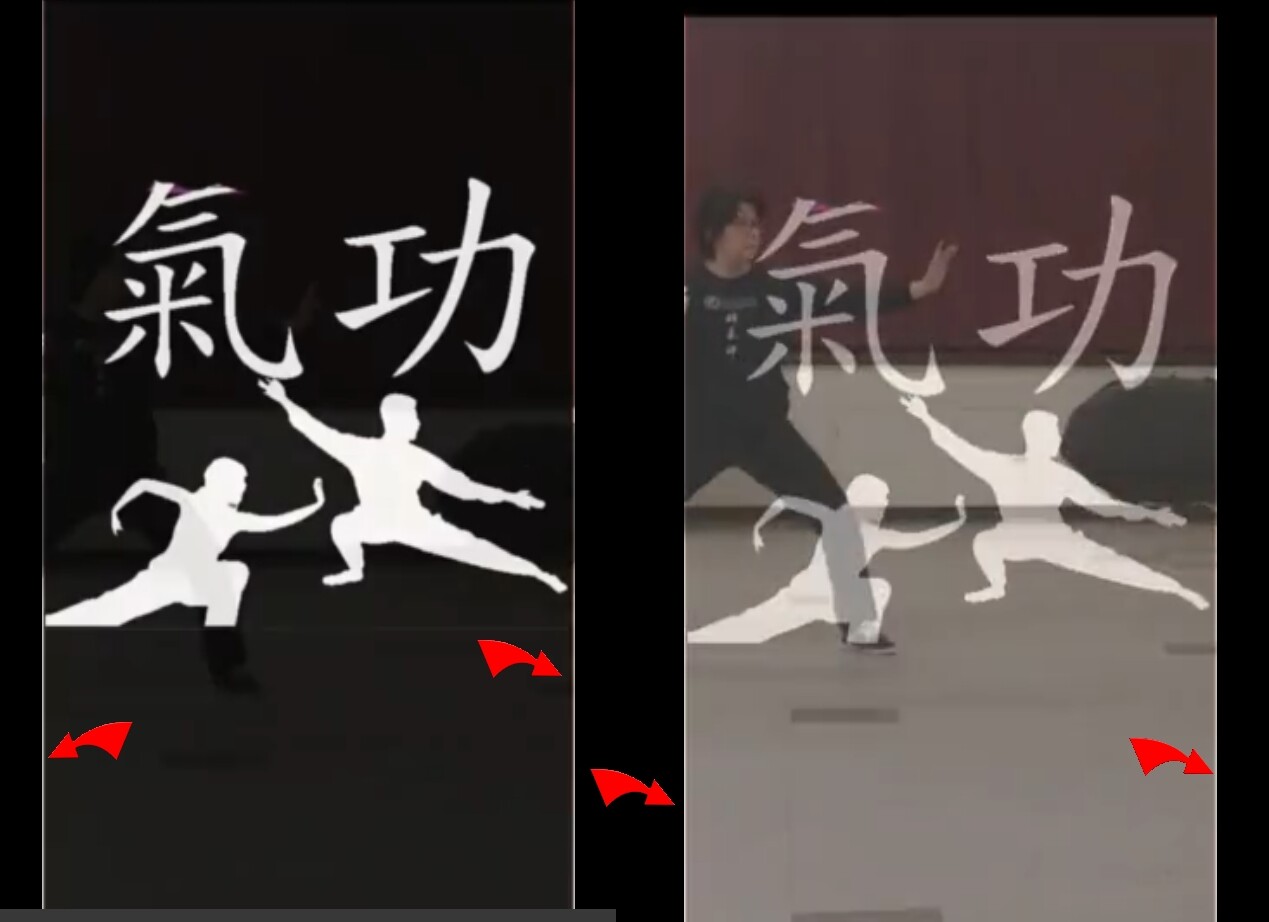
In my video I have an IMAGE to VIDEO transition at the beginning, and then a VIDEO to IMAGE transition at the end. BOTH of these transitions are leaving WHITE lines at the edge of the video, for the duration of the transition.
I’ve tried widening the images, and changing transitions from DISSOLVE to others, but there has been NO difference. Again, these lines ONLY appear during the transition.
I have a SCREENSHOT of them here.
Can anyone help me fix this ?
Thanks very much
just an FYI … all other transitions in the video are fine…
the ONLY ones that are a problem (with these WHITE lines), are the IMAGE to VIDEO transition at the beginning, and then a VIDEO to IMAGE transition at the end.
thanks, but I already tried with a square image at first, and it didn’t fit the 9 x 16 aspect ratio. .. so it looked like a box fading into a rectangle.
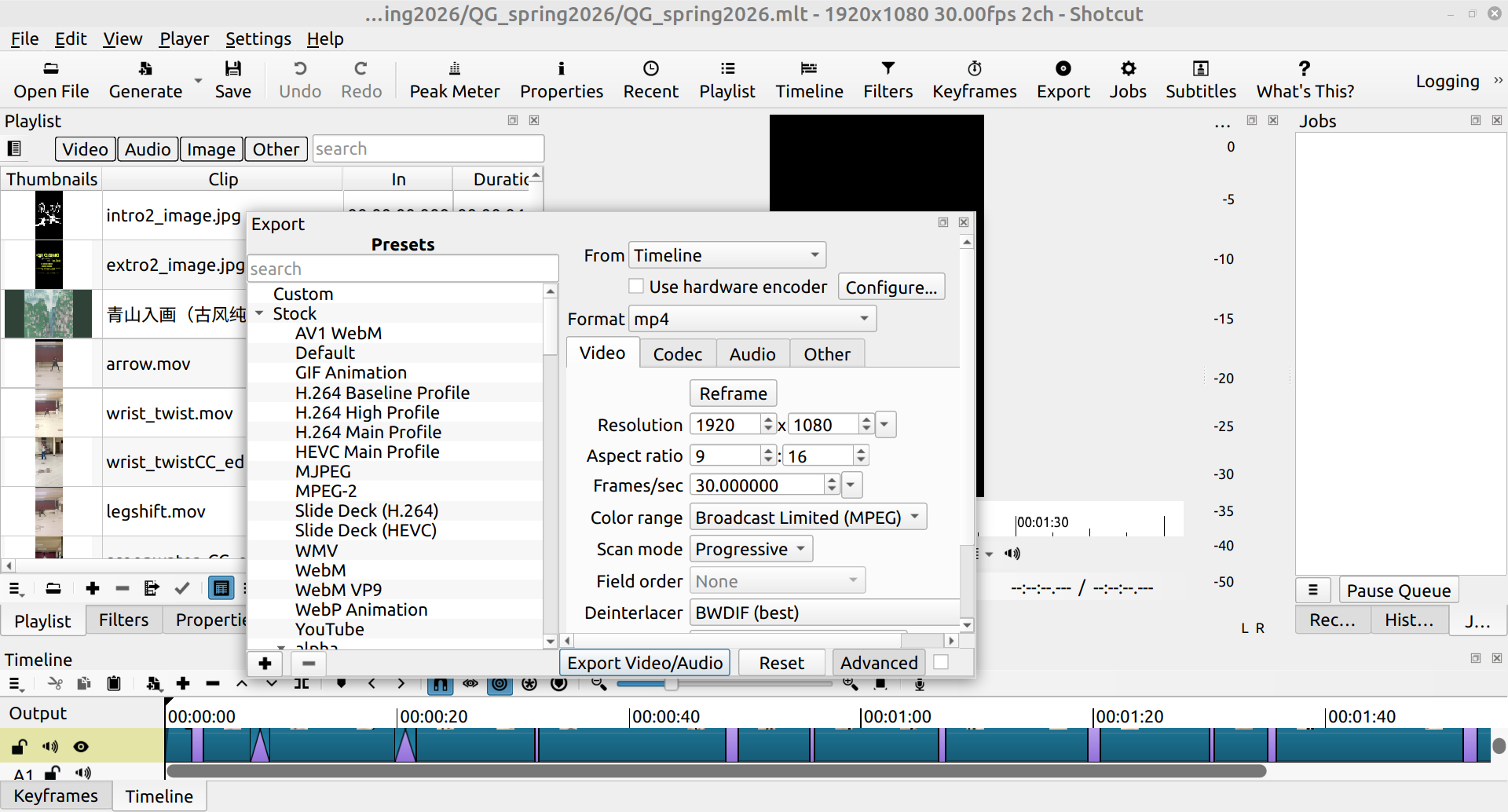
Then I made sure to change entirety of the content, (all video clips and 2 images) to the same aspect ratio, which is 9 x 16, in order to fit into the average phone size for viewing.
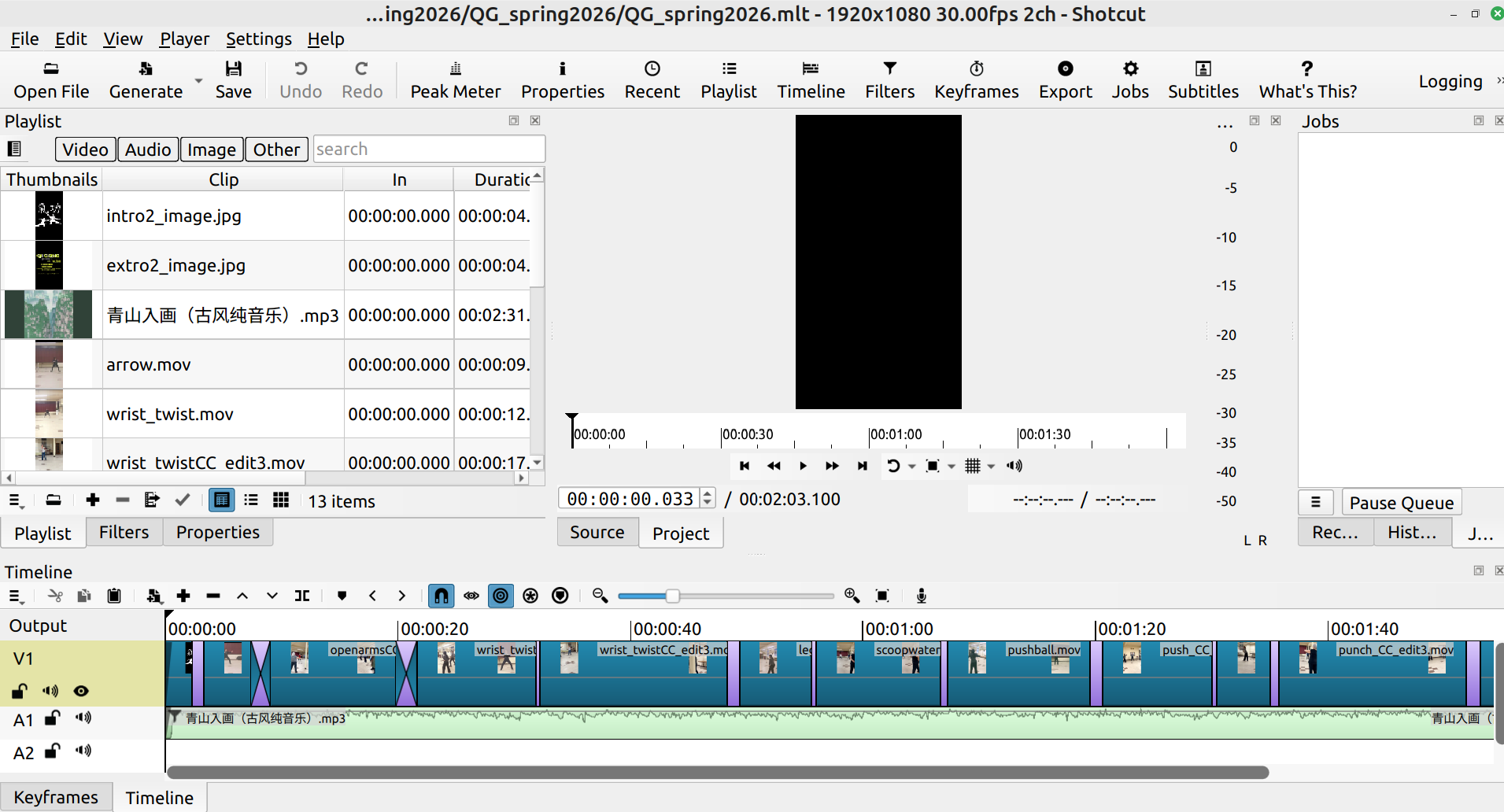
The problem occurs because the intro2_image.jpg aspect ratio does not match the project exactly. Shotcut pads images with transparent black. During the transition the black background of the image does not blend with the video where the borders are transparent. You need to force the entire image to opaque. To do that add the video filter Alpha Channel: Adjust to the image. In the filter change Mode to Reset; that makes the entire image transparent. Click the Invert checkbox; that makes the entire image opaque.
Yes, of course, selection is an extremely important, fundamental concept in Shotcut. The image appearance will not be affected. Add the filter to both image clips on the timeline.



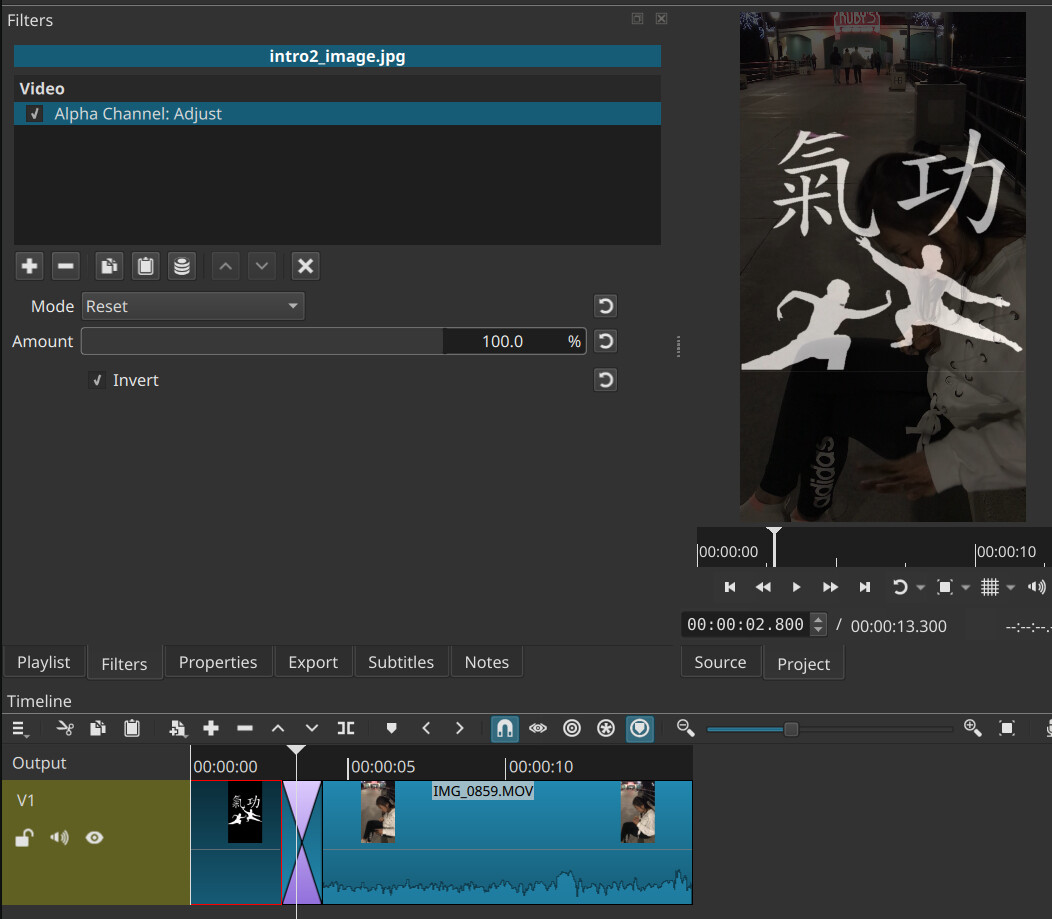

 it WORKED !!