What is your Shotcut version (see Help > About Shotcut)?
Shotcut version 25.07.26
Can you repeat the problem? If so, what are the steps?
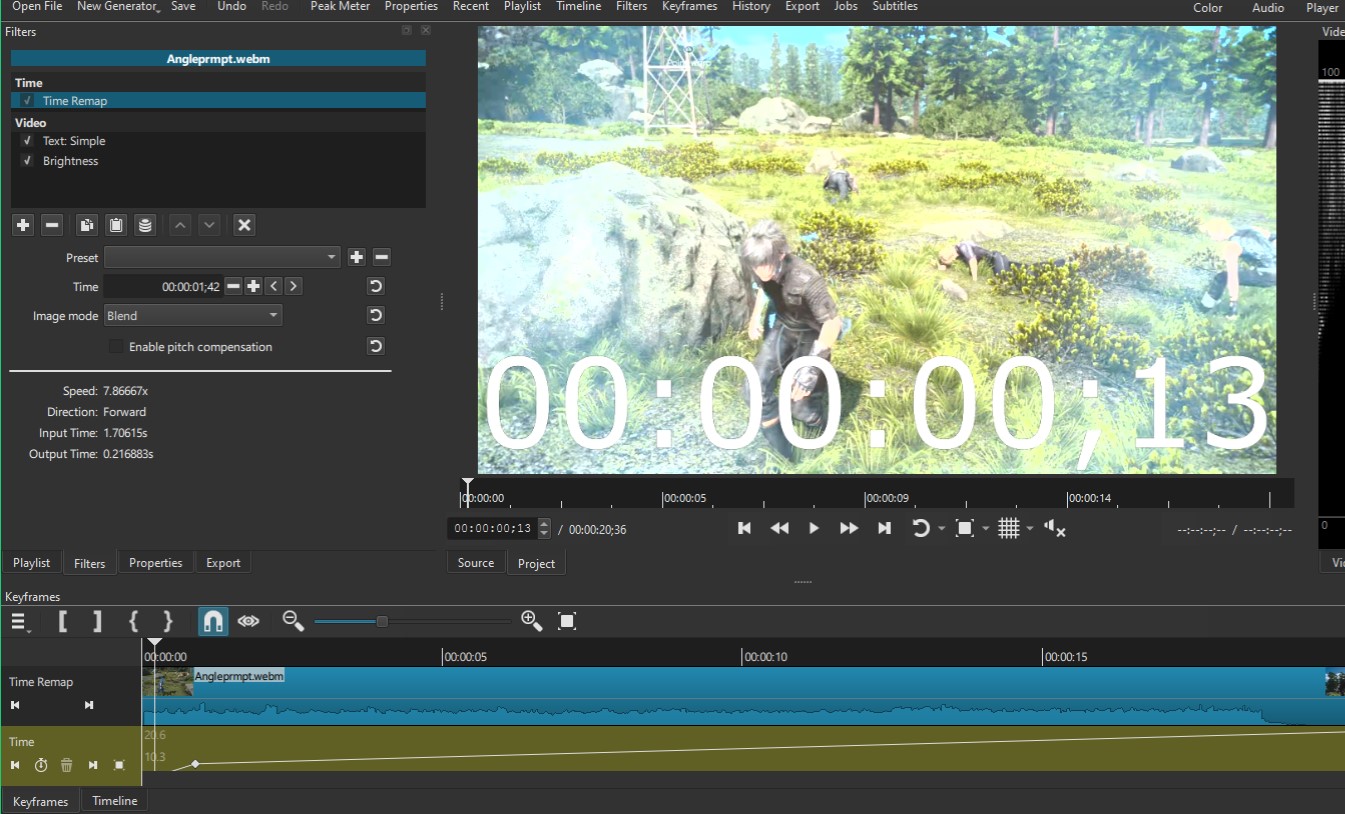
Any source files (webm/mp4, and GIF, so far) or in a previous project, I apply a Time Remap filter.
Immediately, I select ‘Blend’ in that filter’s section, ‘Image Mode’. ‘Nearest’ is the same issue, I think.
Set a new keyframe anywhere between the start and end of the video.
Set the speed ahead to 2x, or click on the keyframe and raise it higher (which can let you go past 3x the speed).
Observe the frames between not blending.
Based on the documentation and random YouTube videos, it supposed to reflect the effects (blending frames) on the preview and export? Nothing changes for me. I will update Shotcut later, in case it is just me and not a bug. I’m not concerned with myself too much, just reporting it out there.
By the way, is there a potential idea to make ‘motion blur’ out of using a 59.## FPS video, converting to 119.88## with ‘Motion Compensation’, and blending with Time Remap? “Yes” or “No” will suffice, to not waste your time. I’m aware of plug-ins and the other options I’ve googled–just wondering.
Thanks for your time. I would’ve missed it even if it was on the patch note (was aware of 25.10 only).
Sure, I updated Shotcut and went ahead to do so as a demonstration for the idea. The bug-fix? Yeah, it was fixed!
The original WEBm clip was 4k and 60 FPS. I edited it, then made it into a smaller MP4 (to be converted with motion compensation and apply Time Remap). I made 3 GIFs with that MP4.
Here is a link that leads to the 3 GIFs with the actual scene playing. I assume it’s not healthy for users’ navigations to be shared directly here.Imgur: The magic of the Internet
I clipped/share the following three 3-seconds long GIFs in which one is:
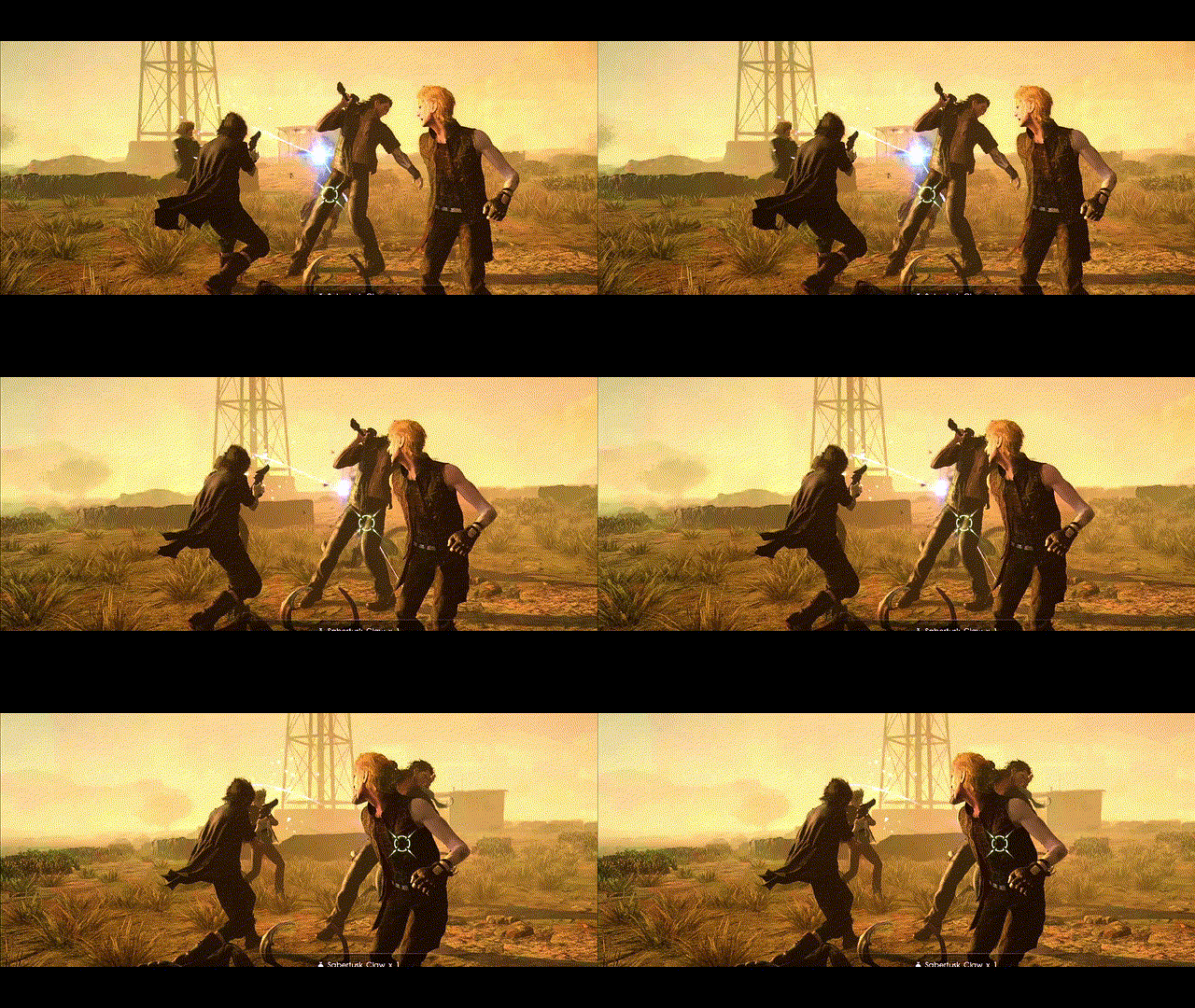
before motion compensation and without Time Remap’s blend.
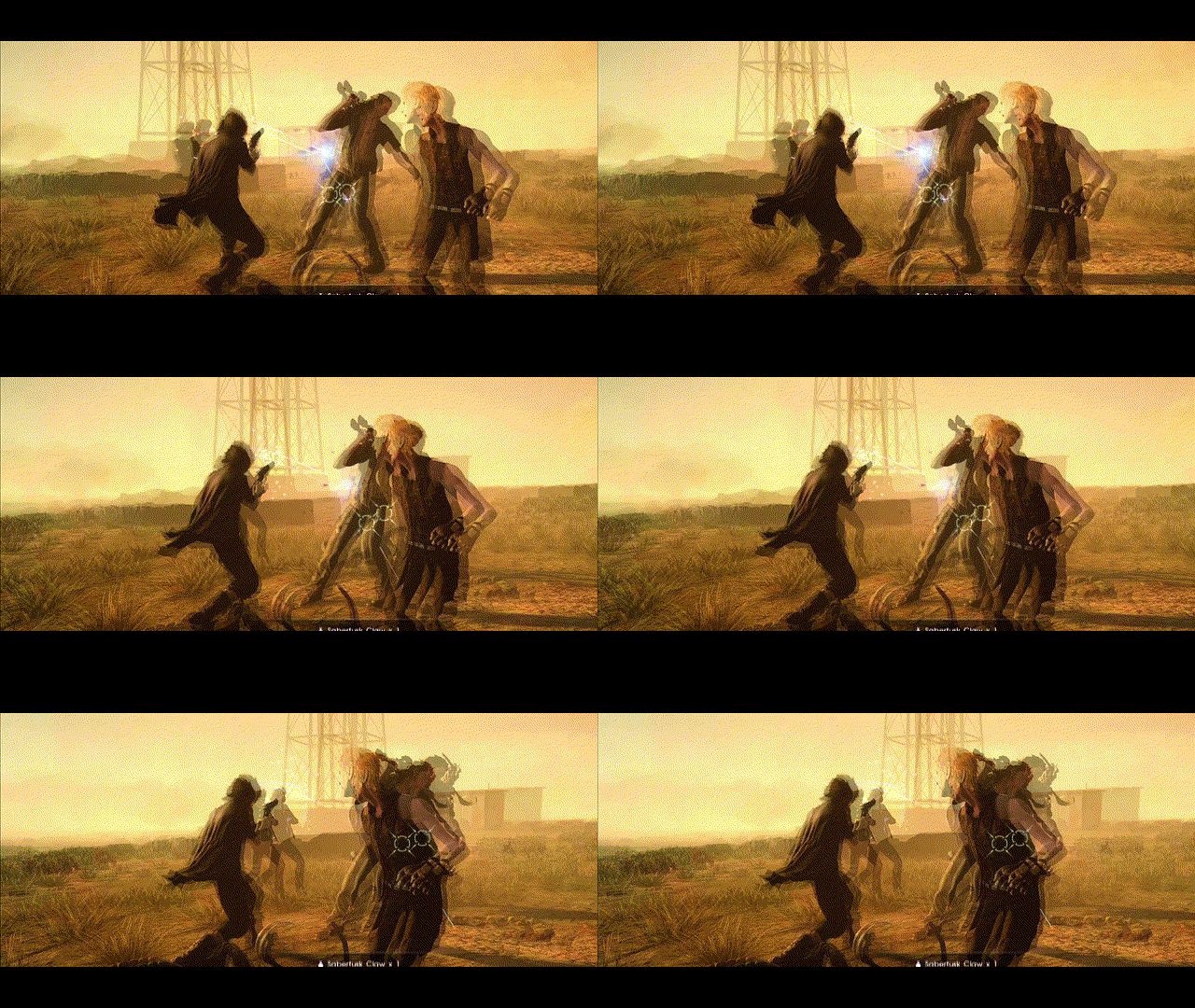
before motion compensation and with Time Remap’s Blend.
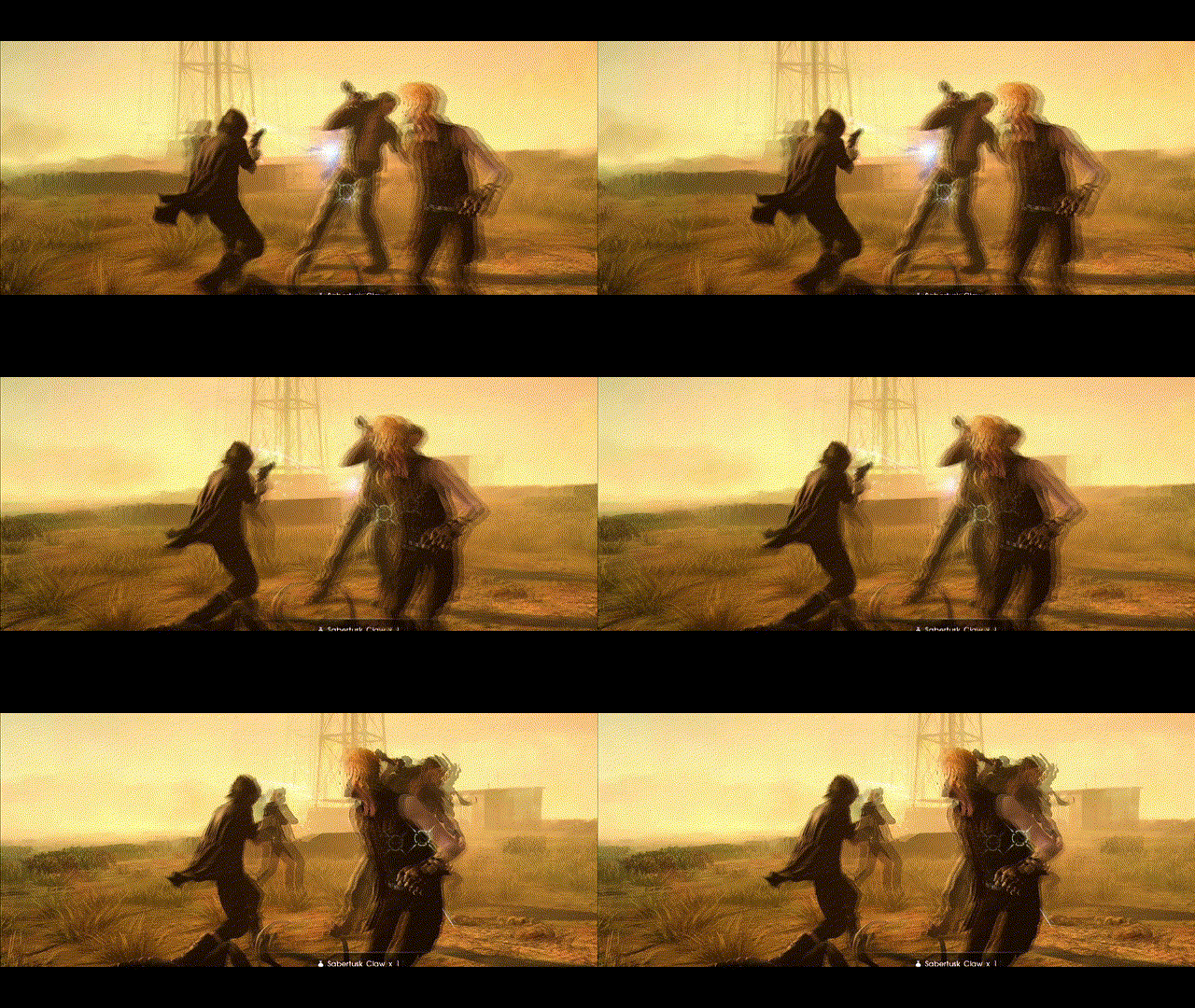
with motion compensation for 119.## FPS and with Time Remap’s Blend.
GIF - Exported 3 frames. No motion compensation. No blend.
GIF - Exported 3 frames. No motion compensation. Blend enabled.
If you care so much about quality by doing all of that then maybe stop making GIFs. You can use heavily down-sampled, video-only H.264 MP4, VP9 WebM, or WebP on the Web with excellent compatibility now. Only if you are reducing frame rate below, say 30, and want to add some simulated motion blur then I suggest only blending. Otherwise, fake motion blur is more distracting and degrades clarity more than without.
I keep reading plenty of your past comments as I silently surfed Shotcut’s forum, and I actually have that in mind for a long time. Really! About stopping with GIFs for other options . So until just now, I thought to keep MP4 versions just in case at the least.
I really am clueless about what looks pretty, convenient, or accessible. I really thought GIFs has its own visual appeal with the way it affects the quality of the clips (I can replicate it myself anyway if I’m right about its own visual appeal). Not only that, I thought there was something appealing about its looping nature while navigating webpages (and some websites don’t need you to use GIFs to do that anyway).
I couldn’t make my mind up about the trade-off with blending. Thank you for reinforcing and thank you for your time.
 . So until just now, I thought to keep MP4 versions just in case at the least.