This project originally had proxies, but I removed all of them.
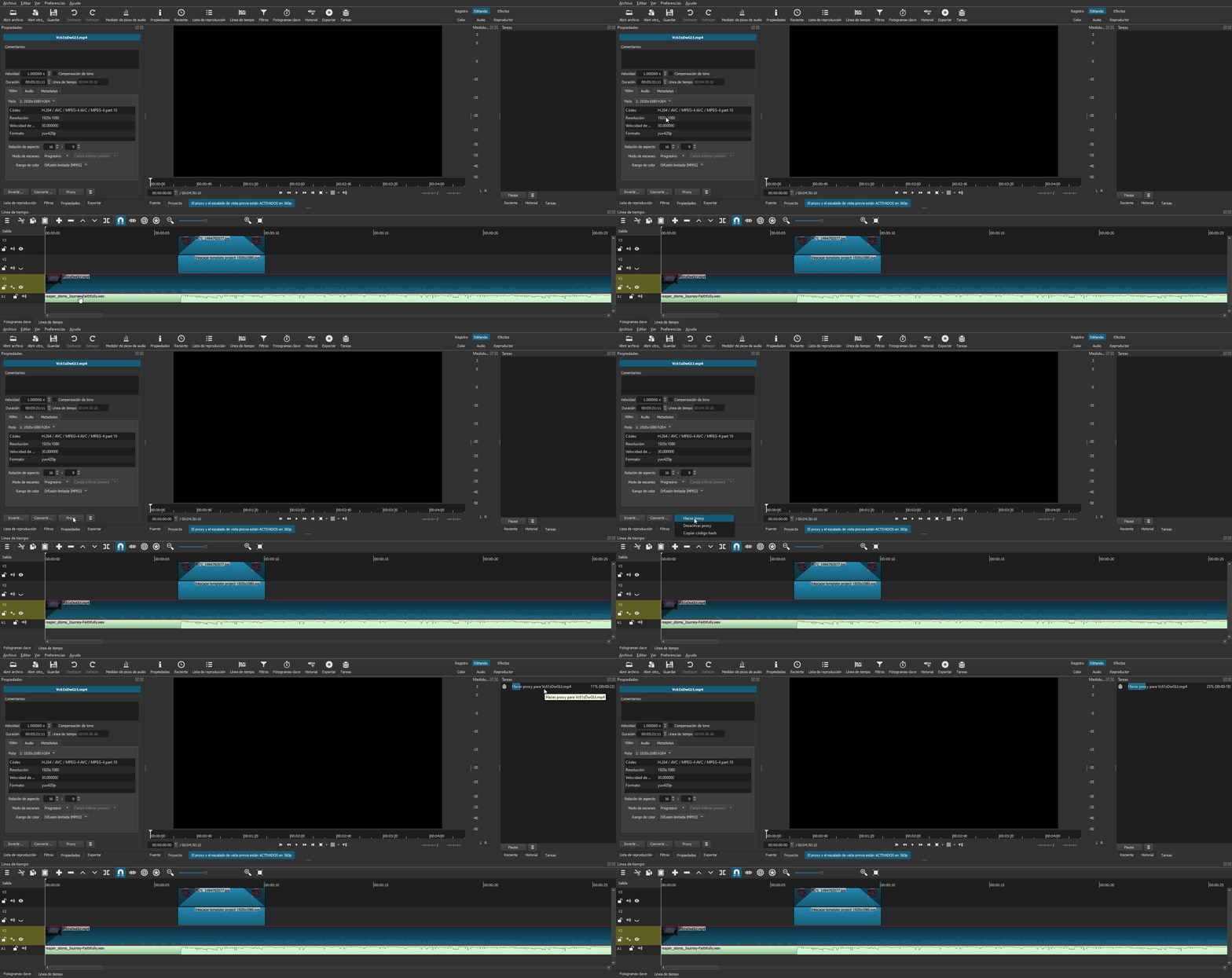
I opened the project and as you can see, in the video information the resolution is the original 1920x1080 (not the resolution of a -640x360 proxy file in my case)
Just create the proxy file as I show in the animated GIF.
Another option you have available is to go to Preferences-Proxy-and disable the Use Proxy checkbox. Then check the box again and Shotcut will show you a pop-up window for the creation of the missing proxy files in that project.
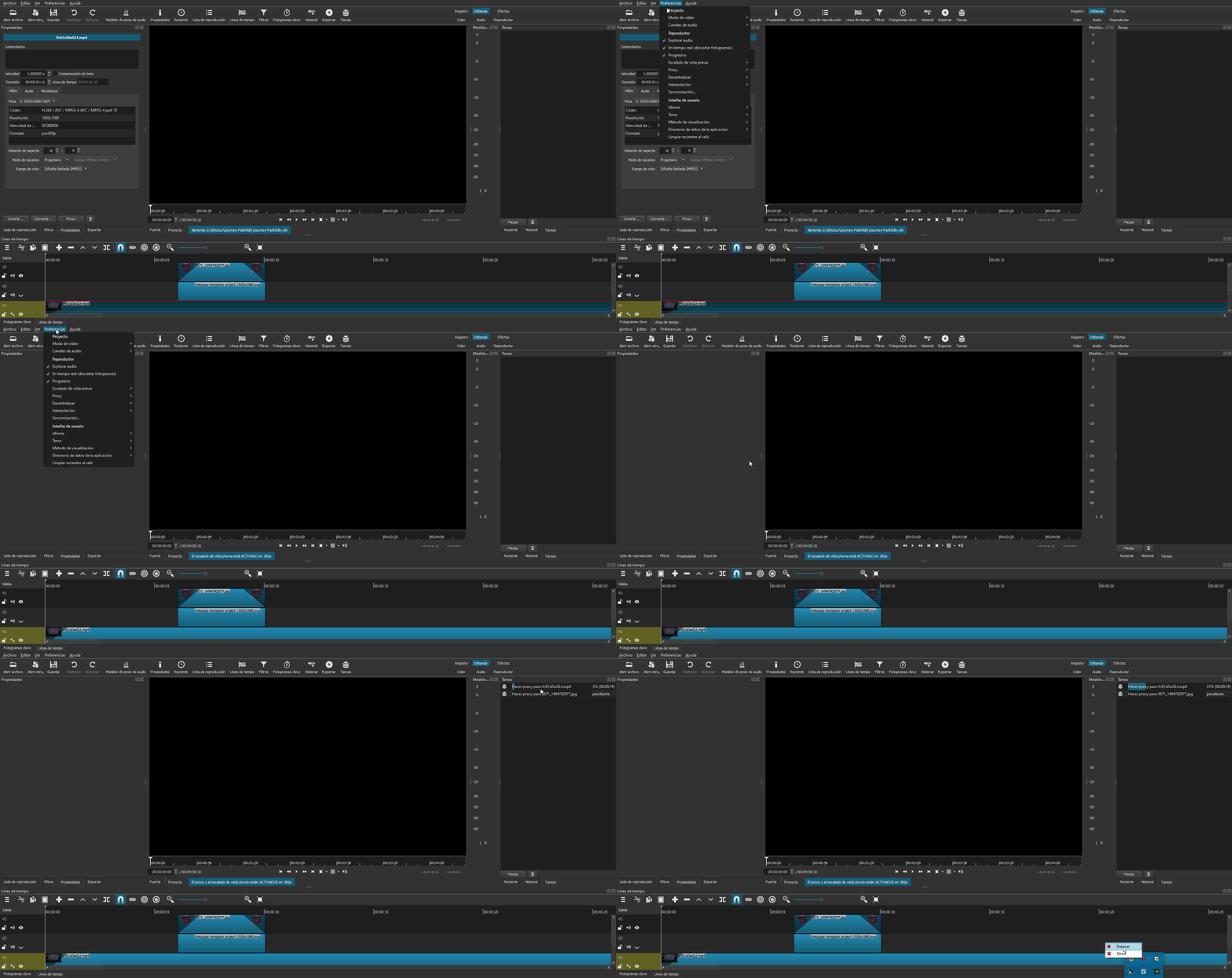
My interface is in Spanish, but the location of the menus is the same in English.