Fade out error at the end, with Transparent PNG

win 10

shotcut 26.2.26

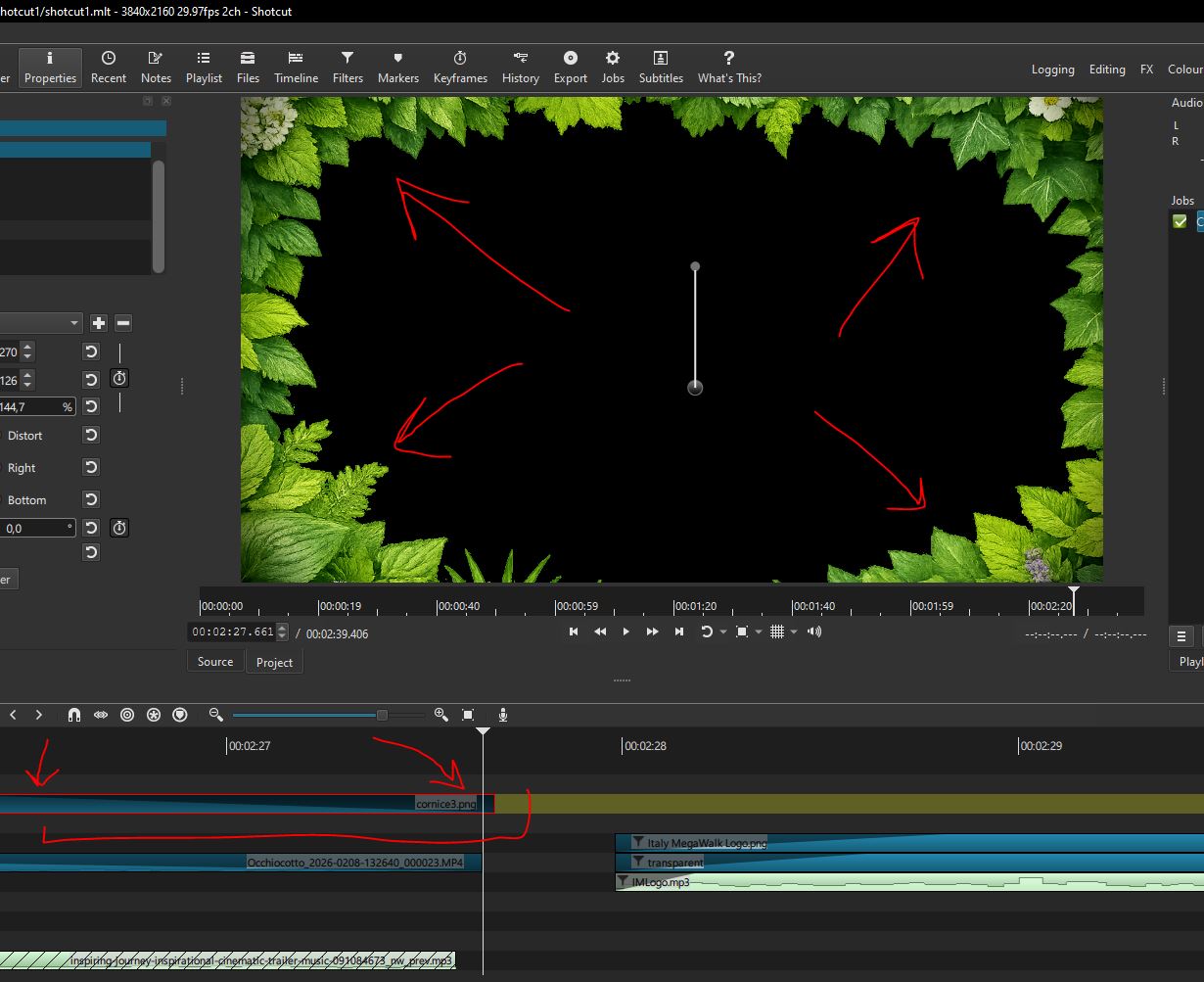
Using FadeOut on a PNG with 24bit colors, the fade looks a pixel right and at the end, the PNG returns totally bright for 1 second (instead of full black).

Look at screens and TIMELINE bar.

Thanks

ciao

Not enough information (screenshots are cropped). You probably need to change the order of filters since I will likely not address this.
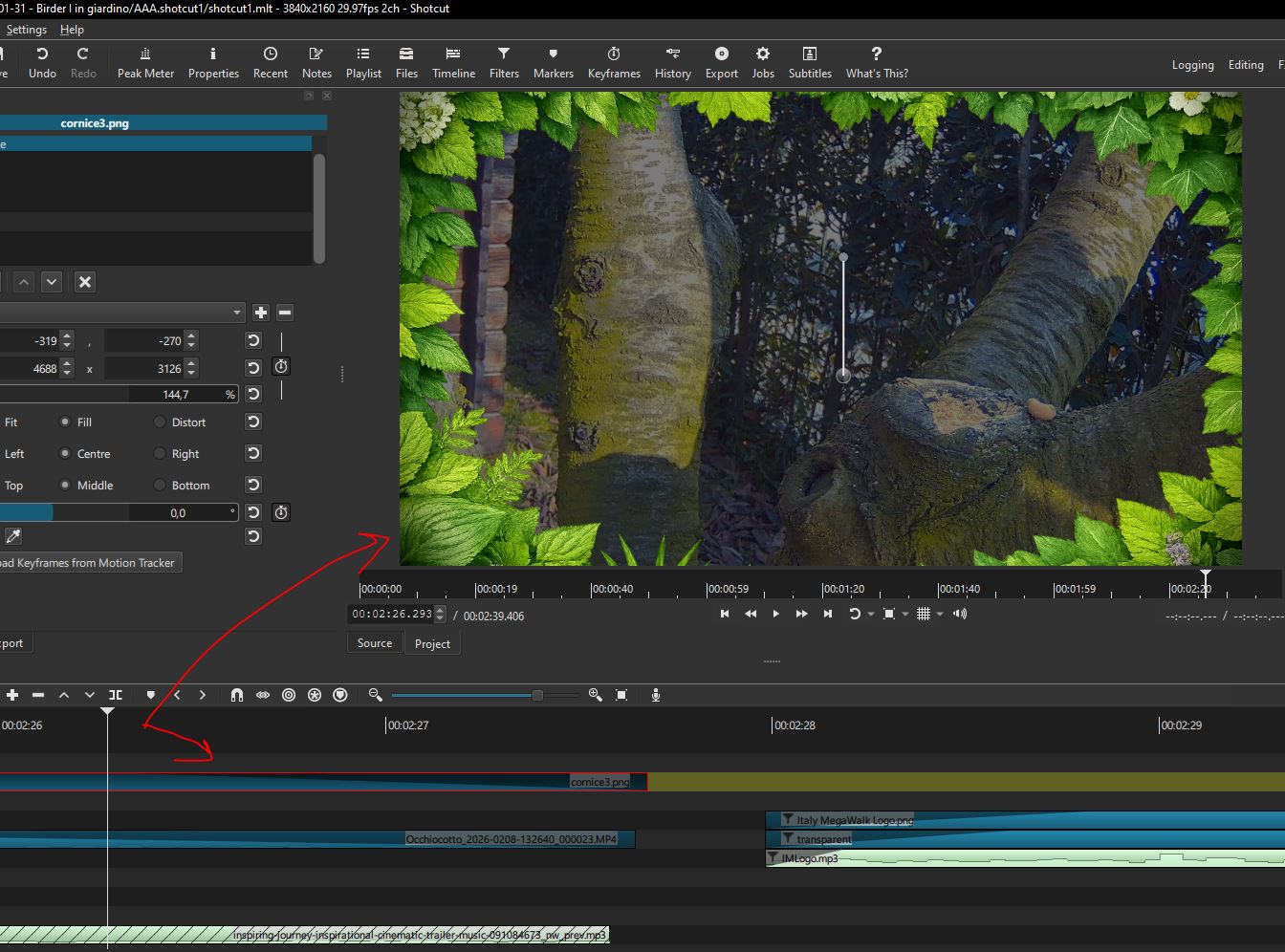
Hi, the problem has been identified: the upper video in the timeline apply a normal fade out. At the end the lower video disappear just a second before, leaving the fadeout filter without a background. I remember there is a checkbox in the fadeout filter in order to let them works in 2 ways, one is for video with a background video, and the other is for video with no background video.
In this case the upper video starts to work with a background video and ends up without a background video so the filter fails at the end.

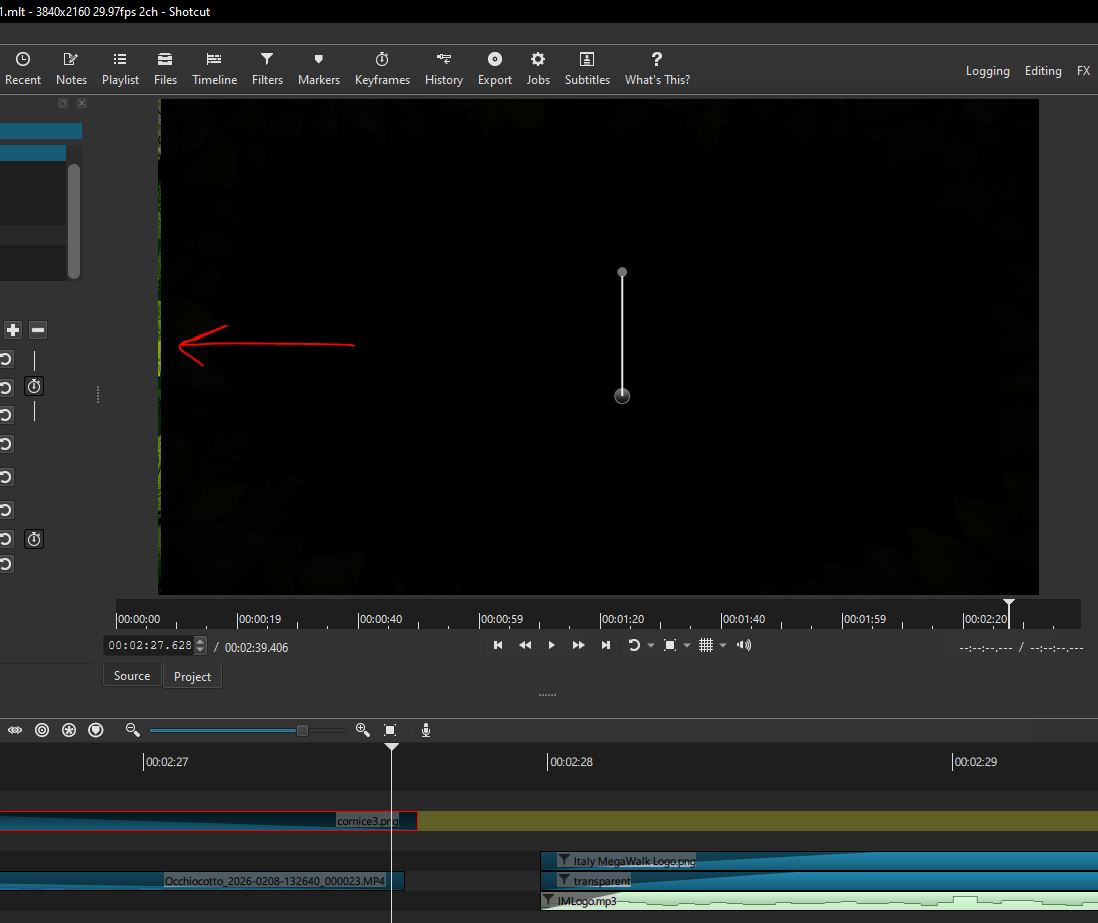
I’ve aligned the fadeout upper video to the background video and the fade is now correct, except for the left bright pixel line that I mentioned as a secondary problem…

In any case I hope the fadeout/fadein filters would be analyzed, in order to adapt automatically to the backgrounds, in future releases.
ciao

1 Like