You must use the English language in a bug report. If you do not speak English please use a translation service instead of trying your best to write English. Thank you
What is your operating system?
Windows 11 Home Single Language
64-bit operating system, x64-based processor
What is your Shotcut version (see Help > About Shotcut)?
Shotcut version 26.9.27 (altho it was happening in the previous version as well)
Can you repeat the problem? If so, what are the steps?
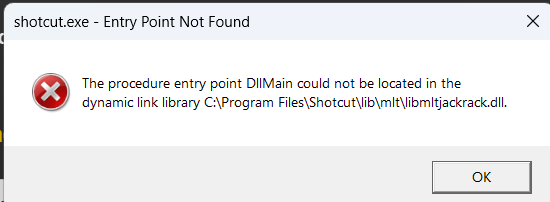
Click on Shotcut from start menu to open it, it pops up with this dialog.
That happens because this DLL is no longer included in a new install, but you upgraded. The installer does not remove the old program files. I changed the installer for the next version to remove the previous version on upgrade. Meanwhile you can delete it manually.
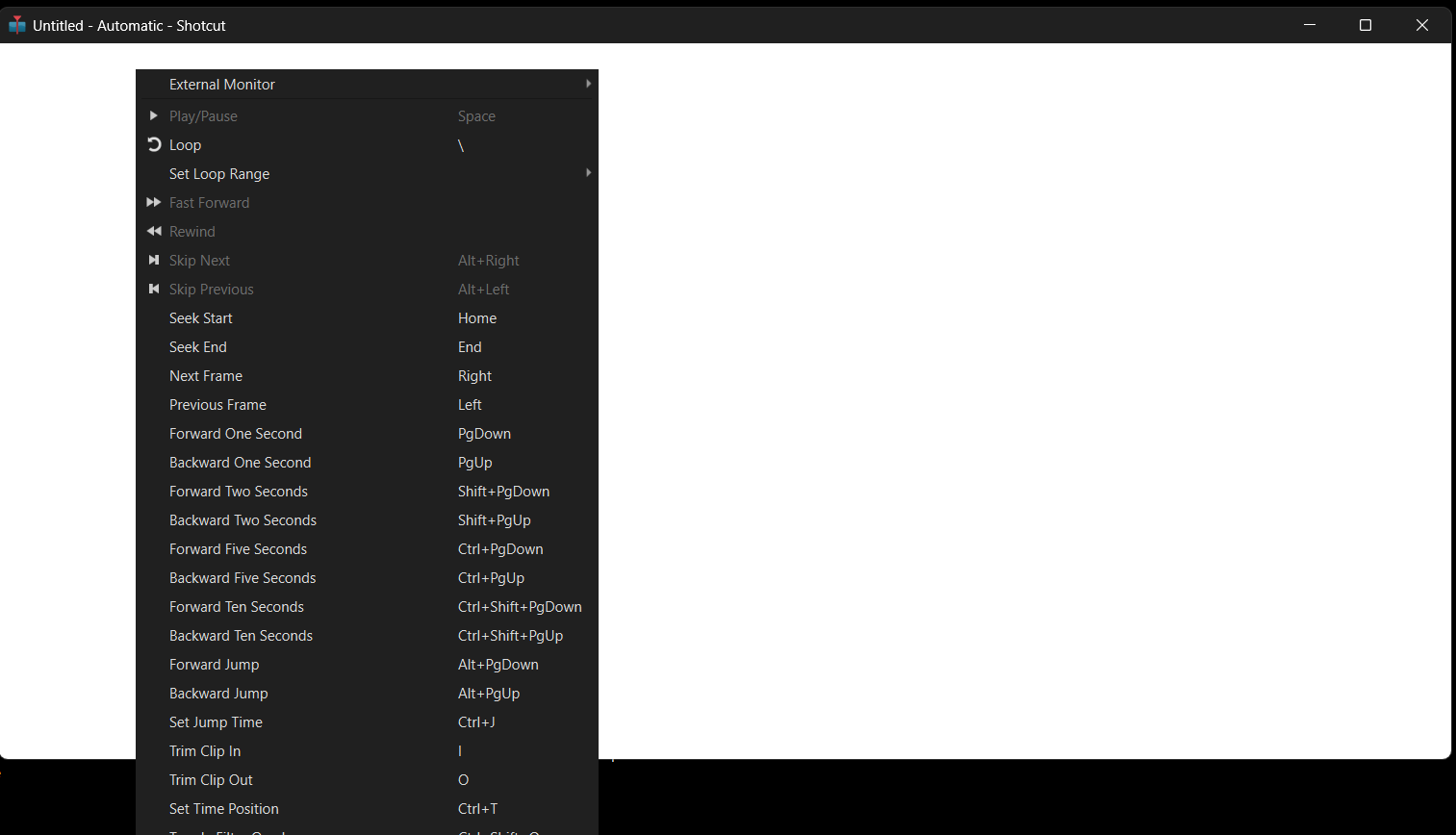
When I start Shotcut, I get a blank screen with the text Untitled-Automatic-Shotcut. I have seen the message about the missing Libmltjackrack.dll twice. However an OK did only result in the blank screen. Since then I do not get this message anymore.
Instead I only get the blank white screen. When I hover with the cursor over the invisible toolbar and press the left mouse button (select) I do see all possibilities but it does not result in activating Shotcut.
Using the ADMINISTRATOR and USER account have the same result.
Just for your information:Shotcut 26.4.30 installed without warnings and starts up as expected.
When I installed Shotcut 26.9.27, there was a warning that the program did not come from the Windows Store. The warning also gave me the possibillity to "Install anyway"It which I did.