Here is a video that shows how to use the builtin visual HTML editor (no coding required):
Need to get some sleep now!
Thank you so much I will check it out soon as I get a chance tomorrow. Hopefully it will be the answer!!
I will update once I try…
Hello Dan,
I just decided to give up and export the video as is and the Hebrew showed up in the exported video!!
I had tried the HTML overlay and it still did not show up on the viewer…(not sure if I did it right so deleted it and went back to the original)
So thank you all for your help!
Just guess I have to trust the Hebrew is there when I edit videos and know it will be there when I render/export. I would prefer to see how it looks before exporting however.
If anyone has a solution why on my computer the Hebrew does not show up in the project viewer I would appreciate that fixed!
You can use the Copy Timeline To Source function to make a quick export to preview.
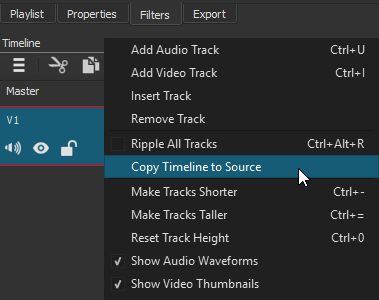
Select the area to preview using the i and o keys to set the in/out points.
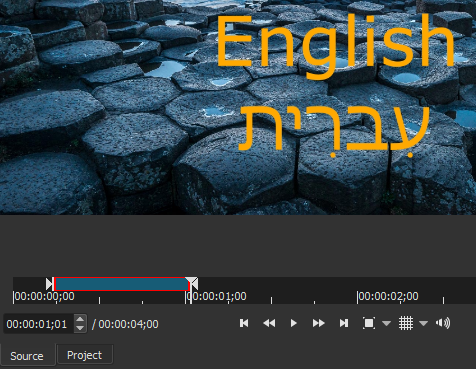
Then export it to preview.
OK thank you, I will try…
So I did the copy time line to source and selected a random part to check and then clicked export…
but does not give me the option of exporting to preview…
How do I do that?
You need to export the section you marked and then view it in a video player ie. VLC or Shotcut.
What is VLC?
Yes, the exported video does show Hebrew in the preview panel once exported.
It’s a video player .