Customize ToolBar

Hello,

As new shotcut user, just made half a dozen projects, I noticed that upgrading to last (26.1.30), the toolbar changed and button “new generator” disappeared.

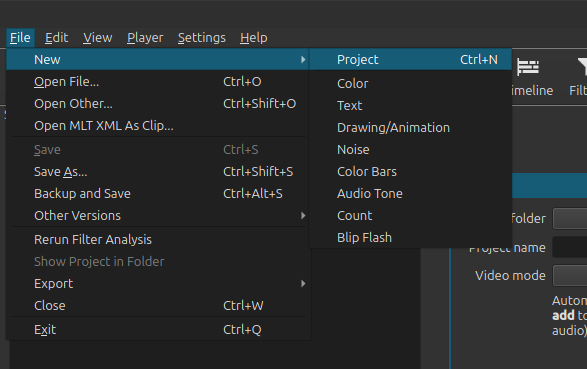
Took me a small while to find those in “File/new” submenu. This may be OK but I may have missed something : is there a way to customize the toolbar? with ability if desired, to keep it unchanged thru updates?

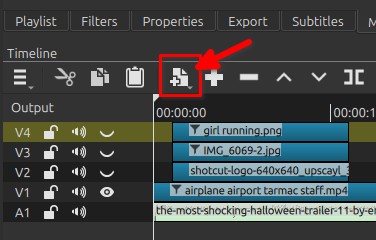
26.1.30 appimage, I have the button “New Generator”
ksnip_20260202-014331

In all case it is also near the timeline

Maybe give some info about your OS,
Giving more informations can help a lot the developers

Hello Patrice,

Thanks for your answer, quite helpful as I did not check/use all timeline buttons and the generator group is there OK.

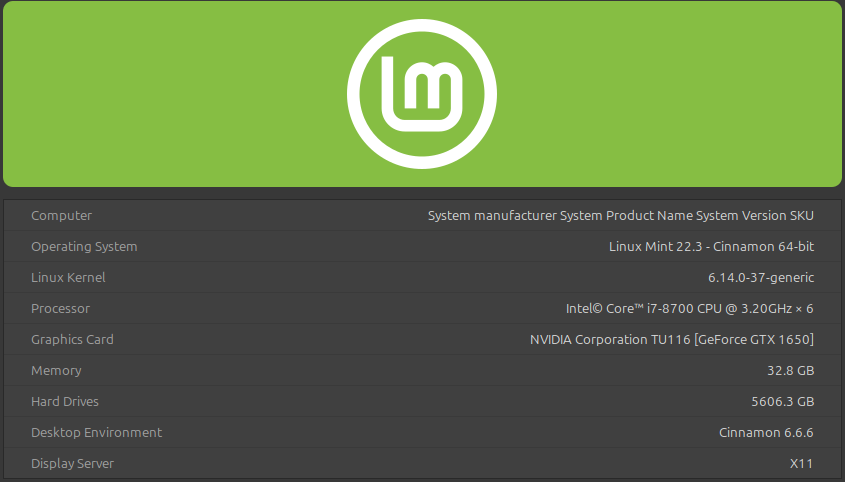
However, see below system info :

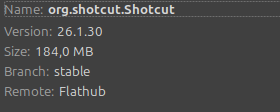
Using flatpak release of shotcut :

The toolbar you show in your post looks like the one I had before the upgrade (was 25.12.).

oops out of image quota…

(Sorry, had to split my post. Here is the second part)

My toolbar looks as below since update :

The “new generators” in the file/new menu now lies there :

Feel free too ask if more information needed

The toolbar hides and shows some buttons based on View > Show Text Under Icons and the width of the window, in order to try to keep showing the quick layout switcher. With text under icons turned on, New Generator is now hidden to show the new help button. The generators exist in 4 places. Either you can give up that one location or change one of the variables to make it show. You usually need to restart to see the change.

1 Like

I saw your top bar, indeed it’s missing the big button… :thinking:
I don’t use Flatpak (almost 4 GB :scream:), I’m also on Linux Mint 22.3, but not the cinnamon DE, I use MATE.
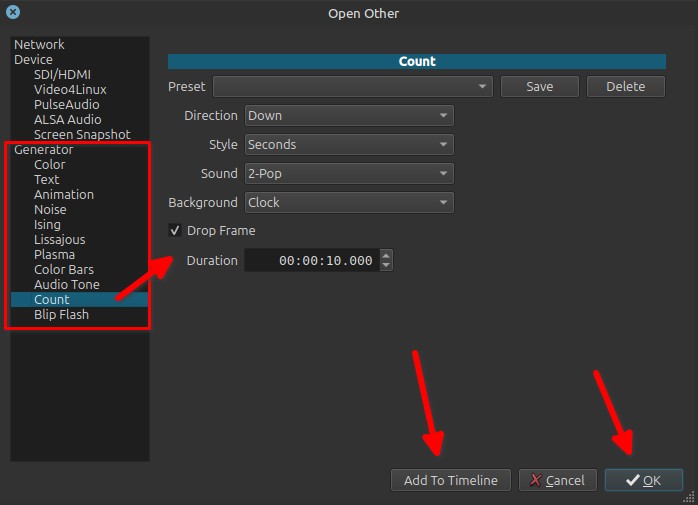
You can also access the new generator list via File > Open Other… > options / controls are showing directly in the window :+1:

But other than that I cannot really help as I have no idea why with Flatpak you do not have the button “New Generator”

Most of that is a runtime layer that is shared with other Flatpaks… if you install more than one.

1 Like

Thanks!

So playing around with”text under icons” toggles the generators button showing. kind of flex layout :wink:

I am running 1920x1024 fullscreen

Remove “view text under…” and the button appears on next restart. Then select view text again and the full tool bar is shown.

image

…but will disappear again on next restart.

No big deal, as missing others locations of generators is my bad, due to my “still learning” user status.

Thanks anyway for all these useful answers.

1 Like