Building on the intuitive Ctrl + Alt modifier—which currently lets users adjust gain directly from the middle black line of a clip, it would be a game-changer to introduce a dynamic time-stretching shortcut at the clip boundaries. If a user holds Ctrl + Alt while dragging the edge of a video or audio clip inward or outward, it should automatically adjust the clip’s duration and scale its playback speed in real time. For example, taking a 15-second clip and dragging its edge out to 30 seconds would automatically calculate and apply a 0.5\\times speed change (or vice versa for fast-motion), saving editors multiple trips to the Properties panel.
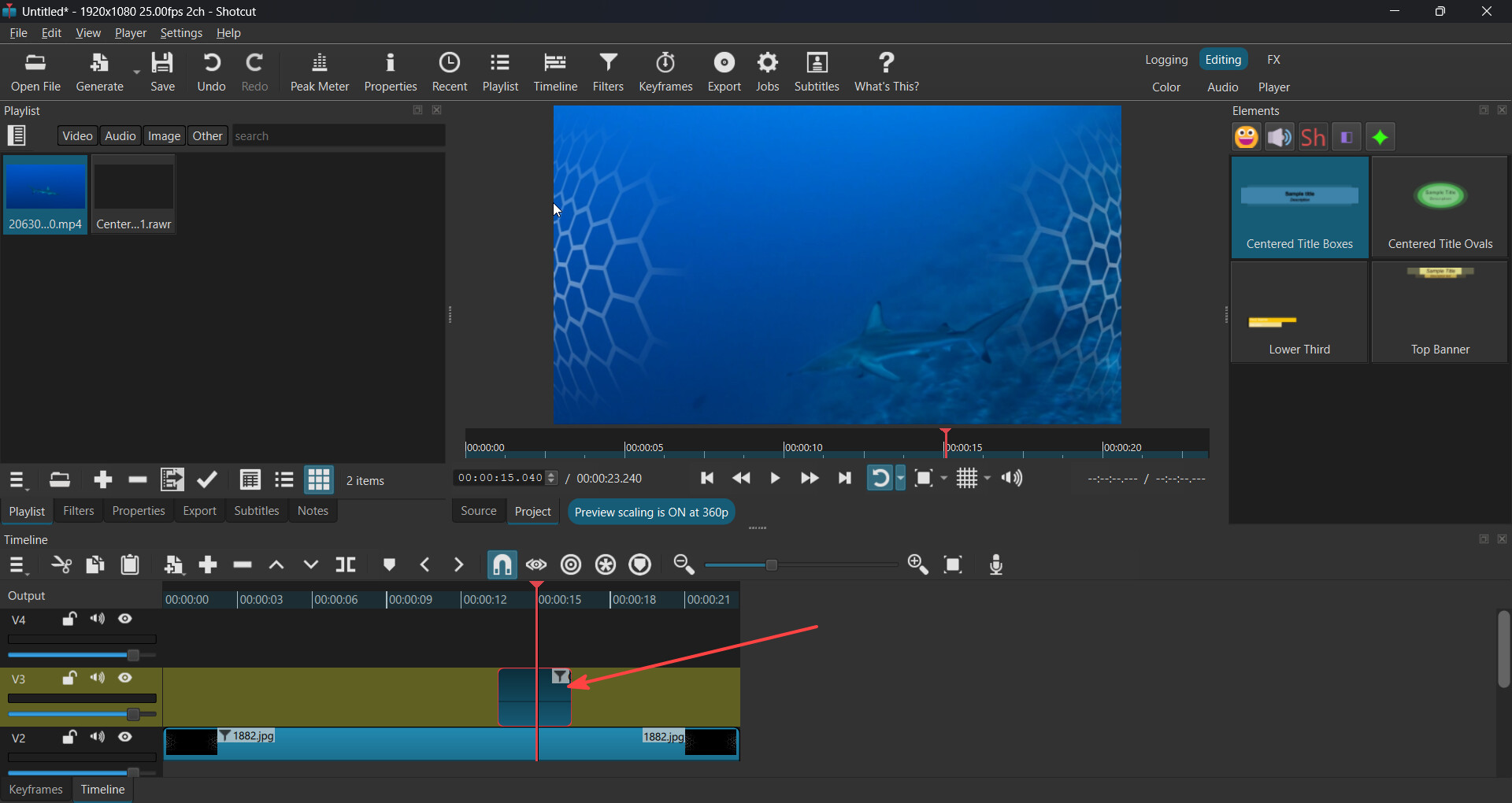
Actually, there was a beta version which once made a similar thing: when you select the clip, and you go far and select Ctrl + O, it would stretch the image to go straight to your point. But when the official release dropped, that feature went MIA, but it was only for the images. I did like that feature, but I wish you could try to bring it back and also make it for the video and audio too.