Crashing (always) in Preset under "Size Position Rotation"

Hello Dan,

regrettably I found an replicable error in Shotcut

which always leads to a crash without prior warning.

I hope it was not mentioned before from another member.

If you want to follow me, please go to Shotcuts very upper

left of the screen and ..

1.) click on FILE
2.) then choose OPEN OTHER
3.) then choose COLOUR (no matter what color you take)
4.) then choose ADD TO TIMELINE
5.) then expamd the timeline to the millisecond-range
so that you can see the small item and expand it
to 2 or 3 seconds to make sure you can see it.
6.) mark the little thing and then choose FILTER and
7.) choose “SIZE, POSITION, ROTATION” as a filter.
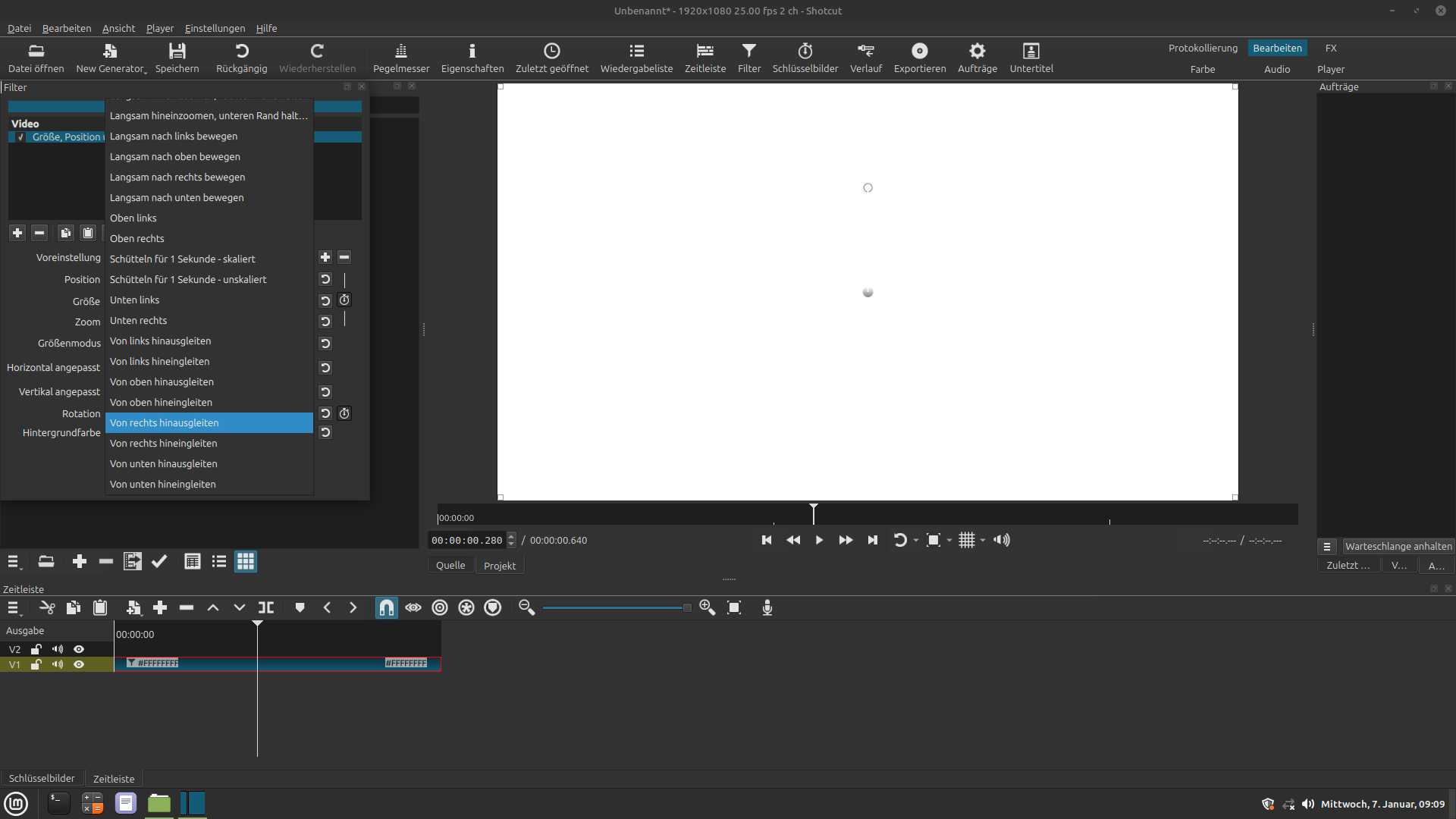
8.) then choose (inside the Filtersystem) “PRESET”
9.) if you now choose “SLIDE IN FROM RIGHT”
the whole Shotgun-System crashes. Always.
If you choose any other option of the many
options (for example slide in from the left)
the command is executed or at least tolerated.

I still do not fully understand the keyframe-concept.
I have mental shortages to draw lines and rectangles
in a smooth and elegant way with Shotcut and possibly
spent way too much of my remaining tine with it.

Nonetheless, kind regards

Thomas

Attachments: 2 printscreen-Images.
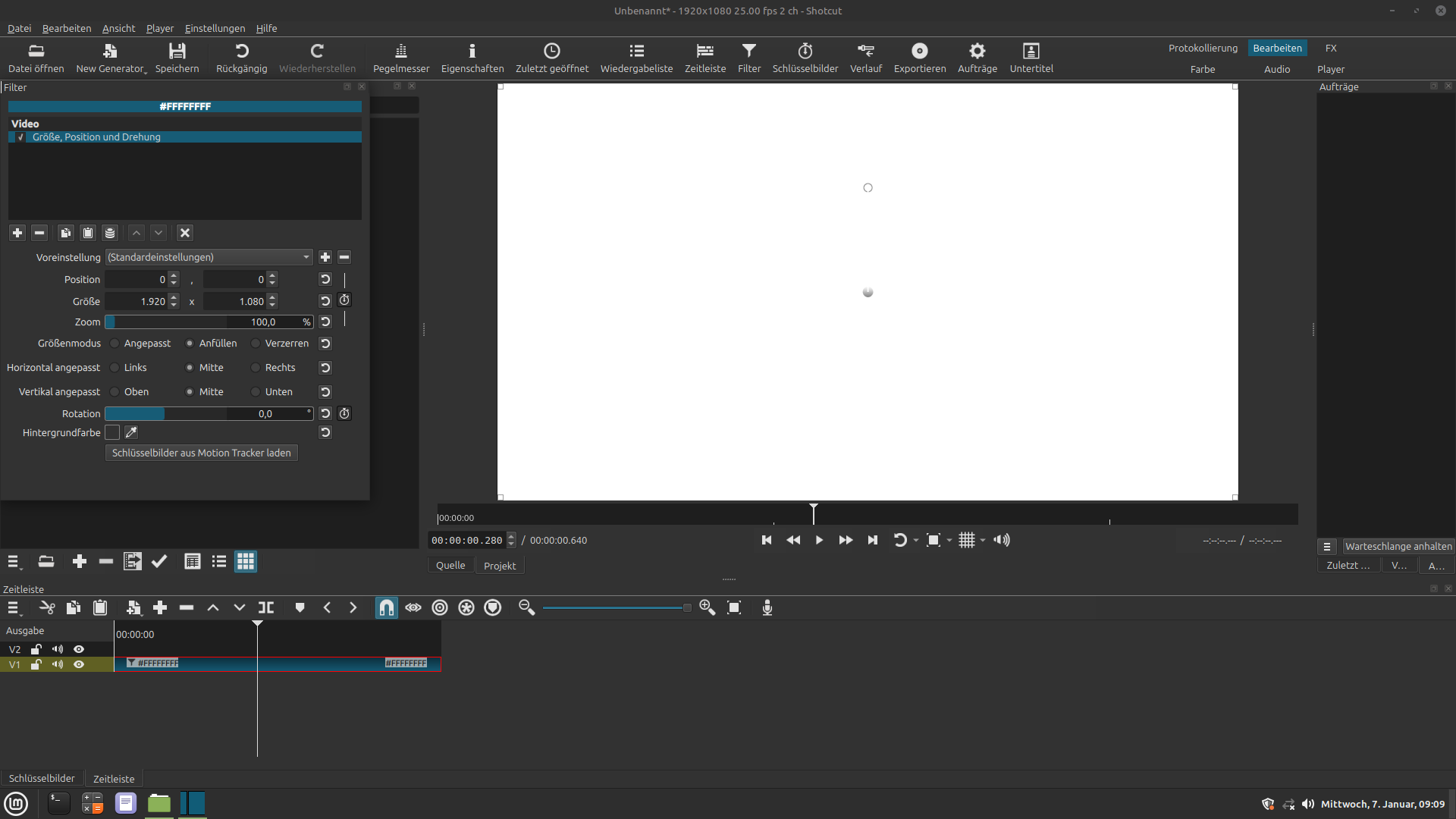
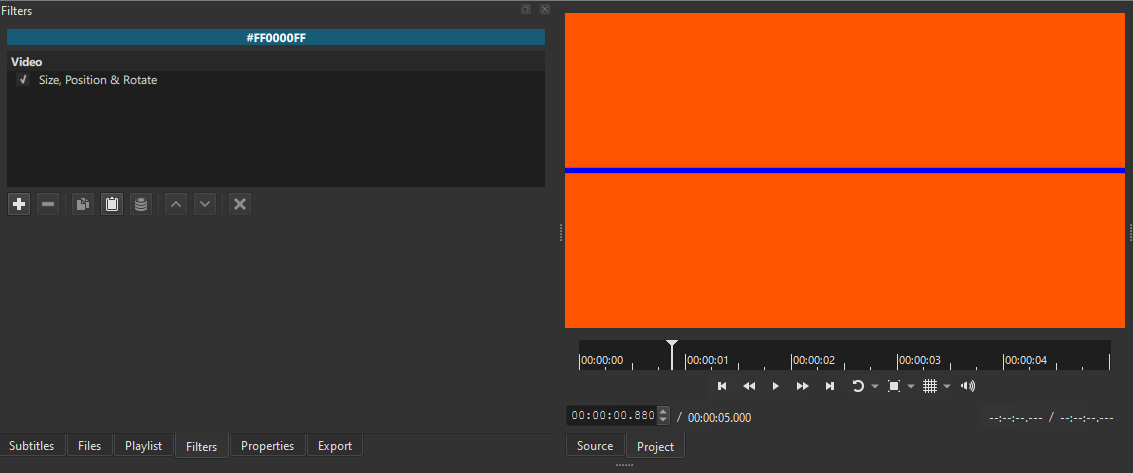
to illustrate I attach two screenshots:

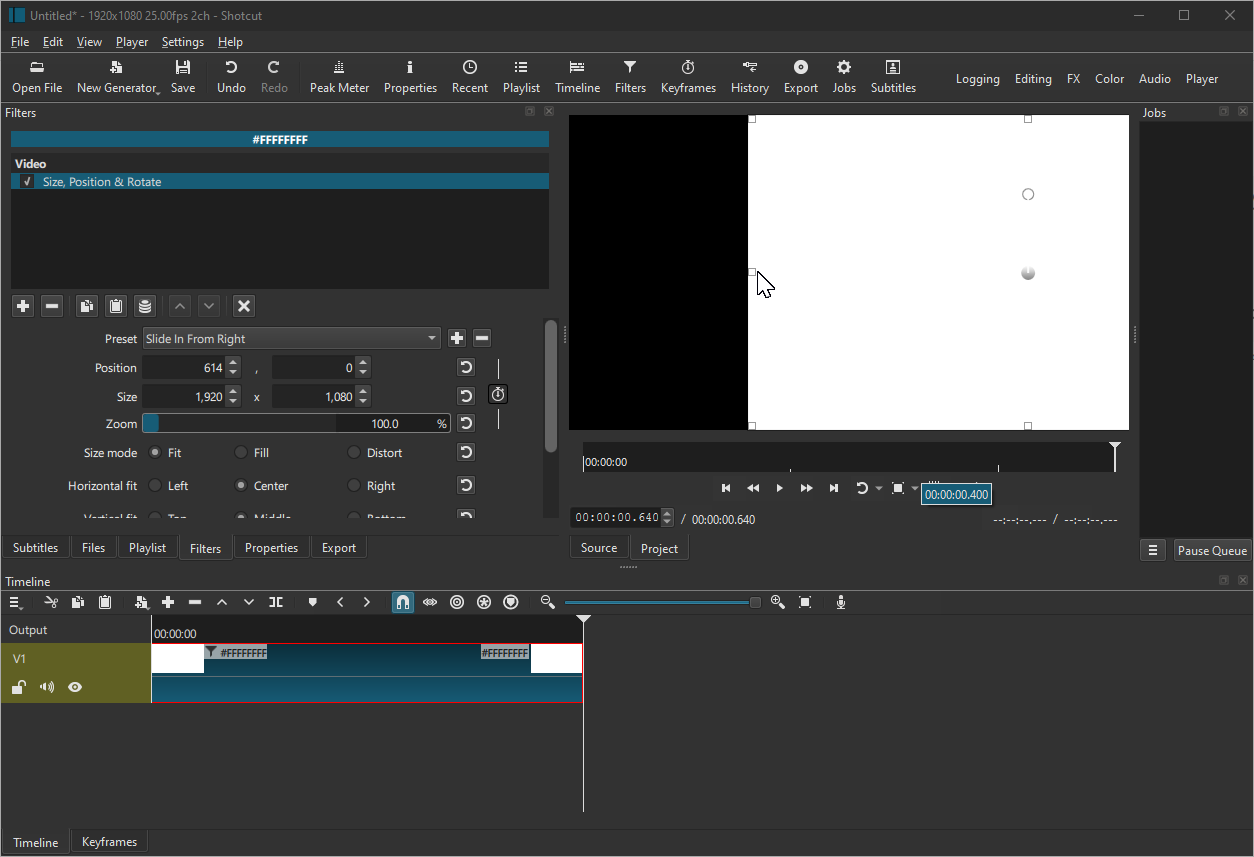
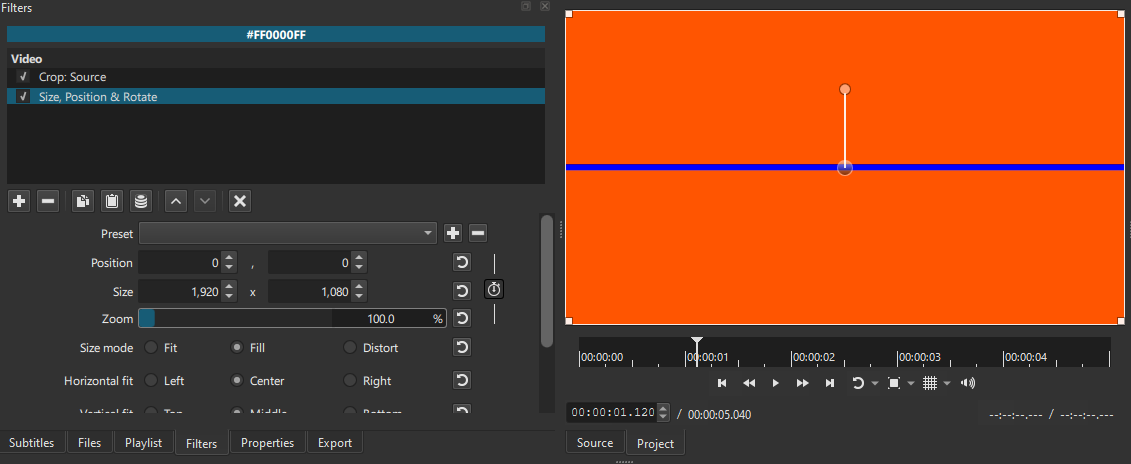
I have tried to duplicate this issue, but could not make Shotcut crash.

Zooming in on the timeline does not change the length of the clip. I only state this for clarification.

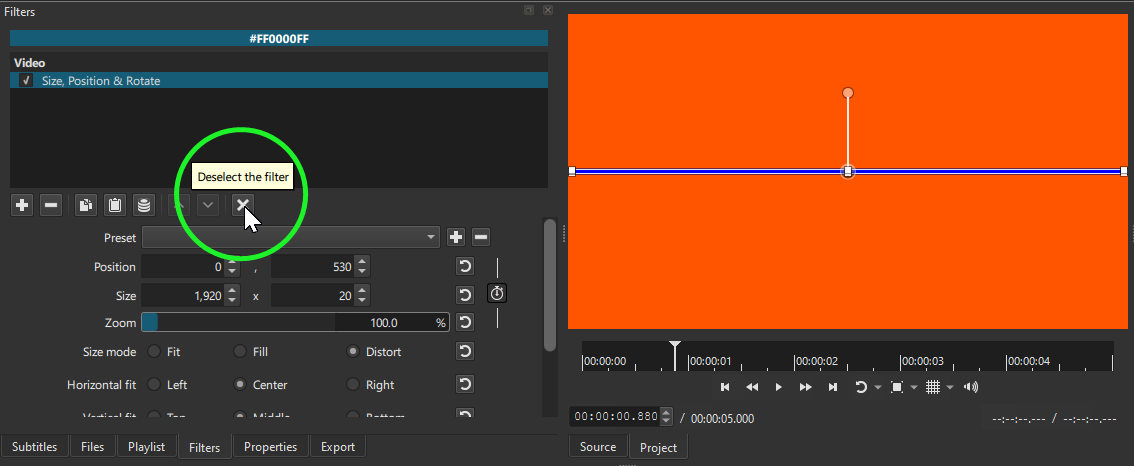
In your screenshot, it shows that you have a clip length .640 of a second. The stock presets are set for 1 second (1.000). It would only slide the clip so far and then stop, as shown in my screenshot.

Have you tried a clip length of 1 second or more?

I have tested with Shotcut version 25.12.31, Windows 10 Home.

Hi @Klaus-Nomi

Tell me if I did something different from what you explained.
I don’t experience crashes when following your steps


Note: You mention that you also expand the color clip. I don’t do it in the clip above, but even with that step, still no crashes.

I’m using version 25.12.31 on Windows 10.
It would help the developers if you also provide your operating system and Shotcut version.

:+1:
I didn’t catch that.

But even with a 00:00:00.040 clip, still no crash for me either.

I am using:

Lx Mint 7.0.7.1
Shotcut 25.10.31

Hello Dan, I received your e-mail and I will try
your recommendation to expand the duration of it
on timeline and check if Shotcut still crashes
once I prolong it to 2 or 3 seconds given to it.

If Shotcut NOT crashes on your windows 10 home,
then it might be that my Linux Mint is a reason?

But I had a basic problem already in my Shotcut preversion.
Every sober user would suggest to use Glaxinate for this
kind of work, but Glaxinate is .. bloody complicated.

If you want to follow my “basic” problem too, please go to
Shotcuts very upper left portion of the screen and ..

1.) click on FILE
2.) then choose OPEN OTHER
3.) then choose COLOUR (to calm the mind choose dark green FF 00 55 00)
4.) then please give the command “ADD TO TIMELINE”
5.) to be able to view the tiny item now on the timeline
you need to expamd the timeline into the millisecond-range
and then enlargen the tiny thing.

6.) mark the now enlarged item (it is red framed after being marked) and
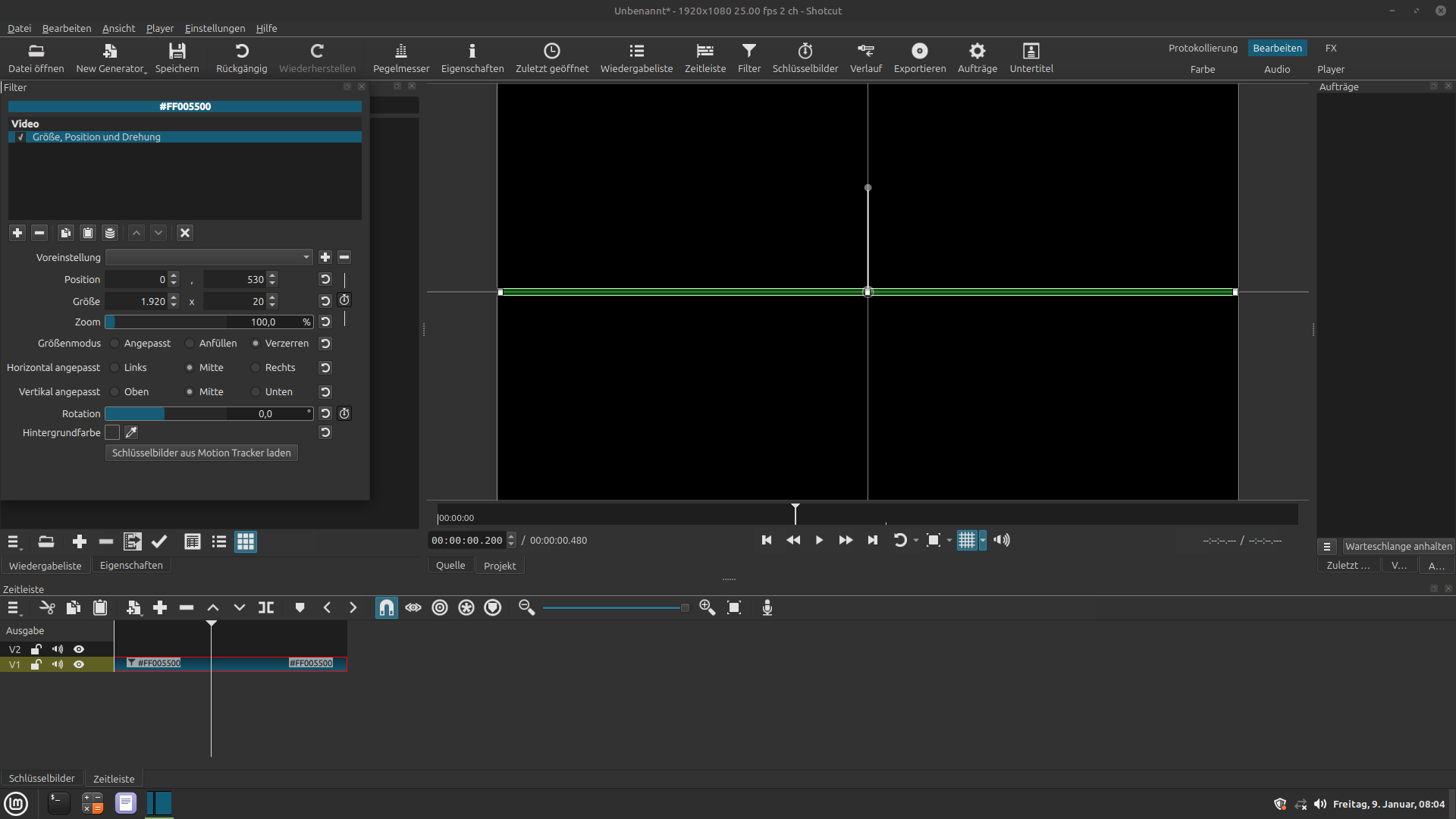
choose filter “SIZE, POSITION, ROTATION” to which I refer to as SPR-Filter.
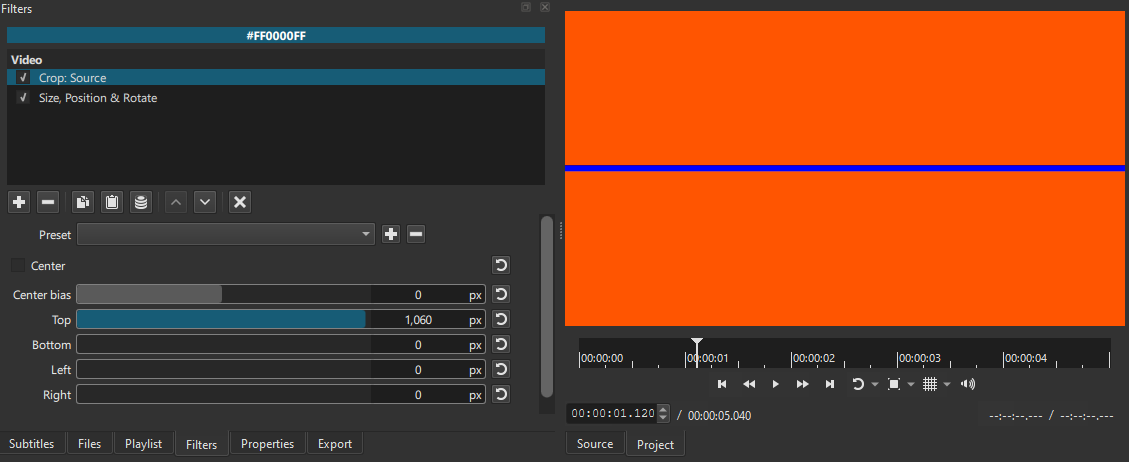
7.) What you see then is what you expect to see (see attached screen-shot 1)

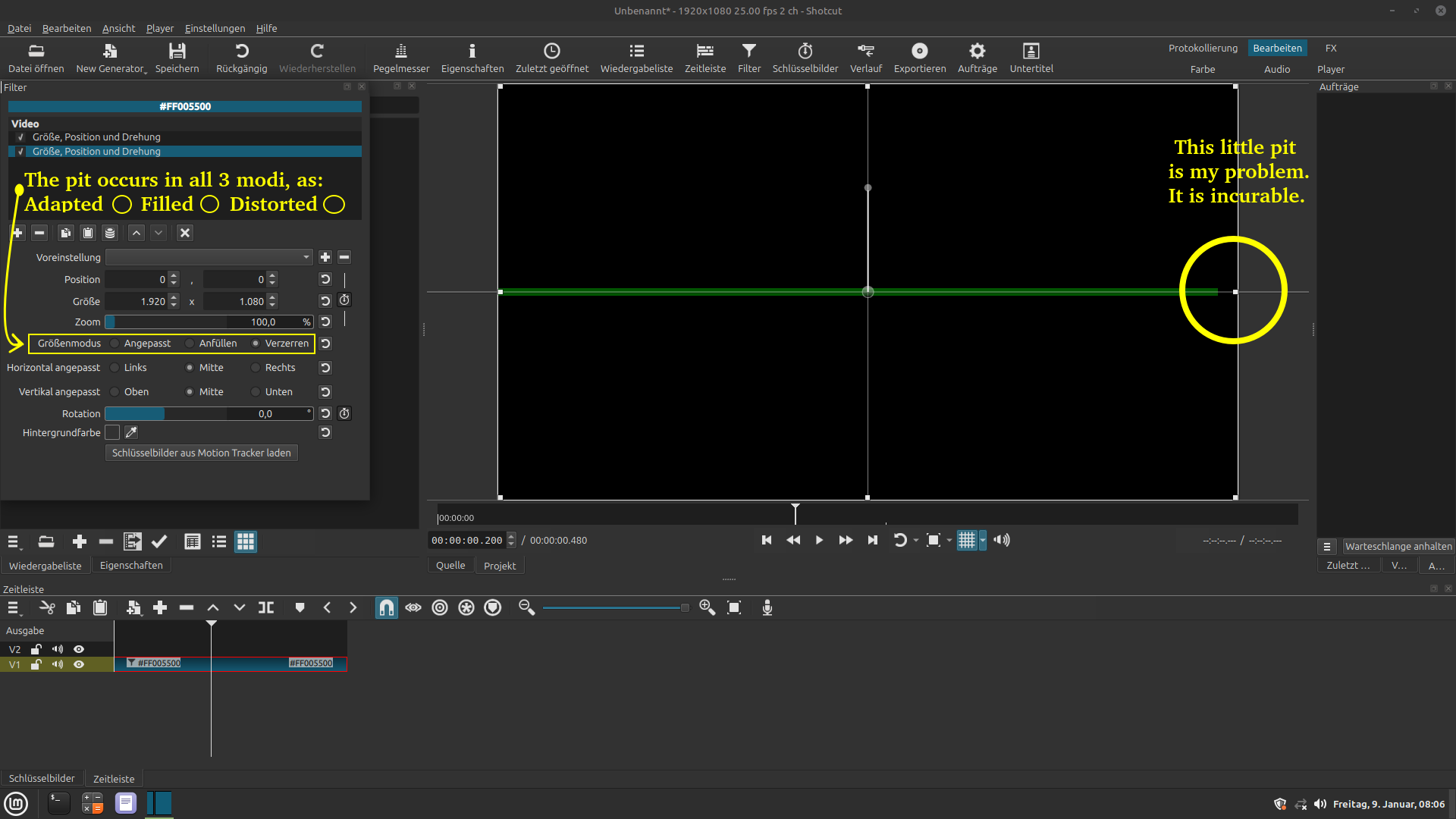
8.) Now simply apply another (a second) SPR-Filter on the same item and the
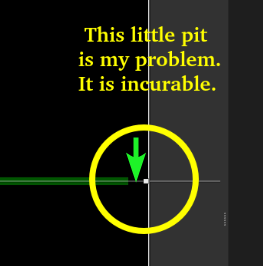
anomaly occurs instantly. It is the little pit (see attached screen-shot 2)
which occurs in all 3 modi of the “SIZE MODE” section. This little pit
is the reason for lots of other problems which I will shut (not shot) up on.

I do not understand that this pit occures and I have not heard from
anyone or anywhere that this even happened to someone else.

What I know is that I lost too much time with my obsession to search
for the reason of this pity to circumvent it. I failed and I am exhausted.

Even an idiot like me knows it is a banality, a nothingness. Was it worth this?
Certainly not. And yes, I have given up on it. Therefore call me loser (haeh haeh).

Thomas

Attachment(s): 2 printscreen-Images.