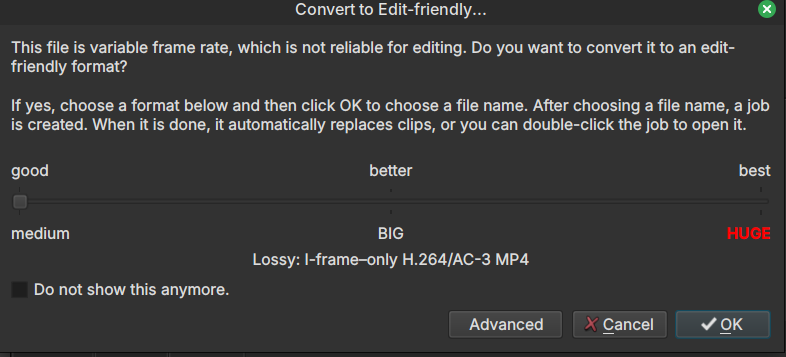
How to decide VBR quality for editing?
Note: I could not find an answered thread to this question.
You don’t. You choose from what you see, cancel, or use a different tool to transcode.
You could also simply open the clip in Shotcut, Source player, and use Export > From > Source with your encode options. That will handle variable frame rate but not some other scenarios this dialog handles. Also, you need to be more careful about the current Video Mode when doing that because it will use that in addition to export video settings. Therefore, Automatic video mode works best along with an empty project, no playlist and no timeline. And no, you cannot simply delete things to make an empty project. Either restart or choose File > Close and then open the clip into the Source player (with Automatic Video Mode).
Also, you should be aware that some export options make the video not edit friendly. For example a long GOP, open GOP, or the usage of B frames.
This topic was automatically closed after 90 days. New replies are no longer allowed.