Generates standardized test images known as color bars, historically used to calibrate and verify video signal quality.
Color bars were not decorative graphics; they were reference patterns designed to check color accuracy, brightness, contrast, saturation, and signal integrity.
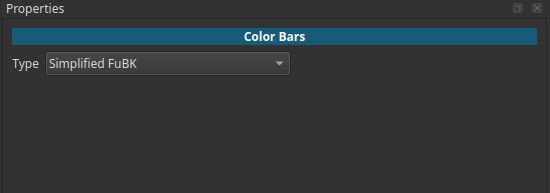
In Shotcut, the Color Bars generator produces a static image that can be added to the timeline or previewed in the player.
Because this is a generator and not a filter, the color bar type is adjusted in the Properties tab rather than in the Filters panel.
What color bars were (historical context)
Before digital video and HDMI, television signals were analog and prone to distortion during transmission and recording.
Color bars were used to:
- Calibrate television receivers
- Align broadcast equipment
- Verify tape recorders, cameras, and monitors
- Diagnose signal problems (color shift, phase errors, clipping)
When a TV channel was off-air, during maintenance, or before program start, viewers often saw color bars instead of regular programming.
Why color bars mattered
Color bars allowed technicians to adjust:
- Brightness (black level)
- Contrast (white level)
- Color saturation
- Hue / phase
- Channel balance
Because everyone used the same reference patterns, equipment could be aligned consistently across studios, broadcasters, and countries.
Contemporary use
Although originally designed for calibration and broadcast testing, color bars are now primarily used as a historical or stylistic visual reference.
In modern workflows, they are commonly used for:
- Intro or outro segments referencing broadcast-era television
- Archival, documentary, or educational content
- Intentional retro or institutional aesthetics
- Visual cues indicating “technical context” or system boundaries
In these cases, color bars function as a symbolic visual language, not as a calibration tool.
Behavior
-
Produces a single still image
-
No animation or time-based behavior
-
The image can be:
- Added directly to the timeline
- Previewed in the player and dragged later
-
Changing the Type updates the generated pattern
Type
Selects which standard color bar pattern is generated.
Each option corresponds to a real-world broadcast standard.
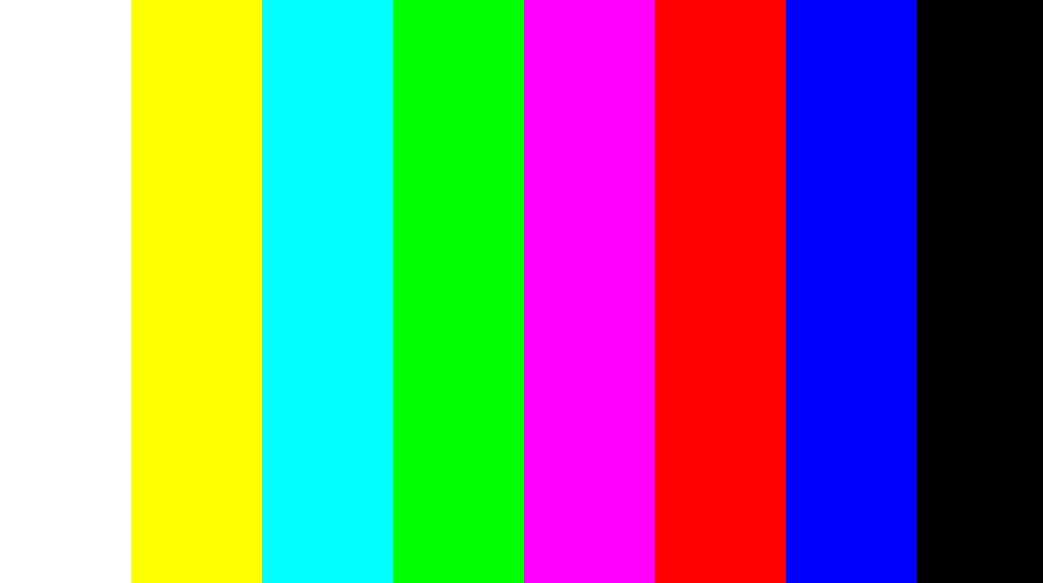
100% PAL color bars
Full-amplitude PAL color bars.
- Uses maximum color saturation
- Often used for equipment stress testing
- Less common in broadcast due to risk of clipping
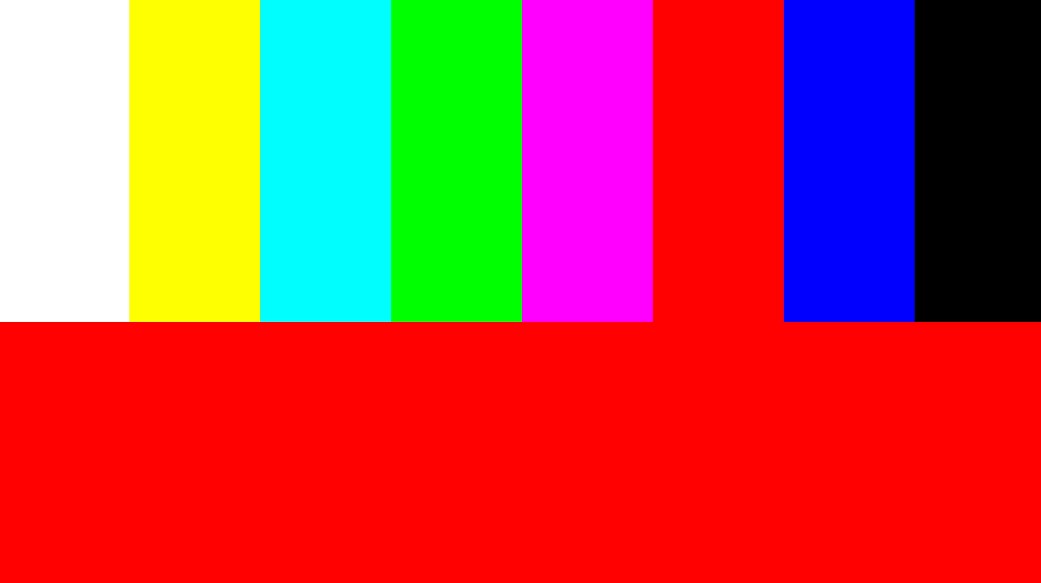
100% PAL color bars with red
Same as standard 100% PAL bars, with an additional red reference bar.
- Used for more precise color phase and chroma checks
- Helpful when aligning PAL-specific equipment
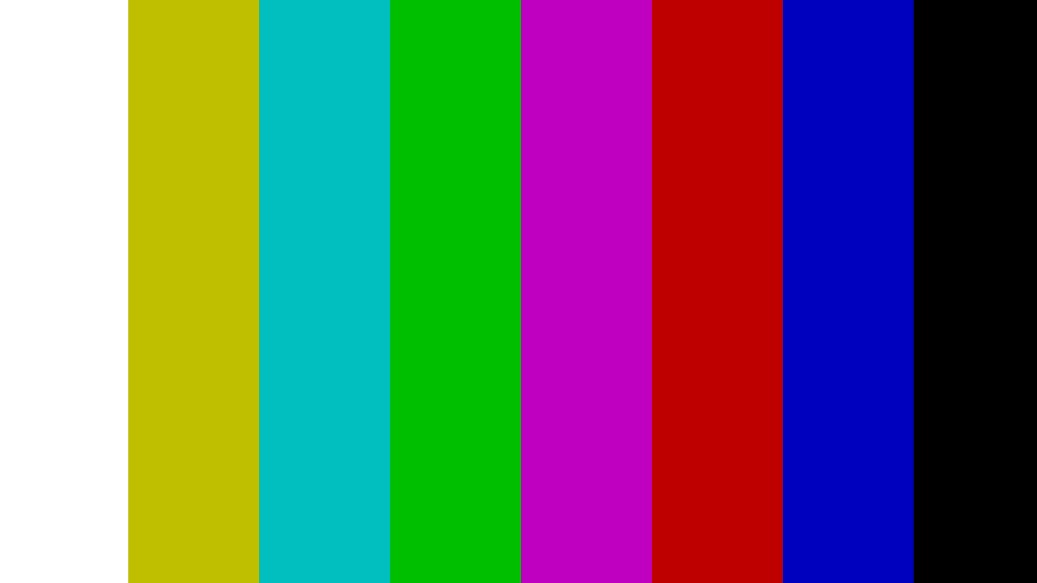
95% BBC PAL color bars
A BBC-specific PAL variant.
- Slightly reduced amplitude compared to 100%
- Designed to stay within safer broadcast limits
- Widely used by the BBC and UK broadcasters

75% EBU color bars
One of the most widely used European standards.
- Reduced color saturation (75%)
- Minimizes signal clipping
- Standardized by the European Broadcasting Union (EBU)
This became a practical broadcast default across Europe.
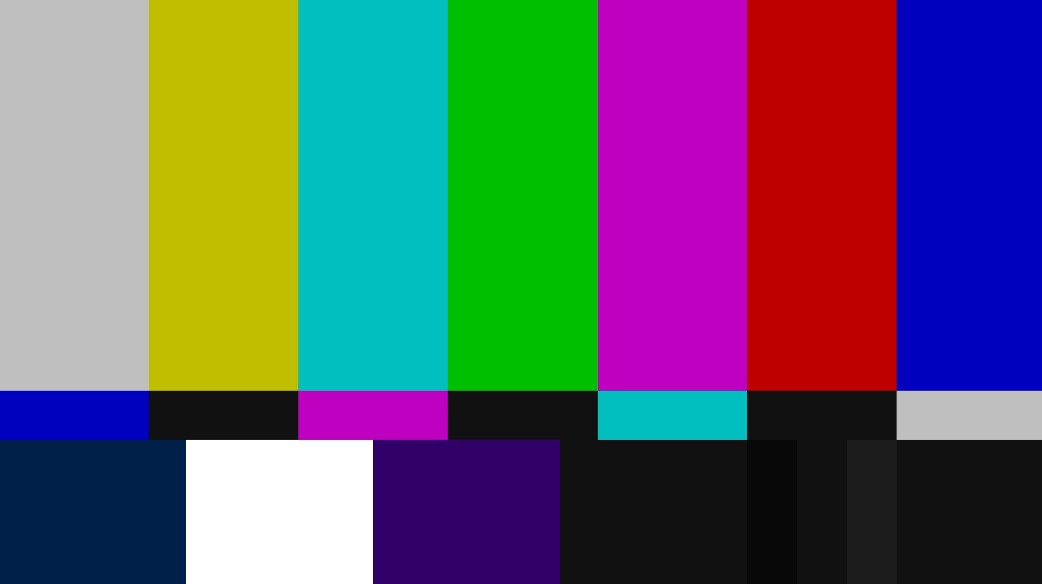
SMPTE color bars
Standard used primarily in North America and Japan.
- Defined by the Society of Motion Picture and Television Engineers
- Includes additional reference areas for black and white levels
- Still widely recognized today
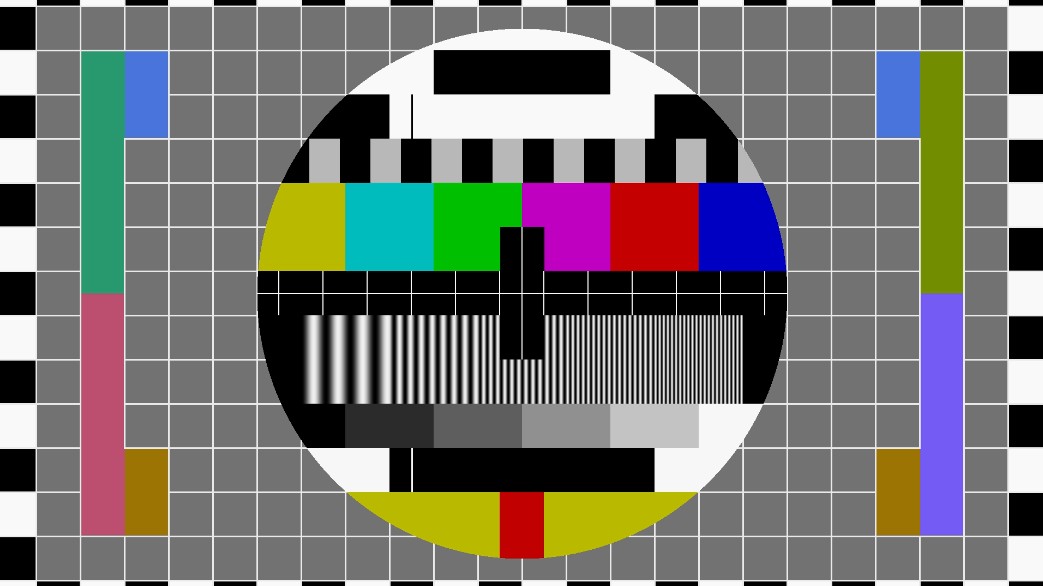
Philips PM5544
A complex, iconic test pattern generated by Philips equipment.
- Combines color bars with geometry, grayscale, and alignment markers
- Used extensively in European broadcasting (PAL/SECAM)
- Designed for full-system calibration, not just color
Often remembered as a classic “TV test card”.
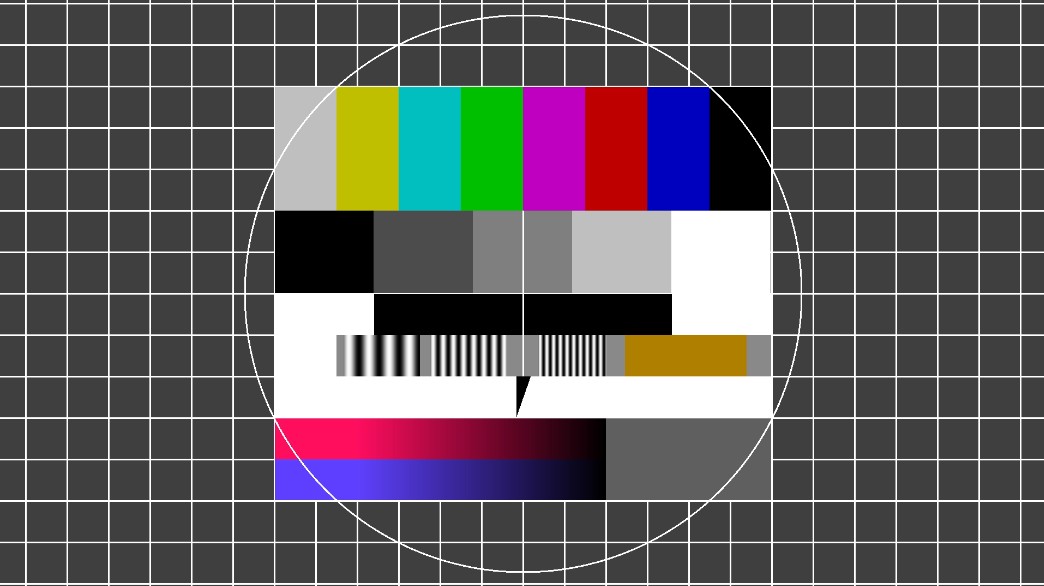
FuBK
German broadcast test pattern.
- Used by ARD/ZDF and other German networks
- Includes color bars, grayscale, and resolution references
- Designed for studio and transmitter alignment
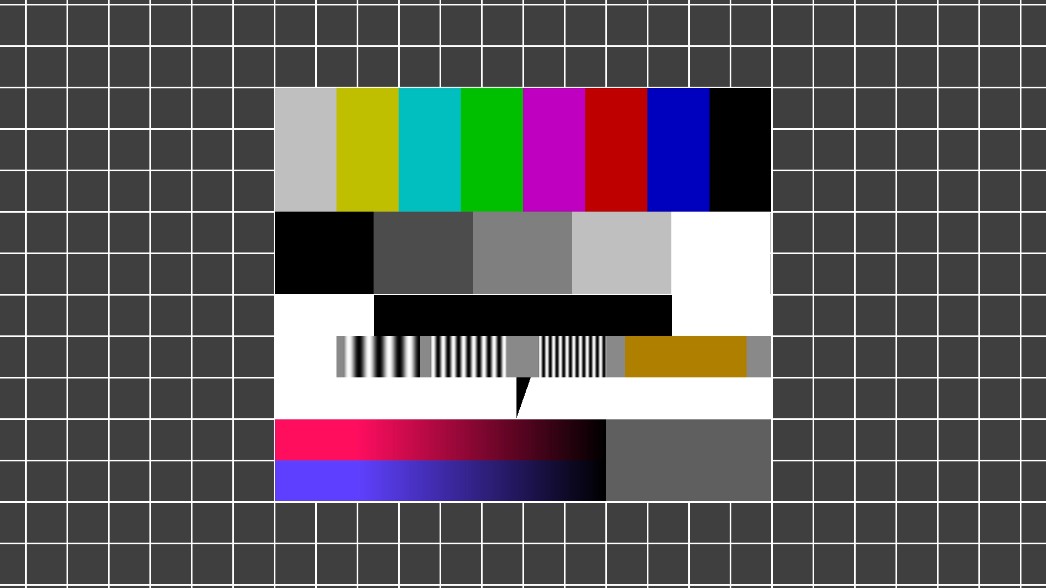
Simplified FuBK
A reduced version of the FuBK pattern.
- Retains essential color and grayscale references
- Easier to read on consumer displays
- Less detailed than the full FuBK pattern
Visual characteristics
- Static, high-contrast image
- Precisely defined colors and bars
- No artistic variation
Recommended use cases
- Intro or outro visuals referencing broadcast-era television
- Intentional retro or institutional aesthetics
- Creating material for archival or educational content
- Emulating broadcast-era aesthetics
- Teaching video standards and history
Limitations
- No animation or motion
- Not intended for creative imagery
- Does not replace modern color management tools
- Interpretation depends on display calibration
Acronyms Reference
Summary
| Label | What the letters mean |
|---|---|
| PAL | Phase Alternating Line |
| BBC | British Broadcasting Corporation |
| EBU | European Broadcasting Union |
| SMPTE | Society of Motion Picture and Television Engineers |
| PM5544 | Philips test generator model 5544 |
| FuBK | Funkübertragungs-Betriebs-Kontrolle |
| SECAM | Séquentiel Couleur A Mémoire |
PAL
PAL = Phase Alternating Line
- Analog color TV system developed in Germany
- Fixes NTSC hue errors by alternating color phase every line
100% PAL color bars
- Color bars encoded using the PAL system
- 100% = full chroma amplitude (maximum color saturation)
100% PAL color bars with red
- Same as above
- Explicit red field or red-dominant bar added
- Used to isolate the R-Y (red difference) component
BBC
BBC = British Broadcasting Corporation
95% BBC PAL color bars
- PAL color bars defined by BBC engineering standards
- 95% = chroma limited to 95%
- Slightly below maximum to stay within UK broadcast safety margins
EBU
EBU = European Broadcasting Union
- Organization that defined common technical standards across Europe
75% EBU color bars
- Color bars standardized by the EBU
- 75% = reduced chroma level
- Became the European broadcast reference
SMPTE
SMPTE = Society of Motion Picture and Television Engineers
- USA standards body
SMPTE color bars
- Color bars defined by SMPTE
- Designed primarily for NTSC (later adapted to digital)
- Include PLUGE and chroma reference elements
Philips PM5544
PM5544 = Philips Model 5544
- PM = Philips Measurement (internal product line)
- 5544 = model number
This is not an acronym, but a specific test signal generator model whose pattern became a de-facto standard.
FuBK
FuBK = Funkübertragungs-Betriebs-Kontrolle
German compound word:
- Funk = radio / broadcast
- Übertragung = transmission
- Betriebs = operational
- Kontrolle = control / monitoring
Meaning: Broadcast Transmission Operational Control
This refers to a German broadcast test pattern, not a device.
Simplified FuBK
- Same origin as FuBK
- Reduced test elements
- Keeps only the core operational controls