Hello!
I’m not a professional user of shotcut but I know how to use the main tools. I only use it to cut some movies I recorded from my TV receiver.
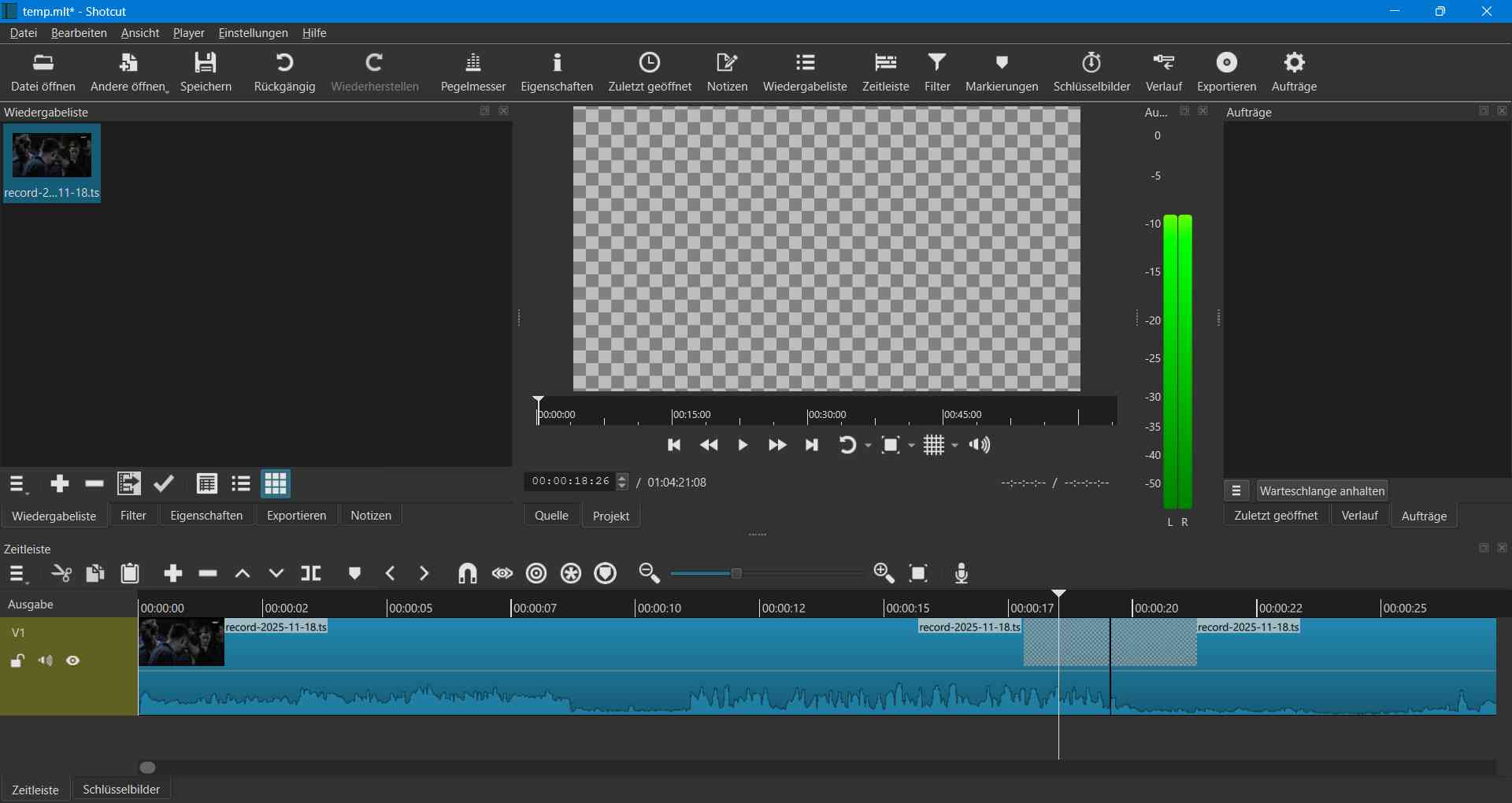
And sometimes when I start cutting the video the picture on the left side of the cutting point turnes into a checkered picture. I can still hear the audio but the picture is checkered. After the cutting point picture and audio is normal.
I really tried several things but nothing helped. For example I tried to record the video another time with the VLC-Media Player before cutting.
Watching the uncutted video for example on VLC-Media Player is absolutely no problem. But after exporting the cutted video (with the checkered picture) I can only see the checkered picture there too. Same on other Players.
Are there any other possibilities?
Is the original video damaged before cutting?
Thank you in advance.