
Here I have an image that I am trying to mask by getting rid of the white background and having the icon overlayed into the video. When clicking “New” in the Mask filters section, it opens up my files instead of allowing me to edit the current image/clip I have selected. I click New anyways, choose that file, and edit it the way I want in Glaxnimate, save, quit, and then it doesn’t appear even after pressing “Reload”. Pressing “Open” does nothing, pressing “Edit” does nothing.
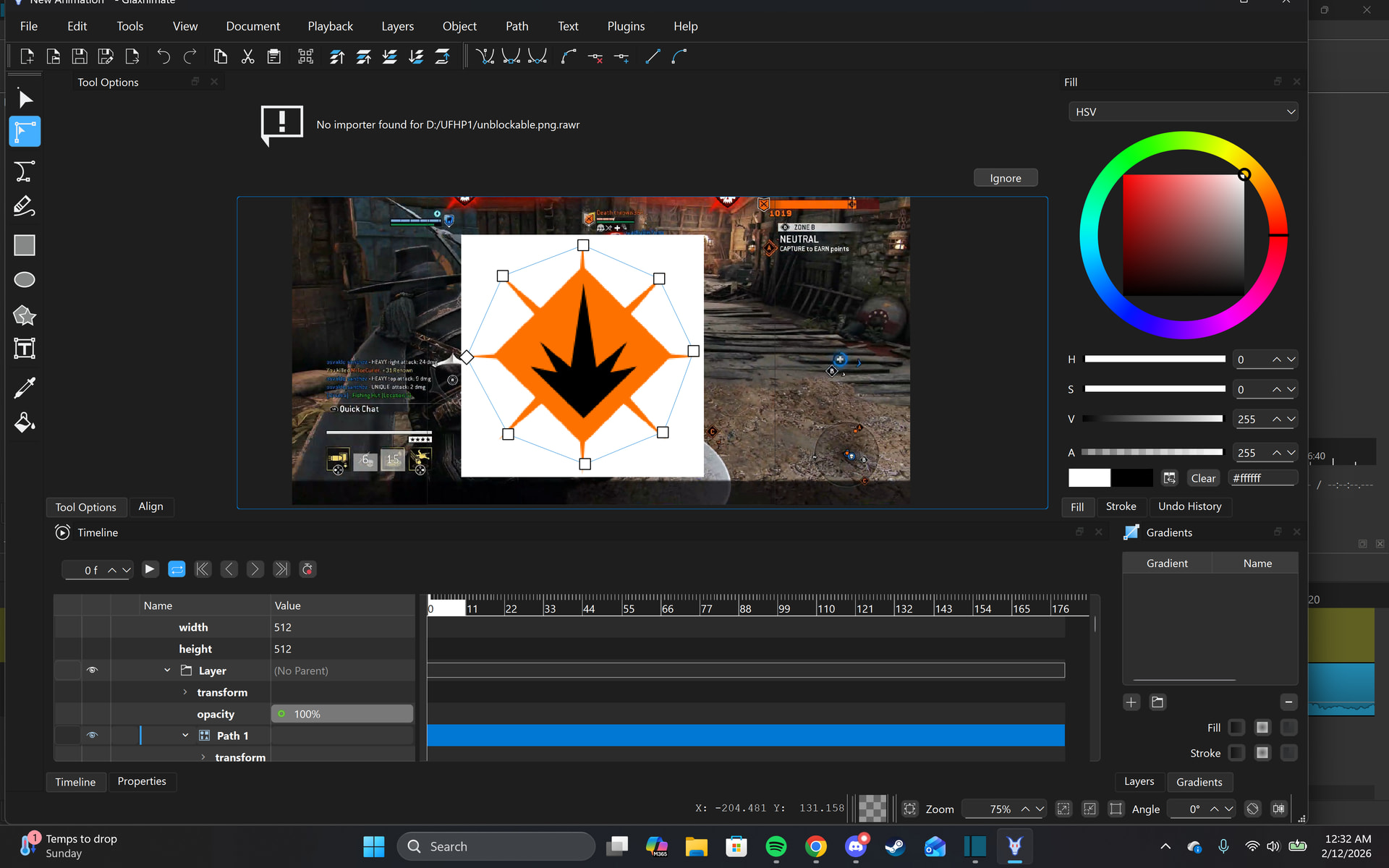
Here is a quick attempt at me using Glaxnimate, I am not trying to be accurate since I have done this at least 10 times, I then Save it, and quit, and it does not apply anything. I then press “Open” and choose what I just saved, and then it just makes it dissapear instead, I press the Invert option and it appears like this now.
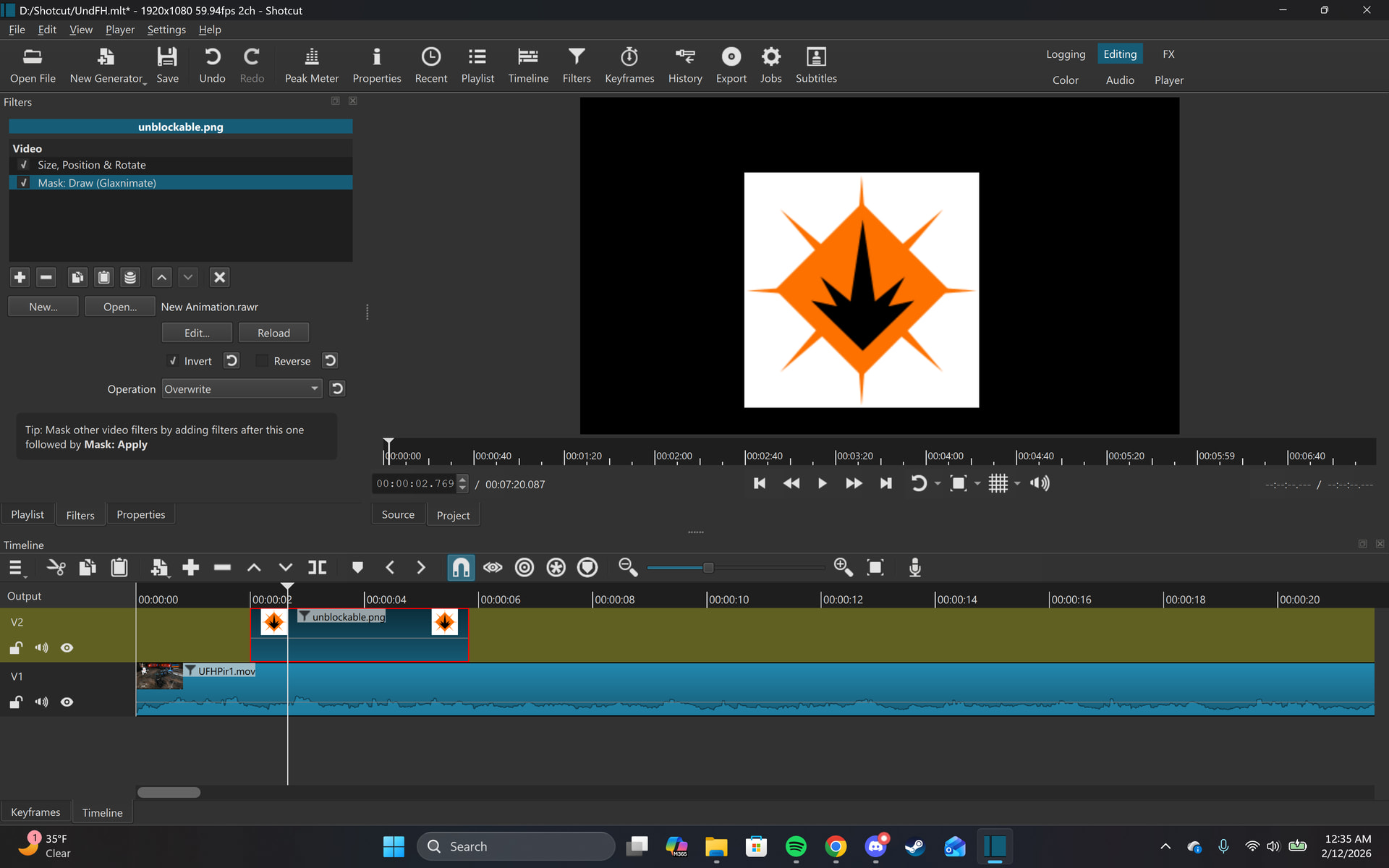
I have watched all of the very few videos that even touch on the topic of masking, I have searched it up, looked through forums, have been troubleshooting, and am not sure of what else to try