Hi everyone,
I originally intended to request a dedicated “Zoom to Fill / Fill Frame” button for the Size, Position & Rotate (SPR) filter to quickly scale non-16:9 assets (like square 1:1 photos) to cover an entire FHD project without black bars.
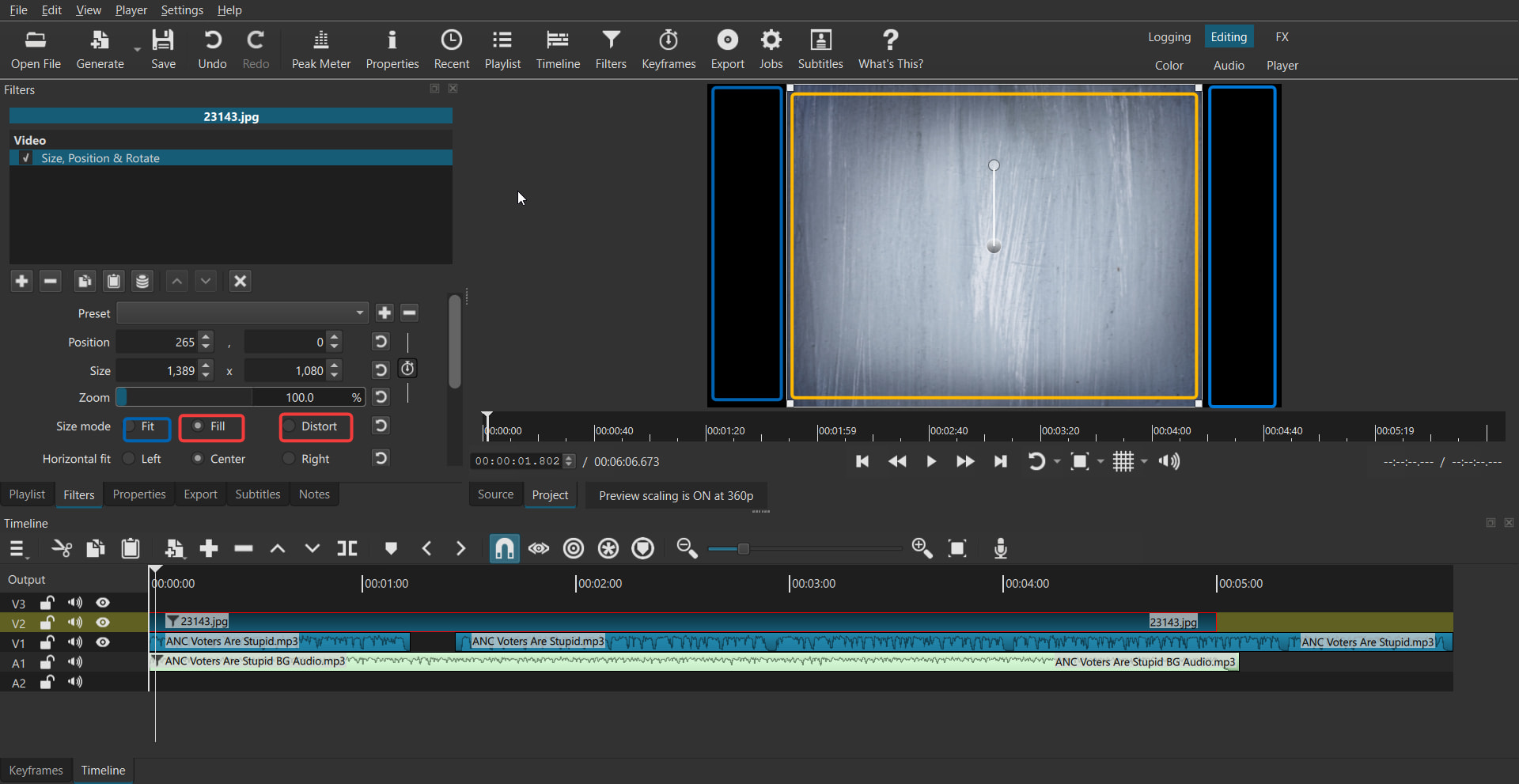
After doing some deeper research and testing workarounds, I found that applying the Crop: Source filter and checking the “Center” box automatically scales/crops the image to fill the entire frame perfectly.
Since I am relatively new to how these underlying filters work, I wanted to ask the community:
-
Is using “Crop: Source (Center)” doing the exact same rendering math as zooming in with SPR, or does it process the image differently behind the scenes?
- Would adding a similar “Center / Fill Frame” toggle directly into the SPR filter be beneficial to streamline workflow?
My Thinking:
Right now, filling the frame with a square or vertical asset requires either adding a separate Crop: Source filter or manually calculating the zoom percentage in SPR.
Having a Center / Center Bias mechanism or a dedicated Fill Frame button inside SPR itself seems like it would save a lot of steps. However, I’m wondering if integrating Center Bias into SPR would complicate the filter’s interface, or if combining these scaling behaviors into SPR makes more logical sense for standard clip transforms.
Would love to hear your thoughts and whether others would find a native “Center Fill” option inside SPR useful.