Margos
June 27, 2026, 3:29pm
1
Just installed Shotcut version 26.6.25 on Windows 11 using the Windows installer.
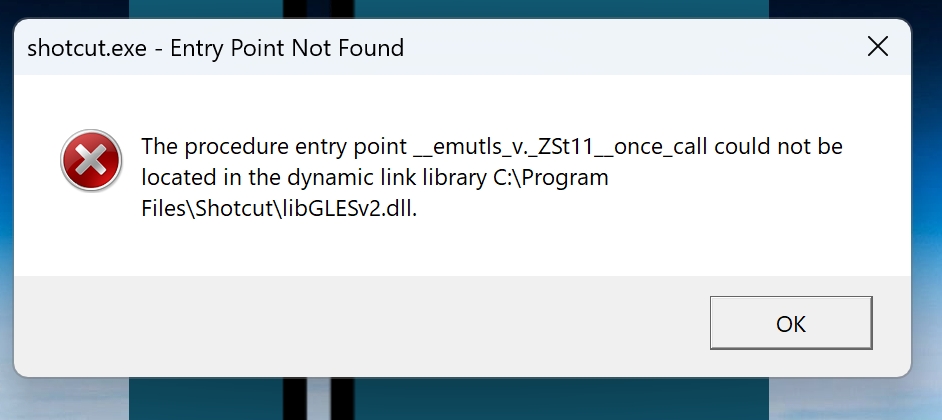
Every time I try to start the program, I get this message;
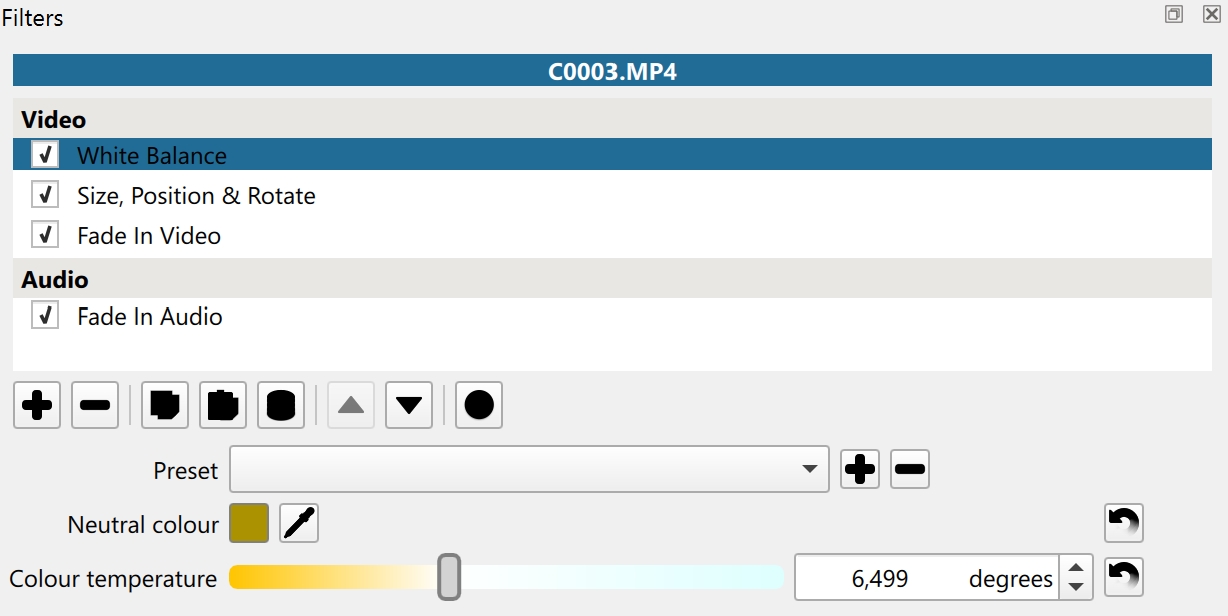
When I hit OK the program starts as normal, but a lot of the buttons are black, instead of having some sort of graphic?
Please look near the top of View > Application Log for a line like:
[Info ] graphics backend = Direct3D 11
And tell me if yours says OpenGL.
Can you try extracting this zip file that has 2 updated DLLs to your Program Files\Shotcut folder?
shotcut-x64-26.6.25-opengl-dlls.zip (4.4 MB)
Margos
June 27, 2026, 4:51pm
3
The first few lines in the application folder;
[Info ] Starting Shotcut version 26.6.25ShotcutSettings::log language “en_GB”ShotcutSettings::log deinterlacer “onefield”ShotcutSettings::log external monitor “”ShotcutSettings::log GPU processing false
I extracted and updated the 2 files you provided, and it fixed the start-up problem.
The buttons are still all black, but I can live with that.
Thank you
Mark
That is strange. Can you please try another thing for me? Uninstall Shotcut and reinstall. We have had problem reports from people over the years where it seems something did not get updated when installing a new version atop an old one. If you still get the DLL error on startup, you can again apply the ones from the Zip file. I am going to change the build process now to update those DLLs properly for future versions.
Margos
June 27, 2026, 5:41pm
5
I uninstalled using Windows uninstall then reinstalled it again. I had to update the two .dll’s again, but the buttons are still black.
1 Like
Thanks for trying and reporting
1 Like