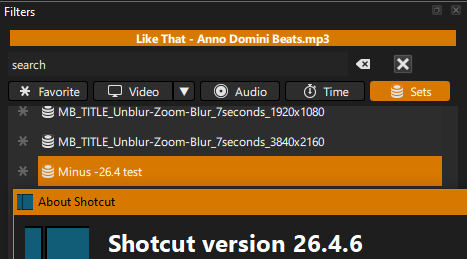
**Bug: Cannot save filter preset (Save Filter Set dialog error) - Shotcut 26.04 BETA, Windows 11**
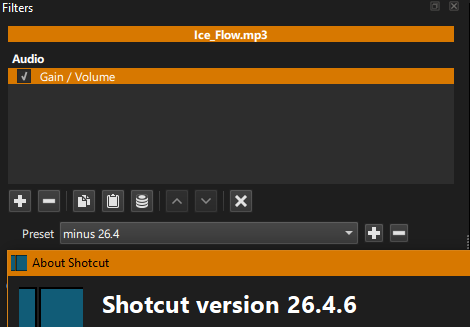
**Shotcut version:** 26.04 BETA (latest beta build)
**OS:** Windows 11 (fully updated)
**Steps to reproduce:**
1. Add an audio clip to the timeline.
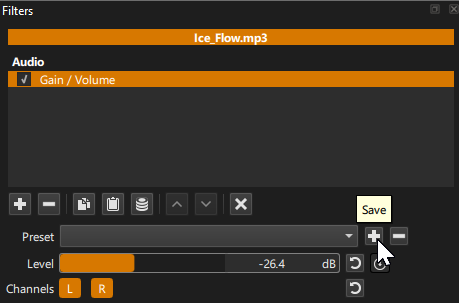
2. Apply an audio filter (e.g., Gain/Volume) and adjust the settings.
3. Click the **Save Preset** (floppy disk) icon to save the filter as a template.
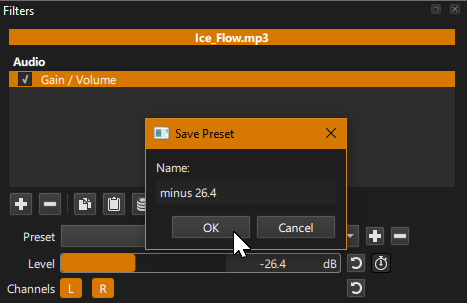
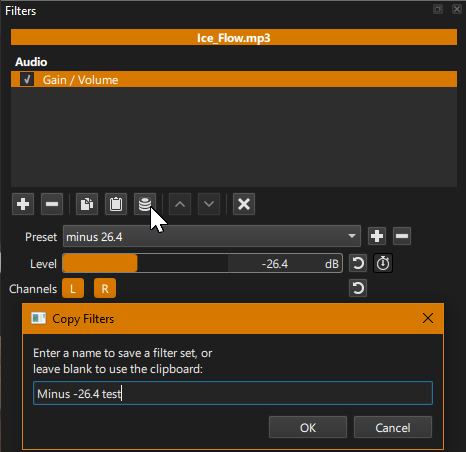
4. The “Save Filter Set” dialog window appears, but it is **broken/non-functional**.
5. The **OK** and **Cancel** buttons are missing, unresponsive, or the window cannot be interacted with properly.
6. The only way to exit is to close the dialog via the window’s **X** button, and the preset is **not saved**.
**Expected behavior:**
The “Save Filter Set” dialog should display correctly, allow entering a name, and let me click **OK** to save the filter template successfully.
**Additional context:**
- This occurs specifically when trying to save **audio filter** presets.
- The dialog window itself seems to be the issue (UI/layout/rendering bug in this beta version).
- Running as Administrator does not resolve the issue.
- No error messages are shown; the dialog simply fails to function.
Thank you for looking into this!