Upd.But the frame rate in the player window still seems to be locked at around 30 fps. Is there a future plan to enable 60 fps playback on the timeline with a hardware codec?
1 Like
This came up in a bug report on GitHub. The only way really is to convert huge chunks of the UI and code to use the same technology used to draw certain things like the Timeline, Keyframes, and the player overlays. It would mean major UI changes that a lot of people will not like. It may or may not be possible to keep the currently flexible UI layout system, or at the very least feel quite different and probably with some limitations. And then, it will take a huge amount of work that would sacrifice working on other things, probably most of a year. Sure, AI can help grind through much of that, but also it will require a lot of human review, debugging, and fixing. Besides, also, it is not fun; so, no volunteers yet. Meanwhile, if you have a Blackmagic Design HDMI or SDI peripheral for external monitor it can do it.
1 Like
Feedback from testing hardware preview scaling on my i5 10th gen laptop cpu with intel UHD graphics: there’s a significant drop in CPU usage, I’d say between 2 and 3x when playing back a random project, so this is pretty huge as the temperature (and also the fanspeed) drop by a lot (and I mean roughly 80C vs 60C).
The weird part is that the amount of dropped frames (realtime playback enabled) is pretty much the same (and alternatively without realtime playback the same 15s section of the project took ~30s to play with or without hardware scaling enabled). There’s a million variables here with multiple video codecs and filters and an already existing project but I just found this unexpected.
Edit to add that the battery life is literally doubled on hardware scaling→720p, this is a huge improvement!!
Few notes on this version:
- It does utilize GPU much better than any previous – often up to 100%. Great job!
- Time estimation is broken. Initially it shows reasonable figures, but at about 15% starts to flicker erratically. For instance, 55min long render may show 8s remaining at ~20%, then go up and stay at ~7min for a long time, changing a bit both directions, until reached ~90% – where figures become more or less plausible again.
Some people have reported this about the current release. I think I finally reproduced and fixed it today for the 26.1 release.
1 Like
Nope, that build does not have the fix! It won’t be there until the NEXT day after I make a change
2 Likes
Yes sorry – misunderstood you. Build 28 had it fixed, thanks!
1 Like
Thank you for re-testing!
I noticed a small color (range?) bug with Hardware decoder Preview scaling enabled: after adding a Text:Simple seems like the color range of the underlying video is altered and blacks become lighter - this is only happening in preview, not in exported video file.
The source video needs to be Colour range: Full to see this (manually setting it to Full also shows the problem).
(I’m currently on 26.1.22)
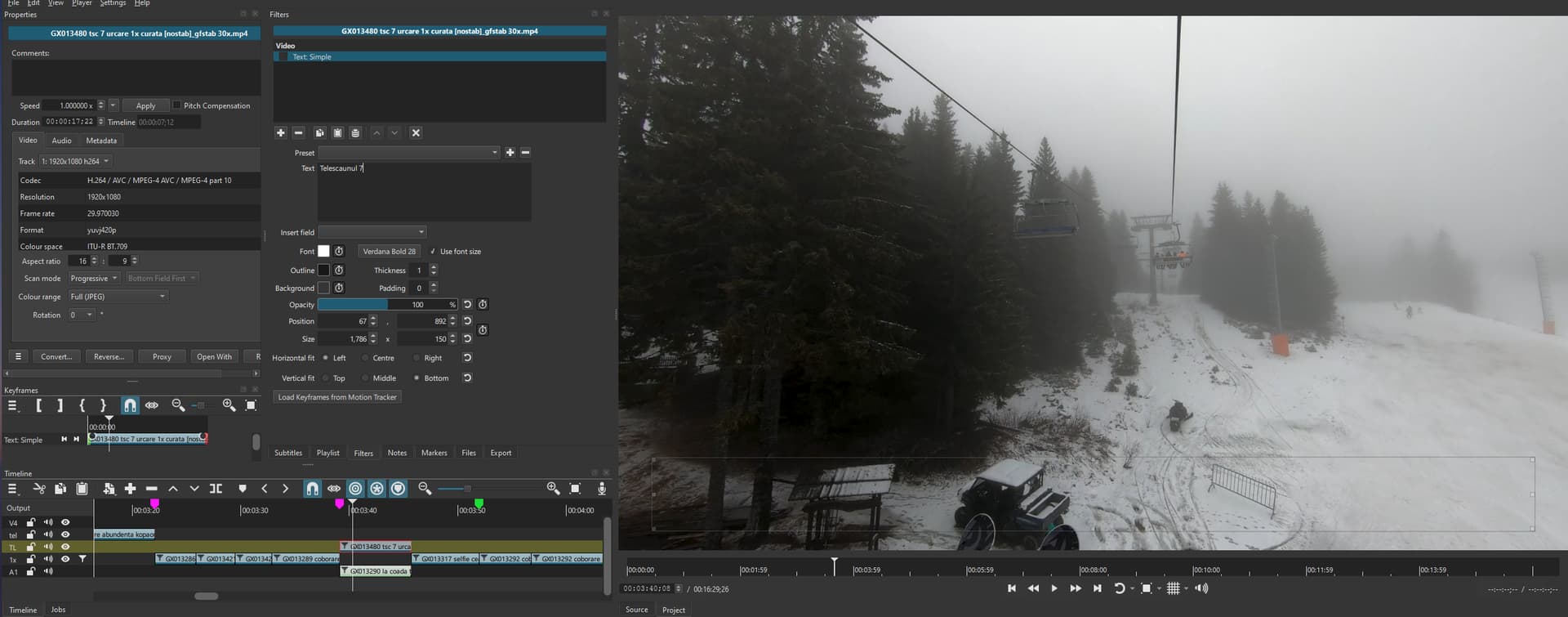
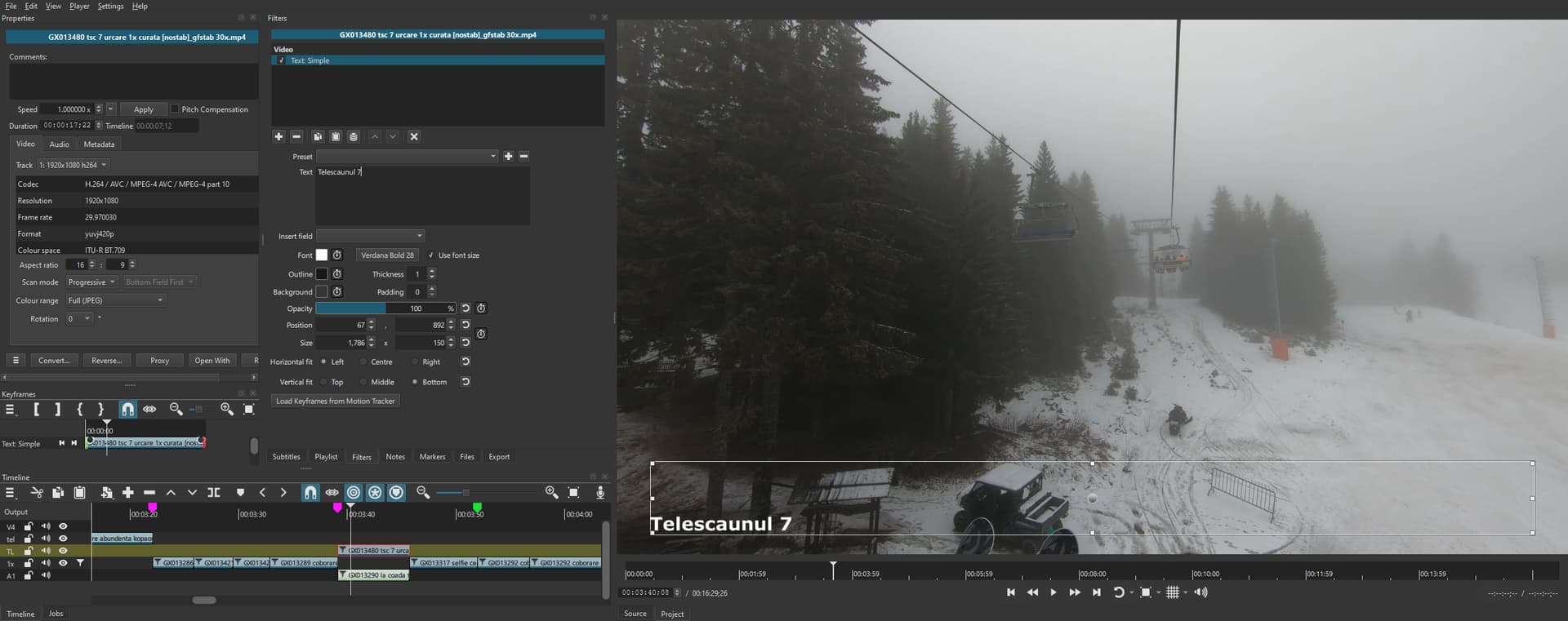
And I also noticed changing the color range deletes all filters that are currently disabled on that video.
But this is also happening in the previous release, so it’s unrelated to beta.
This is fixed. Shotcut preview is limited range only, and 8-bit full range hardware-decoded frames were not converting to limited range. When you add an RGB(A) filter, however, the required YUV→RGB conversion does successfully convert range. This was a good find.
1 Like